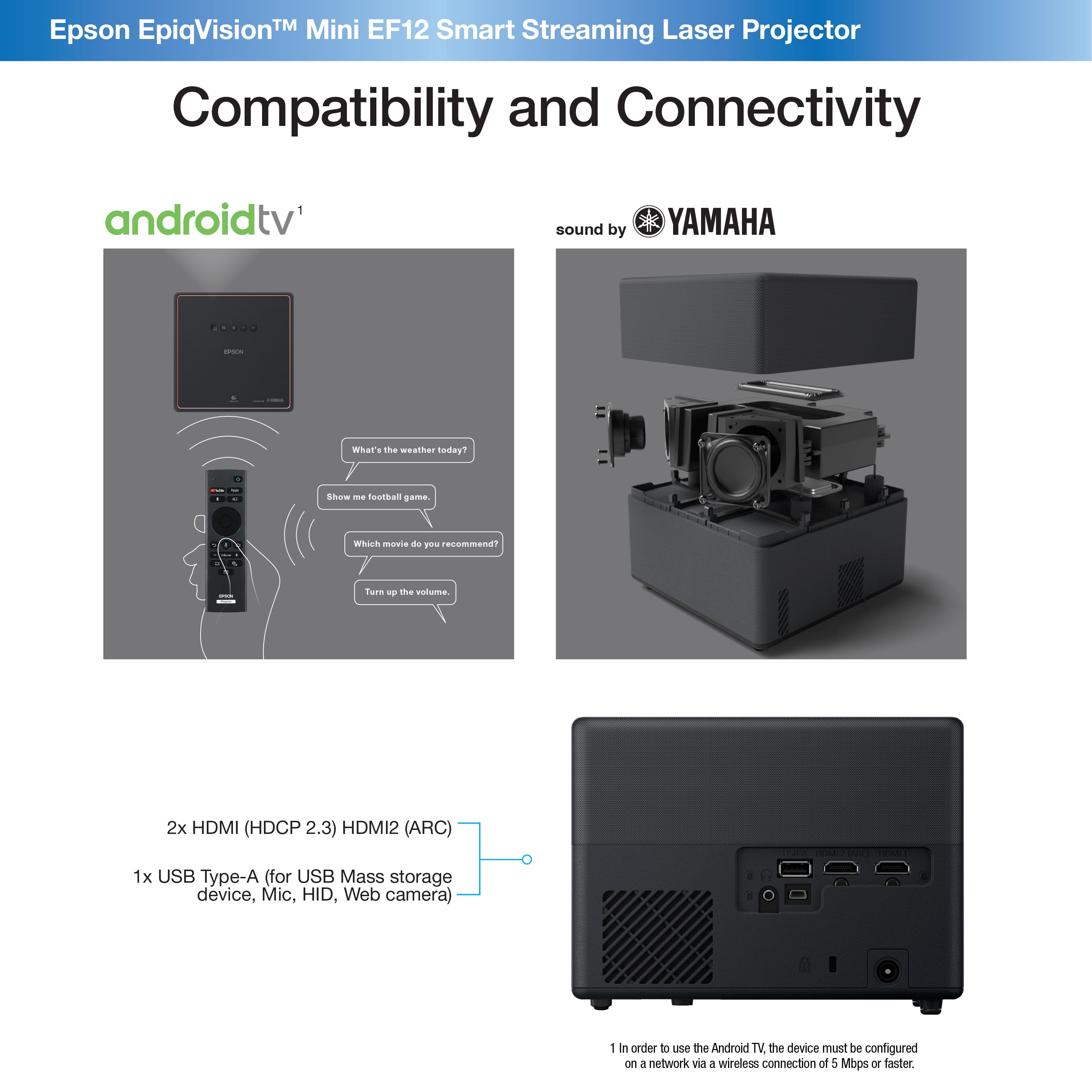
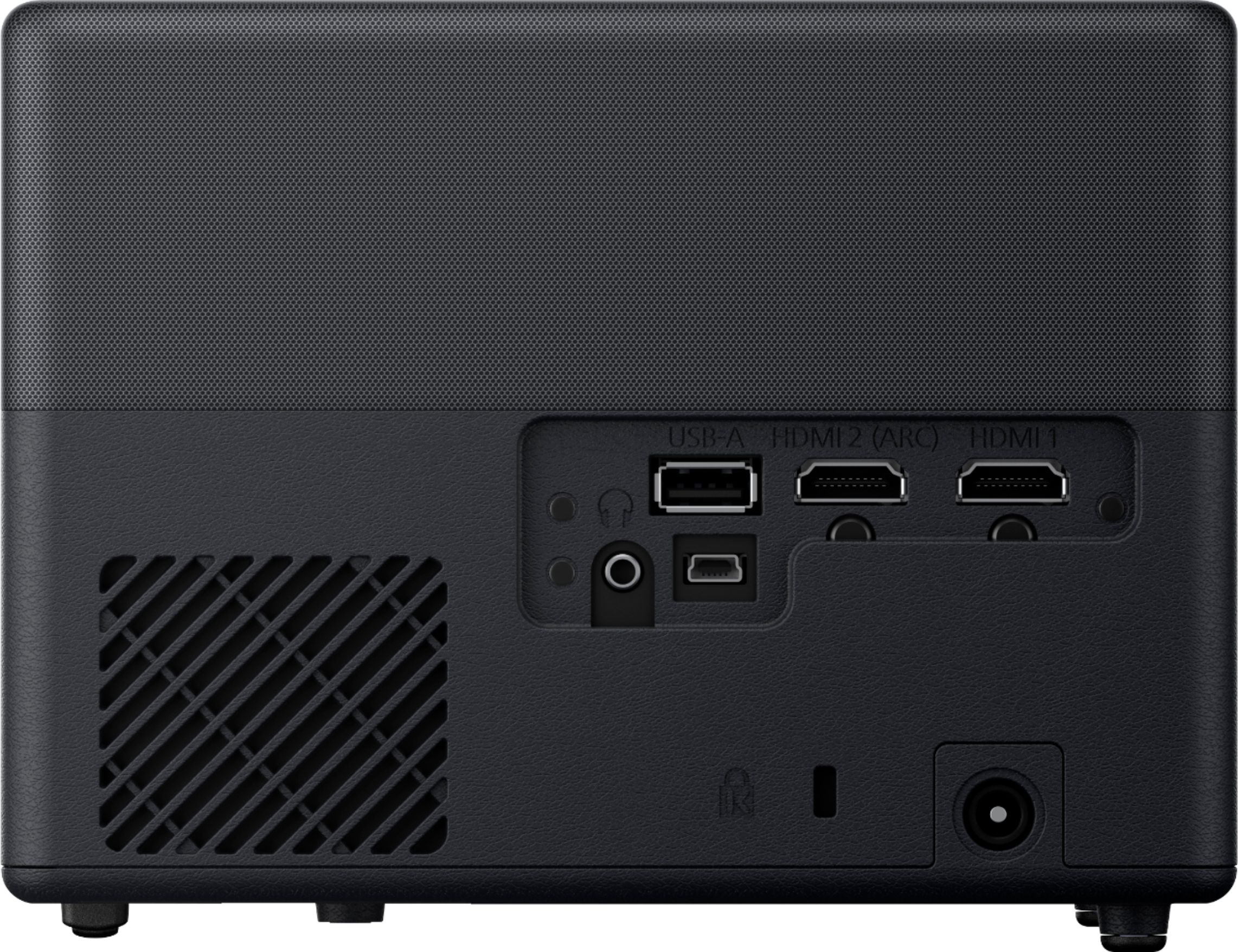
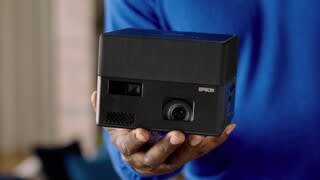
A:AnswerHello Rzback. The EF12 can connect to many devices that use HDMI. If your Direct Tv box has an HDMI output port, then it should work with the projector. Regards, Kevin - The Epson Team.
A:AnswerHi Project, Make sure your Bluetooth device is compatible with the EF12. It should support Bluetooth 5.0 using one of the following profiles: A2DP, AVRCP, HID, HOGP. It should also support copyright protection (SCMS-T). Regards, Mark - The Epson Team.
A:AnswerHello GK. Unfortunately, Epson does not have a remote control app for the EF-12 projector. Although not supported by Epson, Google does make an Android TV app on the Google Play Store that you can download and use at your discretion. Regards, Kevin - The Epson Team.
A:AnswerHello Vera. We recommend checking both your HDMI cable and the port on your EF12 to ensure everything is connected correctly. Alternatively, you can also try a different cable and one of the two ports to help identify if the problem is one of the two. Also, verify that you have correctly selected the HDMI option from the projector's settings. If you continue to experience an issue, please visit our official Epson Support page to contact our Technical Support team for assistance. Regards, Kevin - The Epson Team.
A:AnswerHello Streaming. Is this a common occurrence with other streaming applications as well? We recommend checking and updating the firmware as necessary. If the issue does continue, please visit our official Epson Support page to contact our Technical Support team. Regards, Kevin - The Epson team.
A:AnswerHello asking. Yes, the EF-12 Projector can be installed onto a ceiling mount if you use it in a fixed location. A mounting plate (ELPMB65) is required when installing the Projector on a VESA-compliant mount. Regards, Kevin - The Epson Team.
A:AnswerHello austinjawn. The EF12 Projector mounting plate is designed to attach to a tripod or a 75 x 75 Vesa mount. Regards, Kevin - The Epson Team.
A:AnswerHello Camm. The EF12 is only able to use Bluetooth for external speaker connections. If you are looking to mirror your screen, you can try using Chromecast via a Wi-Fi connection. Regards, Kevin - The Epson Team.
A:AnswerHello Nate. Yes, you can install the EF12 projector on a tripod that uses 1/4-20UNC size fixed screws. For more details on installation, please see the User's Guide on our official Epson Support page. Regards, Kevin - The Epson Team.
A:AnswerHello DM. If you confirmed the internet is properly set up and connected on your EF12 Projector, then there might be another issue present. We would like to see if we can troubleshoot with you. Please visit our official Epson Support page to contact our Technical Support team. Regards, Kevin - The Epson Team.
A:AnswerHi TaylorGreen, Please call the Epson technical support number from your projector's Quick Start Guide. They can assist. Regards, Mark - The Epson Team.
A:AnswerHi TaylorGreen, The projector supports 10-bit HD, so you should be able to get full HD from the built-in Android TV. Please check the Android settings. For helpful videos, FAQs and User's Guides visit the Epson support site for the EF12. Regards, Mark - The Epson Team.
A:AnswerHi, The EpiqVision Mini EF12 draws 102 W in normal/custom power consumption mode, 73 W in
ECO power consumption mode, and in standby mode it draws 0.5 W (communication off), 2.0 W (communication on). Regards, Mark - The Epson Team.
A:AnswerI did not find a case specifically for it however I retrofitted in Old backpack. It works great for a few times a year I would love if they made a proper carrying case for the projector