Questions & Answers
- Model:
- V11H975020
- |
- SKU:
- 6444700
Highly rated by customers for: Picture Quality, Ease of use, Brightness
$499.99Your price for this item is $499.99
Page Showing 41-60 of 76 questions
Q: QuestionIs this projector good for use with Screening services (Netflix, HBO)?
Asked by wondering.
- A:Answer Great for movie.
Answered by JackL
Q: QuestionCan your projector from the rear?
Asked by Belle.
- A:Answer Hi Belle, Yes you can rear project using the EX3280. The setting to reverse the image is in the projector menu. Regards, Mark - The Epson Team.
Answered by Epson

Q: QuestionTo the Question, if EX3280 can or can not be useful with a computer, you gave two contradicting answers. Which one is correct? Please specify. It can be used with a flash drive to the projector rather than to the computer?
Asked by Anonymous.
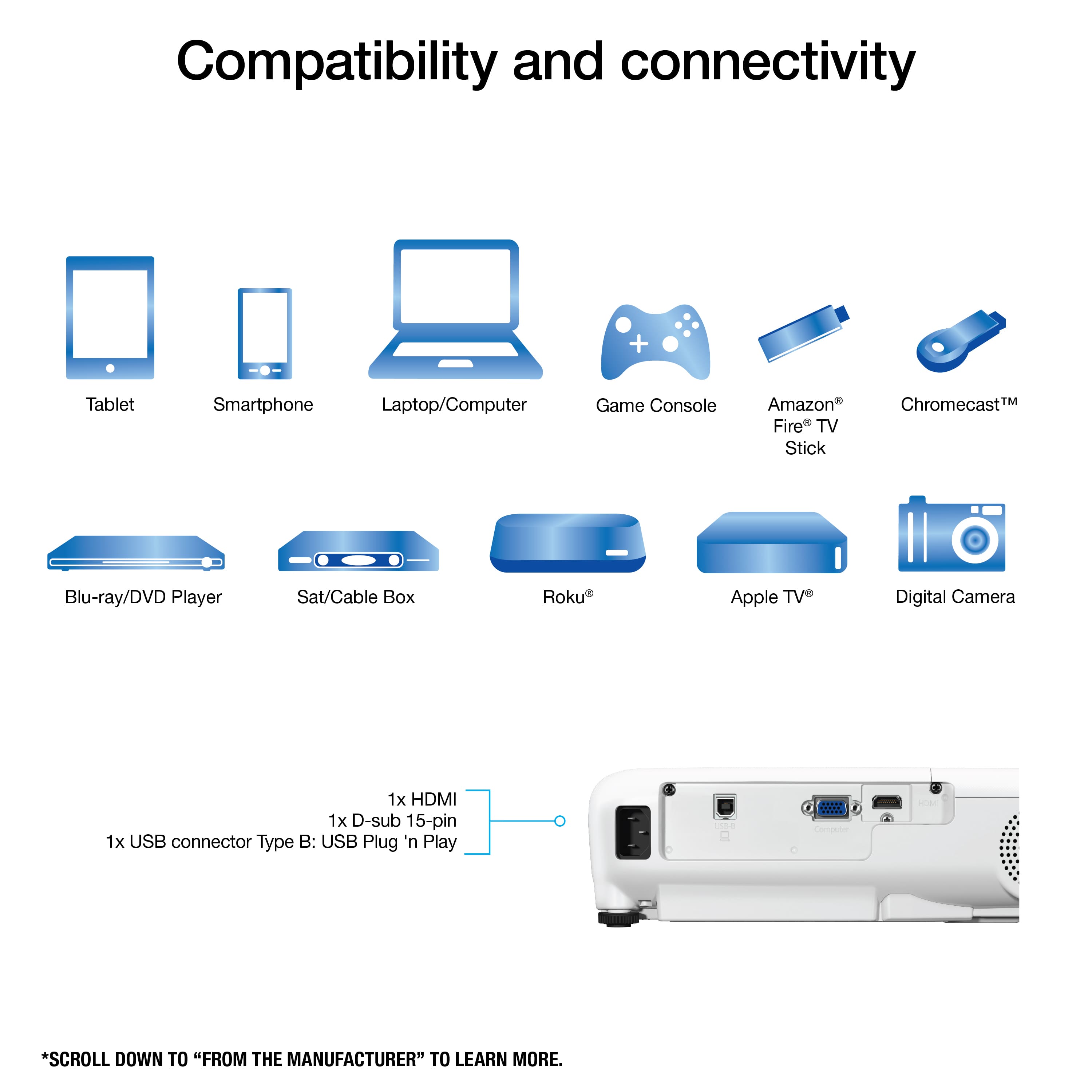
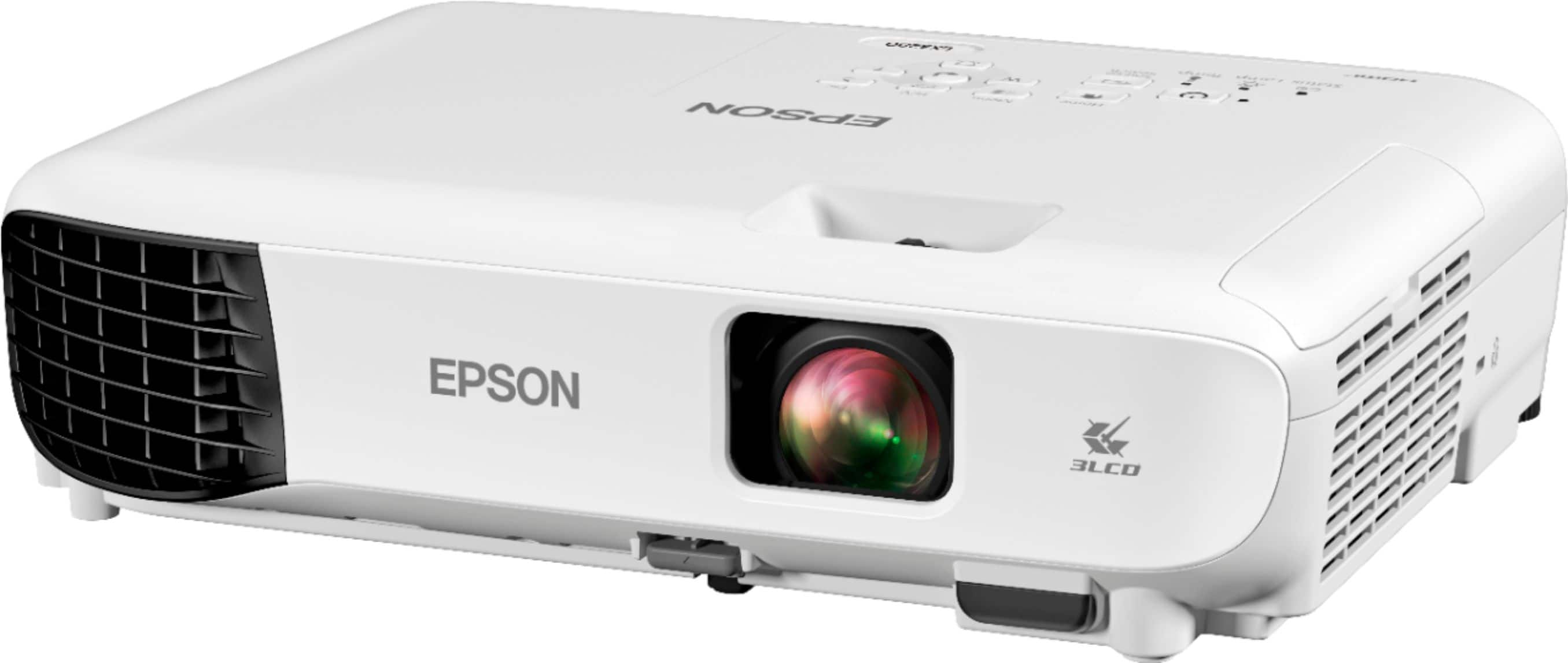
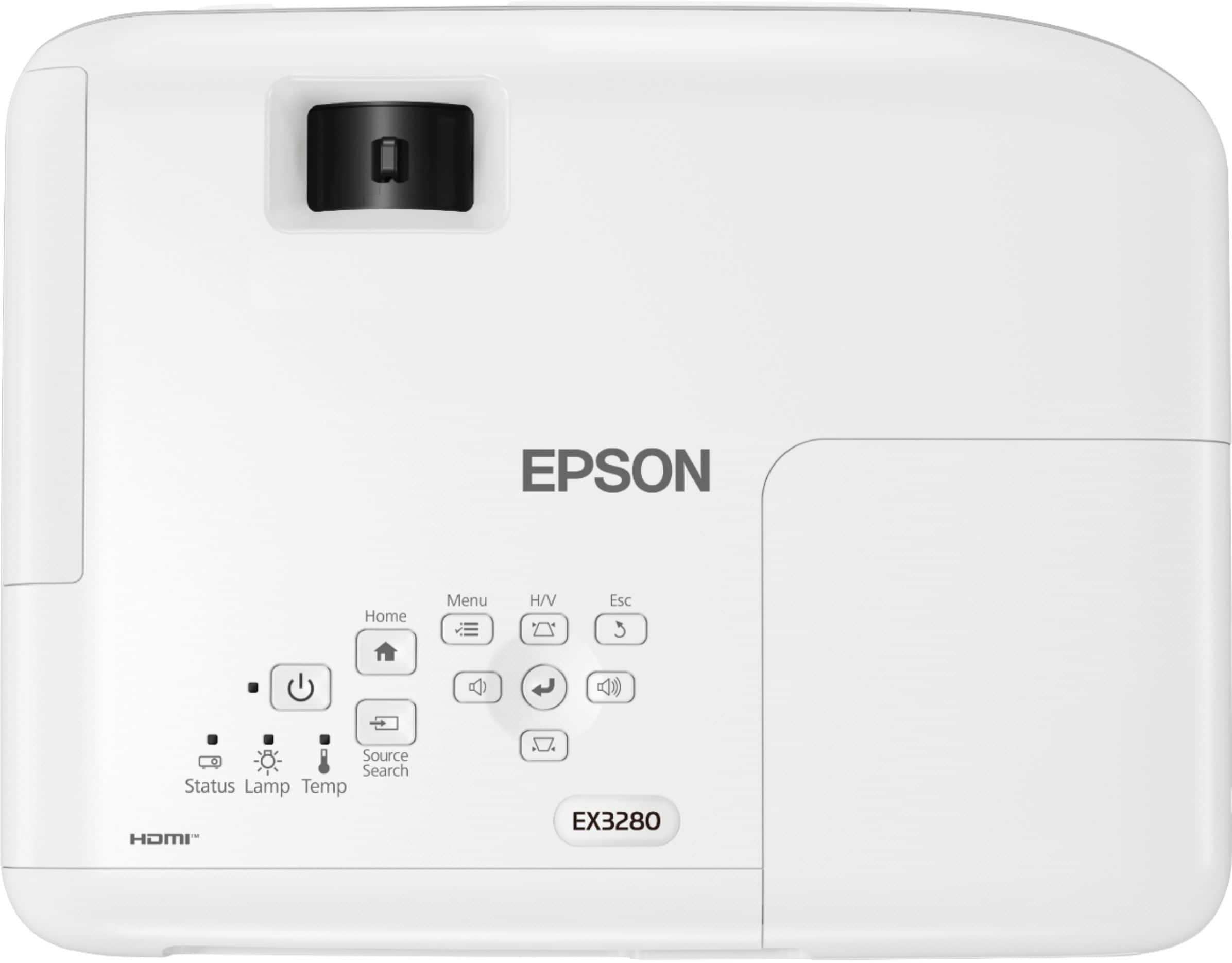
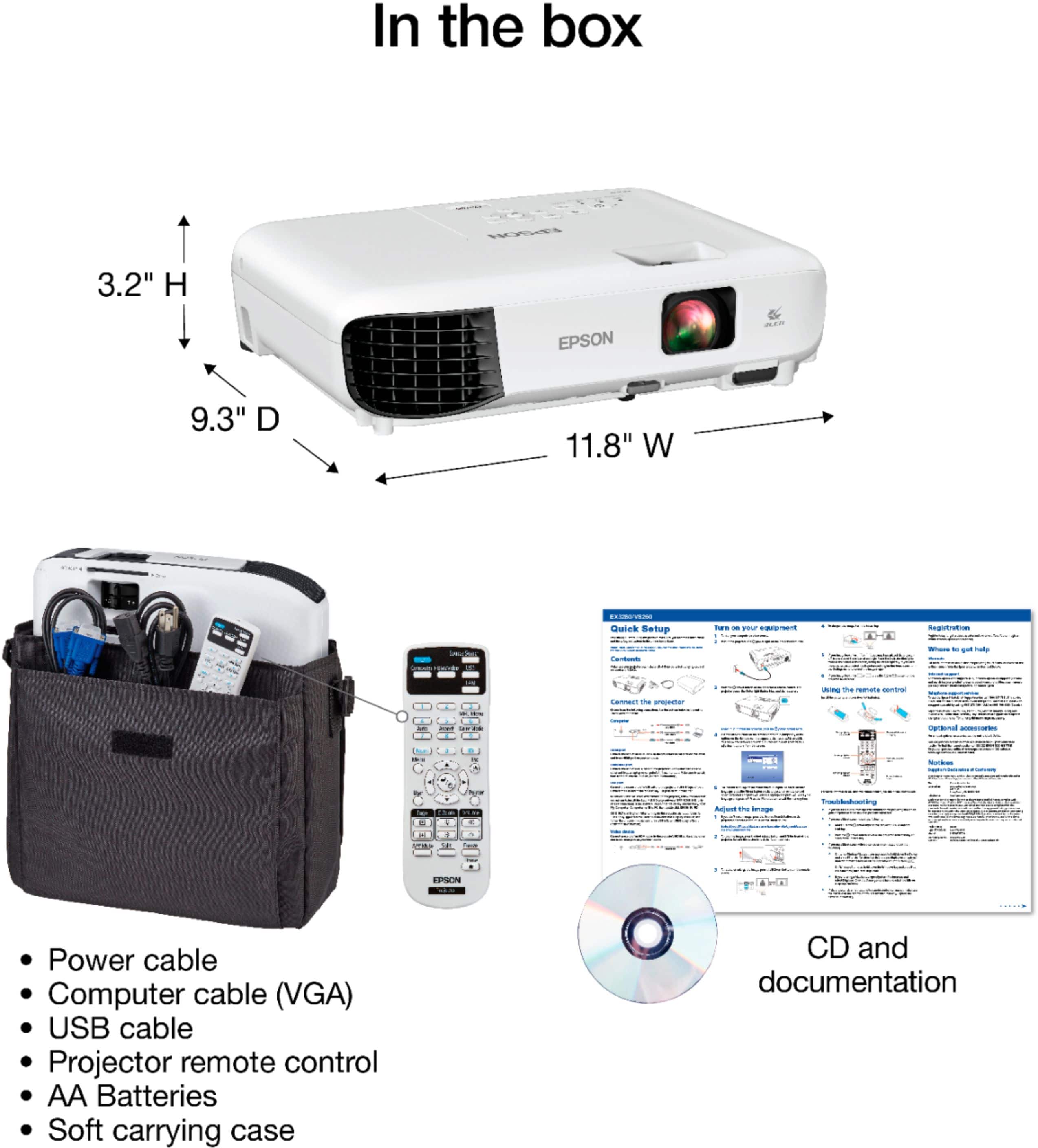
- A:Answer Hello. The EX3280 can be directly connected to a computer using a VGA, HDMI, or USB A to B cable. External USB memory devices are also supported, but you can only view .jpg, .gif, .bmp, .png, and .avi file types. For additional details on supported USB device requirements, please see the User's Guide, available on our official Epson Support page. Regards, Kevin - The Epson Team.
Answered by Epson

Q: QuestionCan I run a Keynote presentation from an iPad into this?
Asked by Gl.
- A:Answer Hello GI. The EX3280 works with our Epson iProjection app. The app gives you the ability to mirror the content you see on your iPad screen onto the projector. Additionally, if you have multiple users that would like to present, you can have up to 4 devices displaying their screens simultaneously. The app is available for download directly on the Apple App Store. Regards, Kevin - The Epson Team.
Answered by Epson

Q: QuestionHow large of an image can this project clearly? Will I be able to show a movie at 20 ft wide or larger?
Asked by Mary.
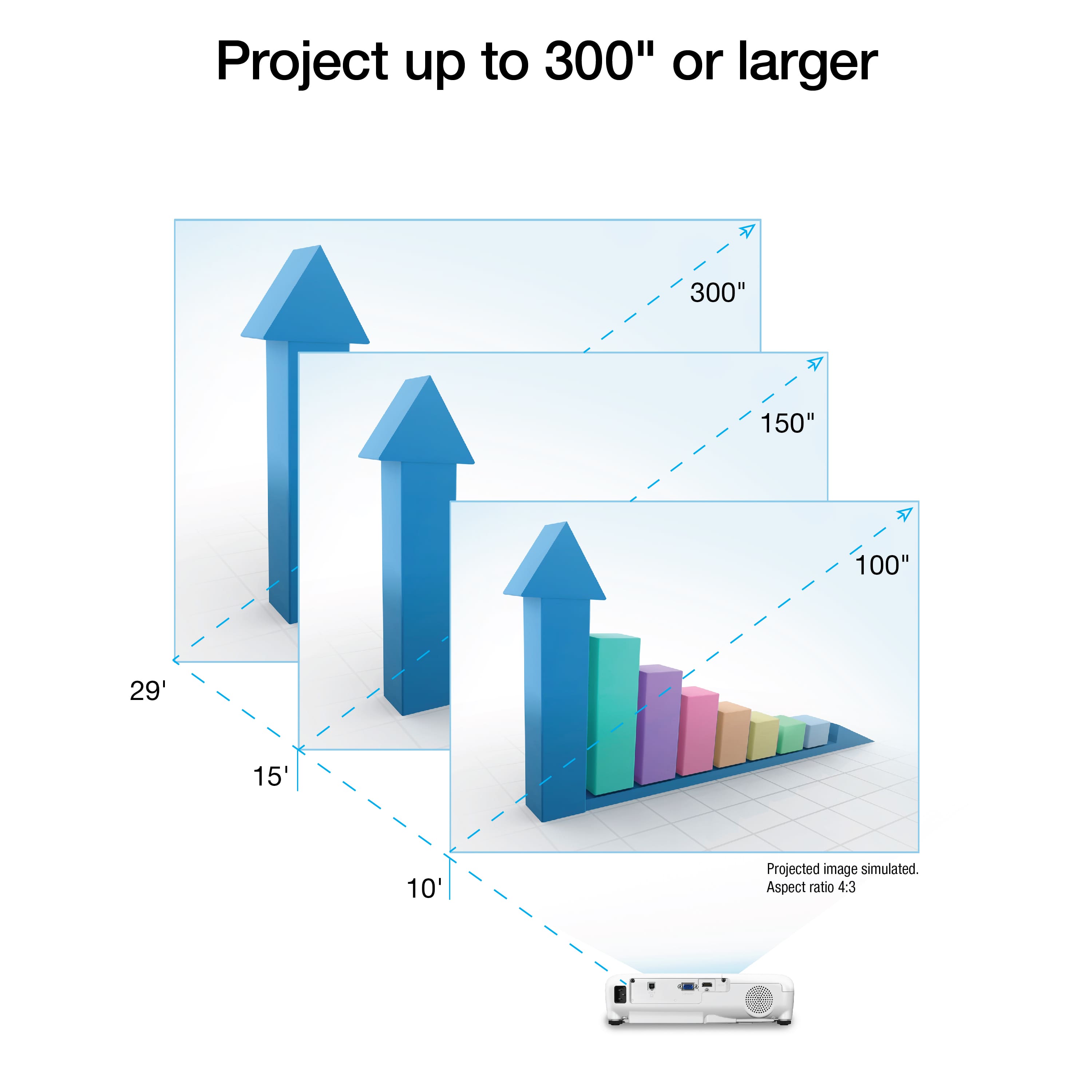
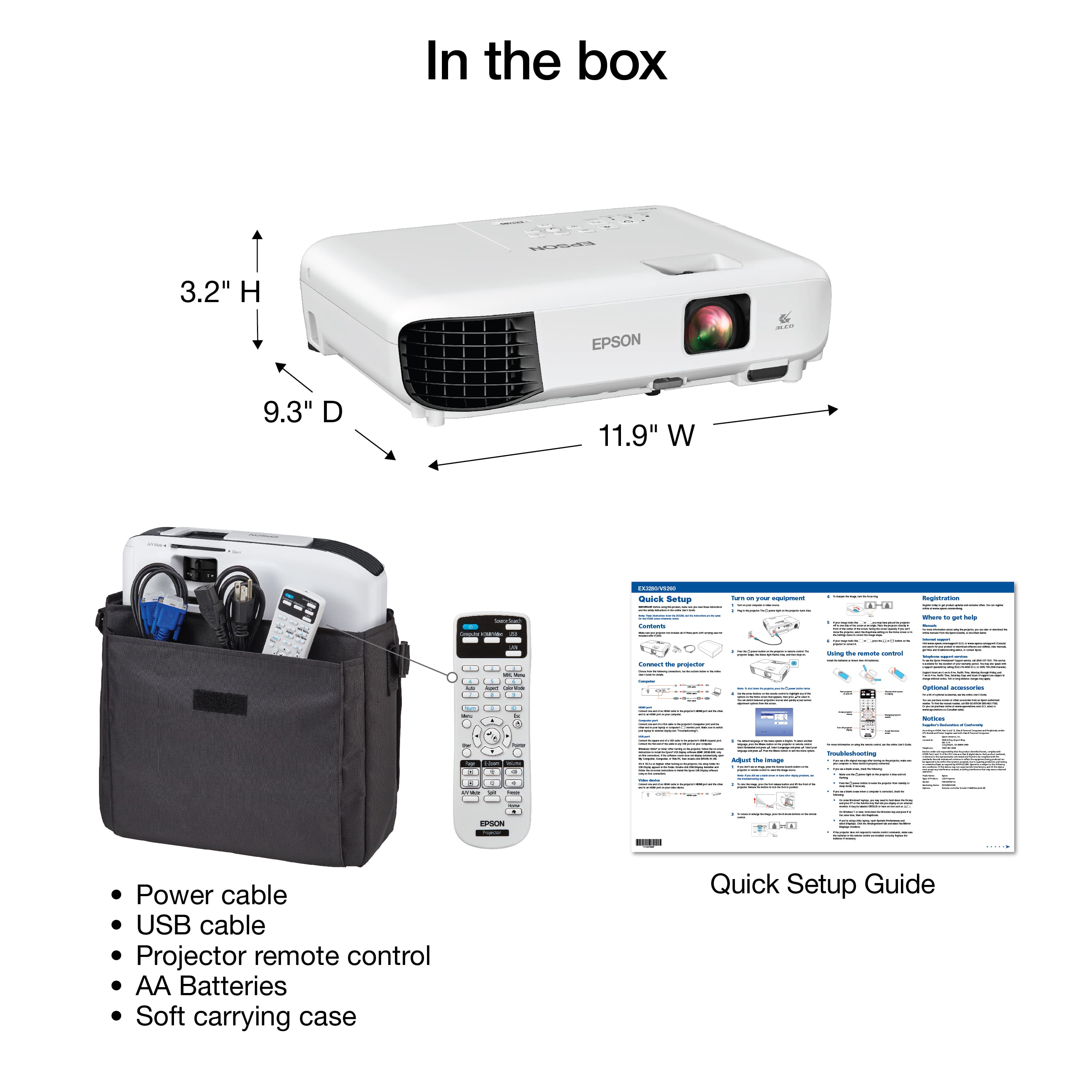
- A:Answer Hello Mary. The EX3280 can project image sizes ranging from 30 to 350 inches. For an image size of 20 Feet, the projector should be placed approximately 232 to 314 inches away from the display. Regards, Kevin - The Epson Team.
Answered by Epson

Q: QuestionWhat dimension will the image be with projector 10' (120 inches) from the wall.?
Asked by KMc.
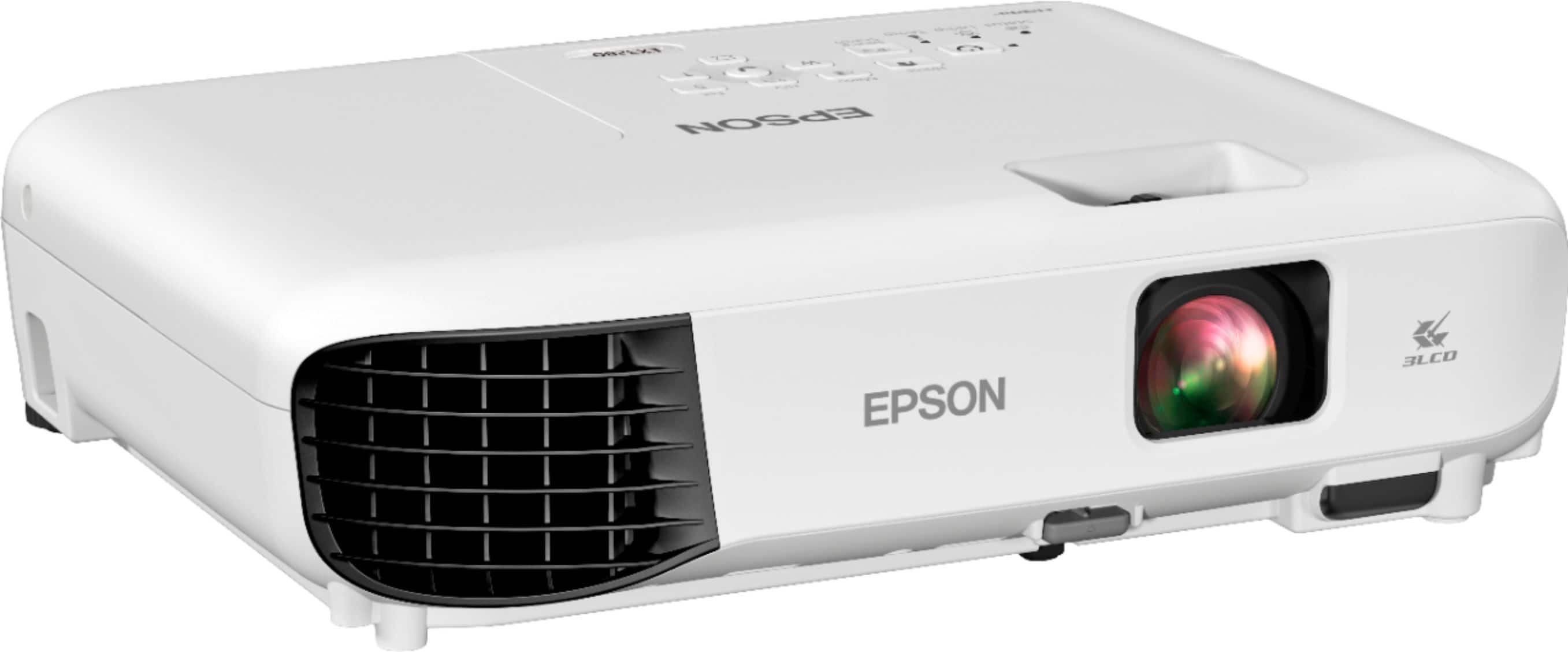
- A:Answer Hello KMc. You can expect the image size to range from 80 to 100 inches when placing the EX3280 projector at 120 inches from the display screen. Regards, Kevin - The Epson Team.
Answered by Epson

Q: QuestionWant to Shaw a movie during the day time. How do I make this happen?
Asked by Kat.
- A:Answer Hi Kat, If you mean use the EX3280 to show a movie outdoors during the day, avoid direct sunlight. If the image seems dim try moving the projector closer to the screen. Regards, Mark - The Epson Team.
Answered by Epson

Q: QuestionDoes it accept 110-240 volts power?
Asked by Friend.
- A:Answer Hello Friend, The EX3280 can operate using 100 - 240 Volts AC +/- 10%, at 50/60 Hz. Regards, Mark - The Epson Team.
Answered by Epson

Q: QuestionHI, WHAT IS THE MAXIMUM VIEWING DISTANCE ?
Asked by RONI.
- A:Answer I wouldn't do greater than 25 feet from projector to wall it gets fuzzy and if you're using a screen it'll be a lot closer than that.
Answered by SheltonT
Q: QuestionIS THIS COMPARTIBLE WITH IPHONES.
Asked by FLACA.
- A:Answer The EX3280 does not natively support projecting from iPhones. For that you would need the EX5280 or EX9230 and the Epson iProjection app from the app store. An alternative method if you want or have the EX3280 is to get a "Lightning to HDMI" adaptor. You can check Amazon or the Apple store for one of those. Once you plug the adaptor into the Lightning port of your iOS device, plug an HDMI between the adaptor and the EX3280 (or any other device which has HDMI input) and you should be good to go as the iOS device will automatically mirror what's on its display out to the adaptor and onto the HDMI.
Answered by ManUpNawth
Q: QuestionDoes this have 8k with 120 hertz?
Asked by VenusPenis.
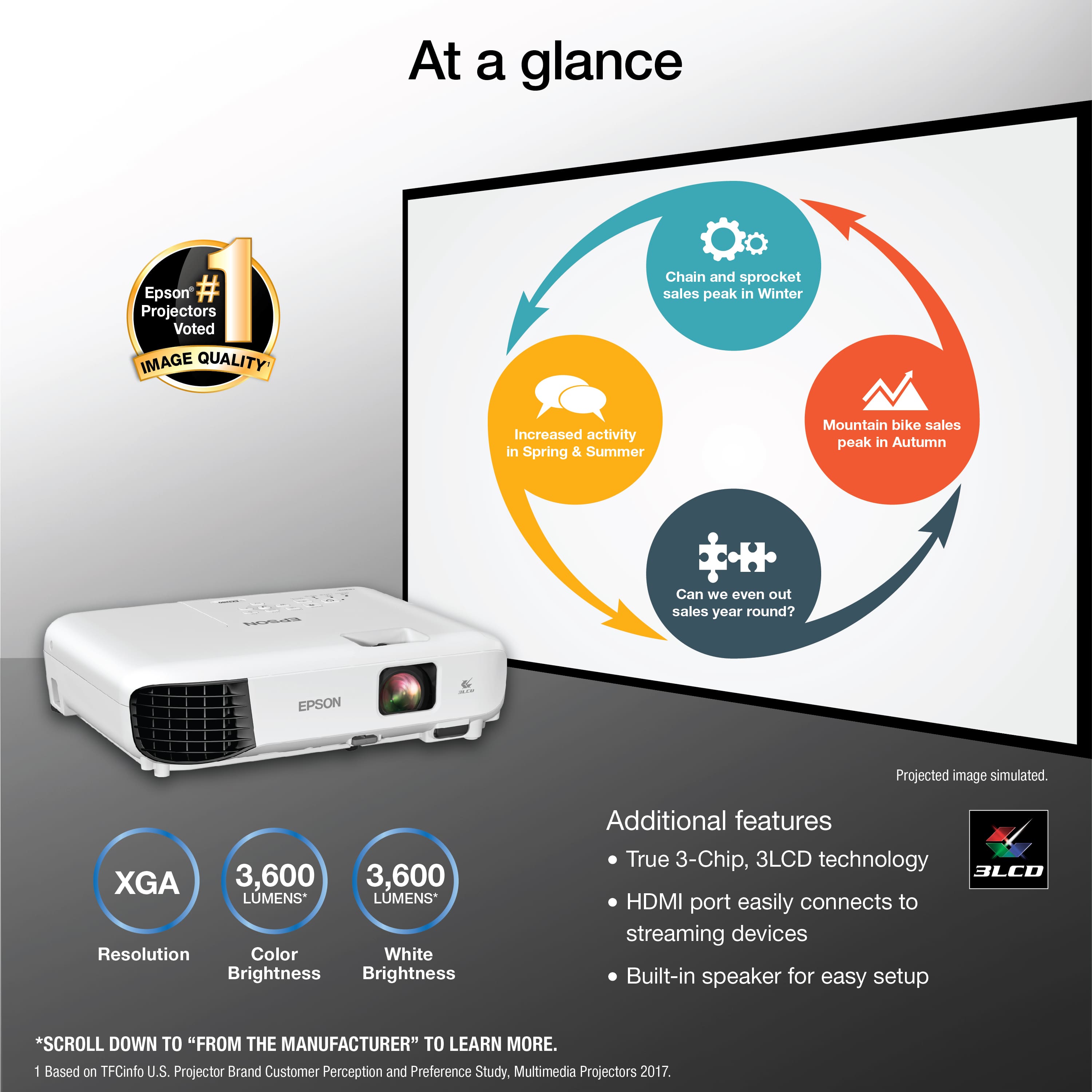
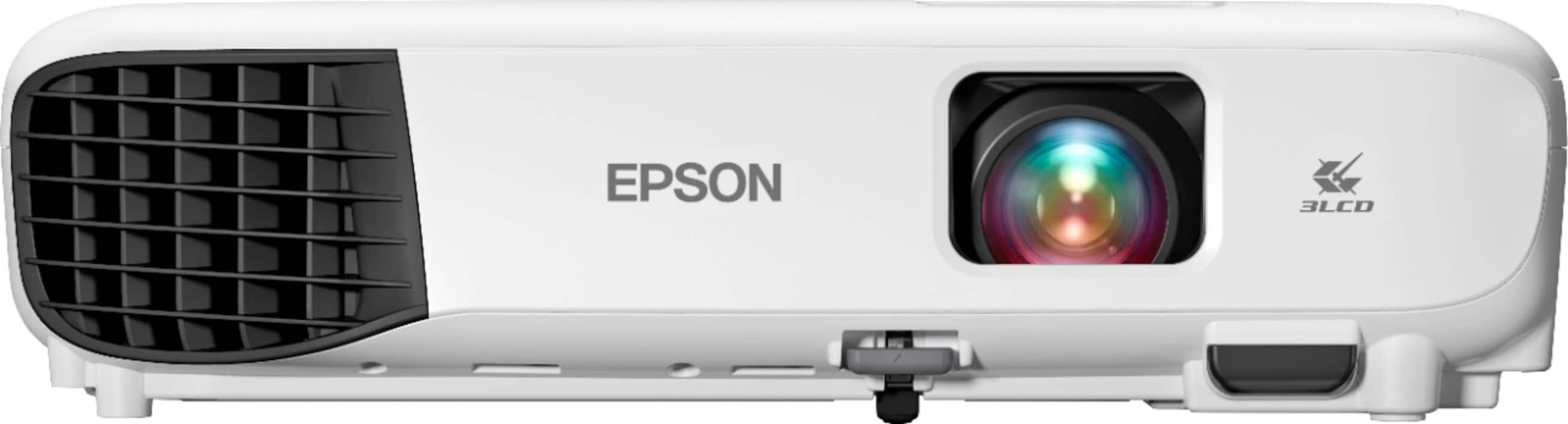
- A:Answer Hello. The EX3280 has a native resolution of1024 × 768 with a refresh rate of 60 Hz. Unfortunately, 8k with 120 Hz is not supported. Regards, Kevin - The Epson Team.
Answered by Epson

Q: QuestionDoes this projector have an ANSI lumen rating?
Asked by Matt.
- A:Answer Hello Matt. Yes, the EX3280 Projector has an ANSI rating of 3,600 lumens. Regards, Kevin - The Epson Team.
Answered by Epson

Q: QuestionCan I hook a Mac or pc to the projector? (Separately)
Asked by Kay.
- A:Answer You can hook a Mac or a PC or even a Chromebook to this projector. The computer must have a VGA or HDMI output. For computers without VGA or HDMI output, it may be possible to use an adaptor between the computer's USB-C/Thunderbolt port (if it has one) and and HDMI cable.
Answered by ManUpNawth
Q: QuestionHow big is the projector size capability?
Asked by Lizz.
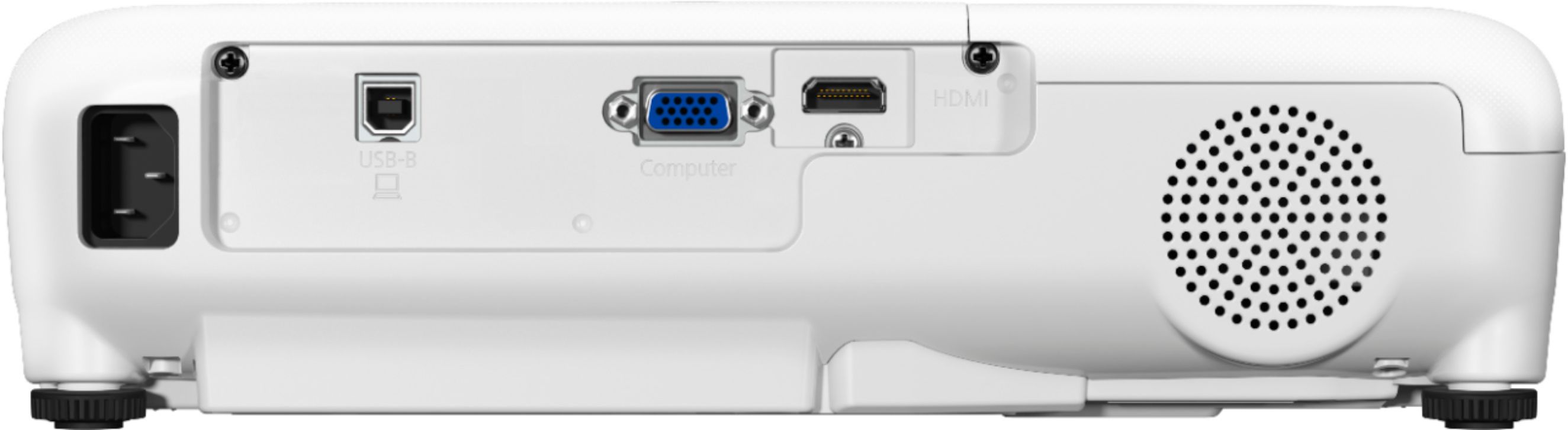
- A:Answer Hello Lizz. The Ex3280 can project an image up to 350 inches when placed 407 inches away from a screen. Regards, Kevin - The Epson Team.
Answered by Epson

Q: QuestionI bought an Epson EX3280 from Best Buy for the purpose of giving presentations. How do I advance slides remotely with the EX3280? Directions online showed a setting on the Extended Menu I don't have and buttons that aren't on my remote (Page up and down).
Asked by Eraserhead.
- A:Answer From the User Manual for this family of projectors: Wireless network support for projection, monitoring, and control via remote (requires the optional wireless LAN module for EX5280/EX9230; not available on EX3280/VS260) Also note that: The PCFree feature which allows projection of content from the USB port and control via the projector remote is only available on these projectors: EX5280/EX9230/EX7280/EX9240; not available on EX3280/VS260
Answered by ManUpNawth
Q: QuestionIs this projector compatible with a Mac Pro 2015? I need this to present powerpoint!
Asked by DC.
- A:Answer As long as you have an hdmi port, yes
Answered by Anonymous
Q: QuestionIs the projector capable of 1280x720 resolution? And, if not, what projector do you recommend?
Asked by TD3580.
- A:Answer Hello TD3580. Yes, when using the 720p HDTV format, the EX3280 can produce a 1280 x 720 resolution. Regards, Kevin - The Epson Team.
Answered by Epson

Q: QuestionCan it play 3d
Asked by Anonymous.
- A:Answer Hi, The EX3280 projector does not support 3D, but the Epson Home Cinema 3800 does. The 3800 offers support for high-performance, active 3D glasses to faithfully reproduce all the source 3D information to maximize the visual effect. The Home Cinema 3800 is currently available at Bestbuy.com, but inventory levels can change. Regards, Mark - The Epson Team.
Answered by Epson

Q: Questionhow do you do rear projection?
Asked by garson.
- A:Answer There is a setting in the settings menu. Use the remote to get to the settings screen, I believe it is DISPLAY option. Very easy to do once you find it.
Answered by JackieSue
Top Rated
- $799.99Your price for this item is $799.99
- $199.99Your price for this item is $199.99$349.99The comparable value for this item is $349.99
- $1,399.99Your price for this item is $1,399.99
- $1,499.99Your price for this item is $1,499.99$2,499.99The comparable value for this item is $2,499.99
- $1,799.99Your price for this item is $1,799.99
- $74.89Your price for this item is $74.89$199.99The comparable value for this item is $199.99
- $3,499.99Your price for this item is $3,499.99$3,799.99The comparable value for this item is $3,799.99
- $249.99Your price for this item is $249.99$269.99The comparable value for this item is $269.99
- $2,999.99Your price for this item is $2,999.99$3,499.99The comparable value for this item is $3,499.99
- $3,799.99Your price for this item is $3,799.99
- $499.99Your price for this item is $499.99$899.99The comparable value for this item is $899.99
- $2,999.99Your price for this item is $2,999.99
- $649.99Your price for this item is $649.99
- $1,399.99Your price for this item is $1,399.99
- $2,499.00Your price for this item is $2,499.00$3,999.00The comparable value for this item is $3,999.00
- $5,999.99Your price for this item is $5,999.99