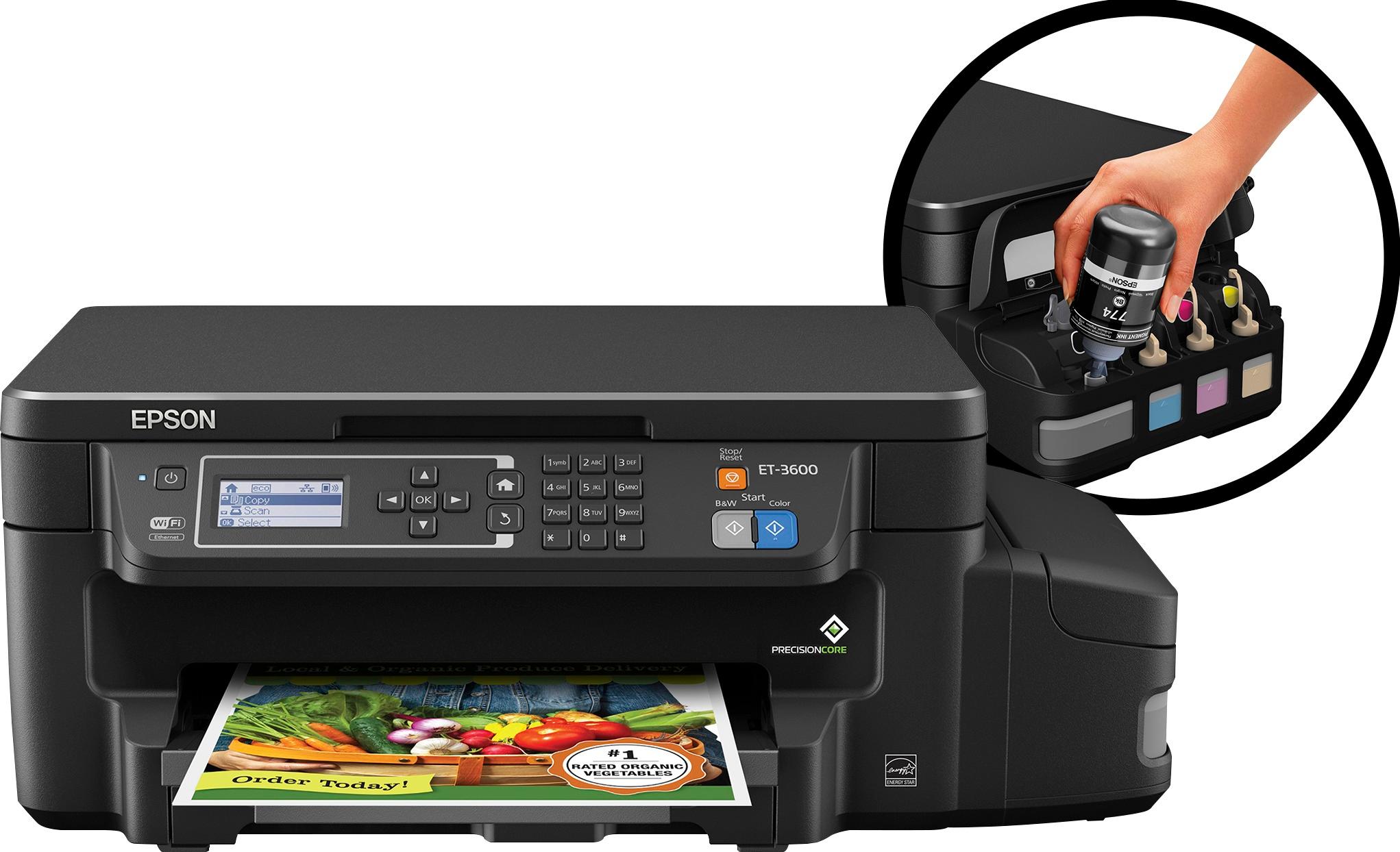
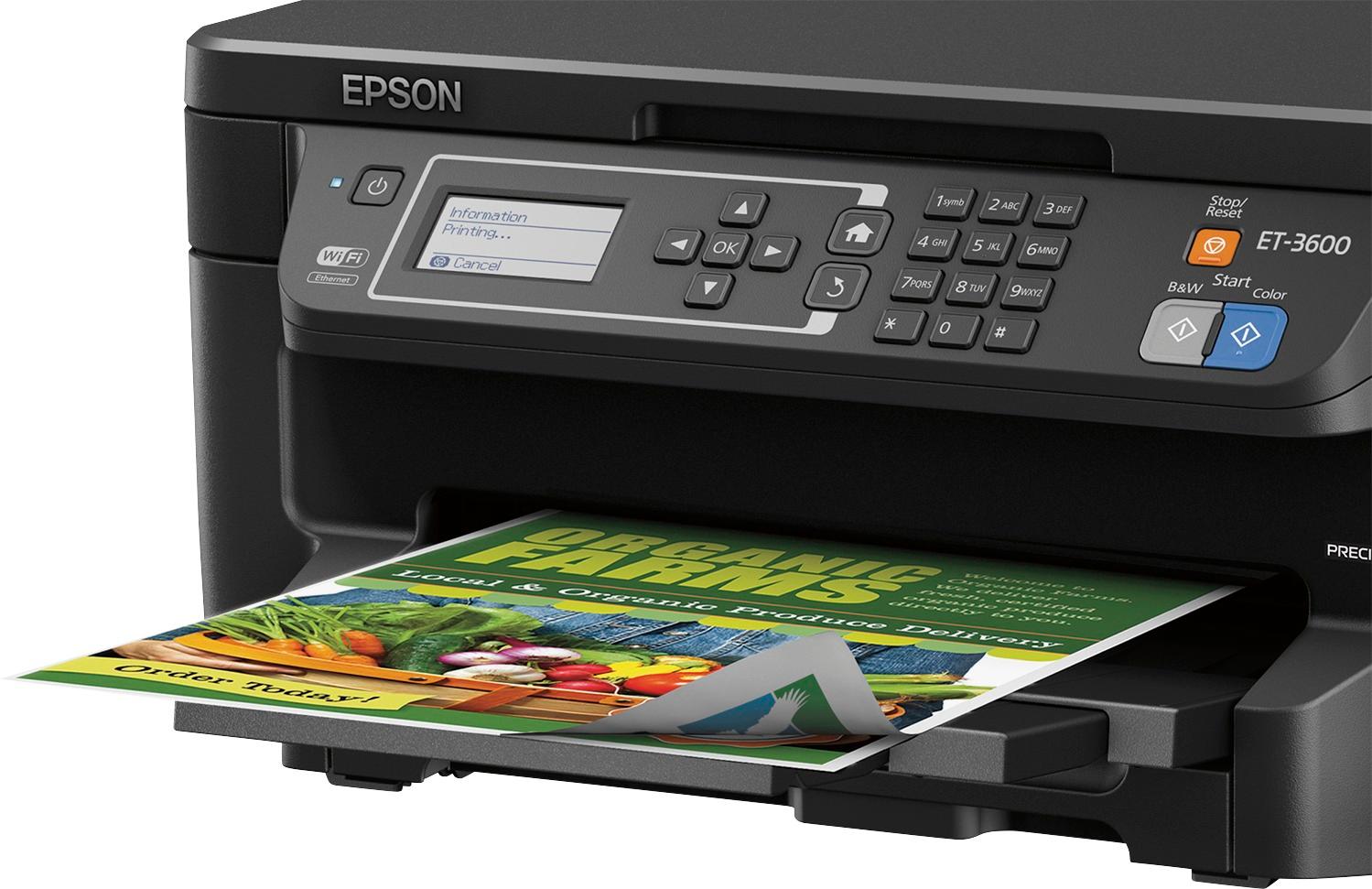
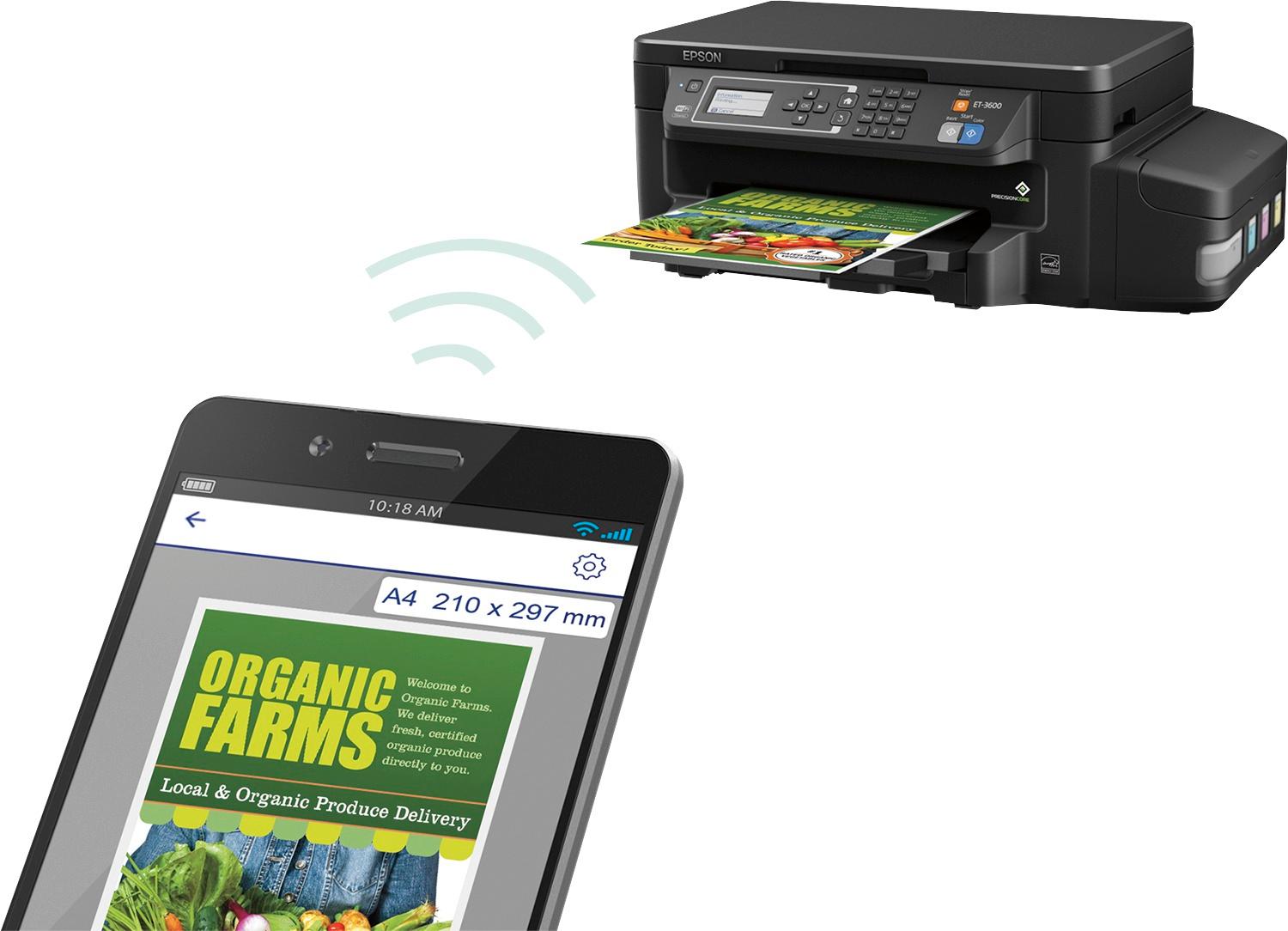
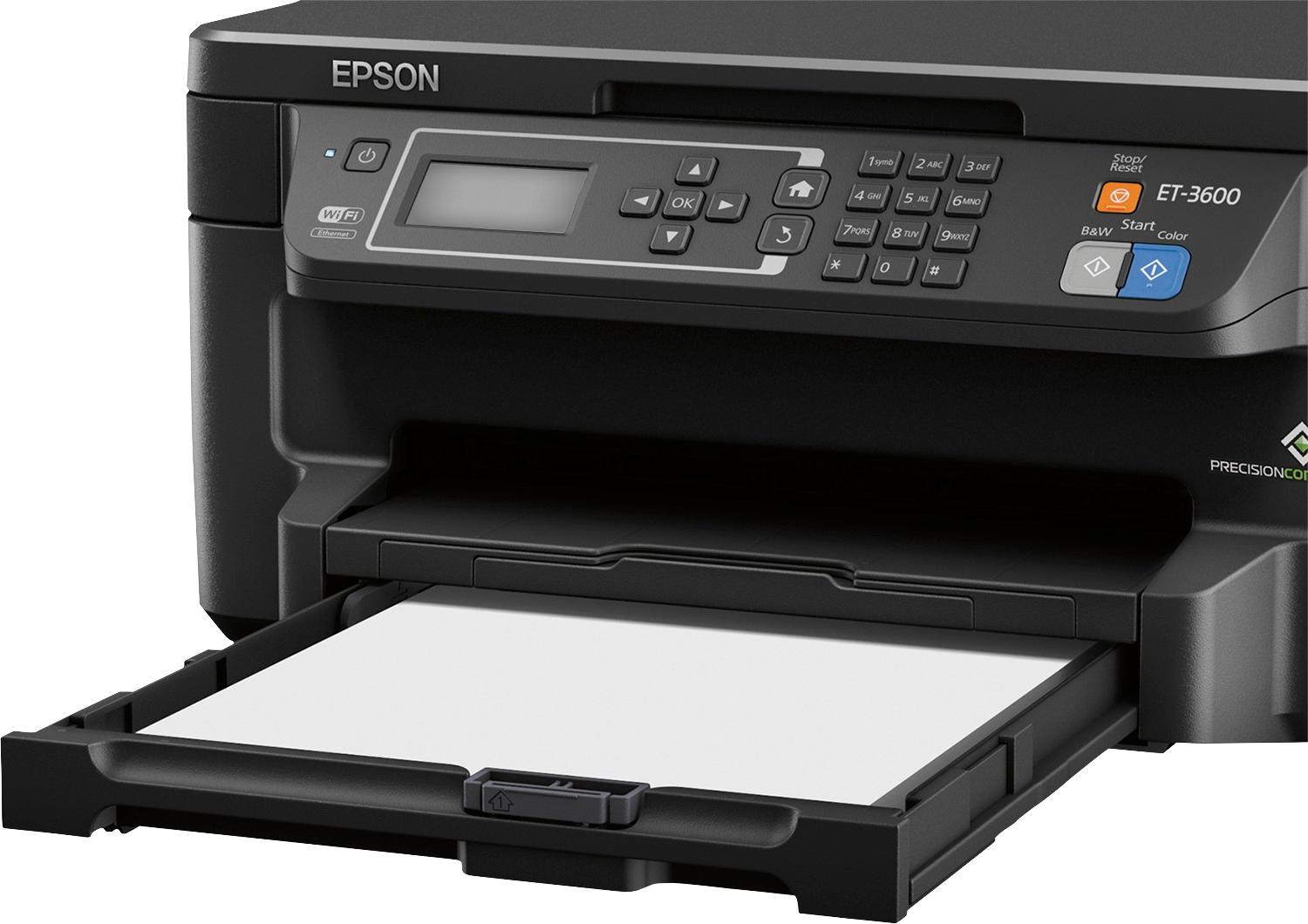
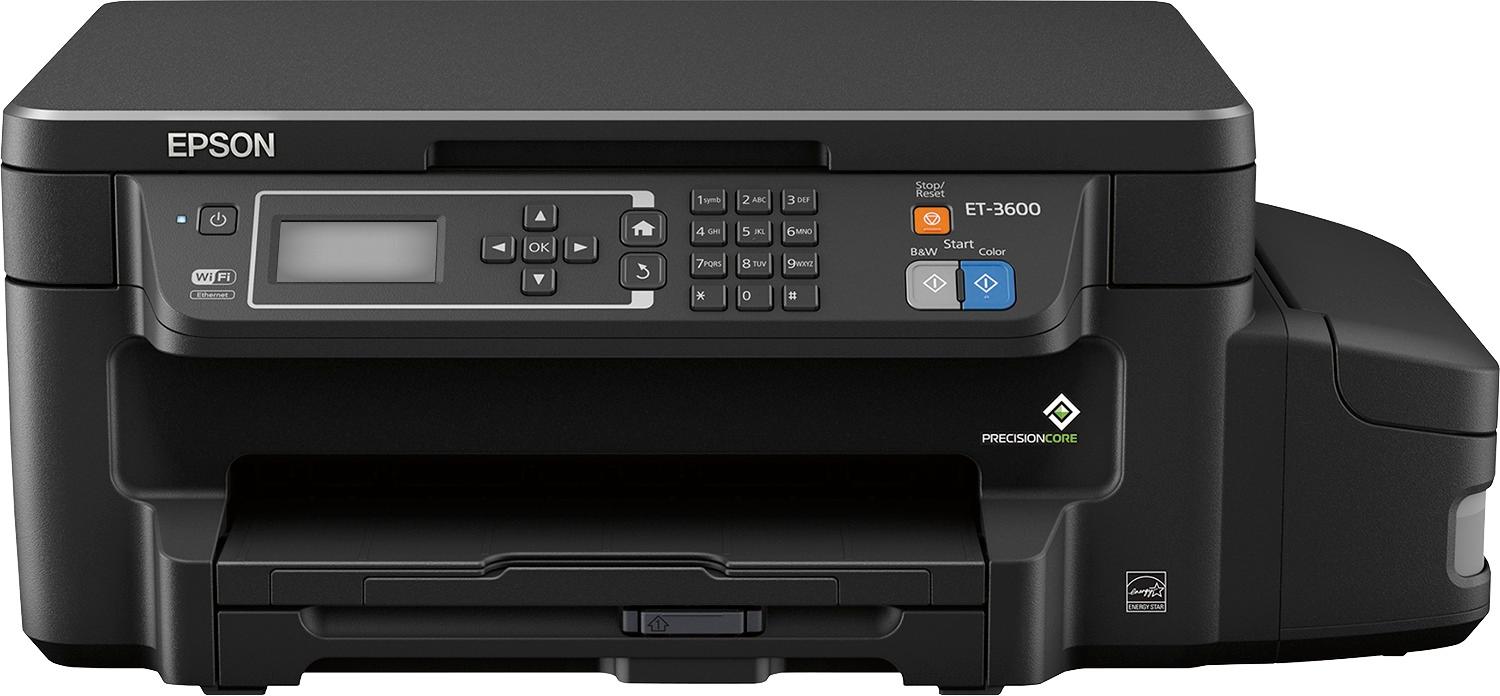
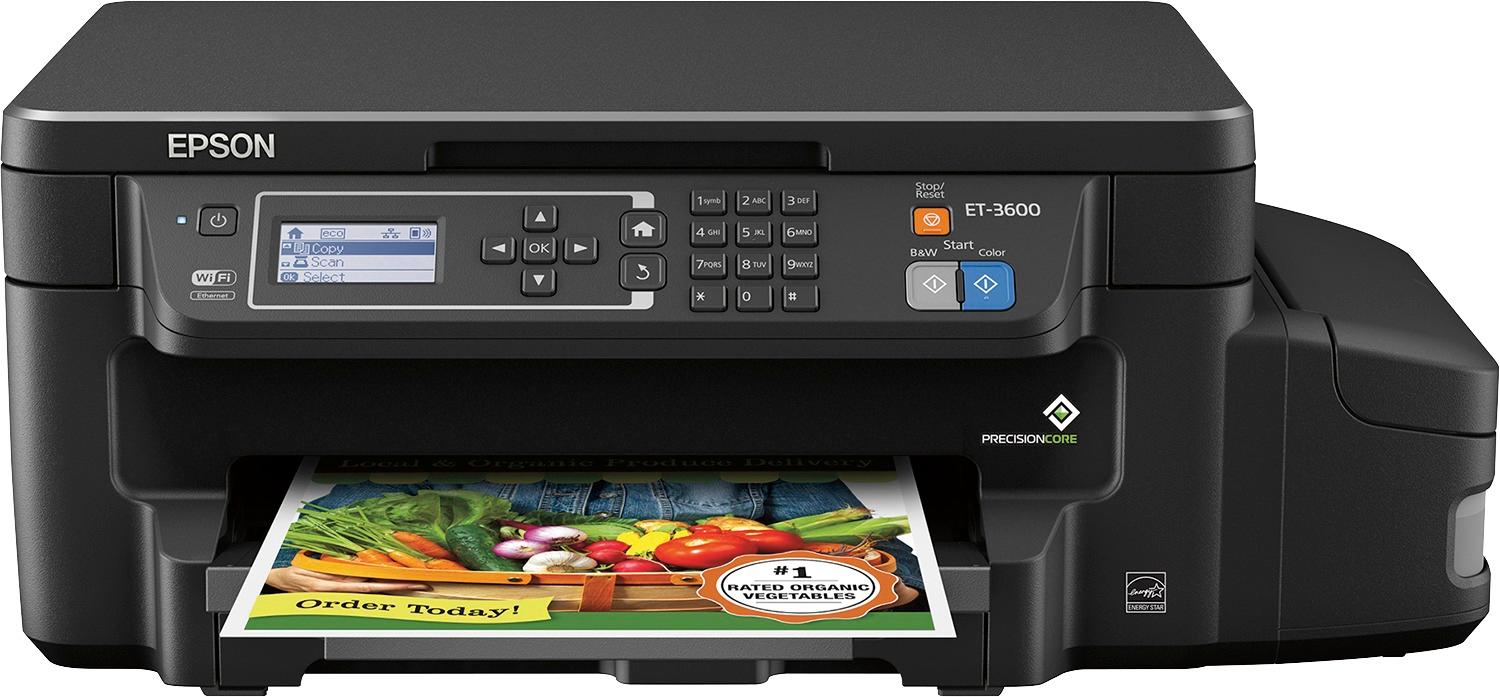
A:Answer Are you talking about printing from your PC, tablet, or phone, or are you talking about expanding or reducing copies? If you want to change the size of a copy, make sure you press Home, then select Copy, press ok to enter Settings. Press down, down to get to Zoom menu. Press right arrow to get to Actual Size. Press down to select Auto Fit, or up arrow to select Custom Size where you can control the percentage of enlarging or reduction.