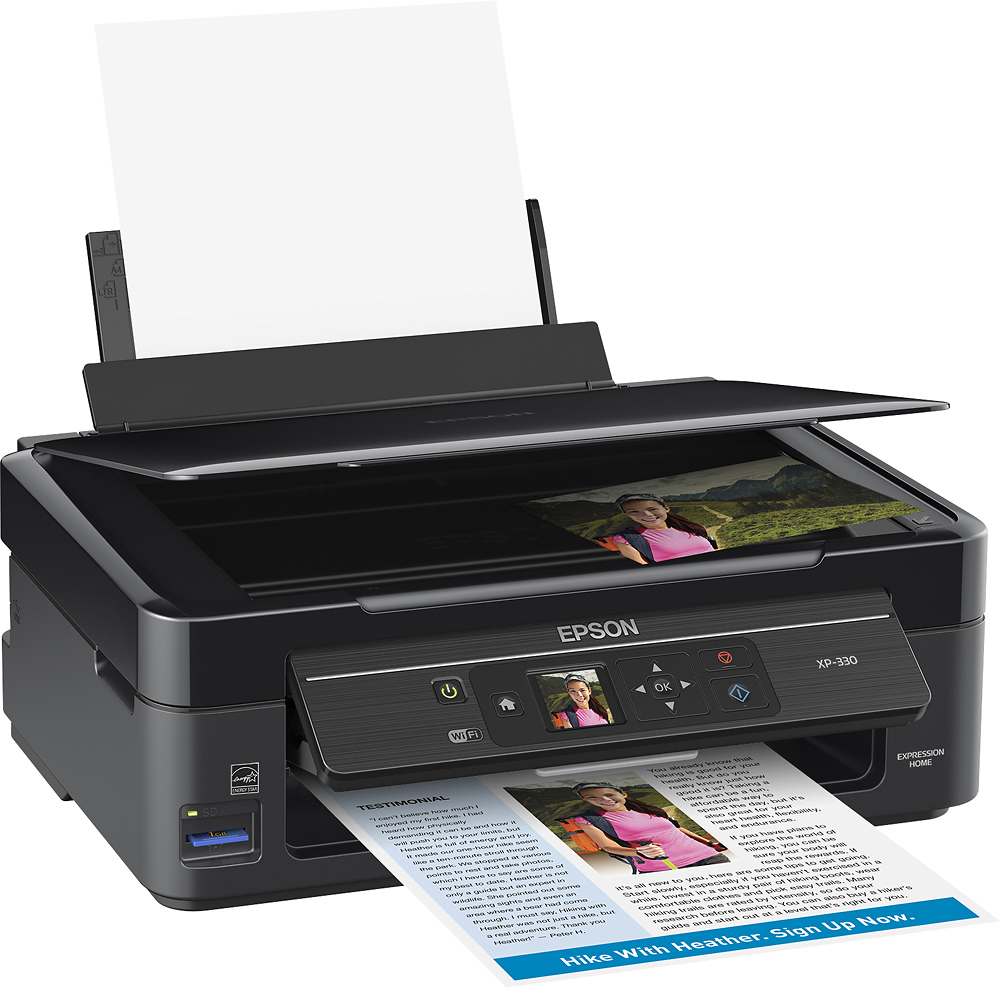
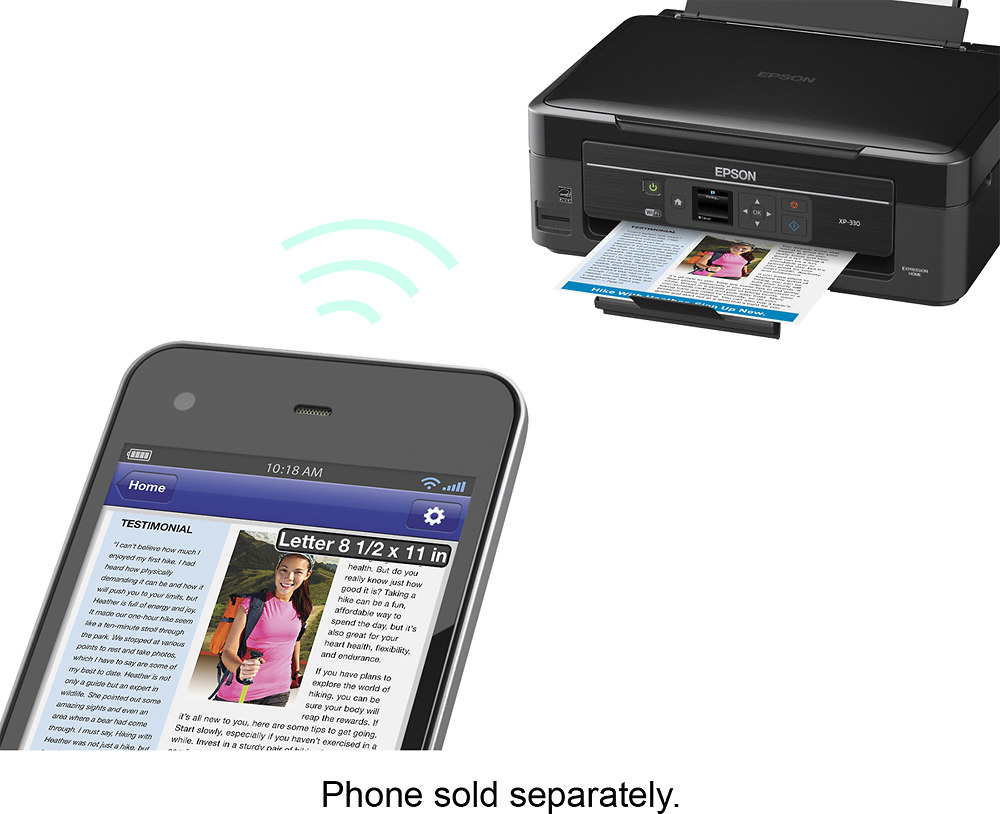
A:Answer Print with AirPrint. Open the app you want to print from. To find the print option, tap app's share icon, (where you would email, message, ect.) the item you are viewing. Tap Print Icon. Select Printer and choose an AirPrint-enabled printer. Choose the number of copies or other options, like which pages you want to print. Tap Print in the upper-right corner.