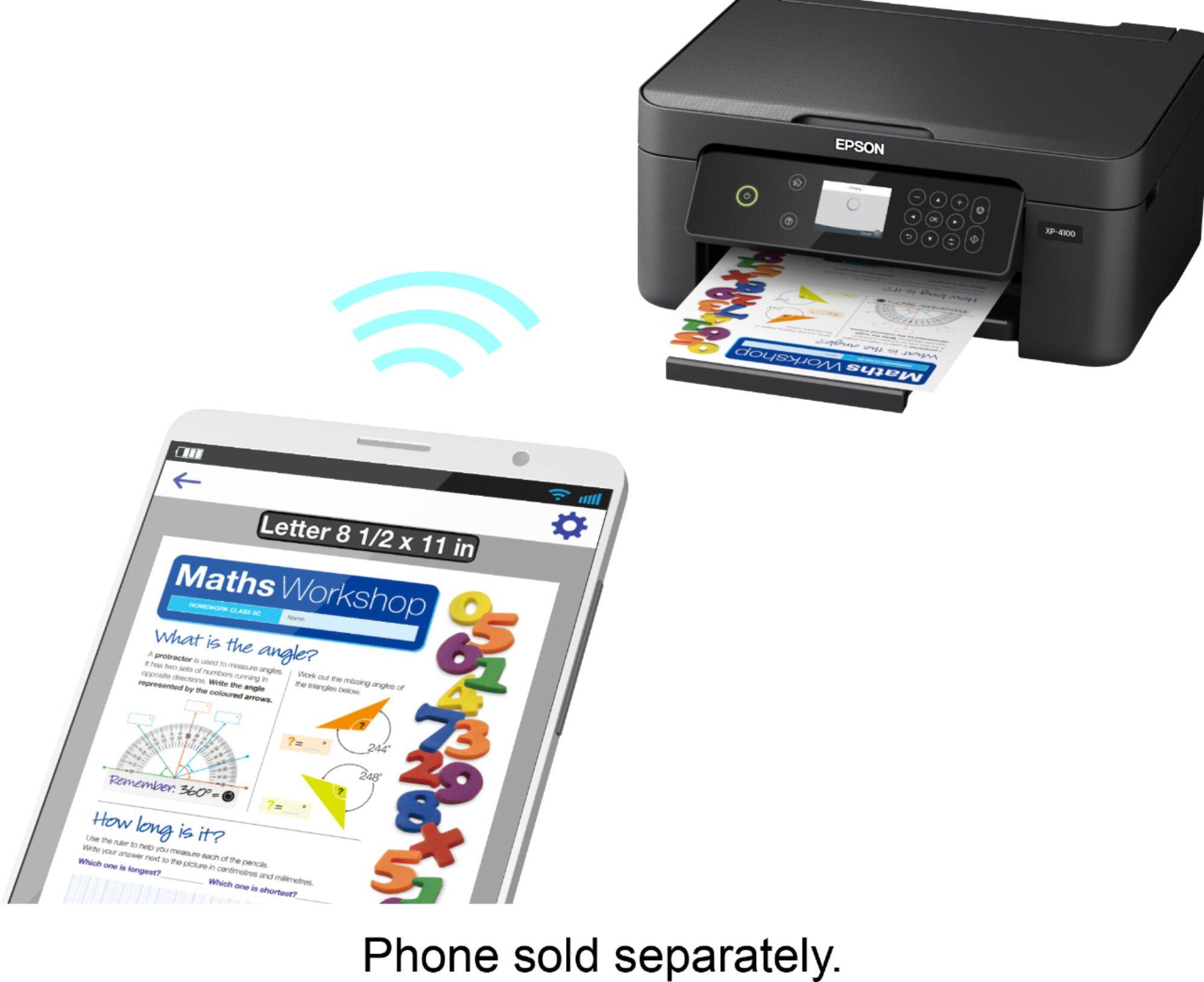
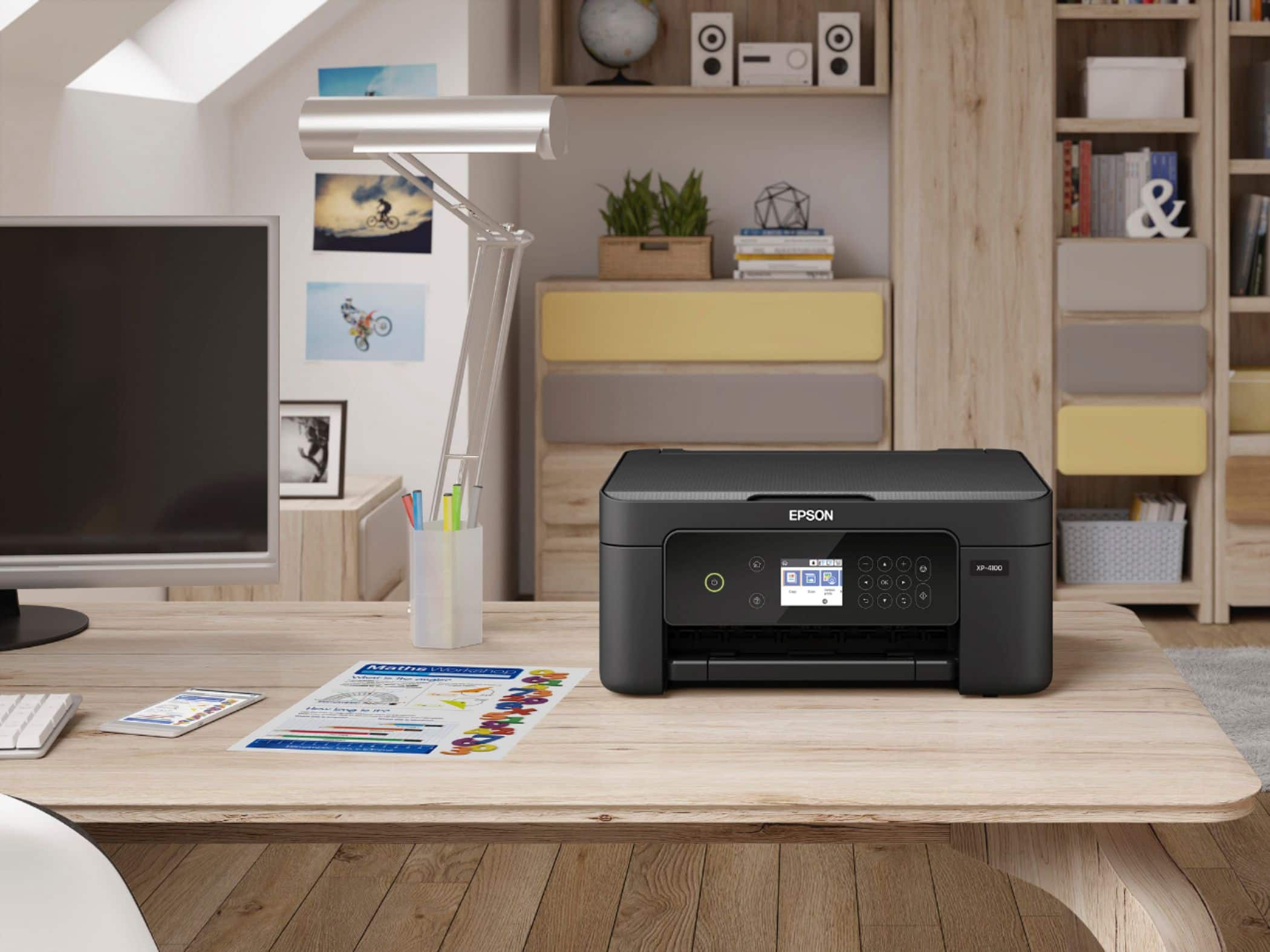
A:AnswerHello Anonymous. Unfortunately, the XP-4100 does not include a USB cable. However, the printer can also be connected via Wi-Fi as an alternative option. Regards, Kevin - The Epson Team.
A:AnswerHello Miriam. Unfortunately, the XP-4100 does not have self-cleaning capabilities. Print head maintenance can be completed manually from the printer's maintenance menu. Regards, Kevin - The Epson Team.
A:AnswerHello Diz. Yes, the XP-4100 can print on legal-sized documents and supports printing on paper sizes up to 8.5" x 44". Regards, Kevin - The Epson Team.
A:AnswerHi Ron, Sorry, the Expression Home XP-4100 does not print on CDs and DVDs. The Expression Premium XP-7100 does have this capability and as of today, it is available at BestBuy.com. Inventory levels may change from day to day. Regards, Mark - The Epson Team.
A:AnswerHello Tim. Yes, the XP-4100 is compatible to work with the Microsoft Windows 8.1 operating system. To download the latest print driver software, please visit our official Epson Support page. Regards, Kevin - The Epson Team.
A:AnswerHello Luna. The Epson XP-4100 is compatible with laptops running Microsoft Windows 10, 8.1, 8, 7, and MAC OS 10.6.x - 11.x operating systems. Regards, Kevin - The Epson Team.
A:AnswerYou have the option to connect to Wifi or Wifi Direct; the printer will give you a QR Code where you can snap a photo with your phone to connect.
It's not a bad printer given what's currently out there.
A:AnswerHello Lee2. For a list of printers compatible with the Epson 220 Ink Cartridges, please visit our official Epson Support page. Regards, Kevin - The Epson Team.
A:AnswerHello journey. Yes, the XP-4100 is an All-In-One printer that includes copy and scan functionality. Top copy a document, place your original on the scan bed and choose the copy option from the printer's menu. Regards, Kevin - The Epson Team.
A:AnswerHi Mo72, Sorry, the XP-4100 cannot scan 11" x 17" documents. You need a larger all-in-one for that like the WorkForce Pro WF-7840, which is currently available at Bestbuy.com. Regards, Mark - The Epson Team.
A:AnswerHello Don. Yes, the XP-4100 is compatible to work with Chromebook computers. For more information on the setup process, please visit our Official Support page. Regards, Kevin - The Epson Team.
A:AnswerHello Nana. Yes, the XP-4100 can print on No. 10 Envelopes and paper sizes ranging from 3.5" x 5" to 8.5" x 44". For more details on supported paper sizes, please visit our official Epson Support page. Regards, Kevin - The Epson Team.
A:AnswerHello Starshine. The XP-4100 is compatible to work with Wi-Fi Routers that include a 2.4 GHz band. We recommend reaching out to your Internet provider for confirmation. Regards, Kevin - The Epson Team.
A:AnswerHello Hoax. You can copy a document and manually flip the page to copy the other side. The XP-4100 features automatic 2-sided printing, so it can automatically print your copies on both sides of the page. You can select this feature using the extended settings in your printer software. Regards, Kevin - The Epson Team.
A:AnswerHi Julie, The Expression Home XP-4100 is designed to use Epson 212 and high-capacity 212XL cartridges. Using other substances may damage the print head and affect warranty coverage. Regards, Mark - The Epson Team.
A:AnswerHi, The Expression Home XP-4100 can print in black and white. The setting is in the printer driver software. It comes with a standard power cord to plug into a wall outlet. We do not test with heat transfer vinyl so the print quality cannot be guaranteed. Regards, Mark - The Epson Team.
A:AnswerHello Don. Yes, the XP-4100 includes scanning functionality. You can scan a document up to 8.5" x 11.7" in size. Regards, Kevin - The Epson Team.