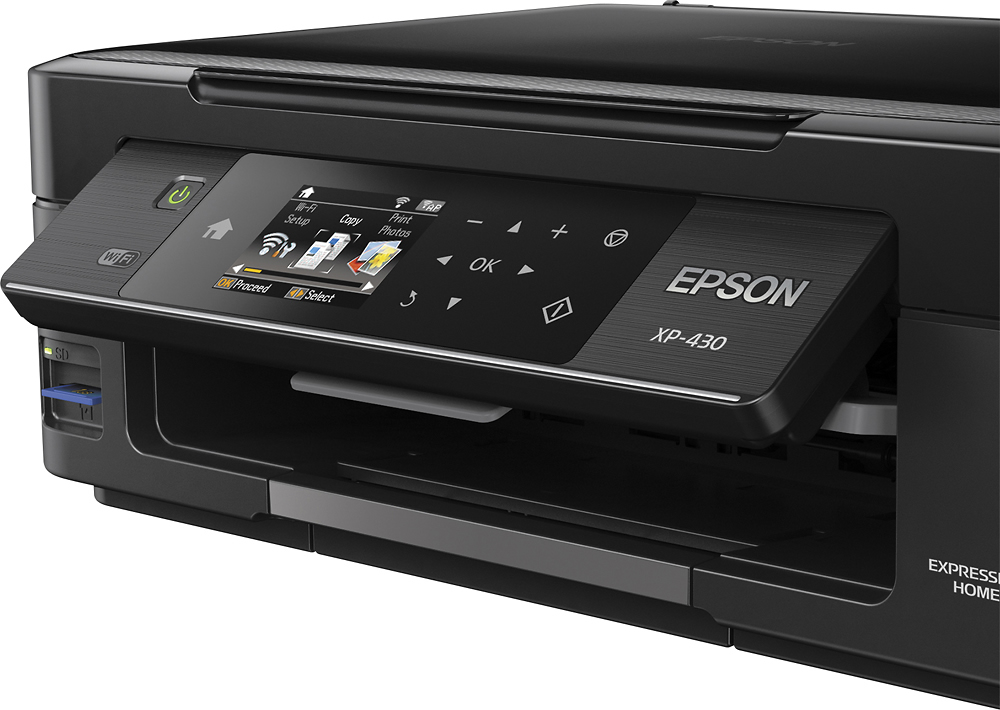
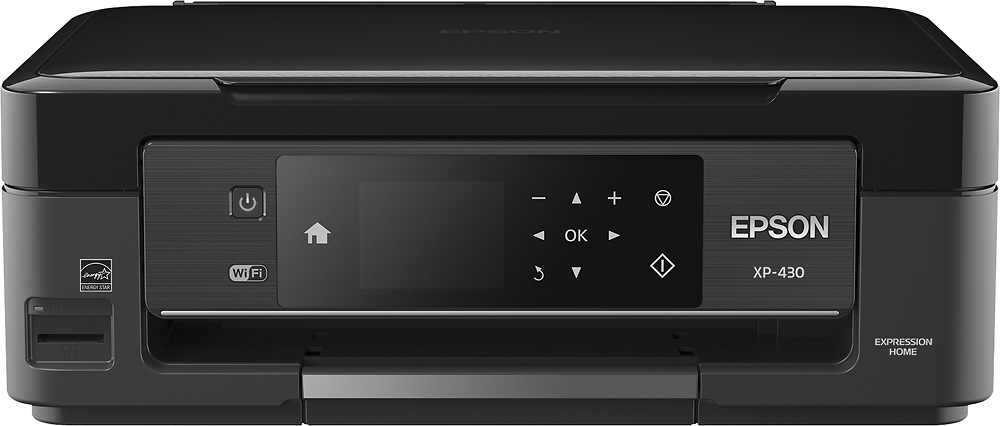
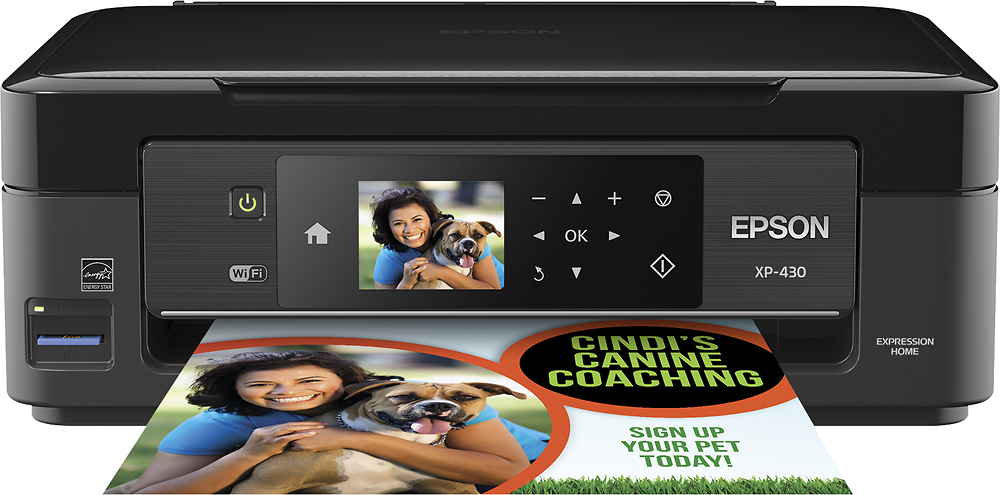
A:AnswerI assume y ou have turned the printer on and clicked OK to confirm. Use the arrowss to choose Copy (the word Copy will lit) by clicking OK. Select the number of copies, color, or B&W by using arrows to highlight your preferences. Then click the copy icon (The litter I inside a Diamond. Works for me.
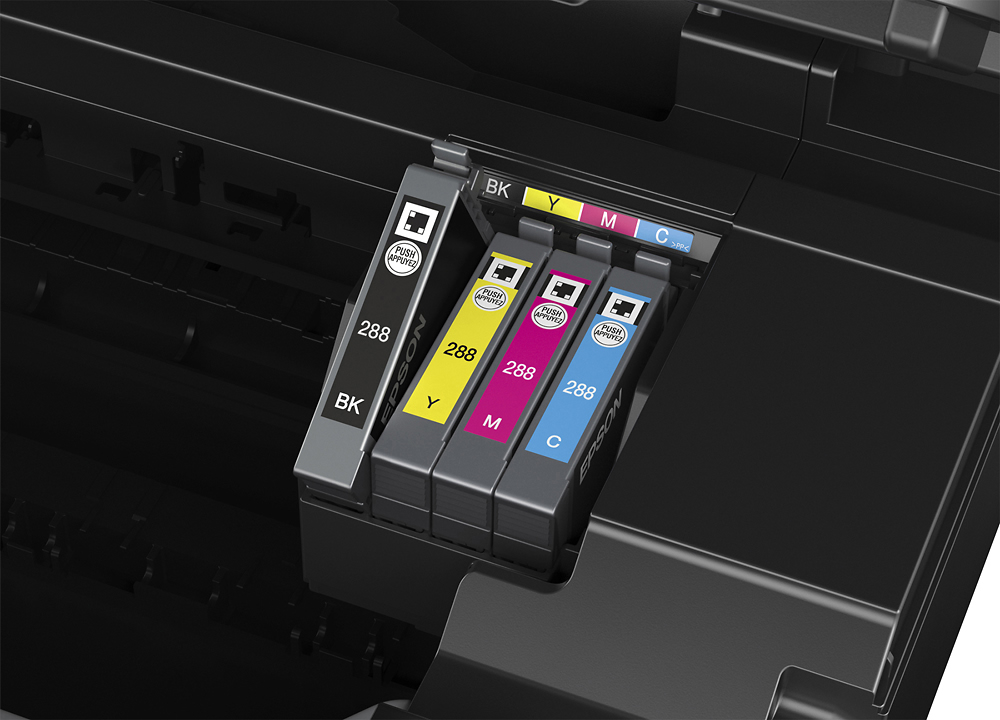
A:AnswerNo , it takes 288 cartridges , very close to the 410 cartridges, but thet wont interchange , undoubtedly marketing strategy to make you buy more cartridges……. I had just bougjht twenty cartridges for my 410 when oit died ,was disapointed that I had to buy more cartridges when they replaced it with the 430
A:AnswerI've used Avery and comparable brands on the device, but usually feed one sheet at a time. I would check The Avery website, they usually have guides and templates for their paper products: http://www.avery.com/avery/en_us/Help-Center/General-Help/Labels-Formatting-and-Printing-Tips.htm
A:AnswerI printed about 10 pictures, 8 4x6's and 2 8x10's before I ran out of black ink. In all fairness they were the standard senior portraits with a huge amount of black in them so that may have contributed to it.