A:AnswerYou can do just a black and white scan or lower the resolution on the first page that comes up when you ask it to scan. At the bottom usually there is a number that you can adjust and it is says resolution and then the number which is usually 300 dpi for a standard setting. You can lower the setting for a color scan and it will be a smaller file.
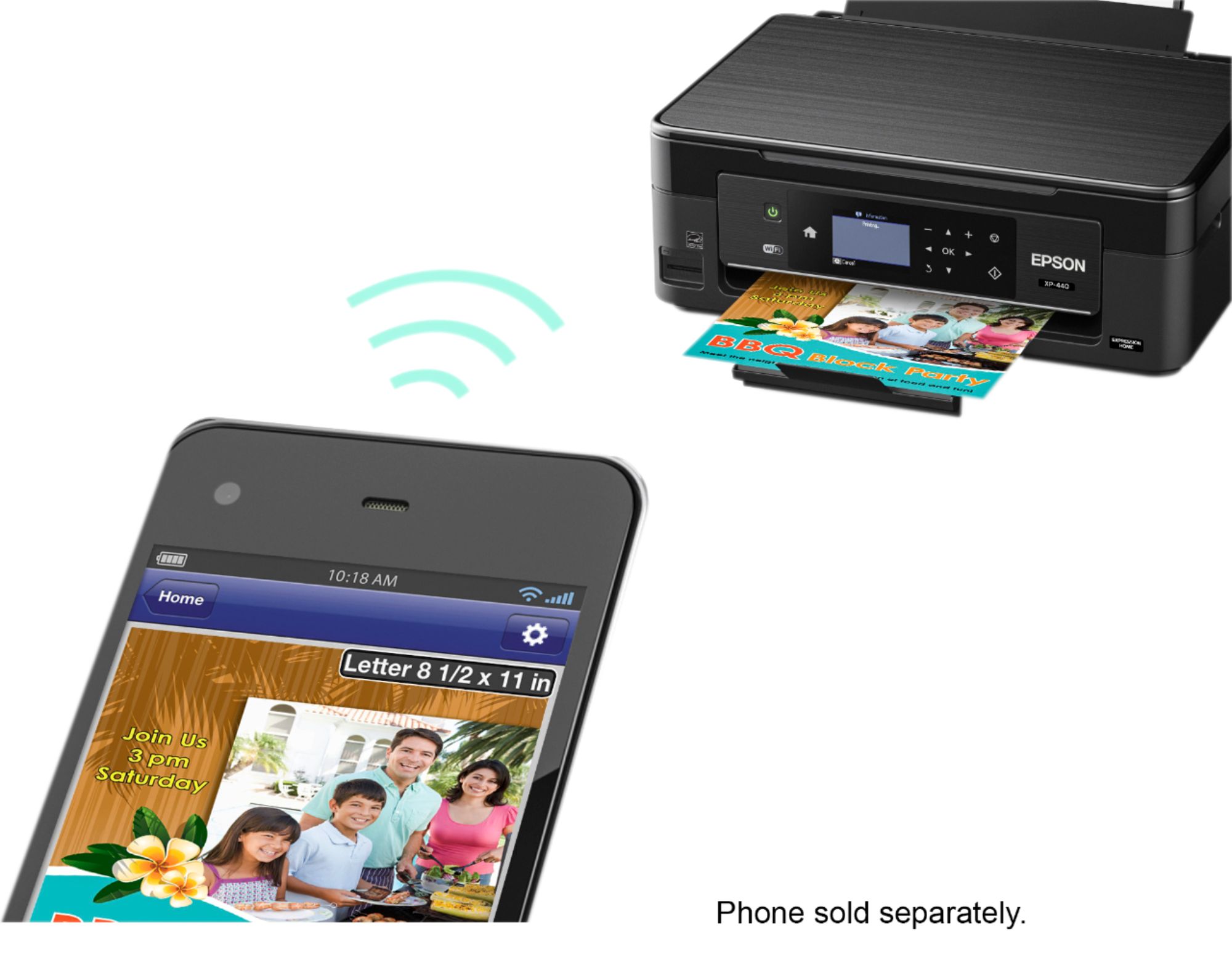
A:AnswerI am using it with Win7 home, you will need the password you set up with your router to use it wireless. I have mine wired because it would not work with my new DLink router. Worked wireless fine with my old Cisco. I used my old USB printer cable from a HP printer.
A:AnswerYes, it has a handy guide that you push in to the envelope side and you and put it as many as you need and it will print them out. I suggest doing a test print first to make sure it looks like you want it to but then it will run them just like normal paper.
A:AnswerYes it is Compatible.....go to the epson.com website and it will detect the OS that you have and the driver that you need and then drive download.
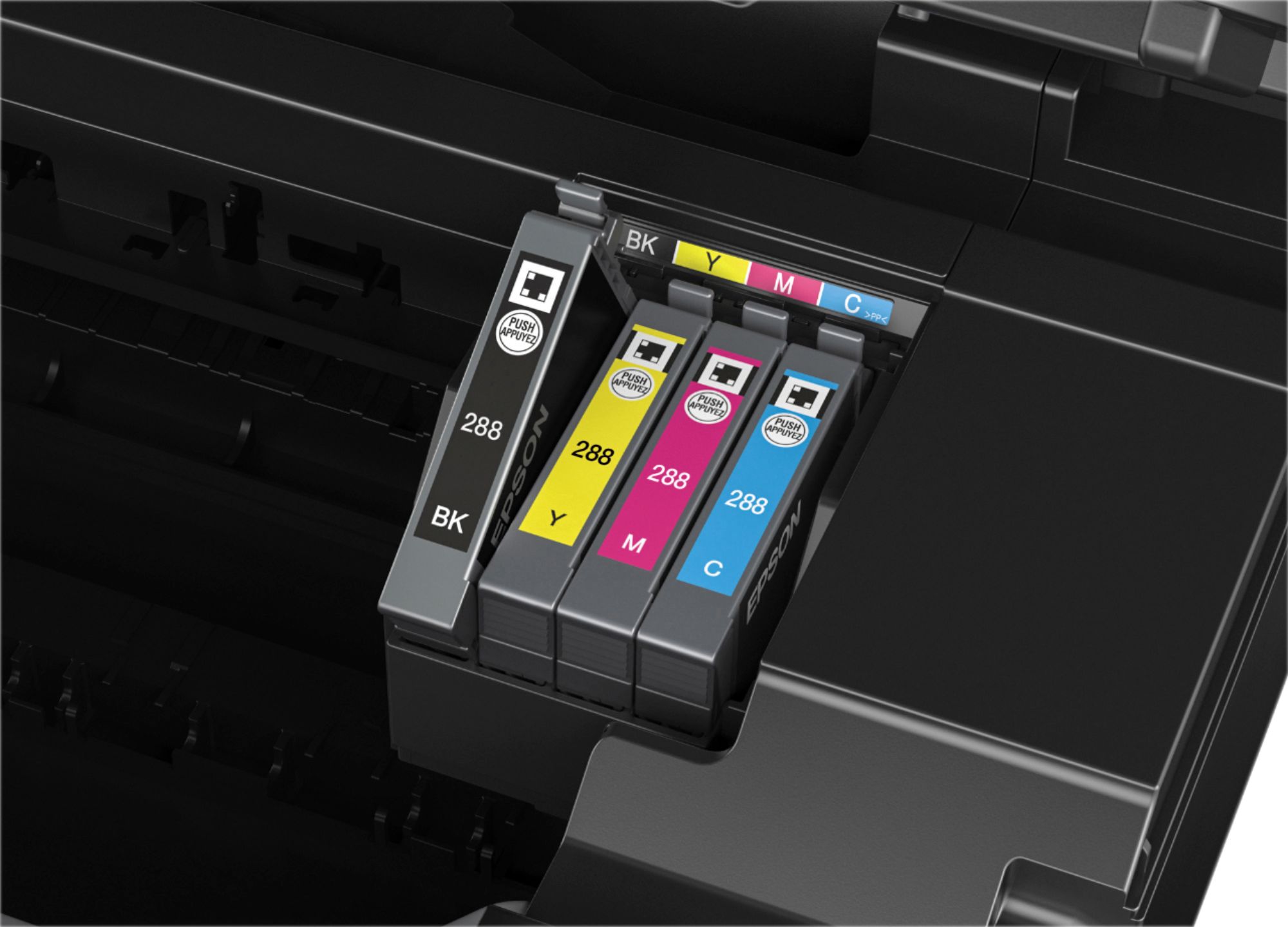
A:AnswerThat you may have to check on the manufacturer cartridge. I know i just bought the color and black set and it was around 60 bucks. I dont know if you get different brands make sure its complatible. Hope it helps a bit