Questions & Answers
- Model:
- C11CL73201
- |
- SKU:
- 6604346
Highly rated by customers for: Print Quality, Ease of Use
$329.99
Page Showing 21-29 of 29 questions
Q: QuestionIs this printer able to scan to PDF? What is the DPI? This is Flash Drive compatible?
Asked by rvb.
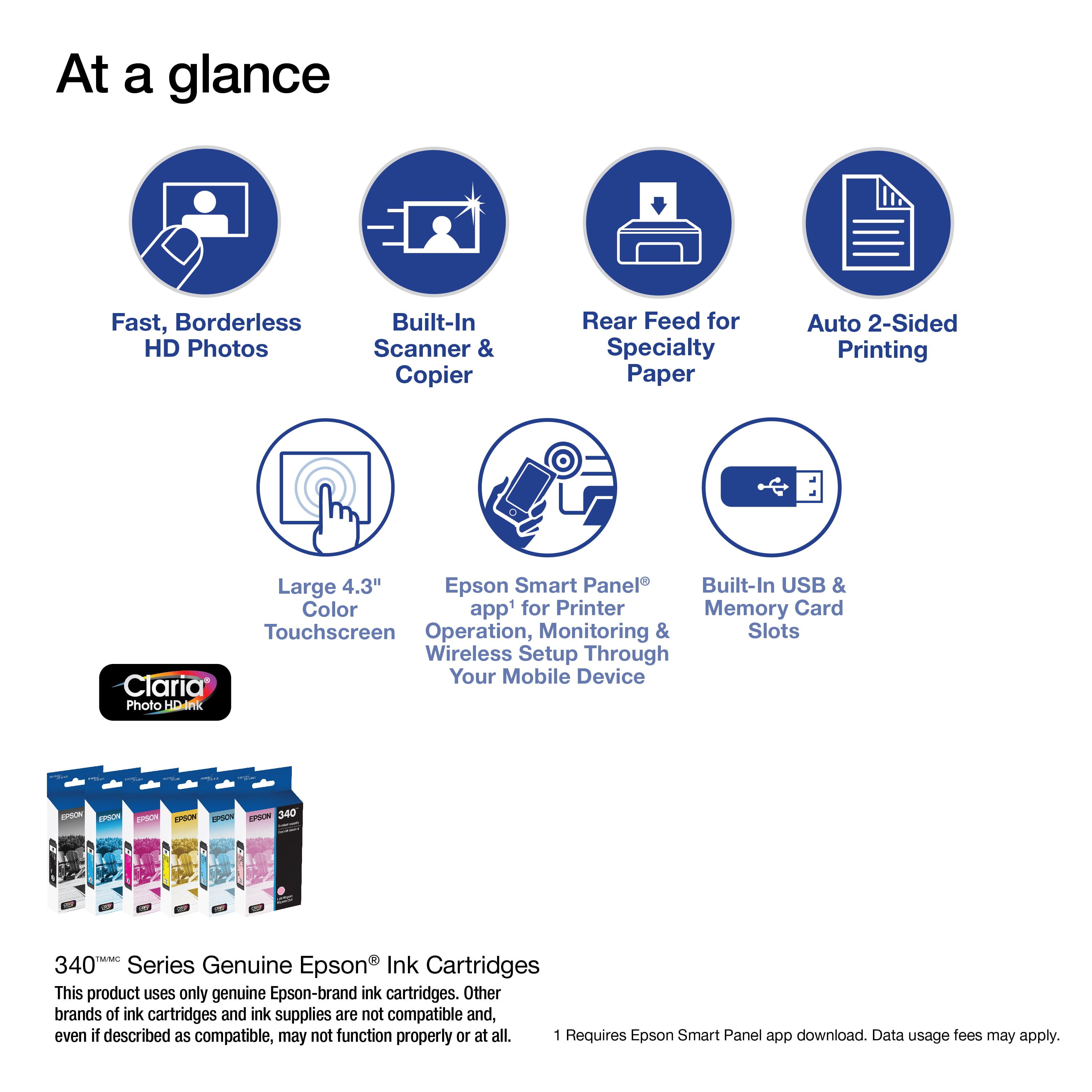
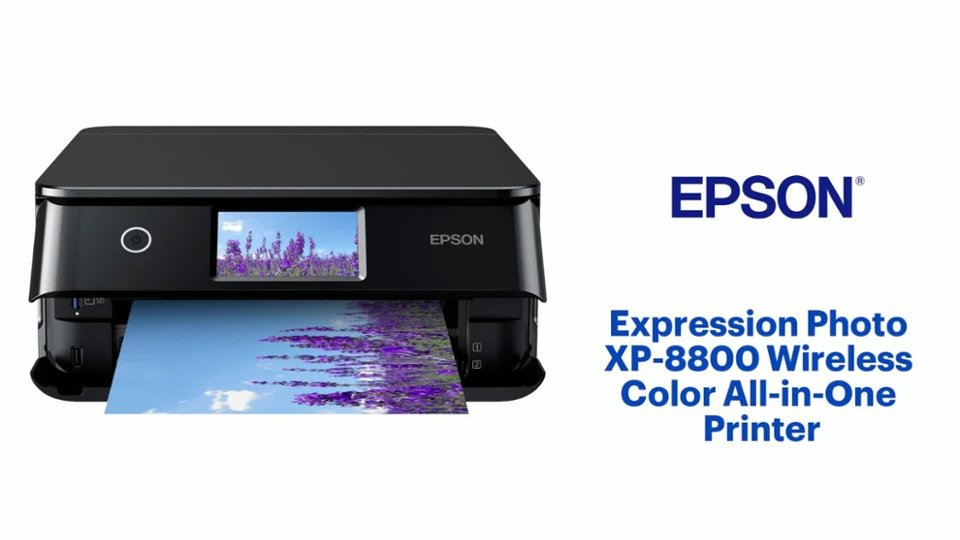
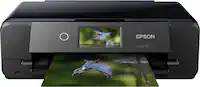
- A:Answer Hello rvb. The XP-8800 offers a maximum scan hardware resolution of 1200 x 4800 dpi and can save high-quality scans as PDF files. It includes a built-in USB port that allows you to connect an external memory drive, and using the control panel, you can easily print files or save scanned images directly to your device. Regards, Kevin - The Epson Team.
Answered by Epson

Q: QuestionIs this ONLY for printing photos, or is it possible to use printing paper and print out excel and word documents?
Asked by rvb.
- A:Answer Does it all.
Answered by PaulD
Q: Questionwhat are the pixels for the photo quality/
Asked by snoopy.
- A:Answer Hello snoopy. The XP-8800 has a Maximum Print Resolution of 5760 x 1440 dpi. Regards, Kevin - The Epson Team.
Answered by Epson

Q: QuestionCan this printer reduce/enlarge copies by percentage from the touch pad
Asked by Midwestmama.
- A:Answer Hello Midwestmama. Yes the XP-880 can enlarge or reduce images when you copy or print them. You can change the copy size from 45% to 195% by using the front panel controls. Regards, Kevin - The Epson Team.
Answered by Epson

Q: Questiondoes this p hotocopier have ability to add contrast or color shade or other custom feathers(scratch?). thank you marty
Asked by marty.
- A:Answer Hello marty. The only options available to make similar adjustments is "Density Selector" under Copy Settings. This allows you to adjust the lightness or darkness of copies. Regards, Kevin - The Epson Team.
Answered by Epson

Q: QuestionWill the rear feed take decal paper that is 4.25" wide? see photo
Asked by Kimster.
- A:Answer Hello Kimster. The XP-880 can print on 4.25" wide paper & can print on similar paper like Epson Photo Quality Self-adhesive Sheets. We have not tested other third-party decal papers, so your results will vary. We recommend contacting the manufacturer directly to see if it will work with our printers. Regards, Kevin - The Epson Team.
Answered by Epson

Q: QuestionWhat quality are printed black and white photos? What features are included to edit your photos?
Asked by Candace.
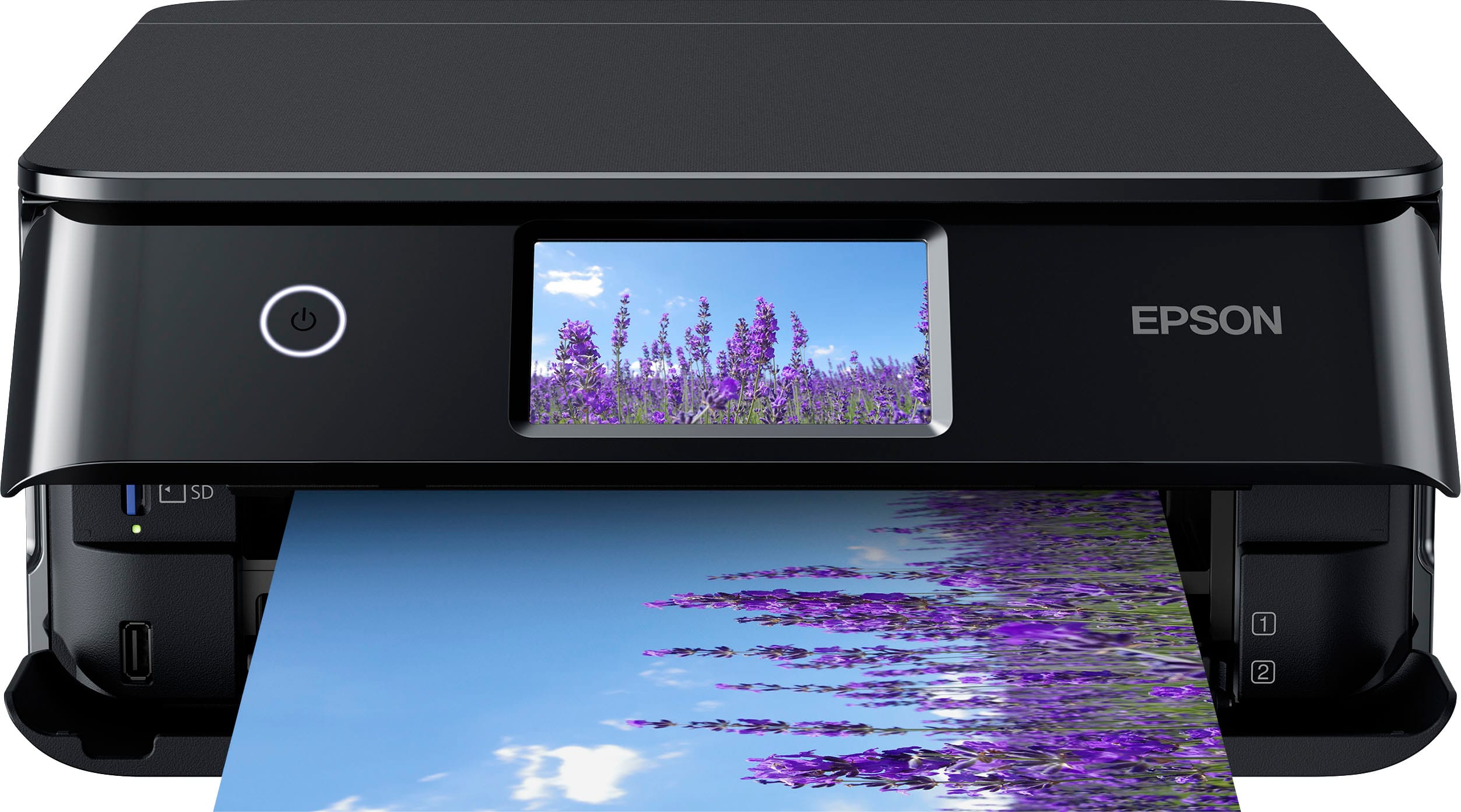
- A:Answer Hello Candace. The XP-8800 uses 6-color Claria Photo HD ink which can produce Lab-quality photos and prints. You can use the printer with the Epson Photo Plus software, which includes basic photo correction settings like contrast, saturation, brightness, etc. Regards, Kevin - The Epson Team.
Answered by Epson

Q: QuestionDoes this printer have an sd slot?
Asked by Anonymous.
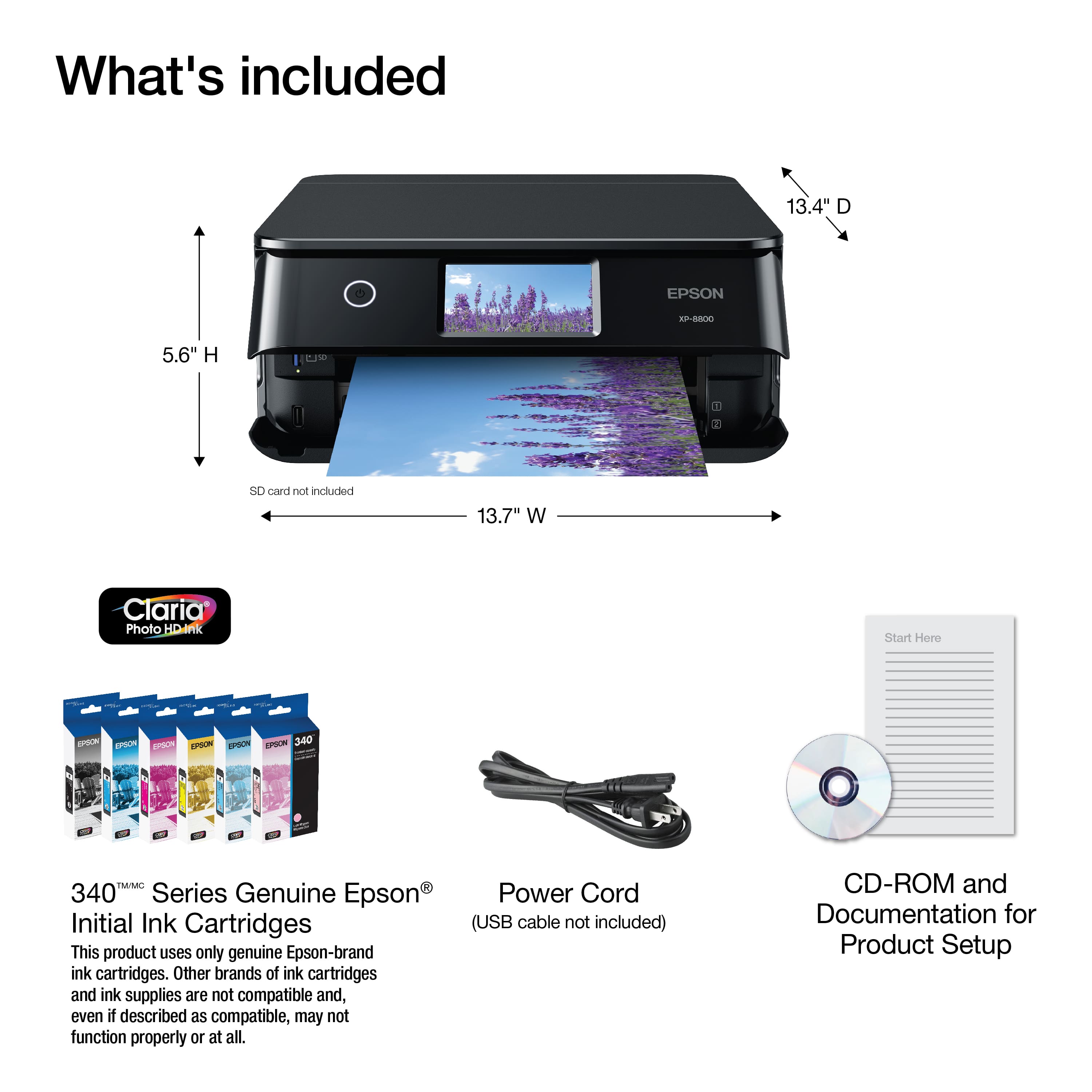
- A:Answer Hello. Yes, the XP-8800 includes an SD memory slot. Regards, Kevin - The Epson Team.
Answered by Epson

Q: QuestionWhere can you find the 6 ink cartridges for this printer? I can only for set of 3 on amazon, not on Best buy either?!
Asked by Micky.
- A:Answer Hello mariwesty. The XP-8800 is designed to work with Epson 340 Ink Cartridges. Unfortunately, they are currently not in stock on BestBuy's website. Regards, Kevin - The Epson Team.
Answered by Epson

Page 2, Showing 21-29 of 29 questions


.
7. Requires Epson Smart Panel app download. Data usage fees may apply.](https://pisces.bbystatic.com/image2/BestBuy_US/images/products/a93689ae-5931-41ba-932a-8aa38f004fa0.jpg;maxHeight=54;maxWidth=54;format=webp)