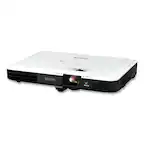
Questions & Answers
- Model:
- V11HB63020
- |
- SKU:
- 12509071
Highly rated by customers for: Picture Quality, Brightness, Ease of Use
$729.99$729.99
Save $70
The comparable value is Comp. Value: $799.99
Page Showing 21-30 of 30 questions
Q: QuestionCan you get live tv channels with antenna
Asked by Buster.
- A:Answer Hello Buster. The projector doesn’t include a built‑in TV tuner, so you can’t connect an antenna directly. To watch live TV with an antenna, you’ll need to use a separate TV tuner and connect it to the projector via HDMI. Regards, Kevin - The Epson Team.
Answered by Epson
Q: QuestionDoes this projector support mirroring from a computer or tablet? (without chromecast)
Asked by moviewatcher.
- A:Answer Hello moviewatcher. The Home Cinema 980 supports screen mirroring through the Epson iProjection app on tablets and computers, but it requires an Epson wireless LAN adapter, which is sold separately. Regards, Kevin - The Epson Team.
Answered by Epson
Q: QuestionScreen is 10'6 away , 90 inch screen, will it adjust to fit screen?
Asked by dave.
- A:Answer Hello dave. For a 90-inch screen, we recommend placing the projector at a maximum distance of 9.51 feet. Regards, Kevin - The Epson Team.
Answered by Epson
Q: QuestionI currently have a ceiling mounted 8100 Powerelite project that requires replacement. I was wondering if this model would use the same mount? If not which of your model would support the mount?
Asked by BEP.
- A:Answer Hello BEP. The PowerLite 8100 uses the Epson ELPHB550 ceiling mount, while the Home Cinema 980 uses the Epson Universal Projector Ceiling Mount Kit (ELPMBPJG). Regards, Kevin - The Epson Team.
Answered by Epson
Q: Questioncan this be ceiling mounted
Asked by jlo.
- A:Answer Hello jlo. Yes, the Home Cinema 980 can be ceiling-mounted. We recommend using the Universal Epson Ceiling Mount. If interested, the product SKU is ELPMBPJG. Regards, Kevin - The Epson Team.
Answered by Epson
Q: QuestionHow long can the projector stay on at one given time? How long do the bulbs last?
Asked by Anonymous.
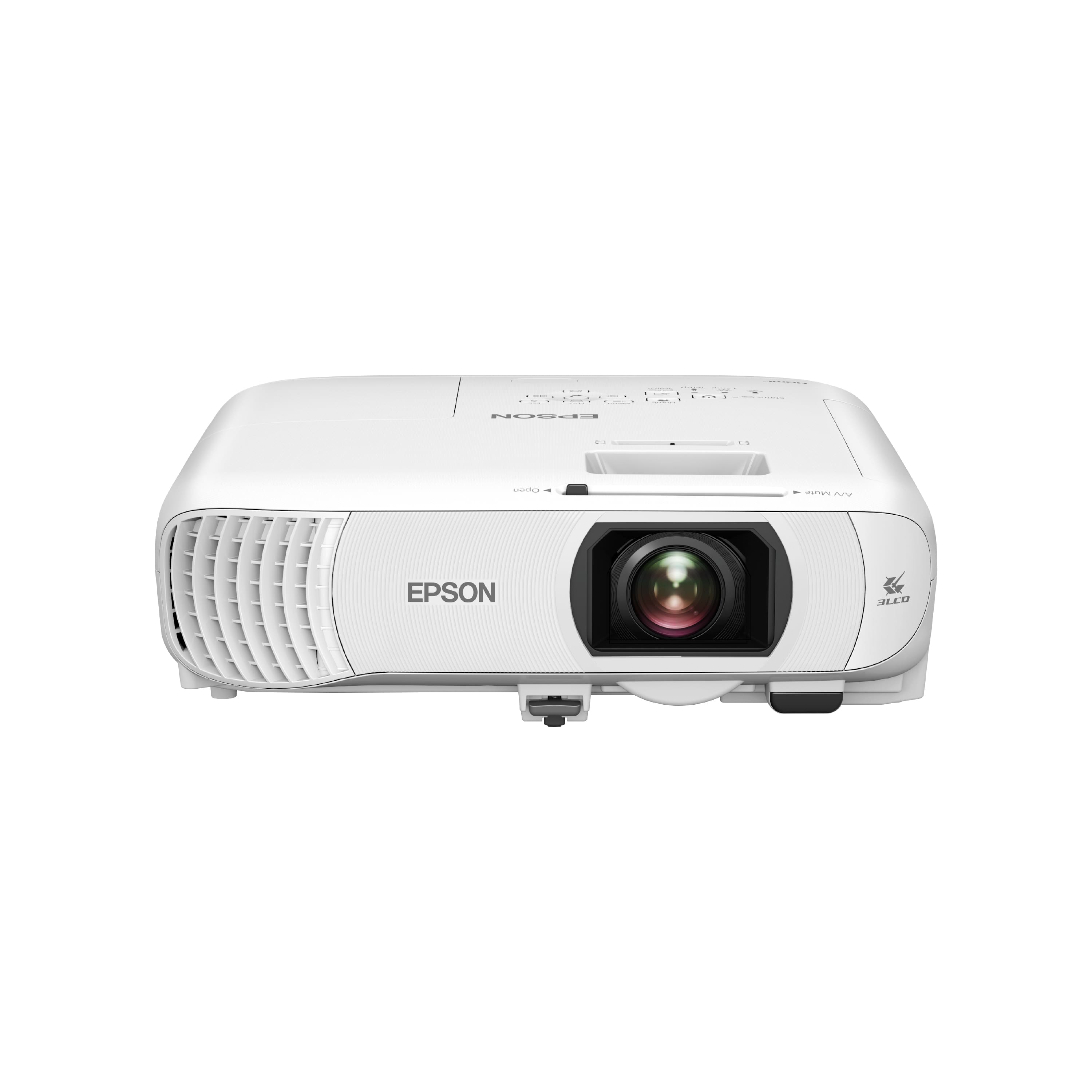
Q: Questionhow can I connect an external audio source to this projector? Does it have blue tooth capability?
Asked by Anthony.
- A:Answer Hello Anthony. The Home Cinema 980 doesn’t have built-in Bluetooth, but you can still connect a streaming device like Fire TV, Apple TV, Roku, Chromecast, or another video source that offers Bluetooth connectivity and use it with the projector. If you have self-powered speakers, you can also connect them to the projector using the Audio Out port. Regards, Kevin - The Epson Team.
Answered by Epson
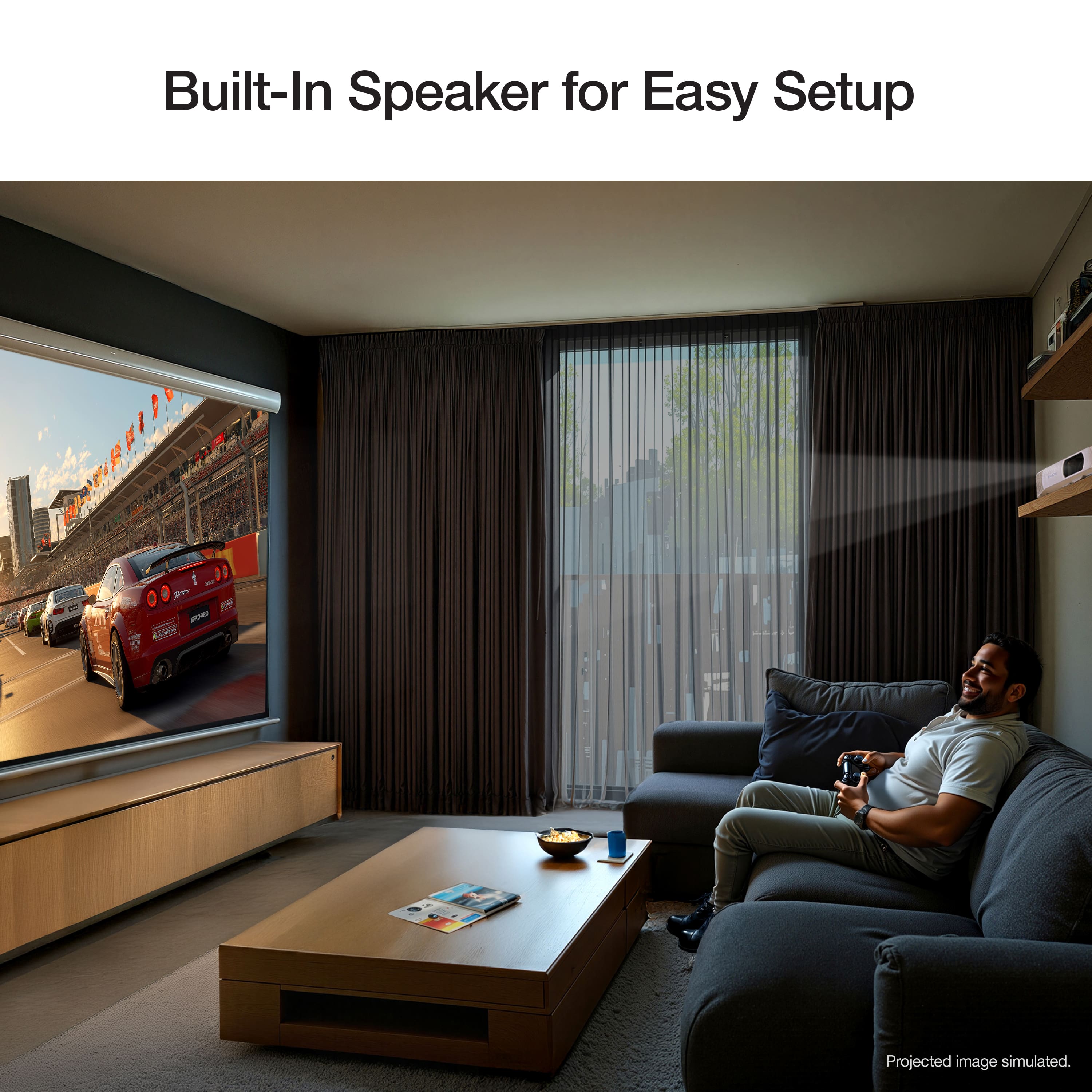
Q: QuestionHello, Can I stream with this projector or would I need an external streaming device.
Asked by Buzzy.
- A:Answer Hello Buzzy. Unfortunately, the Home Cinema 980 does not include built-in streaming, so you'll need to use your own streaming device with the projector. Regards, Kevin - The Epson Team.
Answered by Epson
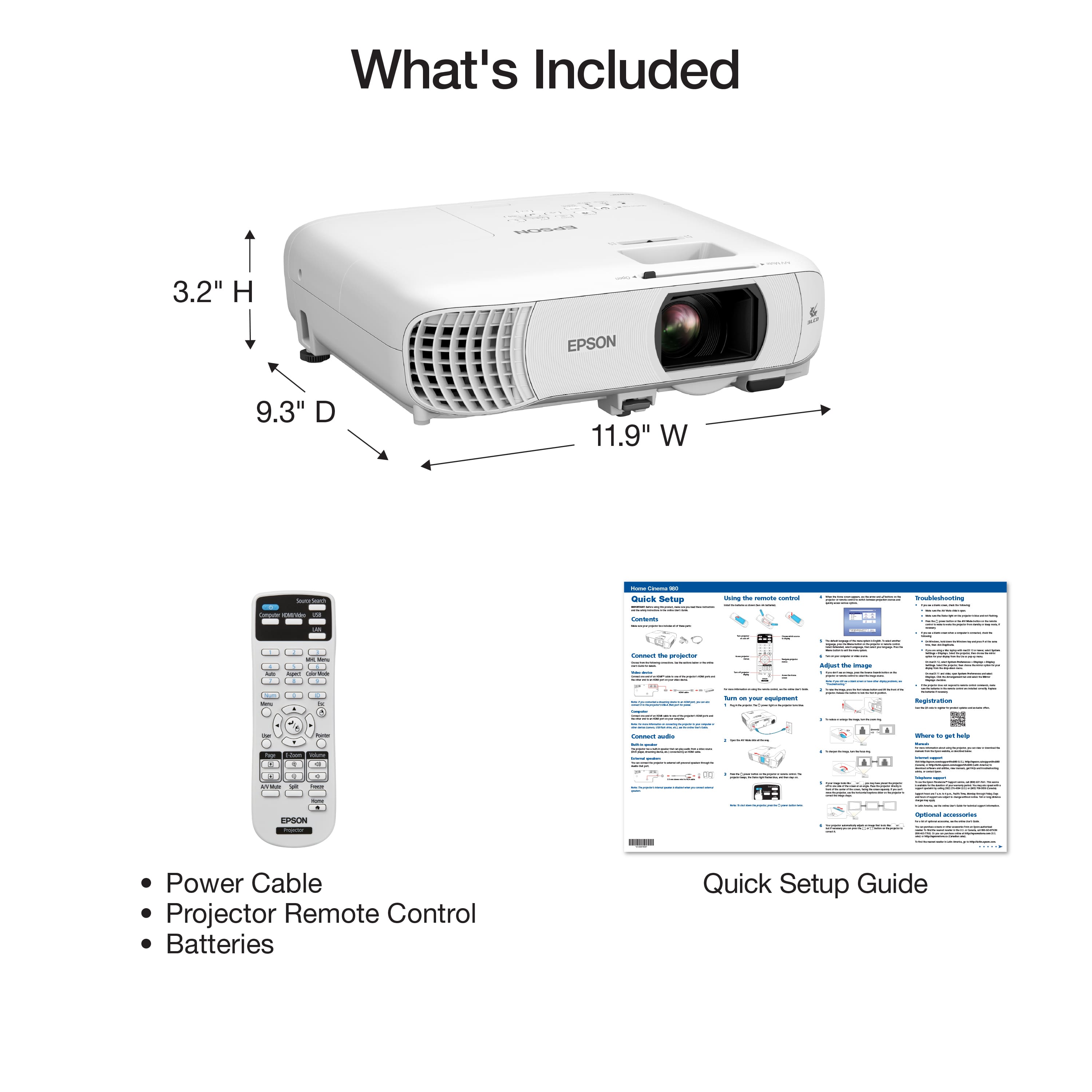
Q: QuestionIf my screen is 98inch and my projector sits 14 feet away will this projector work for me?
Asked by Mcox.
- A:Answer Hello. If you're using a 98" screen, we recommend placing the projector about 8 to 10 feet from the display. For a distance of 14 feet, a 158" screen would be more suitable. Regards, Kevin - The Epson Team.
Answered by Epson
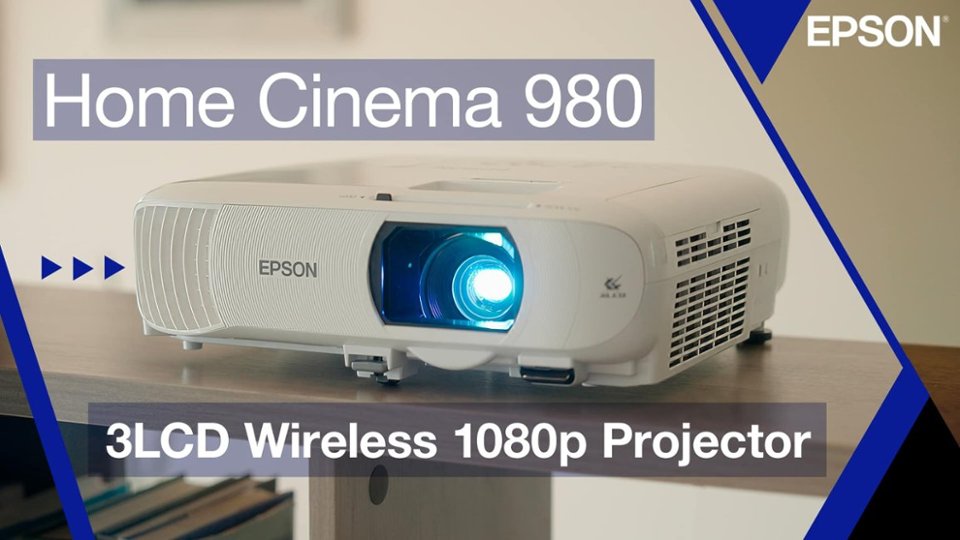
Q: QuestionHow far away is the maximum I can have it from the screen?
Asked by Yorsh.
- A:Answer Hello Yorsh. You can place the Home Cinema 980 up to approximately 286 inches away from the screen. At that distance, it can project onto a 150-inch screen. Regards, Kevin - The Epson Team.
Answered by Epson
Page 2, Showing 21-30 of 30 questions
Most-viewed items
- $599.99$599.99The price was $649.99
- $826.77$826.77The price was $829.94
- $780.33$780.33The price was $782.29
- $495.46$495.46The price was $507.99
- $479.99$479.99The price was $489.99