Main Content

Questions & Answers

$699.99
Save $100
Comp. Value: $799.99
Page Showing 21-23 of 23 questions
  • Questioncan this unit be mounted to the cieling?

    Asked by mike.

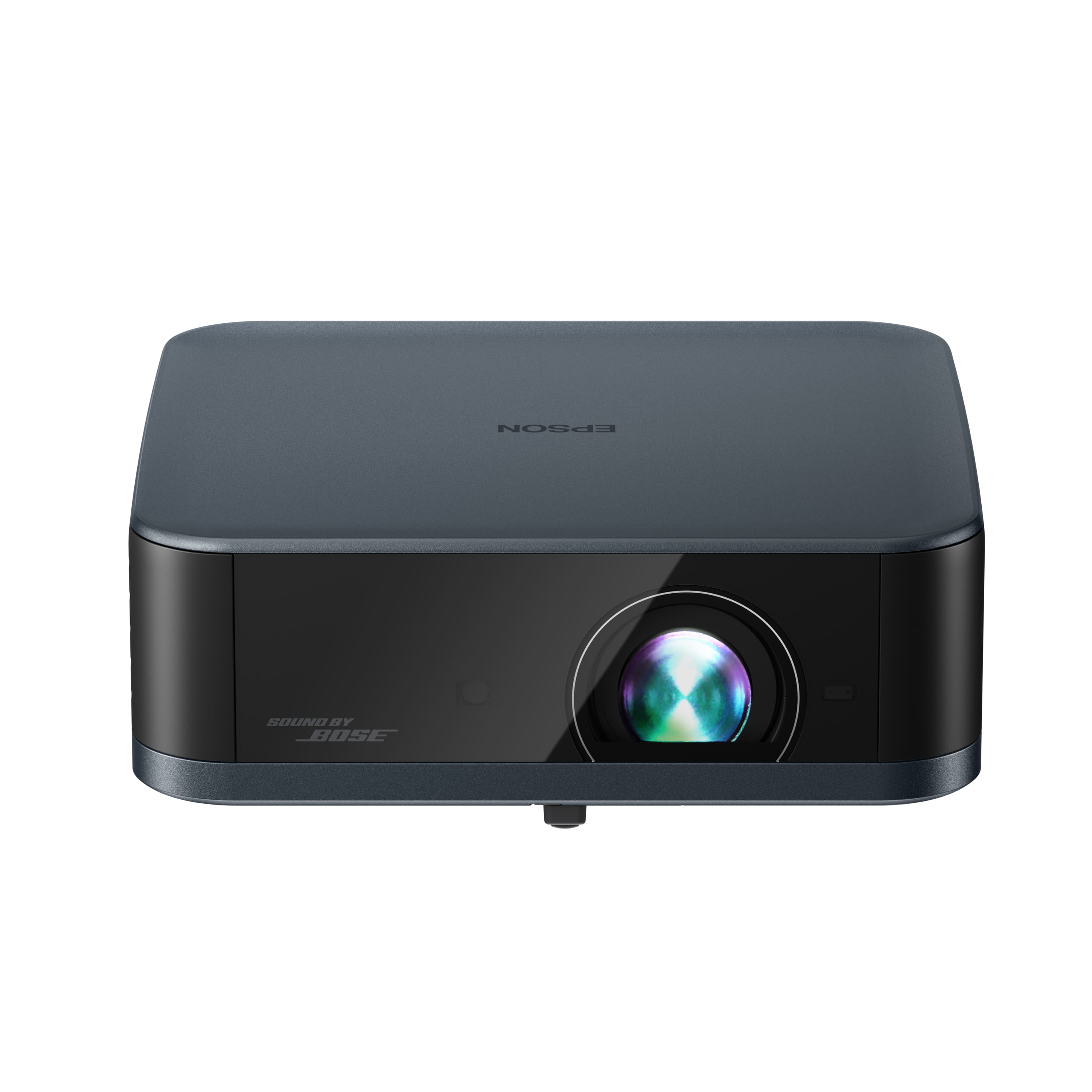
    • Answer Hello mike. Yes, the Lifestudio Pop Plus projector can be ceiling-mounted. When installing the projector in a high place, such as a ceiling, make sure you hook the carabiner of the optional safety wire set (ELPWR01) to a point that is strong enough to hold the weight of the projector and the mounting hardware. Regards, Kevin - The Epson Team.
      Answered by Epson

  • QuestionHow do I rotate it?

    Asked by Nidhi.

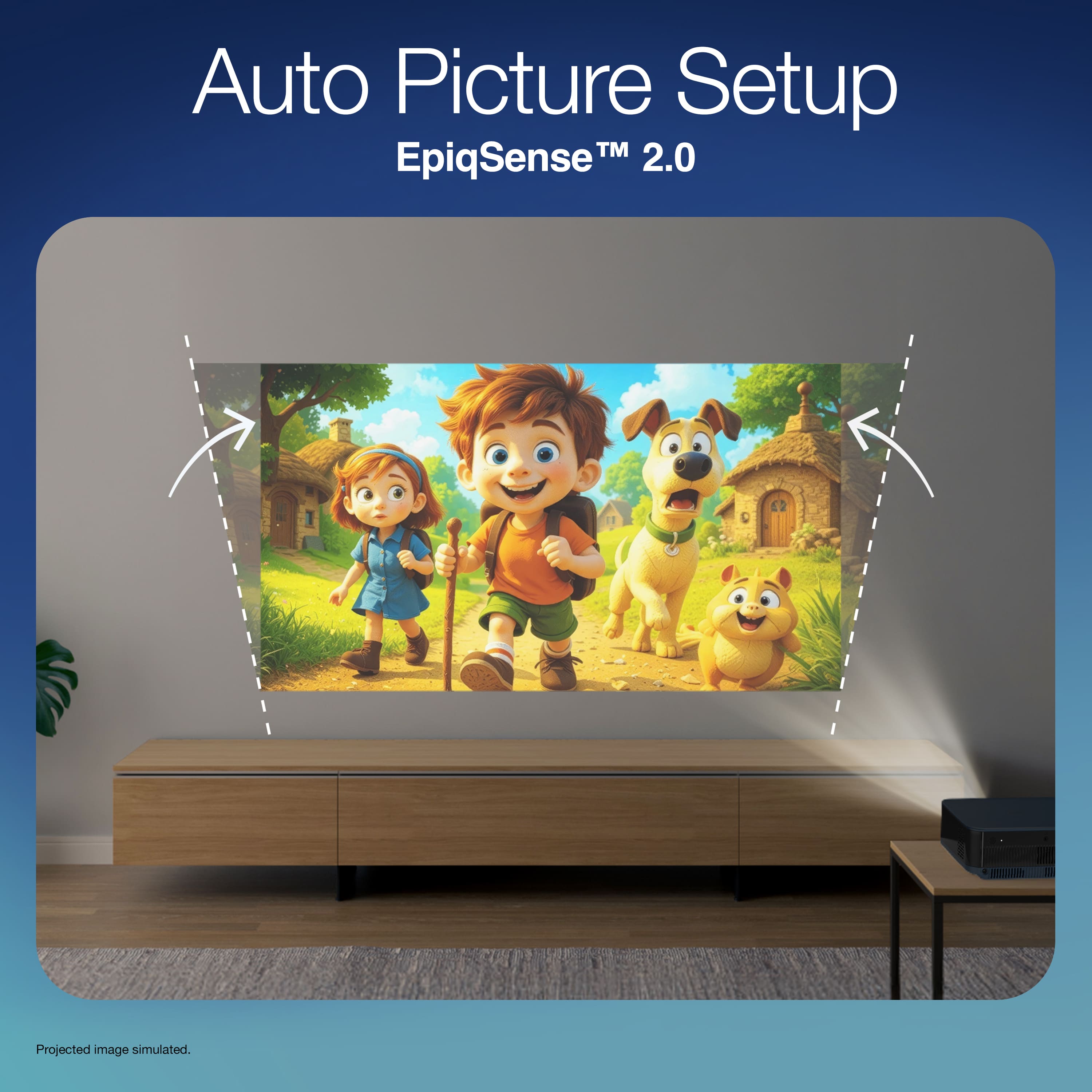
    • Answer Hello Nidhi. Please visit our official Epson Support page to download the user’s guide. On page 71, review the section titled 'Adjust the Position of the Image' for detailed instructions on how to adjust the projector. Regards, Kevin - The Epson Team.
      Answered by Epson

  • QuestionDoes this projector support mirroring from a computer or tablet without using chromecast? How good is the picture in a classroom with the lights on?

    Asked by moviewatcher.

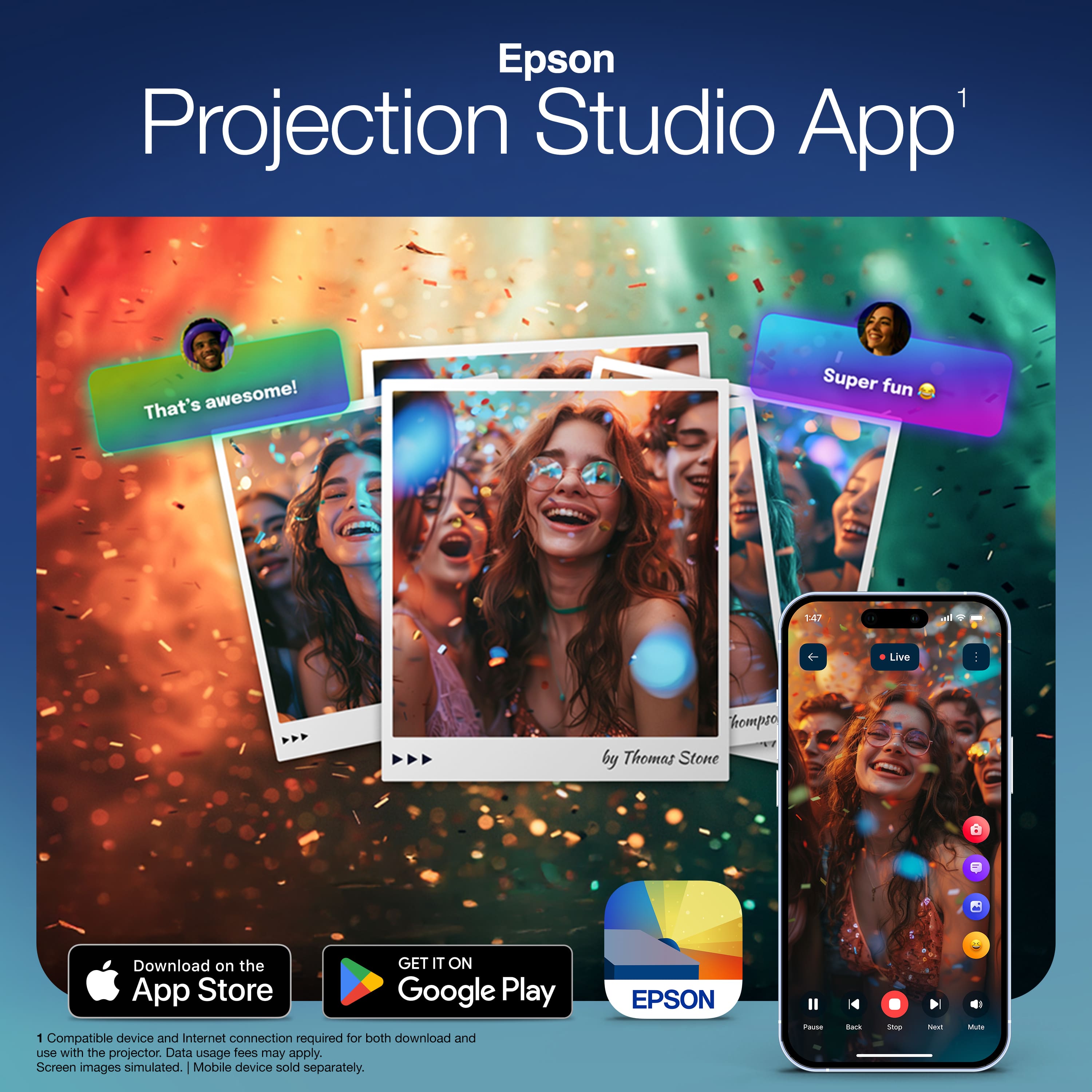
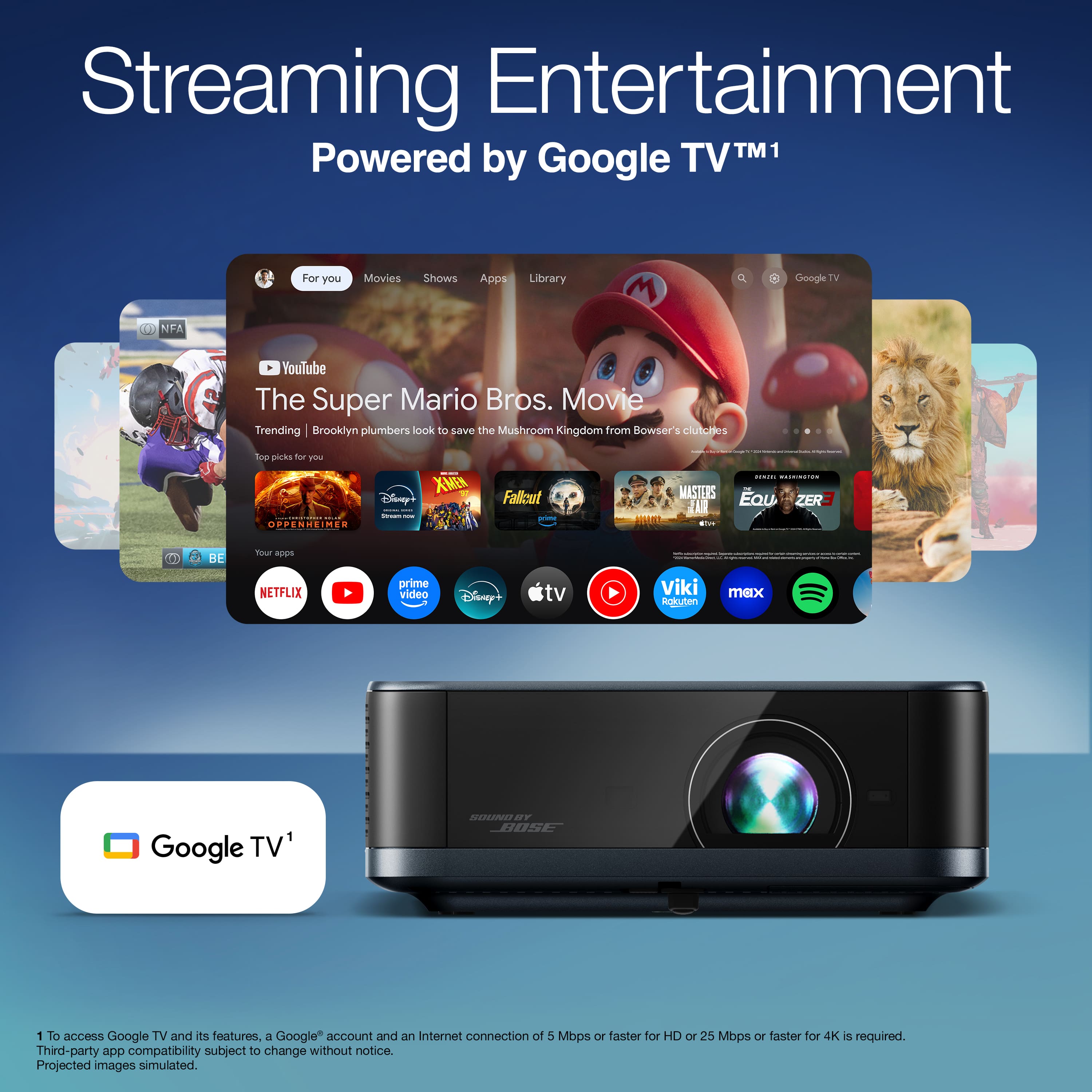
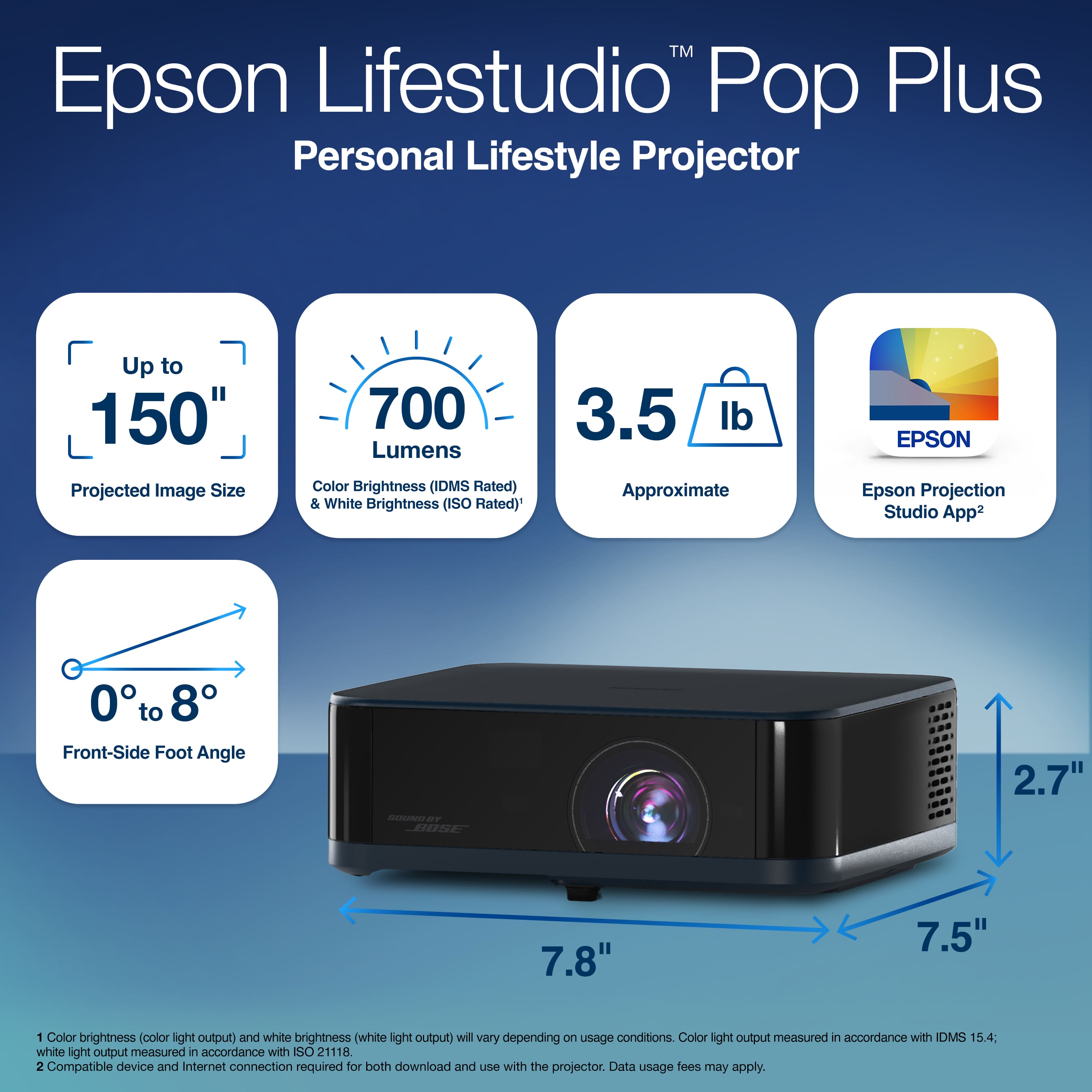
    • Answer Hello moviewatcher. The Lifestudio Pop Plus supports screen mirroring wirelessly only through Chromecast. If you’d like to share videos or display pictures as a slideshow, you can use the Epson Projection Studio app with a tablet. If your computer or tablet supports it, you can also connect it to the projector using an HDMI cable. With a brightness of 700 lumens, the projector is best suited for darker environments or rooms with dim lighting. Regards, Kevin - The Epson Team.
      Answered by Epson