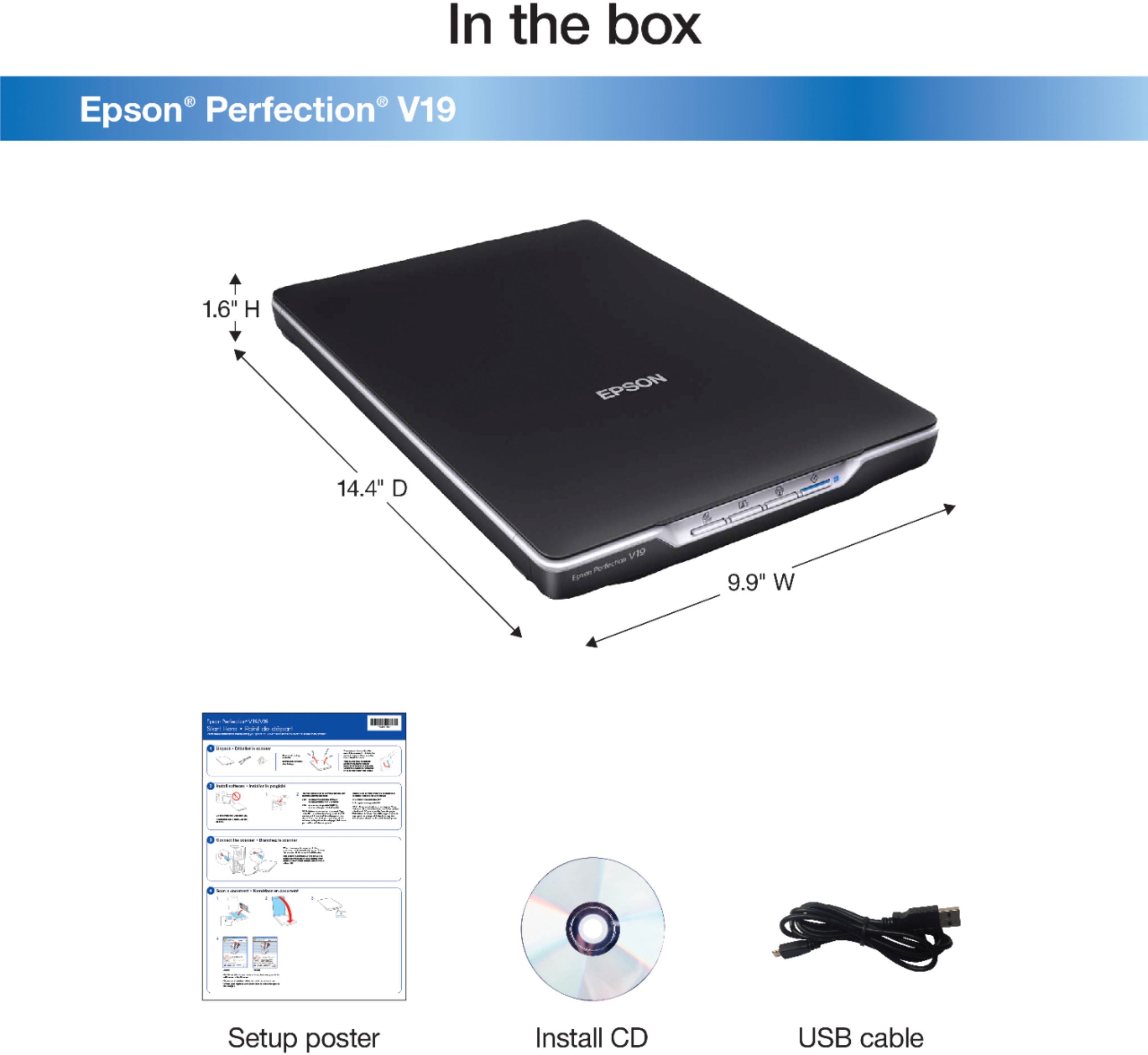
A:Answer-CD is 1st choice to install, if you have a built in cd device.
-I bought a auxiliary cd/dvd read/write unit that plugs into my laptop using USB connection. It is priced under $100. That’s how I install new devices when needed.
-Maybe you can go online to the website and get the install for free loaded from the online website.
“NOTE: you may want to create a cd or dvd to share your scanned items. The auxiliary cd/dvd read/write is a great unit.
A:AnswerSometimes mine does that too. When it does, the computer says that either this device is broken or that the computer simply cannot recognize it. What I do is plug it in, and then either shut off the computer or restart it, and then when it starts back up again the scanner turns on and runs normally.
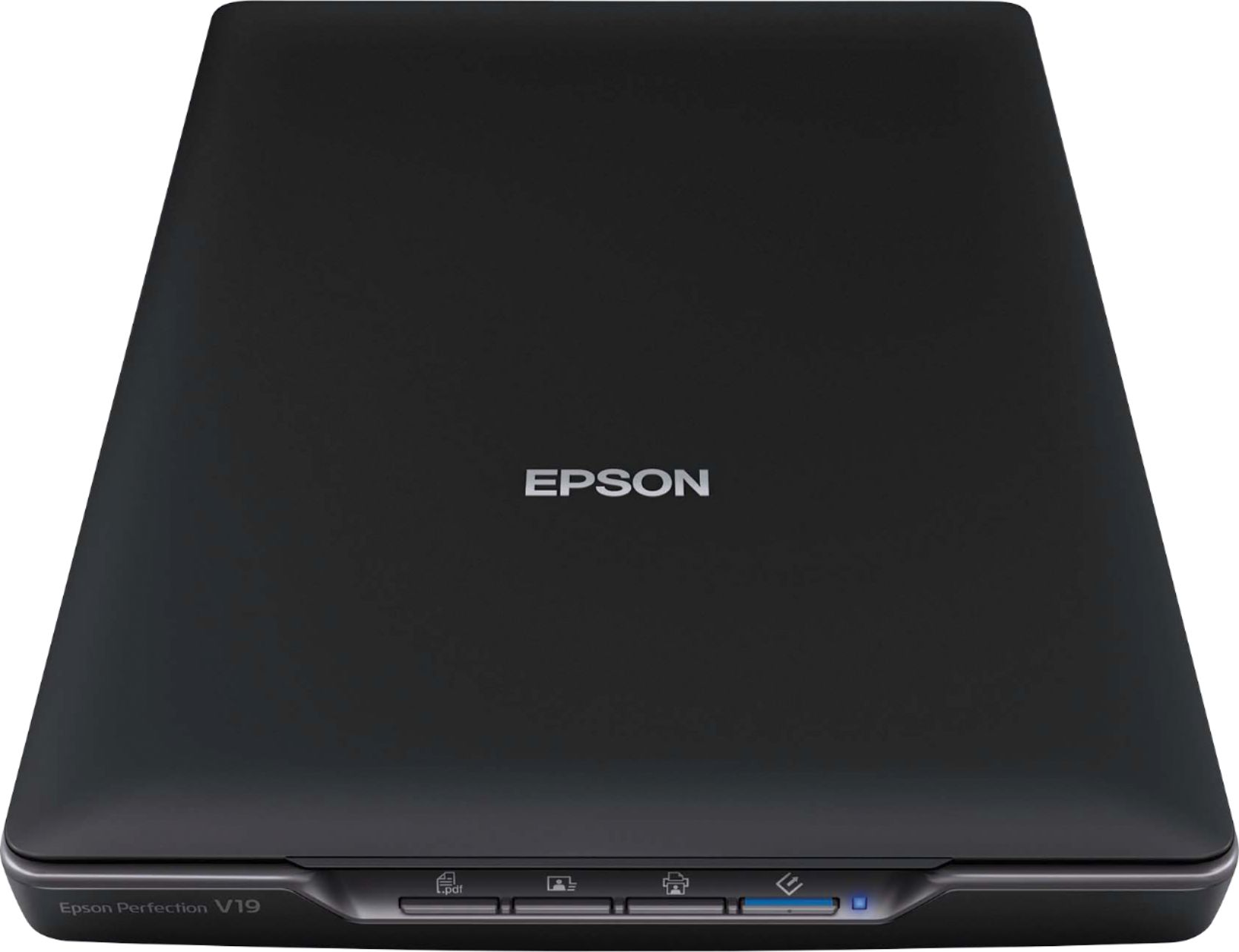
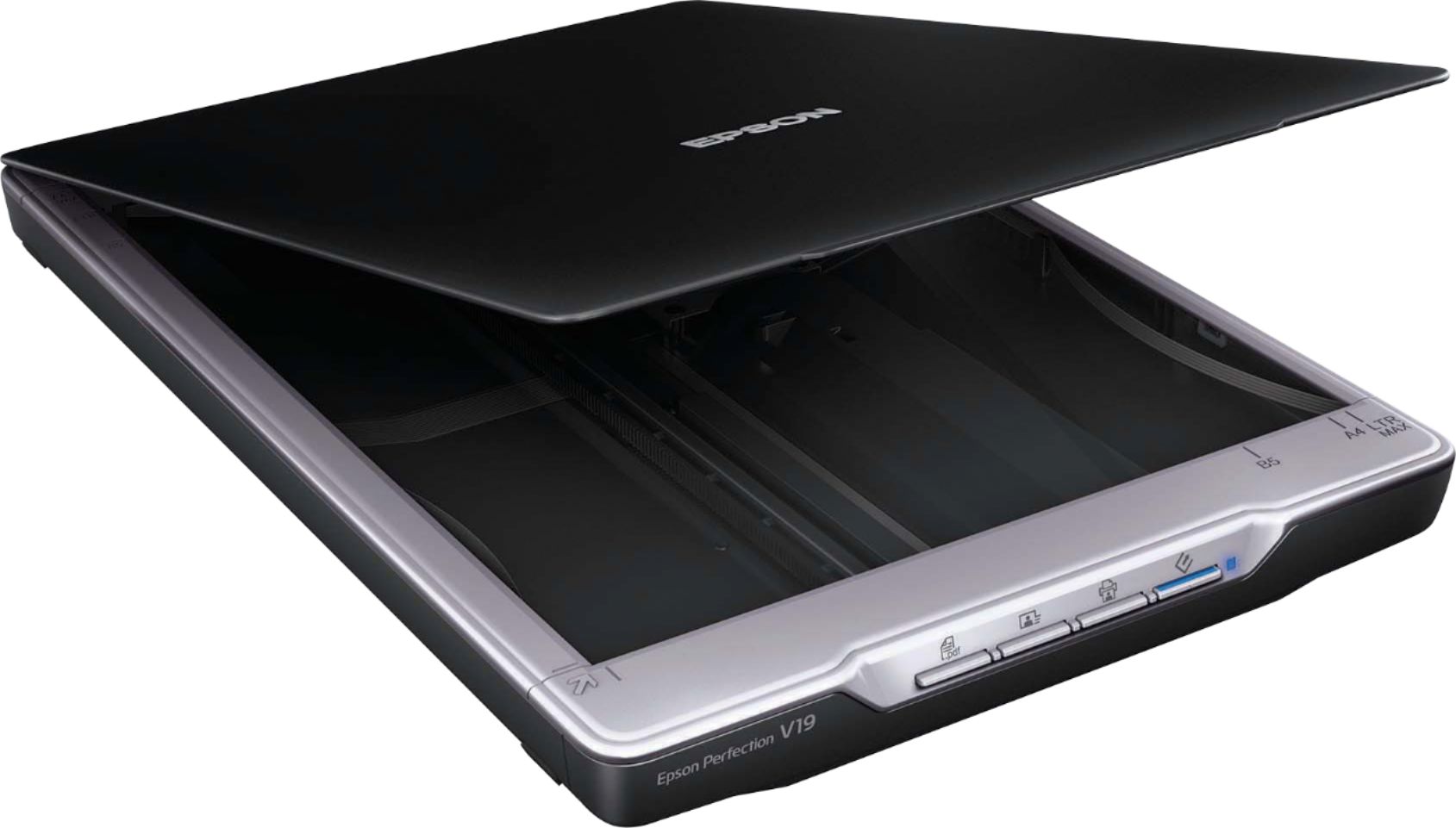
A:AnswerThis scanner only has one port and it is a USB port to plug into a computer with the cord included. When the scanner is connected to the computer, it will automatically turn on. Hope this helps.
A:Answer- Iv’e never scanned logos.
- This scanner has high resolution. I really scanning my albums to my computer.
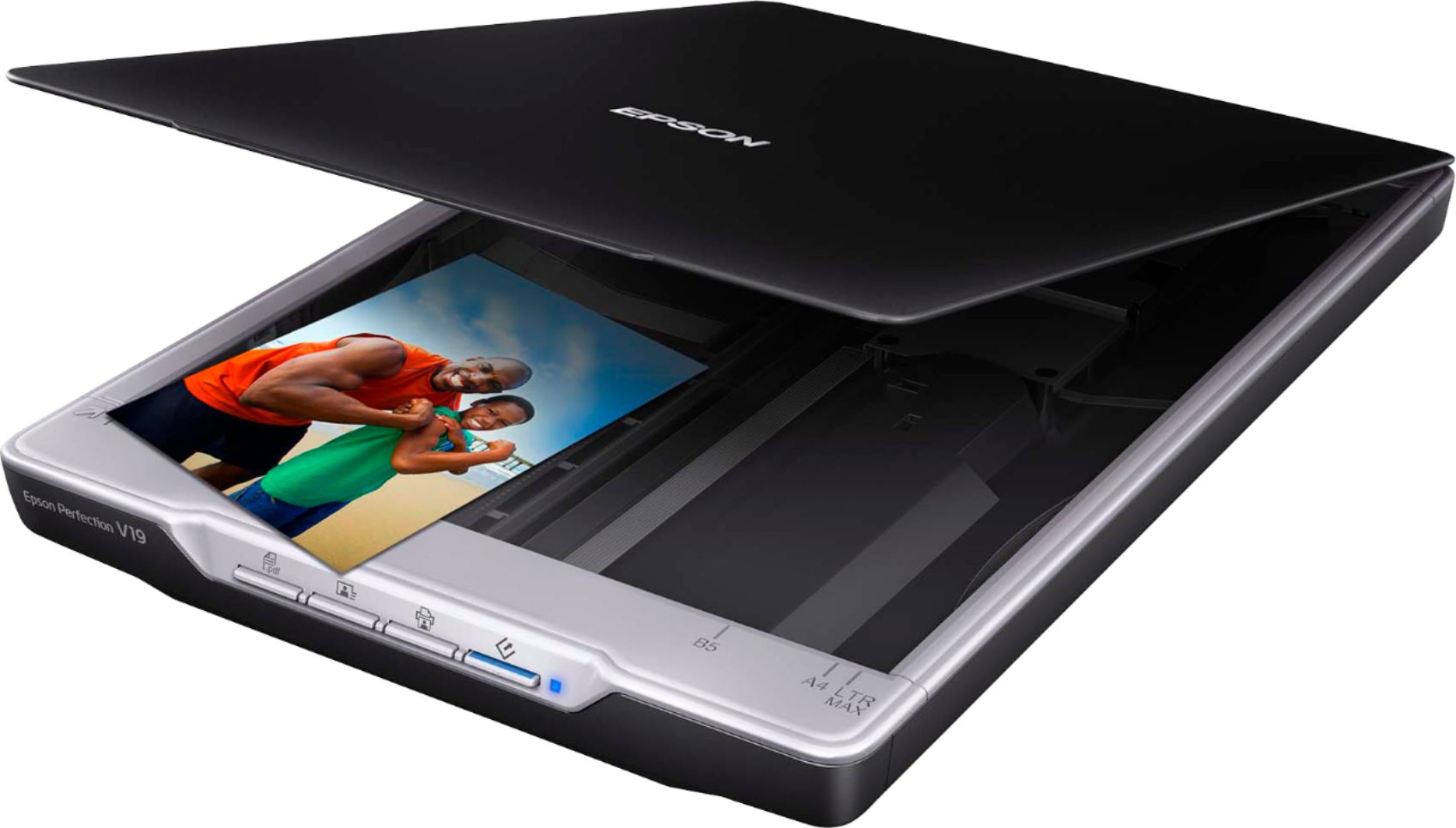
- The scanner lid is detachable. Great feature for bulky albums.
- I believe the question here is how much detail is in the logo, that will show up.
- Are you scanning Black & White OR Color.
- What format does your engraver use? I use the JPG format.
- The Users Guide is online and is free. Look it up and you can save and/or print.
-You will have to test out the scanner.
- The price is reasonably low and you may be able to return to Best Buy for money back, after testing.
- If I was in business, I would try this scanner.
- Good Luck on your research for a great scanner.