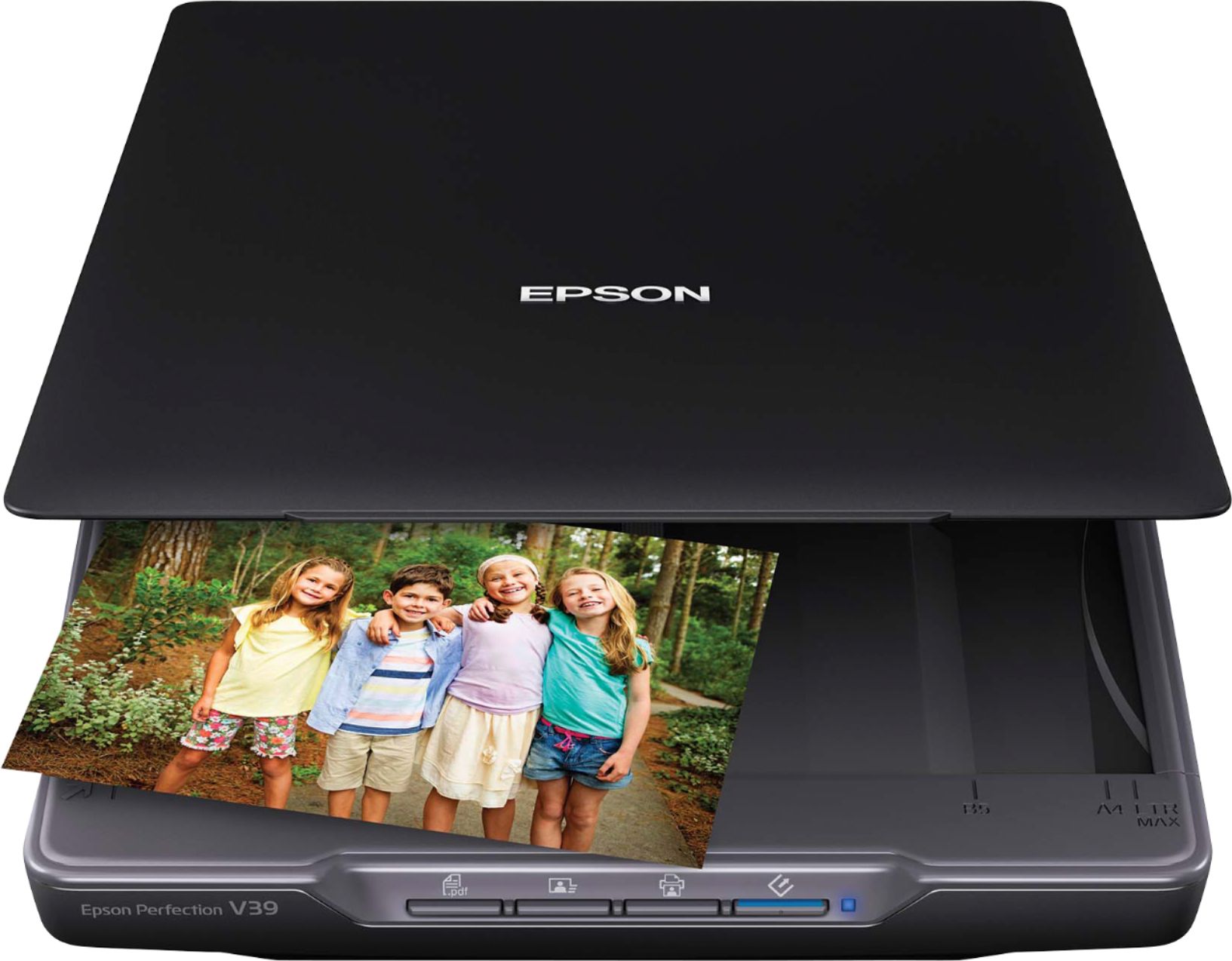
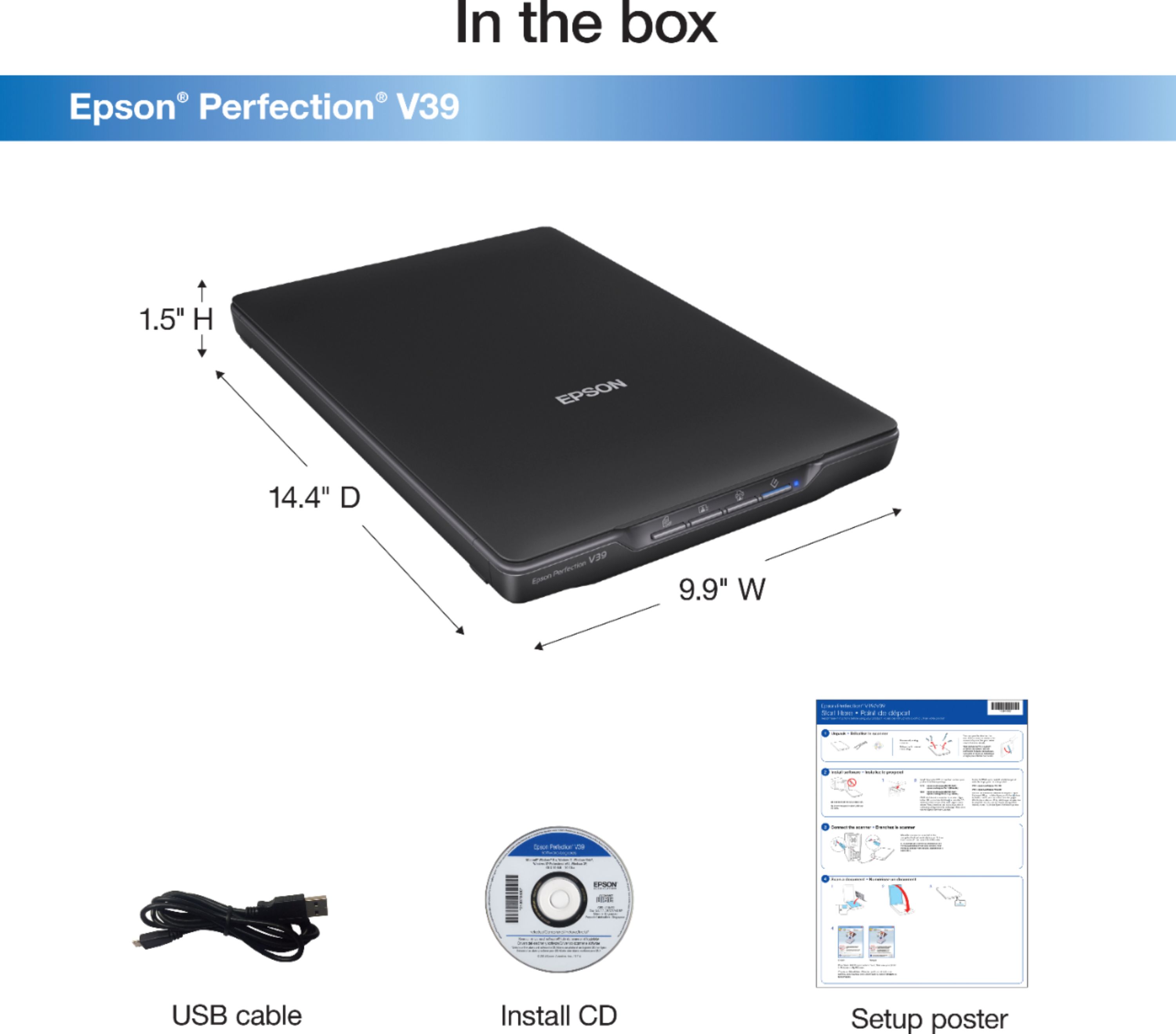
A:AnswerHad an Epson perfection 3490. Transported without moving the lock button- Now I have artifacts on scans--oop. Replaced with this V39. Software looks quite similar to the 3490; but the V39 has been much more prone to crash. Sometimes what works best is to power down the computer completely or at least restart. No, it has no power adapter--totally USB powered. I don't know if that has something to do with the problem or not. If you have re-installed the software you might need to remove and re-install drivers also.
A:AnswerYes. Works with both Windows 8 and 10. Scanner works great. Love being able to scan several photos at once - just need to give them a little space to acknowledge . Mostly use on old family photos to archive. Still haven't used as much as needed but is easy to do. Printing at a photo machine (Walmart, Walgreens, etc.) was challenging as some will need formatted for the size.
A:AnswerNot sure what you totally mean by that. there is no option in the scanning software that would allow you to put any sort of notation on the scan itself. You can however name the scan file with the description Within the guidelines of the windows/Mac file naming limitations. The software included controls the scanner operation only and I have found no added features for what I think you’re trying to accomplish.
A:AnswerI would make the assumption that this is compatible with Chromebook. Your best bet would be to check out their website to see compatibility or considering just purchasing the product, try it out, and if it doesn’t work return it under Best Buy is great return policy. This scanner is excellent with good quality and windows 10 compatibility.