A:AnswerHello MarineEngineer. Unfortunately, Epson does not currently have drivers available for the V600 to work on Microsoft Surface devices. For future updates, please visit our official Epson Support page. Regards, Kevin - The Epson Team.
A:AnswerYes at the Home settings but to scan at the the highest resolution use pro setting which is more hands on. The scan will only be as good as the original digital vs film.
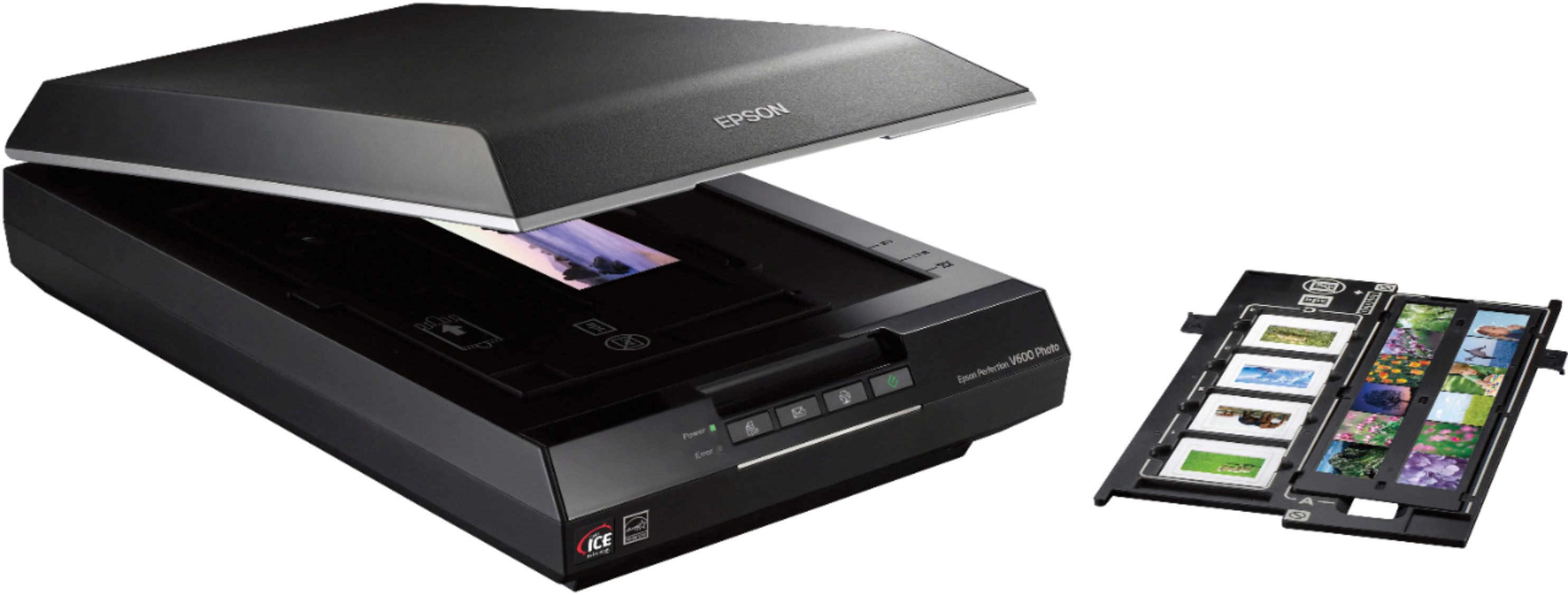
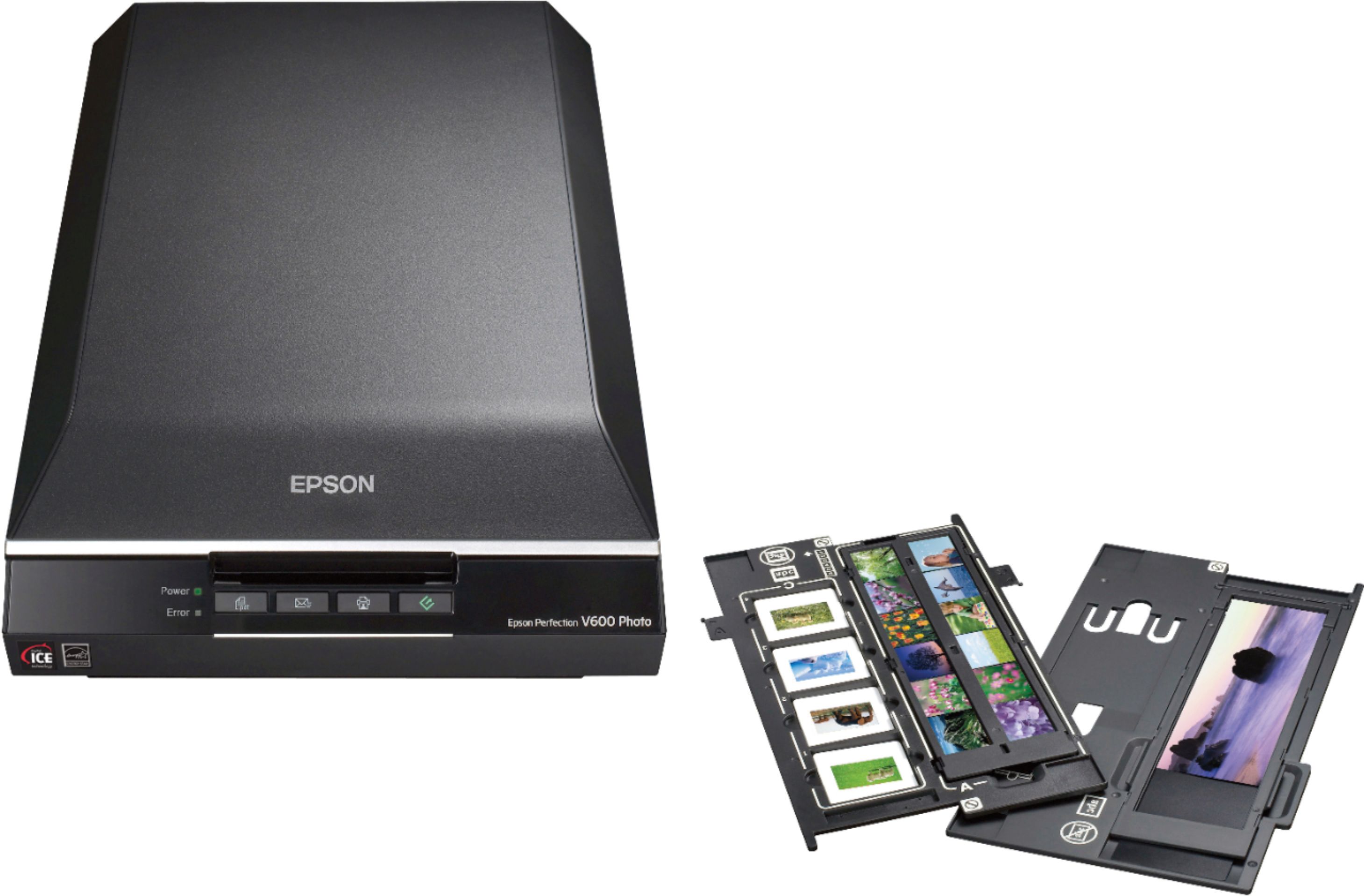
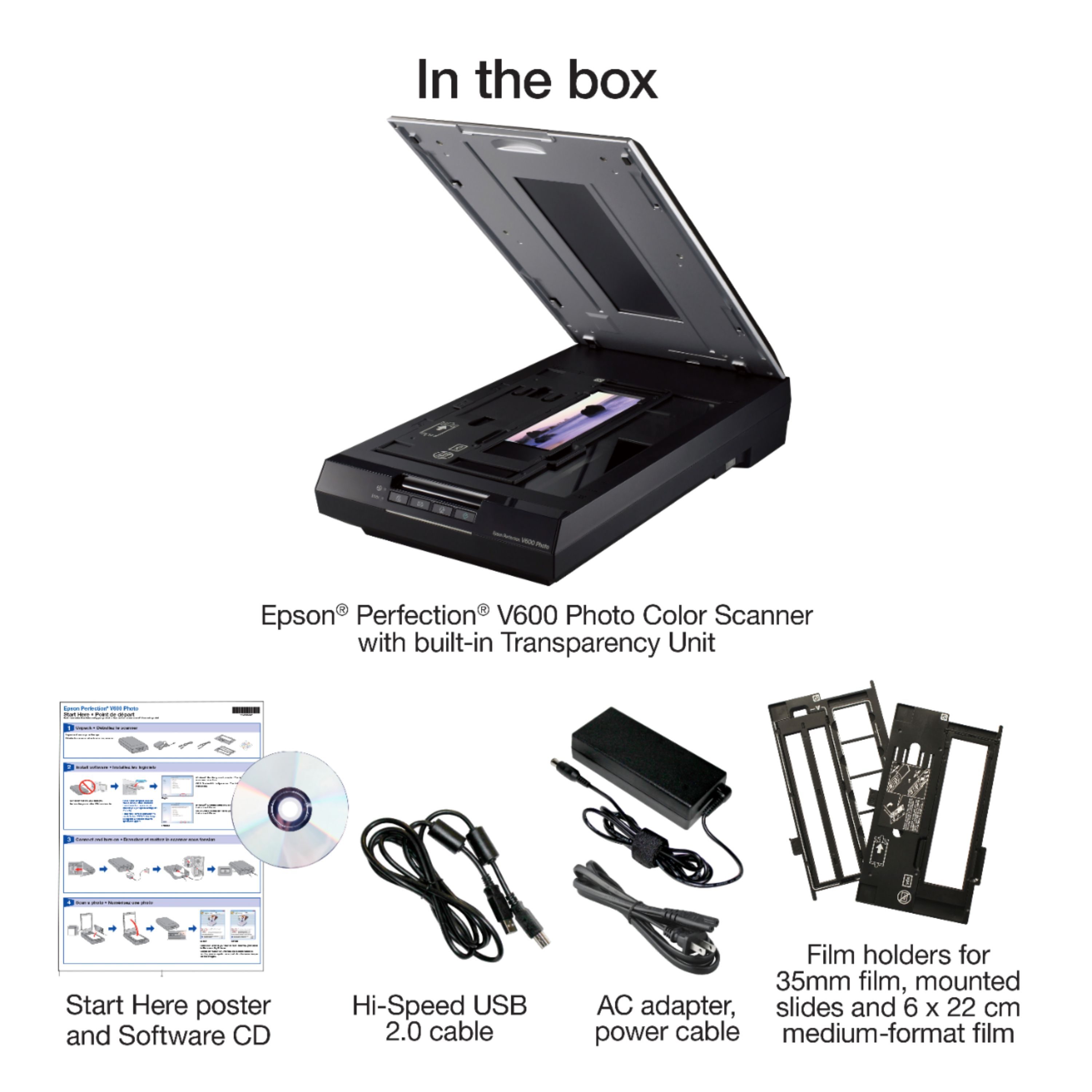
A:AnswerThis scanner has inserts to put film and slides in for scanning. I believe you could probably invent something to do your own custom positioning, but know that the width of the transparency light seems to be somewhere between 2 and 3 inches -- I can't get my 3"x5" transparencies in a single pass. I will note that I have been moderately successful scanning larger transparencies on this scanner by telling the software that I am scanning a reflective (like paper) document, and simply placing the transparency on the scanner bed, and then putting a mirror, reflective side down, on top of the film. If you have a big enough, perfect enough mirror, you can get a decent quality scan of even a letter-size negative. That would lend itself to your custom mount pretty well, I'd think.
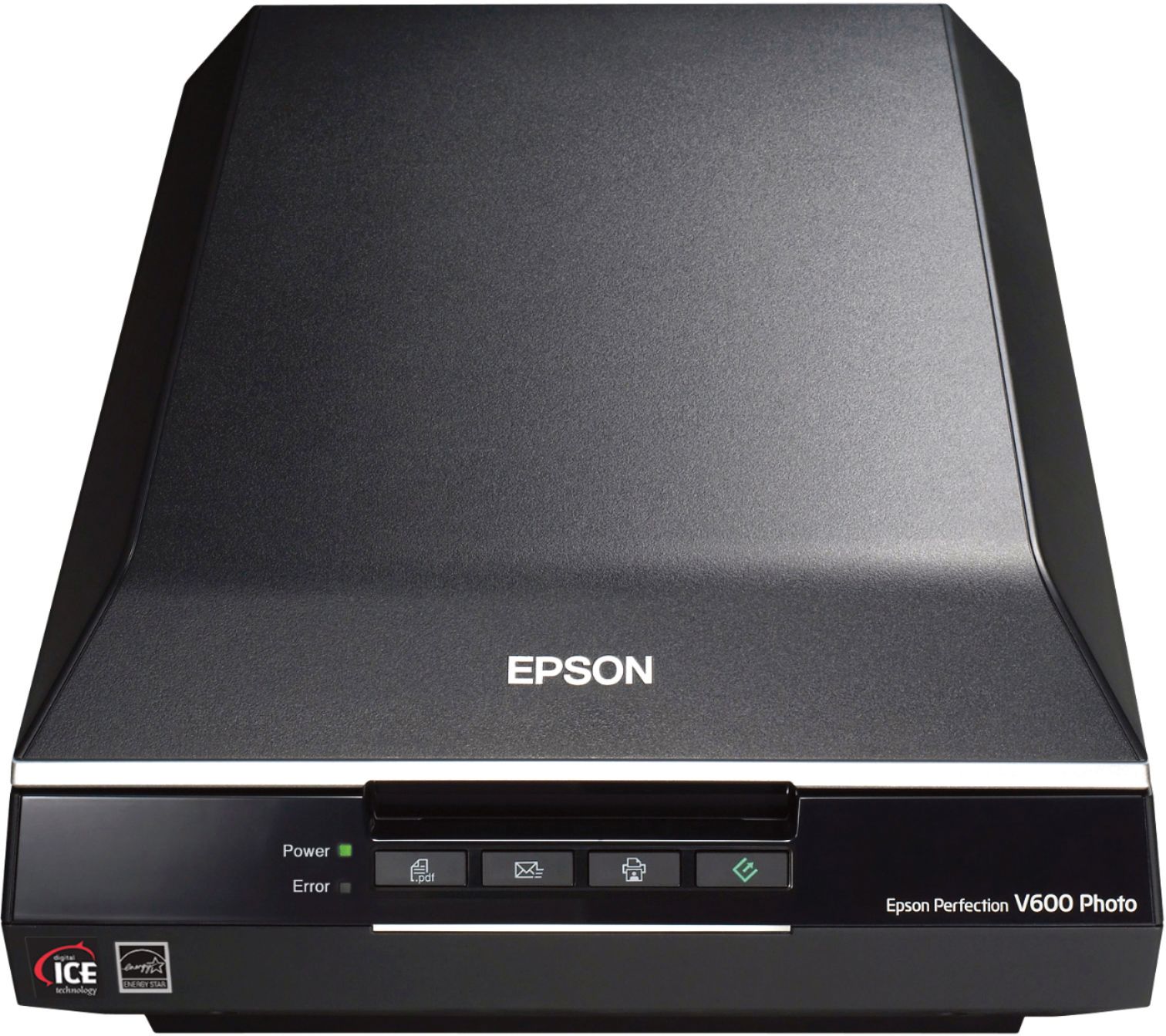
A:AnswerThis machine comes with several Slide Film adapters but I am not sure if the largest one with work for your Slides. I would suggest contacting Epson Support and they would have a correct answer.
A:AnswerHi Michael, Scan speed specs are not something we generally use as a benchmark for photo scanners. Customers tend to be more interested in color depth, resolution, sharpness, and other items that can indicate quality. These are the following official specs that we have available; the V600 does offer Full-Color Scan – approximately 21.00 msec/line at 6400 dpi, while the V39 offers Color 600 dpi approximately 30 seconds. I hope this helps. Regards, Kevin - The Epson Team.
A:AnswerHi MacPerson. The Epson V600 Photo Scanner is compatible with computers running the MAC OS 11.x.x operating systems. If you need more information, visit the official Epson Support website. Regards, Kevin - The Epson Team.
A:AnswerHi PNWLinda, The Perfection V600 comes with a four frame holder designed for standard, non-glass-mounted 35mm slides. As long as your glass-mounted slides will fit into a standard slide projector, then they should fit the V600's slide holder. It may be a problem getting a high-quality scan due to extra glass layers. If your slide mounts are not the non-Newton variety, then it may be better to remount them in plastic mounts before scanning. Regards, Mark - The Epson Team.
A:AnswerHi Vickie. The Epson Perfection V600 is compatible with computers running the MAC OS 11.x operating system. If you need more information, visit the official Epson Support website. Regards, Kevin - The Epson Team.
A:AnswerHi Migs. No, the Epson Perfection V600 Photo is only compatible with Windows 7, 8, 8.1, and 10 or Mac OS 10.6.x - 11.x. Regards, Bobby - The Epson Team
A:AnswerHi upnorthscanner, A Perfection 3200 driver for the 32-bit version of Windows 10 is available on the Epson support site. Sorry but we did not release a 64-bit Windows 10 driver. Regards, Mark - The Epson Team.
A:AnswerHi Steve. The Epson Perfection V600 is compatible with computers running the Mac OS 10.15.x and 11.x. However, you'll need to download the updated version of the scanner driver and Epson Scan utility. For more information, please visit the official Epson Support website. Regards, Bobby - The Epson Team.
A:AnswerIt does come with adapters for multiple size slides/negatives. I recommend downloading the PDF of the operator manual and look at the specifics sizes it supports. That's what I did. I have a lot of 35 mm slides and negatives and it can scan a lot more options than my old Canon.