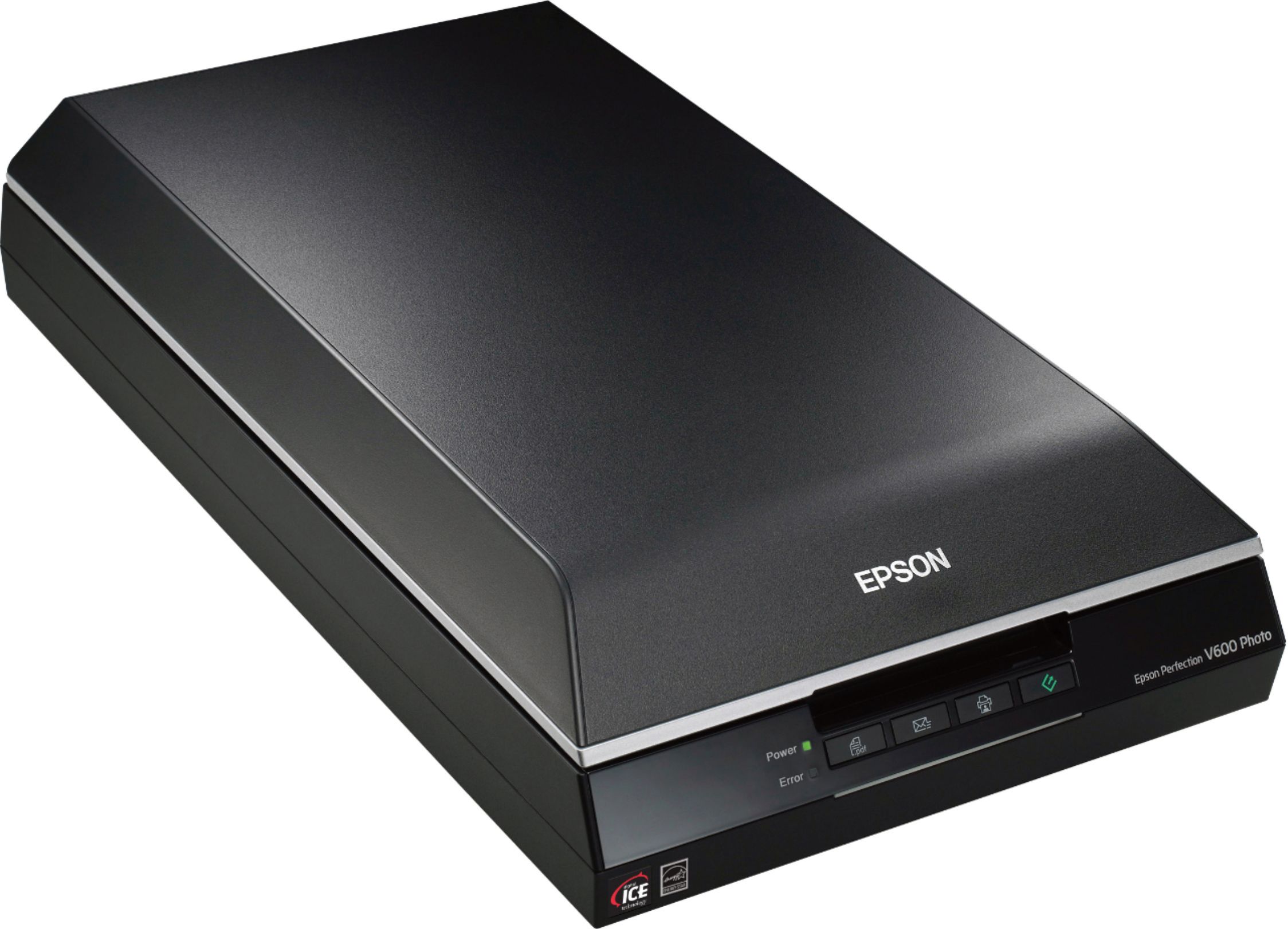
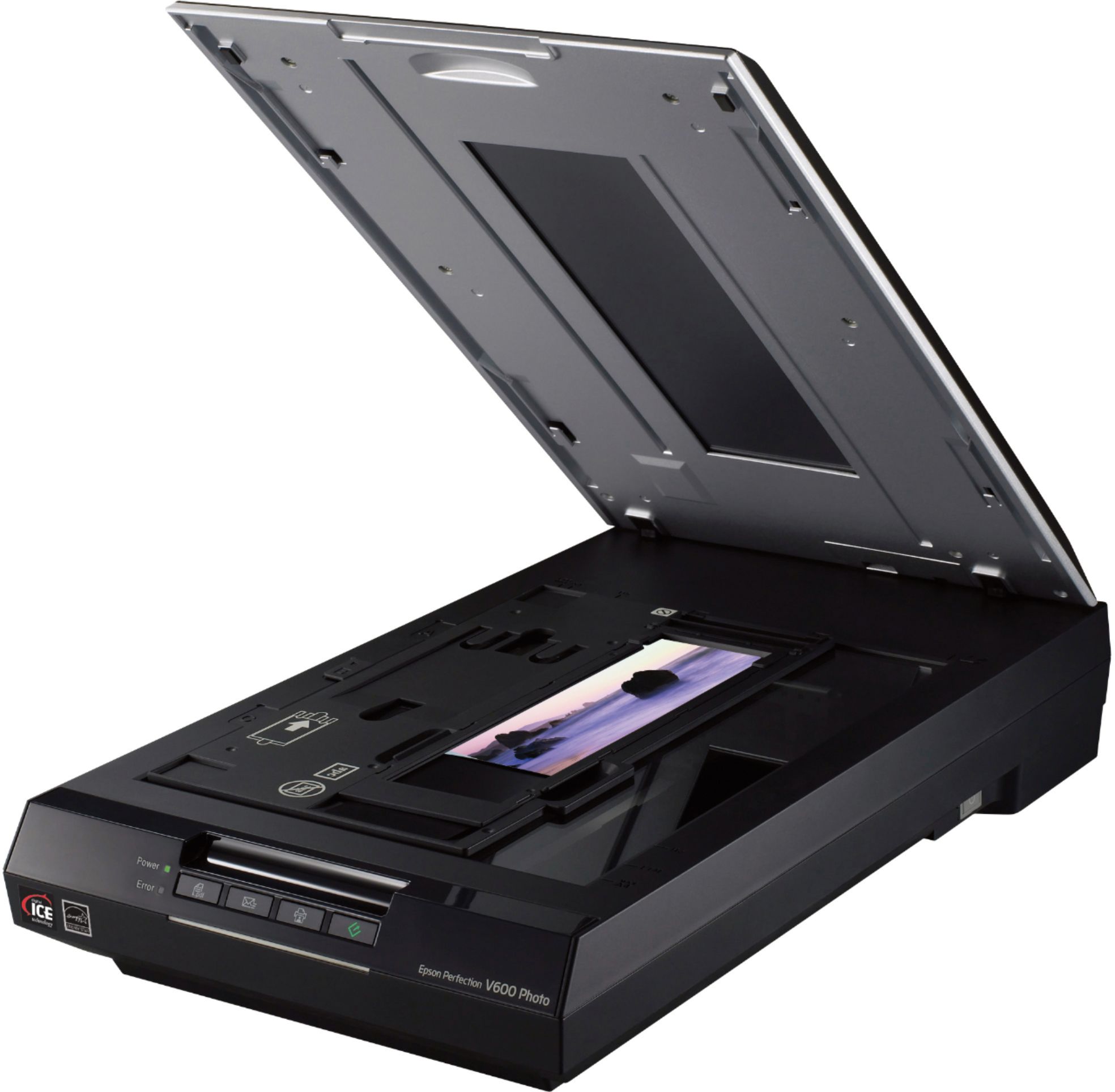
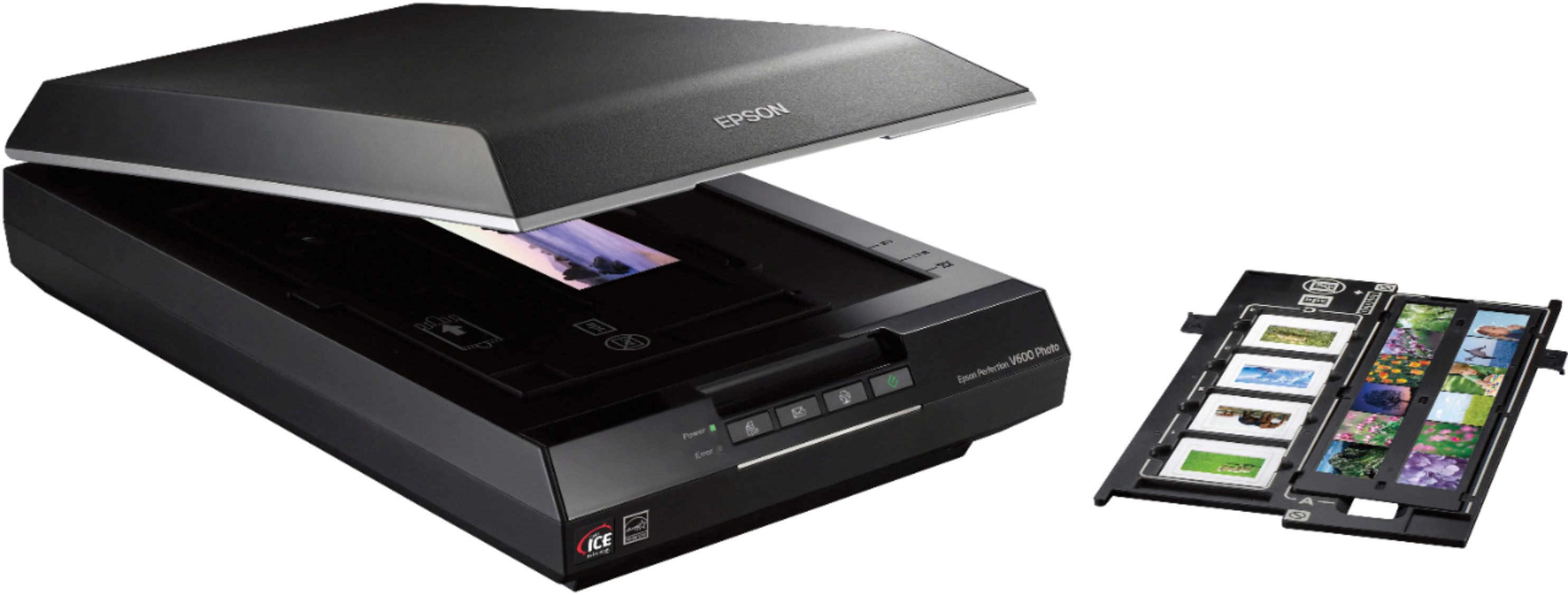
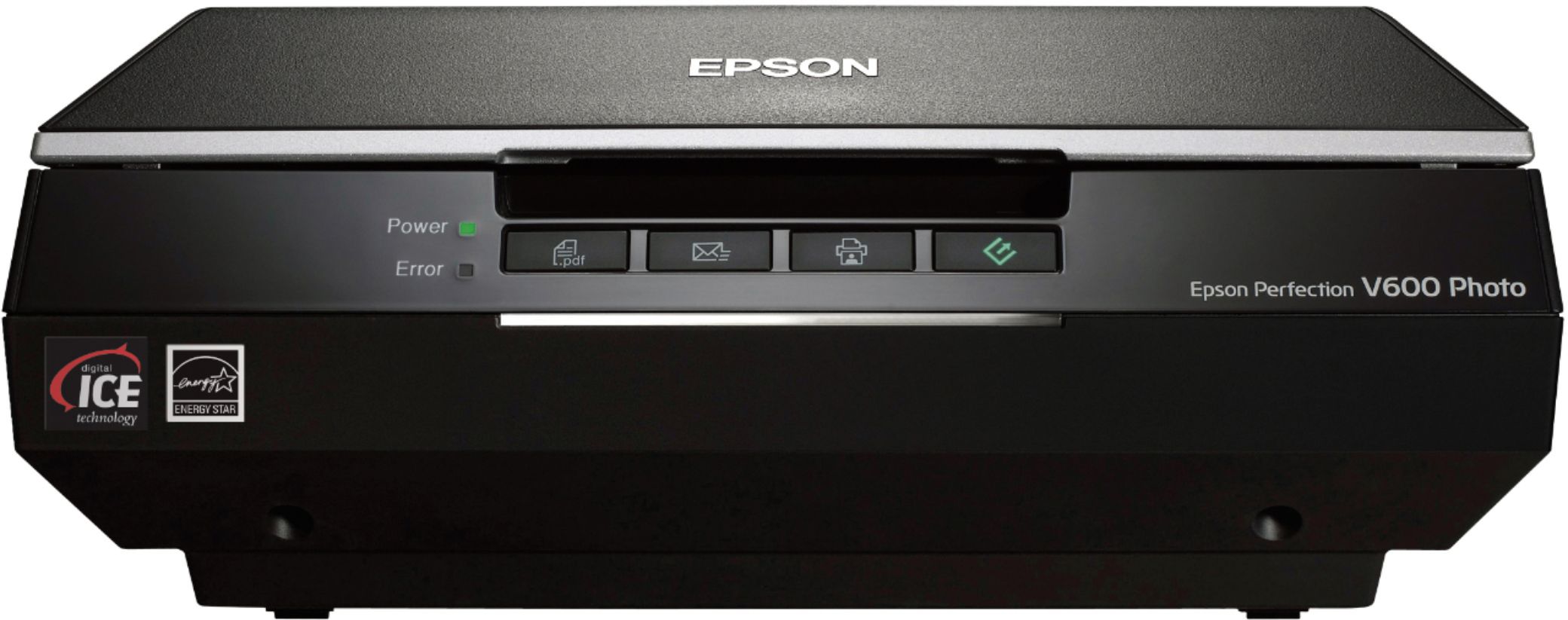
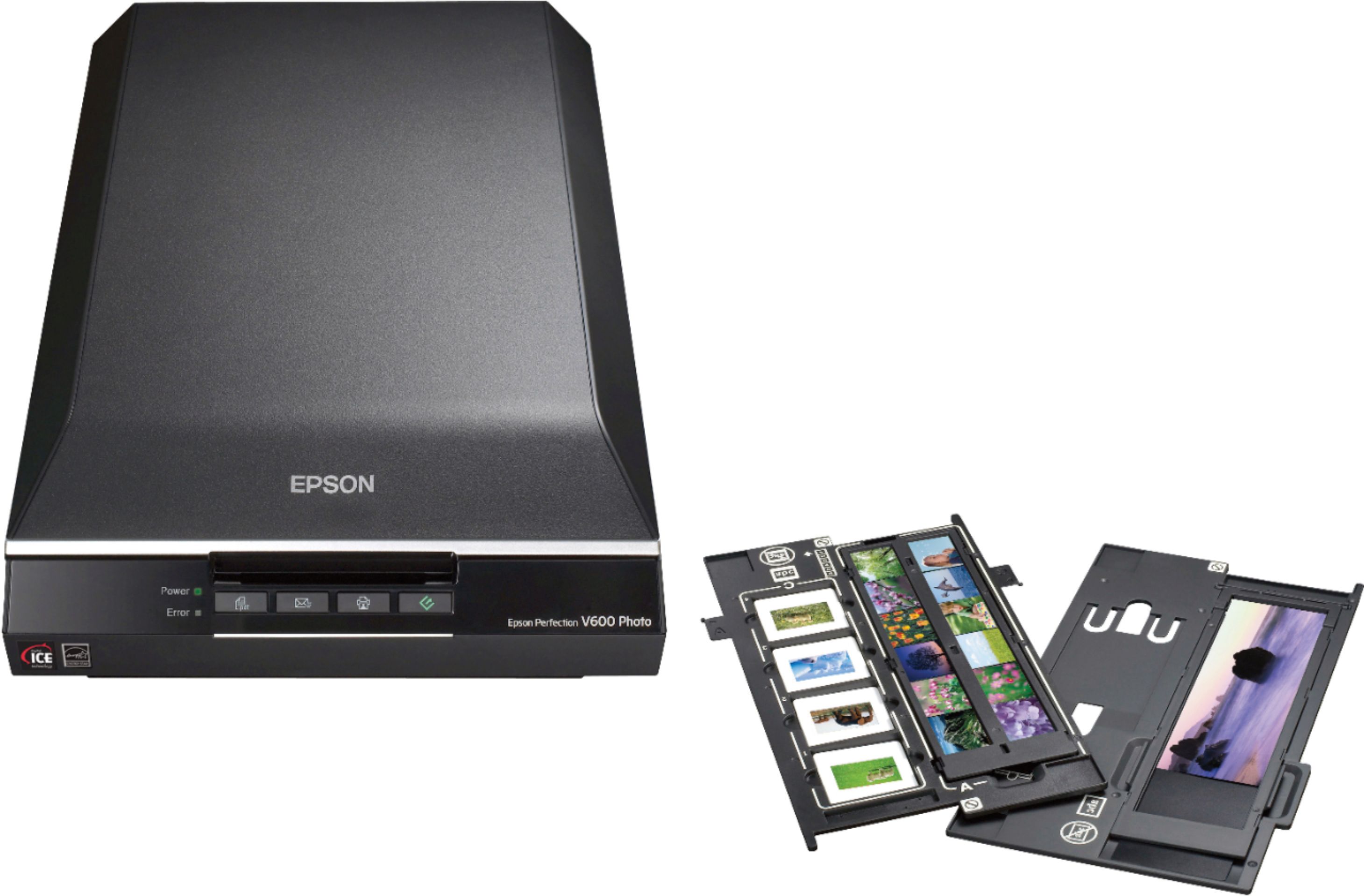
A:AnswerYes, the Epson V600 works wonderfully with 35mm mounted slides. I recently scanned about 1100 old, colored 35mm slides and am well pleased with the results. The time required to scan depends on what settings are used. I scanned on Full Auto Mode at 300 dpi Resolution, which was fine for my purpose of printing up to 5 X 7, sharing with friends and posting on Facebook. I also checked the separate boxes for Dust Removal and Color Restoration. The Color Restoration did a good job of restoring natural color to some of the old "orange" slides. The rack for scanning 35mm slides holds four slides. So, I scanned four slides at a time which took between 4 and 5 minutes to complete all 4. It took me a few minutes to learn I had to move the curser slightly following each slide so the scanner would proceed to the next slide until all 4 were done. After turning the scanner on I controlled all the settings from my computer after opening the EPSON Scan app installed the computer. Click the on screen "customize" tab to choose your settings, then click on "File Save Settings" to make where to file choice/name selections.
Happy Scanning
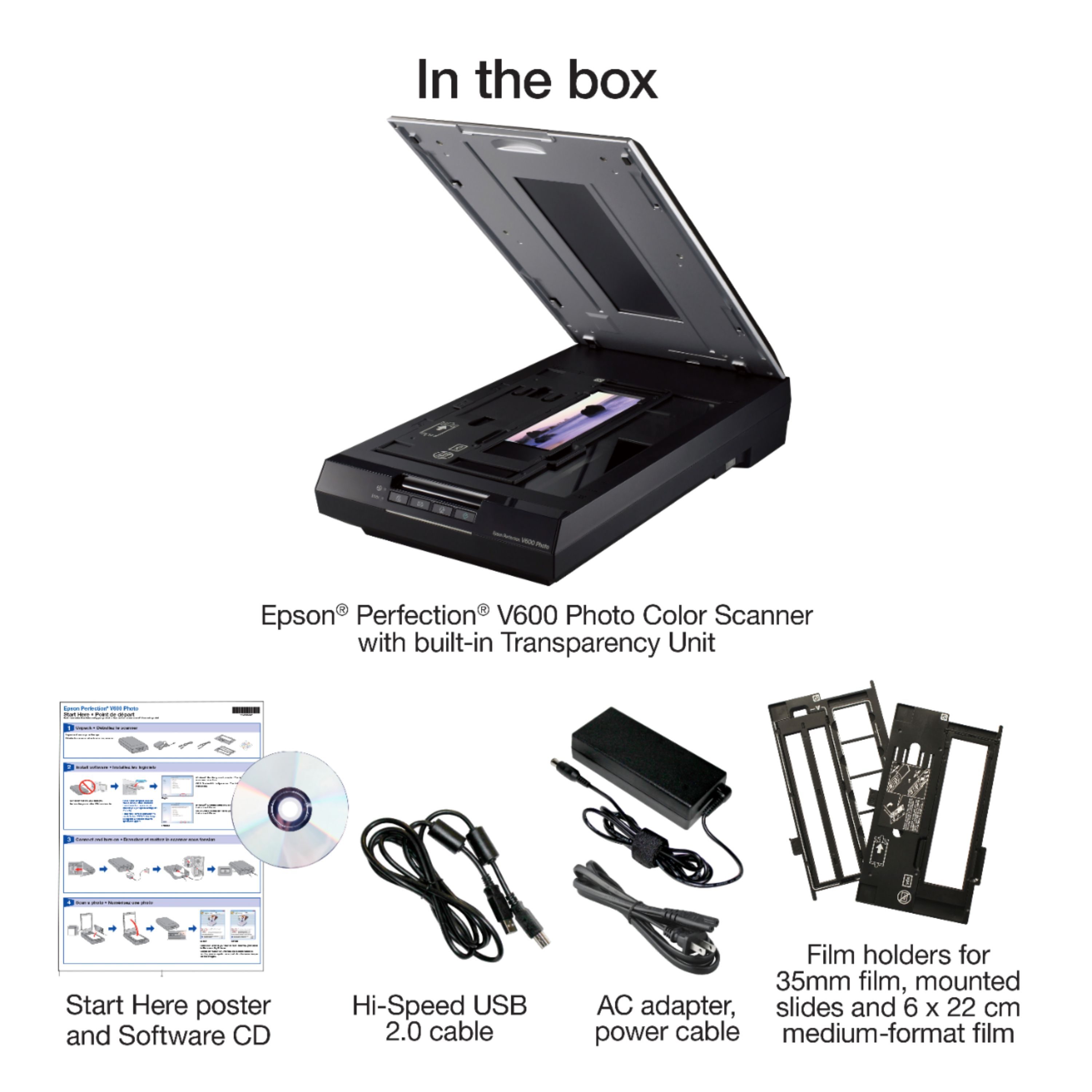
A:AnswerYes, it is the V600 supposed to come with the Adobe Photoshop Elements DVD but was not
included with my package and I sent it back. They sent another. Also with no promised included
DVD. If you expect what's included to be there, think again.
A:AnswerThe Epson Scanner will work; however, Digital ICE will not work. And Epson’s fix is providing a license to Silverfast SE. Unfortunately, the software is v8.8.0 and the latest software is v9.0, which came out in December 2020. After calling Epson customer service today, Epson has no plans to allow customers to update to Silverfast v9. So you would be buying an obsolete scanner with obsolete software. You can always buy Silverfast 9.0, but it’s $99. About half of the price of the scanner.
A:AnswerHello. Yes, the V600 Photo Scanner can save the scanned image as a Searchable PDF. You can choose Searchable PDF as the File type setting and select the OCR (Optical Character Recognition) language. Regards, Kevin - The Epson Team.
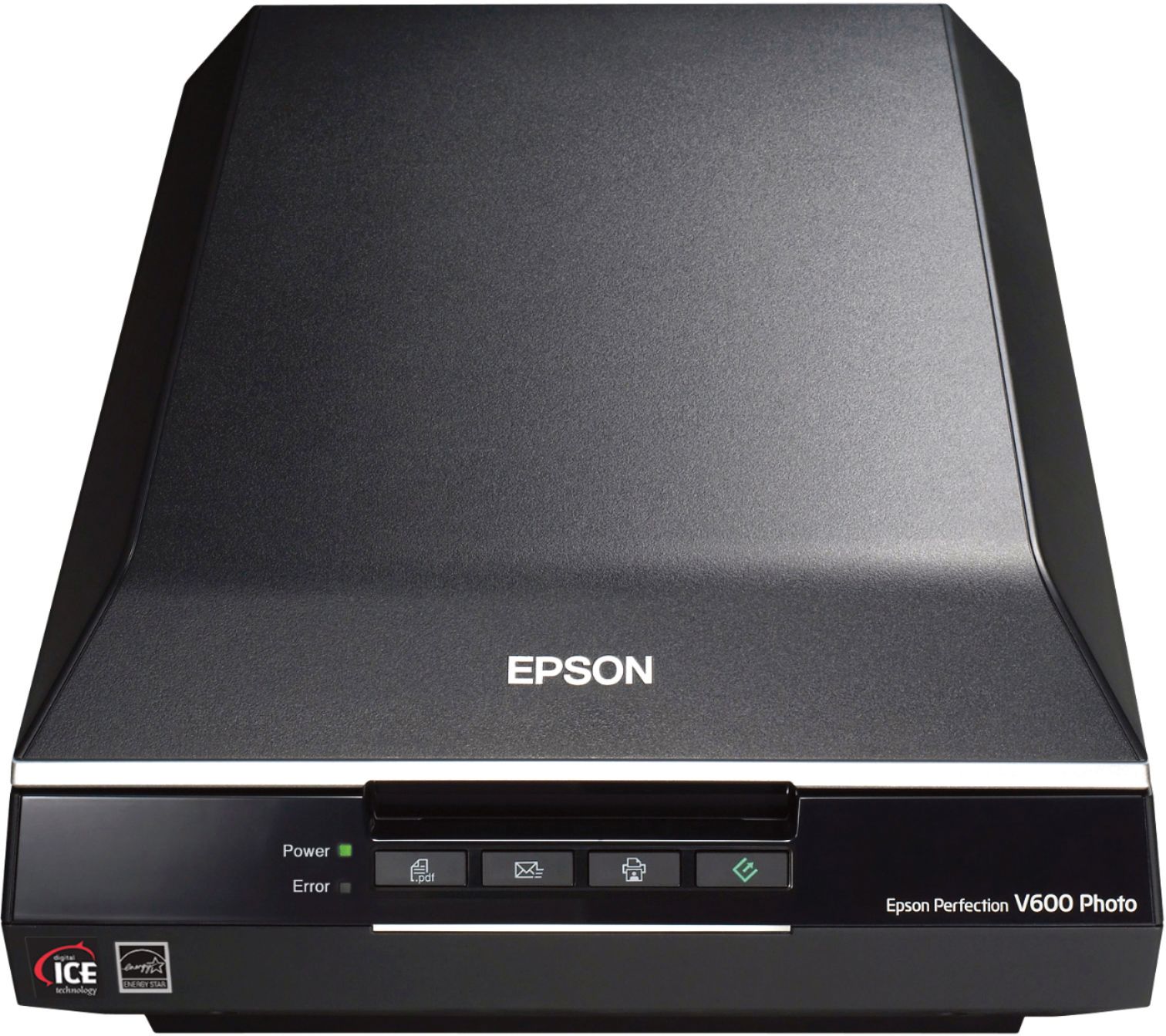
A:AnswerHello Nick. The V600 Photo Scanner dimensions are Width 11.0 inches, Depth: 19.1 inches, and Height: 4.6 inches. Regards, Kevin - The Epson Team.
A:AnswerHi Appy4b, You can use Perfection V600 and the included Epson ScanSmart software to scan and upload photos to Dropbox. This option is available for Windows computers. ScanSmart software is not available for Macs at this time. Regards, Mark - The Epson Team.
A:AnswerThe official answer is Yes. However, a 110 film holder is not available to scan this film size (16mm). To scan 110 film, place it face-down on the document table. (Your images and any wording on the film strips should appear backwards on the side that faces up).
A:AnswerHello. Unfortunately, the V600 Photo Scanner does not include wireless connectivity and cannot be used as a printer. The scanner only supports a standard USB connection. Regards, Kevin - The Epson Team.
A:AnswerHello steve. Yes, you can use the Epson ScanSmart software to stitch larger photos together. You will also need to use the Epson Scan 2 driver for the software to function properly. The ScanSmart software is available directly on our official Epson Support page for download. Please get in touch with our Technical Support team; we will need to provide information on how to acquire the Scan 2 driver directly as it is not available on our website. Regards, Kevin - The Epson Team.
A:AnswerHi senyah, The Perfection V600 requires a connection to a computer to scan. The capability to save scans to a memory card of USB flash drive is more common in Epson's WorkForce line of all-in-one printers. Regards, Mark - The Epson Team.
A:AnswerHi CA, The Epson Perfection V600 photo includes ArcSoft Photo Studio, not Elements. It is compatible with Windows 10 Home Edition. Regards, Mark - The Epson Team.
A:AnswerHi DesertRatSGU, The V600 includes a 120 mm-size film holder. It is 6 x 22 cm, so it can hold three of the most common size 120 mm negatives. Regards, Mark - The Epson Team.
A:AnswerHi LisaB, all Windows 10 drivers and software for the Perfection V600 are available for download on the Epson support site. Regards, Mark - The Epson Team.
A:AnswerHi karl, The Epson Perfection V600 Photo scanner maximum scan area is 8.5" x 11.7". Hope this answers your inquiry. Regards, Eduard - The Epson Team.