A:AnswerYes it works with great with High Sierra 10.1.6. Not sure about Sierra 10.1.2. Upgraded to Catalina trying to find a update for the scanner to work with Catalina.
A:AnswerYes, it works just fine on macOS 10.15.1
Just go to the Epson site first, and download about 3-4 Epson downloads required for Mac's.
Once downloaded, follow the proper sequence for the Epson hardware install per their install sheet...approx 4-5 steps, and it will work fine!!
I use mine mainly for creating pdf files, and a few copy events. So far, mine has worked flawlessly.
Don't quite understand why a few users here, are saying that it will NOT work?? On the other, guys generally hate to follow "directions"! :-)
As for myself, well.....perhaps I've finally "evolved"!
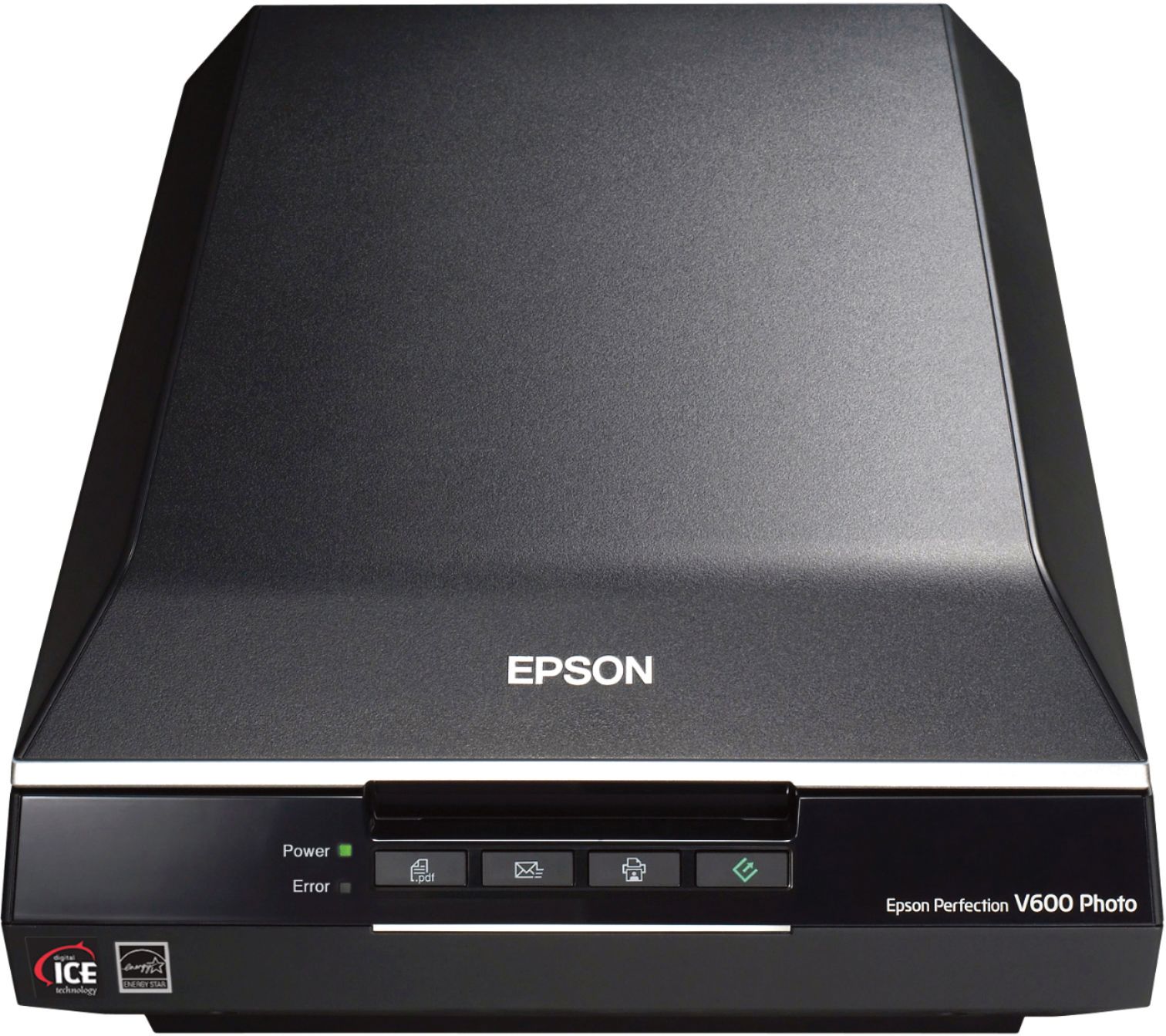
A:AnswerYes, you can! I was in the same position a few weeks ago and found this! https://epson.com/Support/Scanners/Perfection-Series/Epson-Perfection-V600-Photo/s/SPT_B11B198011
A:AnswerThere is no TWAIN driver for 64-bit operating systems. Therefore, if you wish to scan directly through Photoshop Elements from the Import menu on a 64-bit system (which is basically every modern system available now) then you are currently out of luck. You would have to use the desktop EPSON software to scan the image and then use/edit it in Photoshop... Which is why I returned it. Otherwise it works well and is a nice scanner!
A:AnswerNot hard at all. After clicking "Scan" button you are given the option to select or create a new folder to put scans into.Also a filename and incremental numerical sequence can be created to sort and organize by name.
A:AnswerJust GOOGLE: " difference between V600 and V500
The big difference is that the V600 uses I.C.E technology for photos as well as Film negatives & Slides, the V500 only for Slides & Film.
A:AnswerThere is no memory card slot on the scanner. It scans to a save location of your choice on your connected computer. I have it save to the desktop, in a folder for each project on my Mac.