No content
Questions & Answers
- Model:
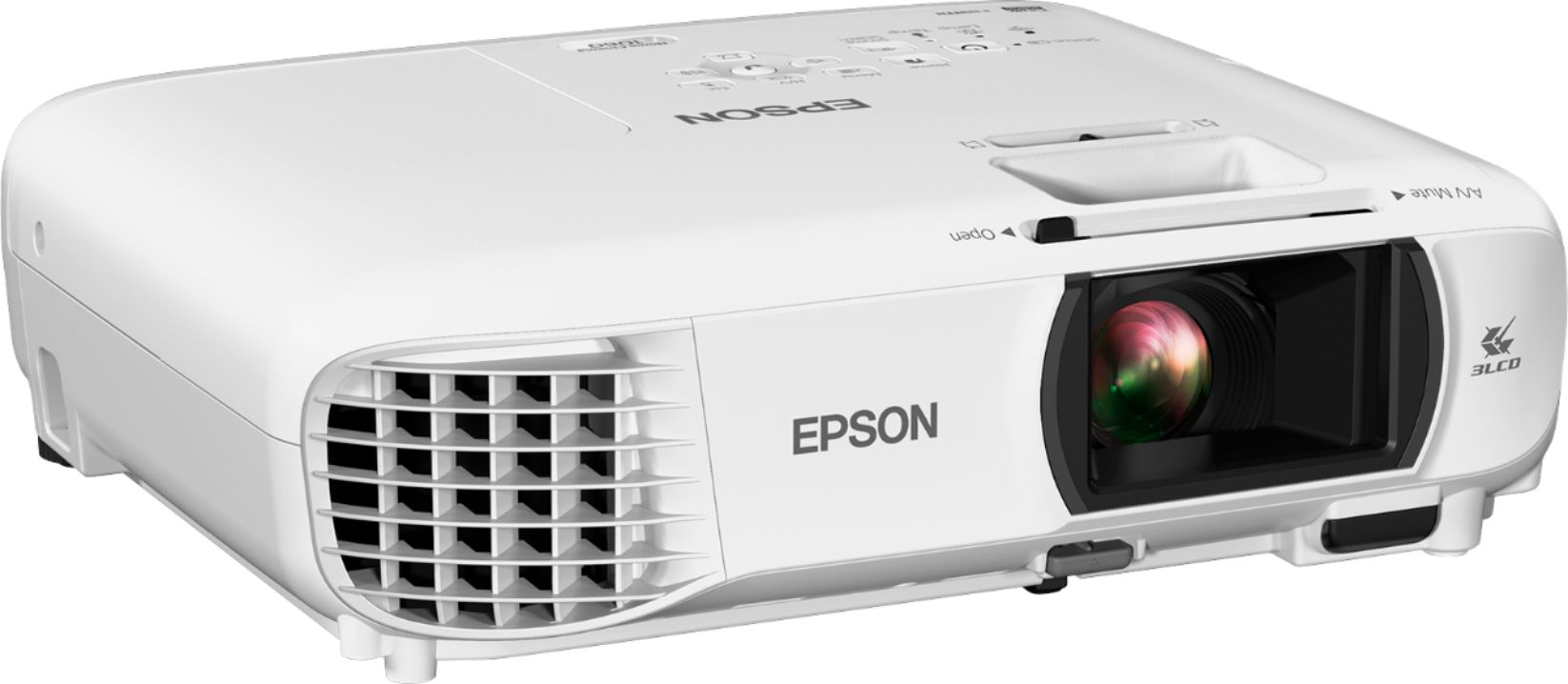
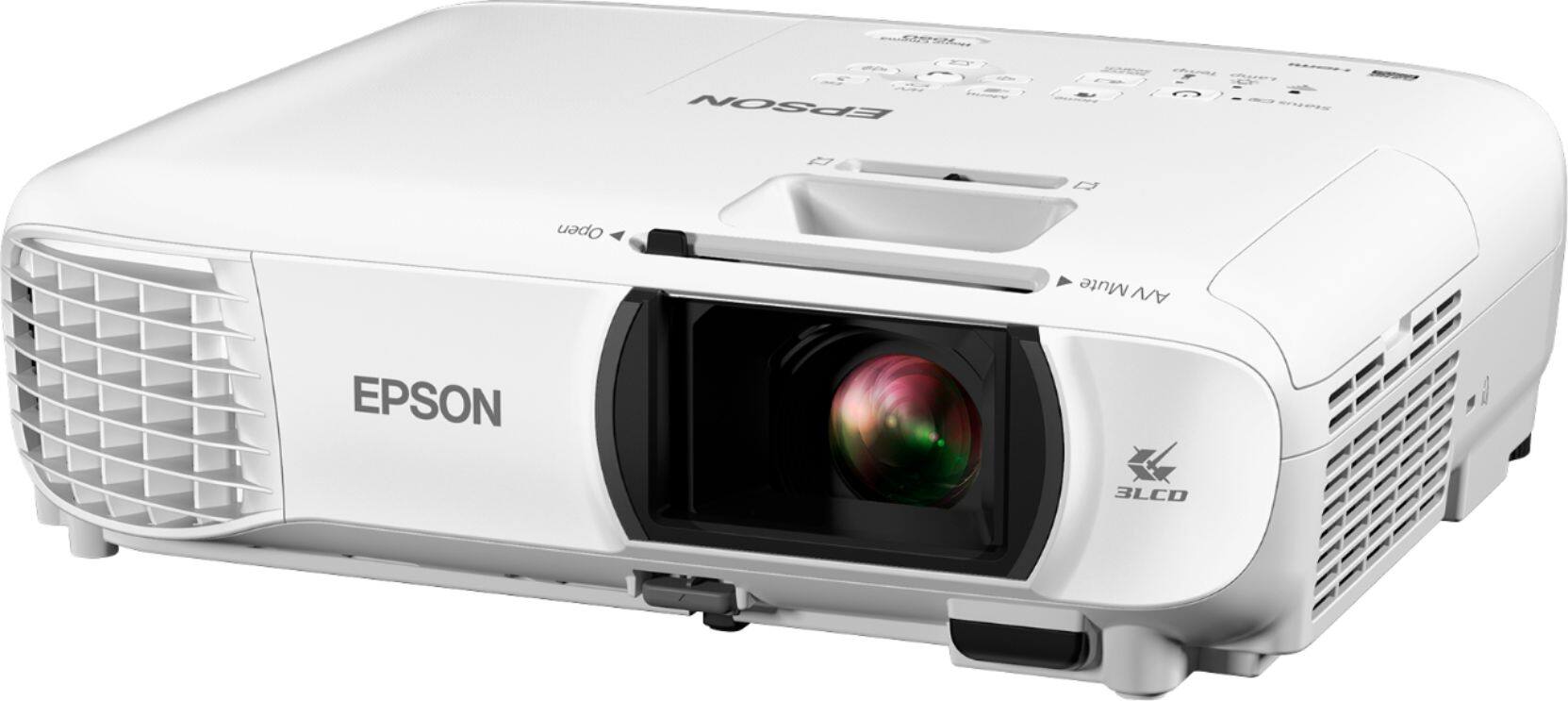
- EPSON HC 1060 REFRB V11H849020
- |
- SKU:
- 6331431
Highly rated by customers for: Picture Quality, Brightness, Ease of use
Page Showing 1-17 of 17 questions
Q: QuestionWas this refurbed by the manufacturer?
Asked by Daniel.
- A:Answer In this case, it came in an Epson Refurbished box with UPC coding reflecting a different part number for the refurbished unit with all the same paperwork, user disk and equipment found in the new unit box. Bulb was "0" hours. Epson has plenty of the 1060's available for sale as refurbished so in this particular case would explain why mine came from Epson. In general, Best Buy can sell Geek Squad, 3rd party or OEM refurbished.
Answered by Tuxedo
Q: QuestionInstead of using a PC, laptop, or smart phone can an HDMI Amazon Fire TV stick be used as video AND audio input? Will this allow for video and audio playback?
Asked by JTallis.
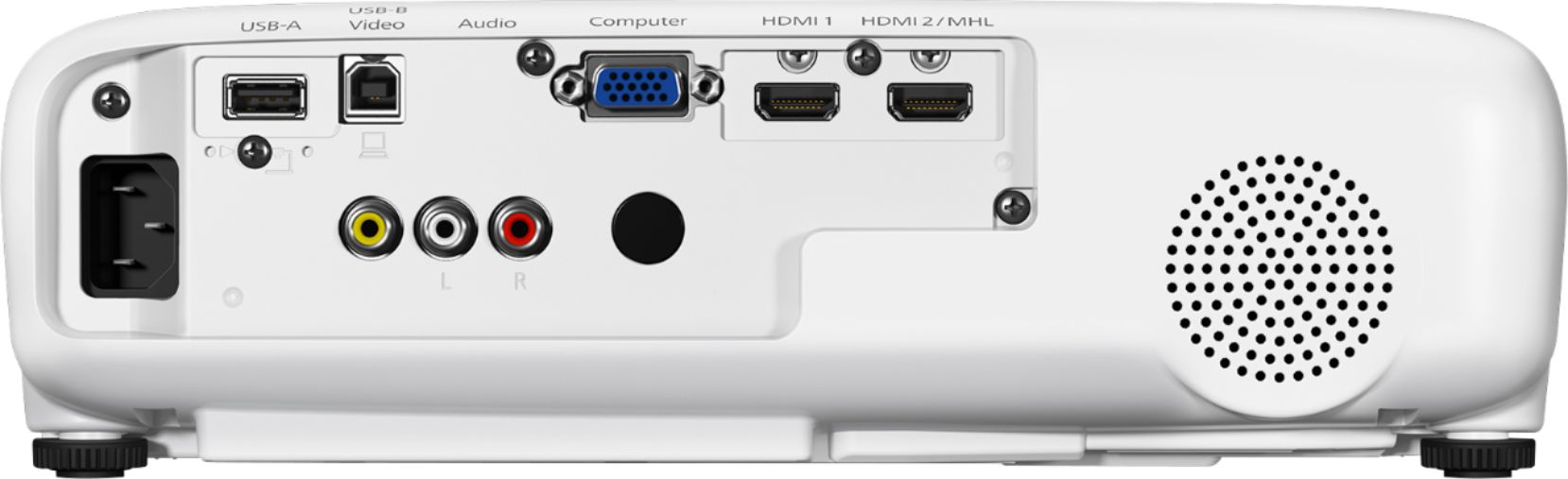
- A:Answer I suspect yes, as I am using only hdmi cables, both from my laptops usb-c port as well as from my Apple TV (both routed via hdmi thru my stereo receiver) and audio is working. No RCA cables or optical, etc. I would imagine you’d plug the fire stick into the projectors hdmi port and then send your audio to your stereo from the projector. Couldn’t verify this though, fwiw.
Answered by Billy
Q: QuestionCan I connect my PC to both my own audio systems and the projector and only use the projector for visualization?
Asked by SL.
- A:Answer Yes, you can hook up your pc to show video and also hook up pc audio out or headphone jack to speakers. This projector is awesome, only downside is no audio out. If your speakers have Bluetooth built in, it’s really easy to connect to speakers wirelessly. My speaker system does not have Bluetooth built in, so chose to do this: I bought a bluetooth transmitter/receiver and connected Bluetooth receiver to my speakers and it plays crystal clear audio with no noticeable audio lag. This way I can connect pc, Apple tv, fire stick etc. through bluetooth settings to speakers wirelessly.
Answered by TheeDavester
Q: QuestionIs this 3D compatable?
Asked by CharlieRay.
- A:Answer No, this is not 3D compatible.
Answered by CommunityAnswer
Q: Questionwhat's the contrast ration of this projector?
Asked by junoon.
- A:Answer It has a 15,000 dynamic contrast ratio
Answered by Changqing
Q: QuestionCan you hook up surround sound on this unit?
Asked by Rick.
- A:Answer Not without an external receiver in between your projector and other devices. The projector does not support ARC (Audio Return Channel), nor does it have a dedicated digital output. Your devices must either have audio to your receiver and video to the projector, or have HDMI to the receiver with video output then to the projector.
Answered by Tommy
Q: QuestionHow about warranty coverage?
Asked by senthil.
- A:Answer Standard Epson 2 year parts and labor. Bulb is 90 days.
Answered by Tuxedo
Q: QuestionDoes this product come with a new bulb?
Asked by Ismael.
- A:Answer As of now I know it is new bulb only..It is good overall..using the projector since 2 months now..
Answered by pankaj
Q: QuestionCan the picture size be made taller verses wider
Asked by Teich.
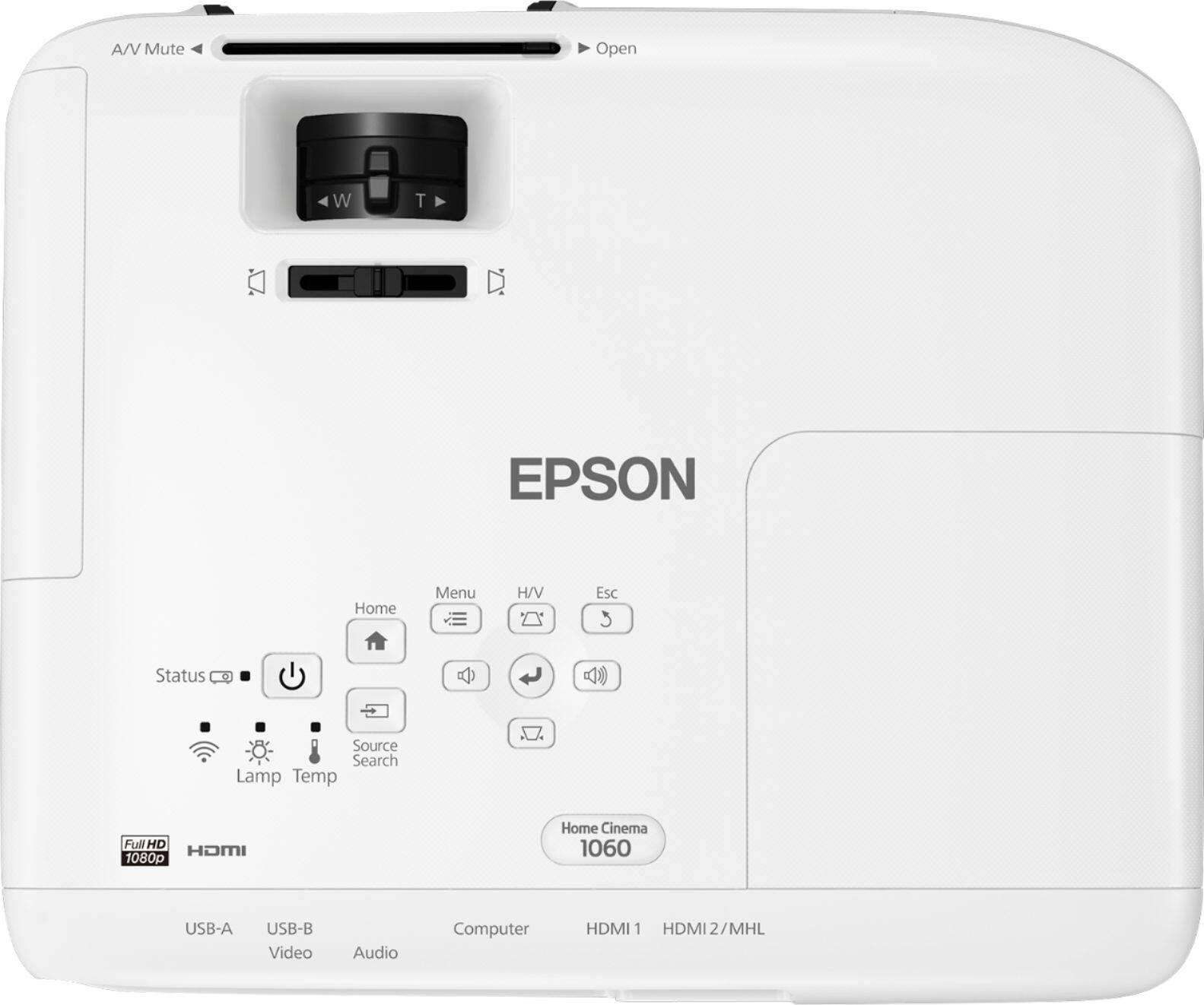
- A:Answer Not really, you have a limited zoom but it scales both wider and taller, you can do some minor stretching to fit your screen if projecting from left or right
Answered by William
Q: QuestionIs this price (400$) always the price on this referbished projector or is this some black friday deal
Asked by Ty.
- A:Answer most of time, it is $399.
Answered by Dyllen
Q: QuestionCan I connect this projector to my phone via Bluetooth??
Asked by Andrea.
- A:Answer I haven’t seen a Bluetooth button to pair with phones or tablets. It does connect onto a WiFi network.
Answered by JaSmith02
Q: QuestionI am not sure exact distance from camera to screen 8-12 feet is the picture adjustable Also I would like to mount projector to a beam on the ceiling at 9’ will this work
Asked by Anonymous.
- A:Answer I had to move the projector to front to reduce the size of the picture. So it is like hit and trial to be accurate if you already have fixed screen size. If you are presenting on wall, then it becomes easy.
Answered by pankaj
Q: QuestionWhat's the distance I need to project to an 120 inches screen?
Asked by Philip.
- A:Answer Less than 12 feet
Answered by Prem
Q: QuestionCan it be used @ 220v (basically, I'm planning to use it in Europe)?
Asked by MihaiBarabas.
- A:Answer Its power input is rated as 100~240V and should be safe to use in Europe.
Answered by Changqing
Q: QuestionCan this be used outside?
Asked by Rhonda.
- A:Answer Yes, this can be used outside. It isn't weather resistant so shouldn't be left outside or used in adverse conditions. Many folks, including myself, have bought this for outdoor use with screen. Very satisfied with this unit indoor and outside ... especially considering the discounts
Answered by Tuxedo
Page 1, Showing 1-17 of 17 questions
Most-viewed items
- $949.00$949.00The price was $1,099.00
- $149.00$149.00The price was $399.00
- $329.99$329.99The price was $469.99
- $159.99$159.99The price was $179.99
- $122.00$122.00The price was $129.99
- $449.99$449.99The price was $649.99
- $1,149.00$1,149.00The price was $1,299.00