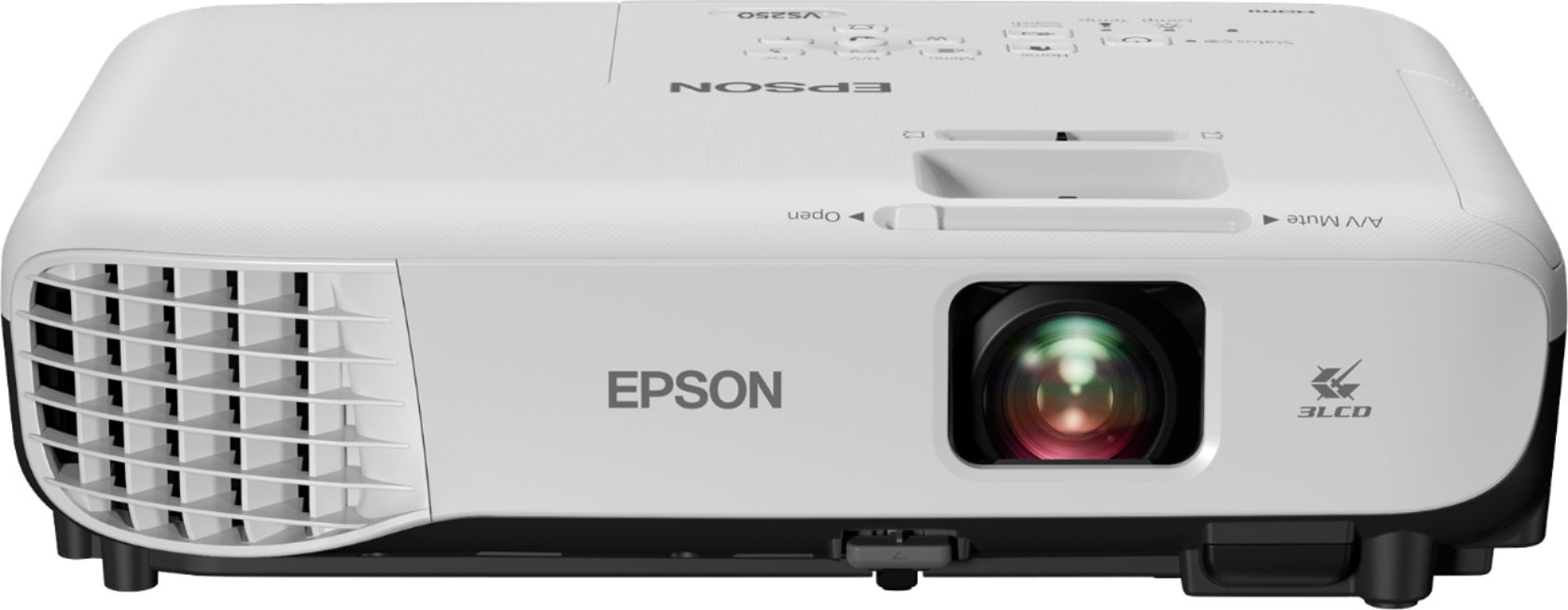
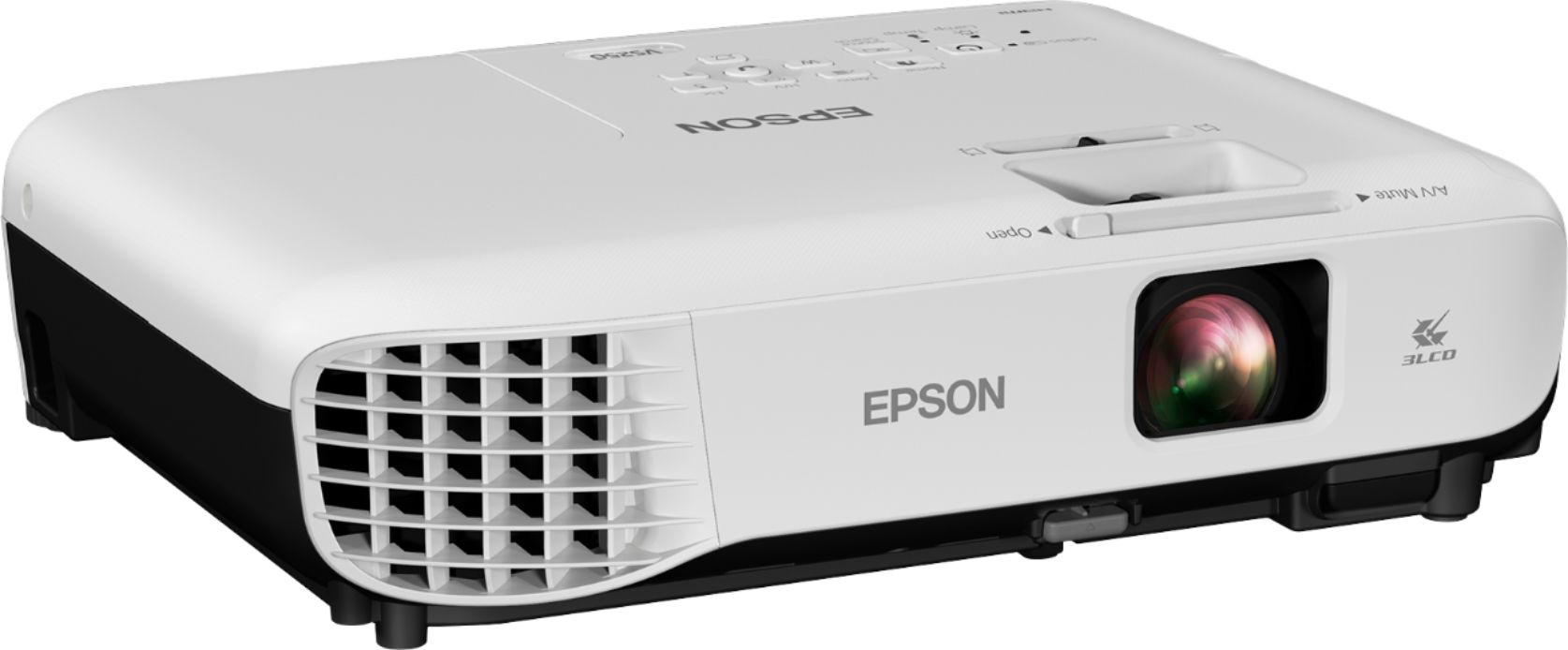
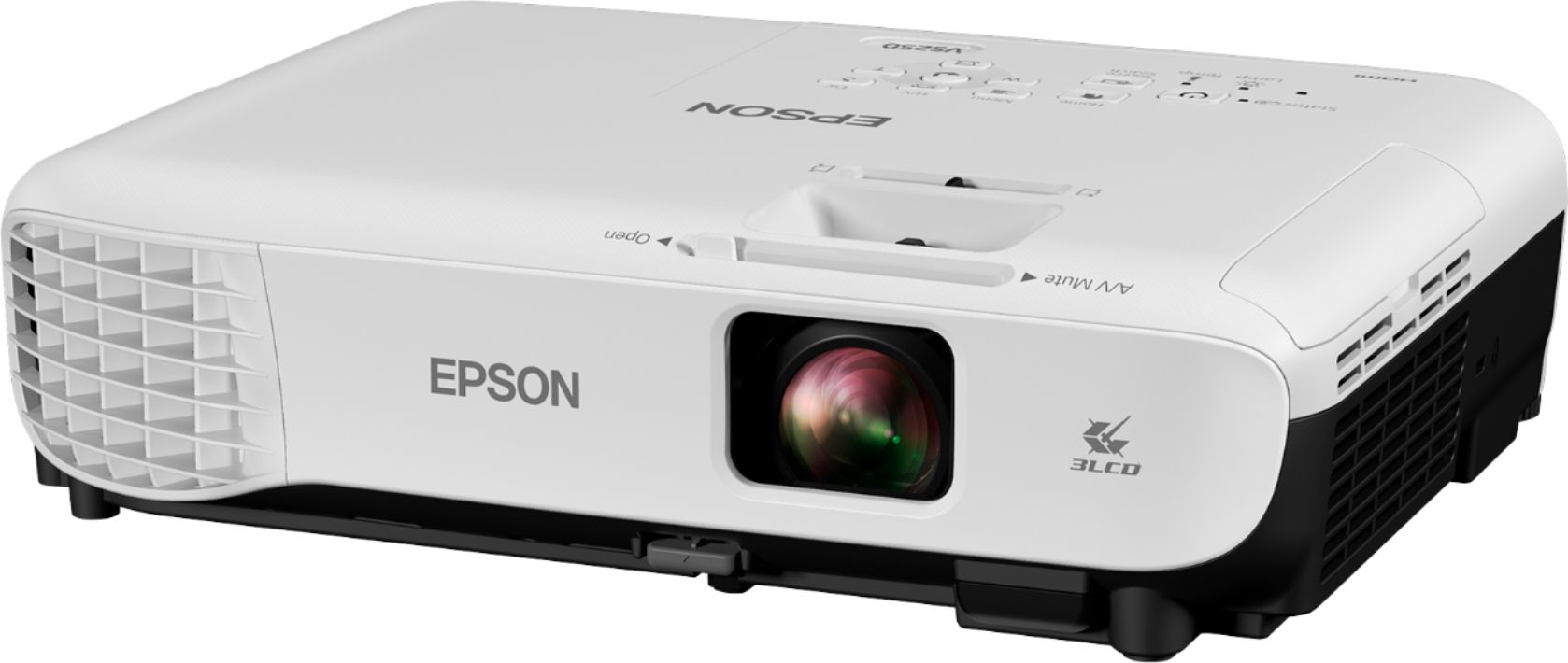
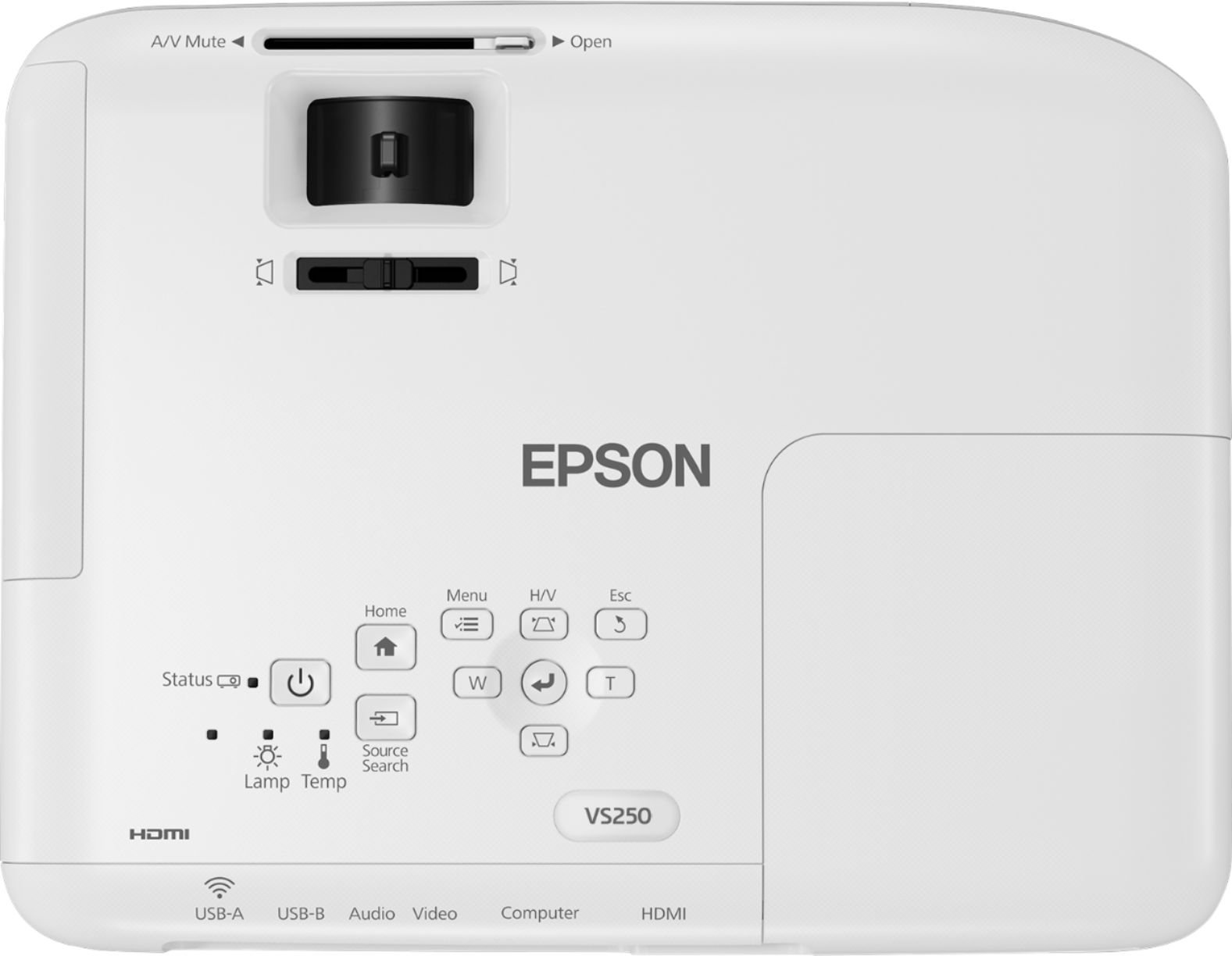
A:AnswerYou can but need an audio out put which you have to buy separate as the projector does not have. An audio out like an hdmi audio out put (hdmi audio extender/ splitter) if you want to use a hdmi cable or if using a pc just connect the audio to pc instead of buying the hdmi audio extender.
A:AnswerHow close? I would say as close as you want to be, but will the image size be what you want if you are as close as you desire? Use this tool to help you decide.
https://epson.com/projector-guide-how-to-buy-a-projector-throw-distance-and-positioning
A:AnswerDid you connect to the projector with an HDMI cable? Was there sound at the projector? I would normally expect the audio to go with the HDMI cable. If you want to do otherwise as you outlined, you need to get into the sound preferences for your computer. You will find a setting there that will let you separate the audio from the HDMI.
A:AnswerIt will do that. The picture is crisp and clear. My last meeting had 120 people and I projected an approximately 8'X8' screen. It was awesome...enjoy the projector!