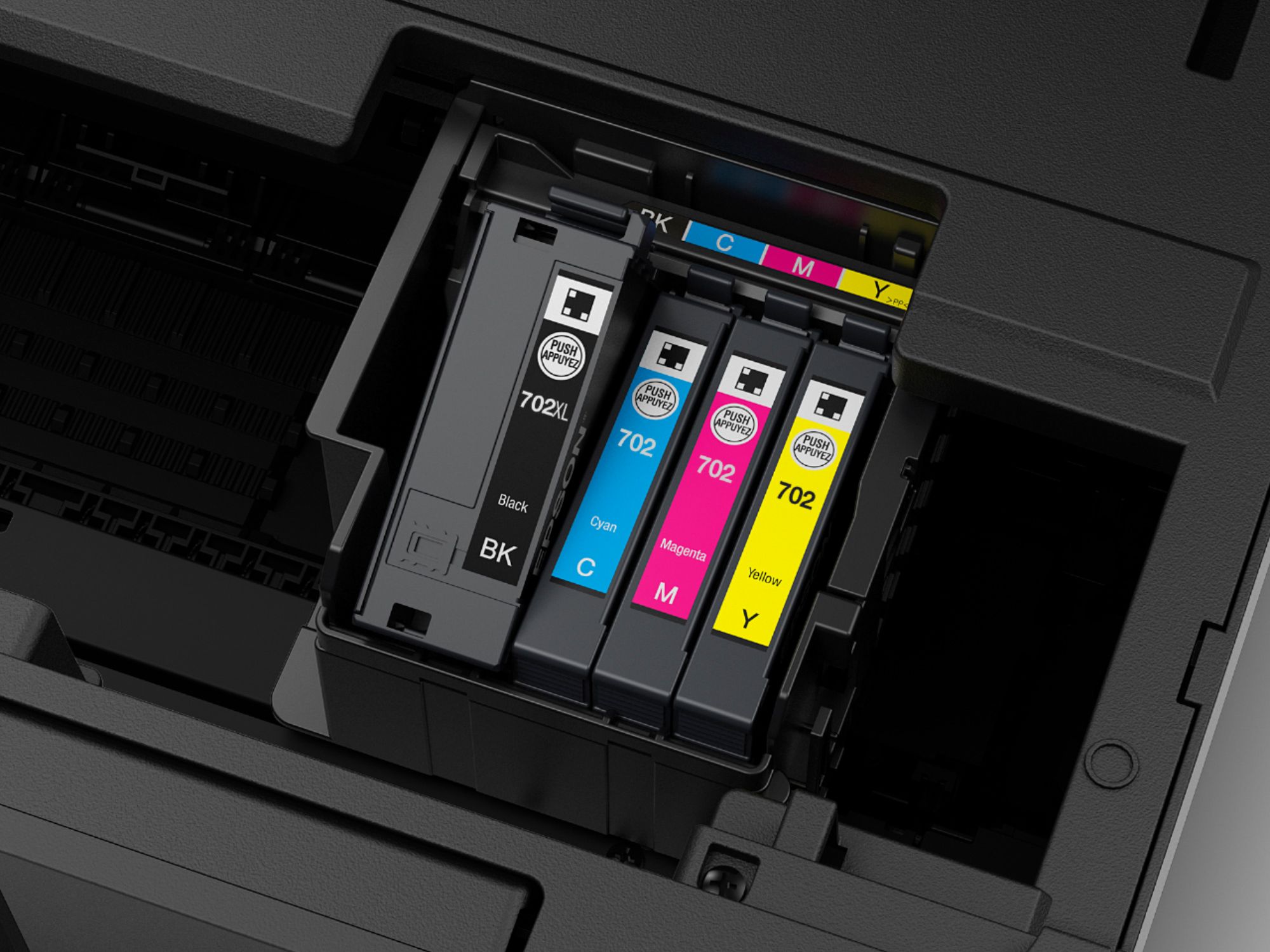
A:AnswerYes. You must clean the previous ink out and use sublimation ink cartridges. Best option is to find some refillable cartridges compatible with your system and fill them with sublimation ink
A:AnswerI’ve never tried printing transfer paper. I recommend contacting the OEM of the transfer paper product.
I know that the ink dries out when you don’t print for a while.
Best,
BeetifulPhotoBooth.com
A:AnswerI am using with my windows 7 computer now and it works okay. I will say though that I printed one photo on paper and the quality was pretty bad. It had a red tint to it. My old Epson had really good quality printing on the same paper. Even the old HP printer that I had 20 years ago was much better. Text printed fine.
A:AnswerNo. This printer is only for light printing or small projects. It can be used to make invitations, envelopes, and print on standard sheets of paper. It can do some printing on legal size paper by being fed though the back door slot.
A:AnswerIt does it automatically, in fact it is the default. So if you don't want double sided, you have to change it when the print screen comes up. It will also print on the short or long side, also have to select at the print screen - default is short side.
A:AnswerSometimes it’s cheaper to replace printer than have it fixed. If the heads are dirty try to clean them on the printer screen you will find it under maintenance. I finally replaced mine as nothing worked. Printers do die it’s built into obsolete.