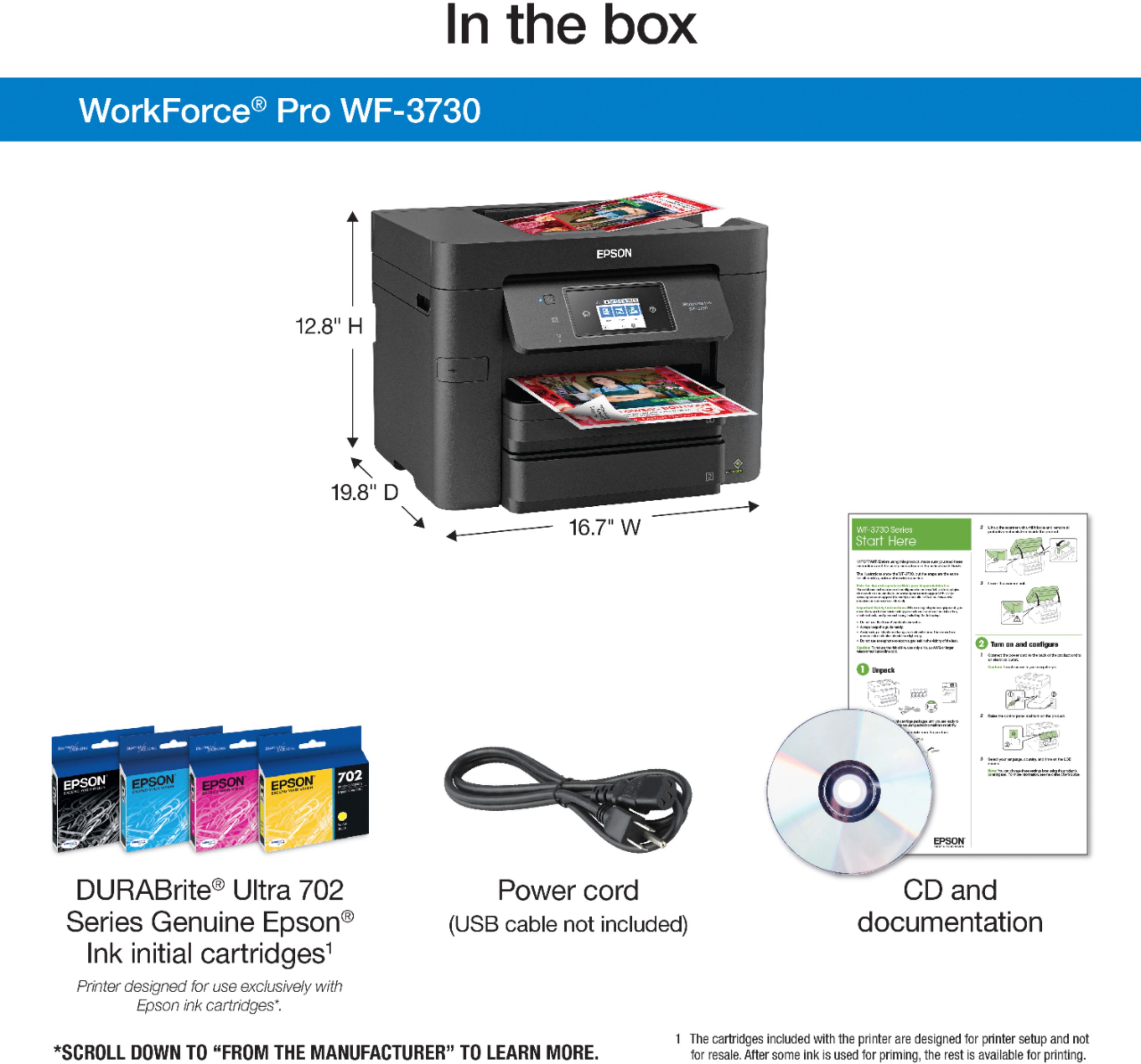
User rating, 4.3 out of 5 stars with 505 reviews.
Show only Answered Questions
Asked 6 years ago by Anonymous.
Answered 6 years ago by tokkan
Asked 6 years ago by Wood.
Answered 6 years ago by SlimofLombardVerified Purchase
Asked 6 years ago by Donny.
Answered 6 years ago by Wally
Asked 6 years ago by Marianne.
Answered 6 years ago by Angel
Asked 6 years ago by Greg.
Answered 6 years ago by bubba
Answered 6 years ago by CommunityAnswer
Asked 6 years ago by Sue.
Answered 6 years ago by JerryMVerified Purchase
Asked 7 years ago by JenaS.
Answered 6 years ago by ScottVerified Purchase
Asked 5 years ago by Anonymous.
Answered 5 years ago by Epson
Answered 5 years ago by DissapointedTechGuyVerified Purchase
Asked 6 years ago by Legal.
Asked 5 years ago by jamalW123423.
Answered 5 years ago by SilverGeek
Asked 6 years ago by browns44.
Asked 6 years ago by Milkman1.
Answered 6 years ago by aLb3Rt
Asked 6 years ago by ecpjr.
User rating, 4.8 out of 5 stars with 8283 reviews.
User rating, 4.9 out of 5 stars with 15603 reviews.
User rating, 4.8 out of 5 stars with 2803 reviews.
User rating, 4.9 out of 5 stars with 19 reviews.
User rating, 4.3 out of 5 stars with 401 reviews.
User rating, 4.5 out of 5 stars with 38374 reviews.
User rating, 4.8 out of 5 stars with 4450 reviews.
User rating, 4.8 out of 5 stars with 24703 reviews.
User rating, 4.6 out of 5 stars with 2023 reviews.
User rating, 4.7 out of 5 stars with 9218 reviews.
User rating, 4.9 out of 5 stars with 2855 reviews.
User rating, 4.3 out of 5 stars with 25 reviews.
User rating, 4.9 out of 5 stars with 1228 reviews.
User rating, 4.7 out of 5 stars with 1768 reviews.
User rating, 4.8 out of 5 stars with 1539 reviews.
User rating, 4.8 out of 5 stars with 318 reviews.
User rating, 4.4 out of 5 stars with 228 reviews.
User rating, 4.8 out of 5 stars with 2217 reviews.
User rating, 4.9 out of 5 stars with 21 reviews.
User rating, 4.8 out of 5 stars with 734 reviews.