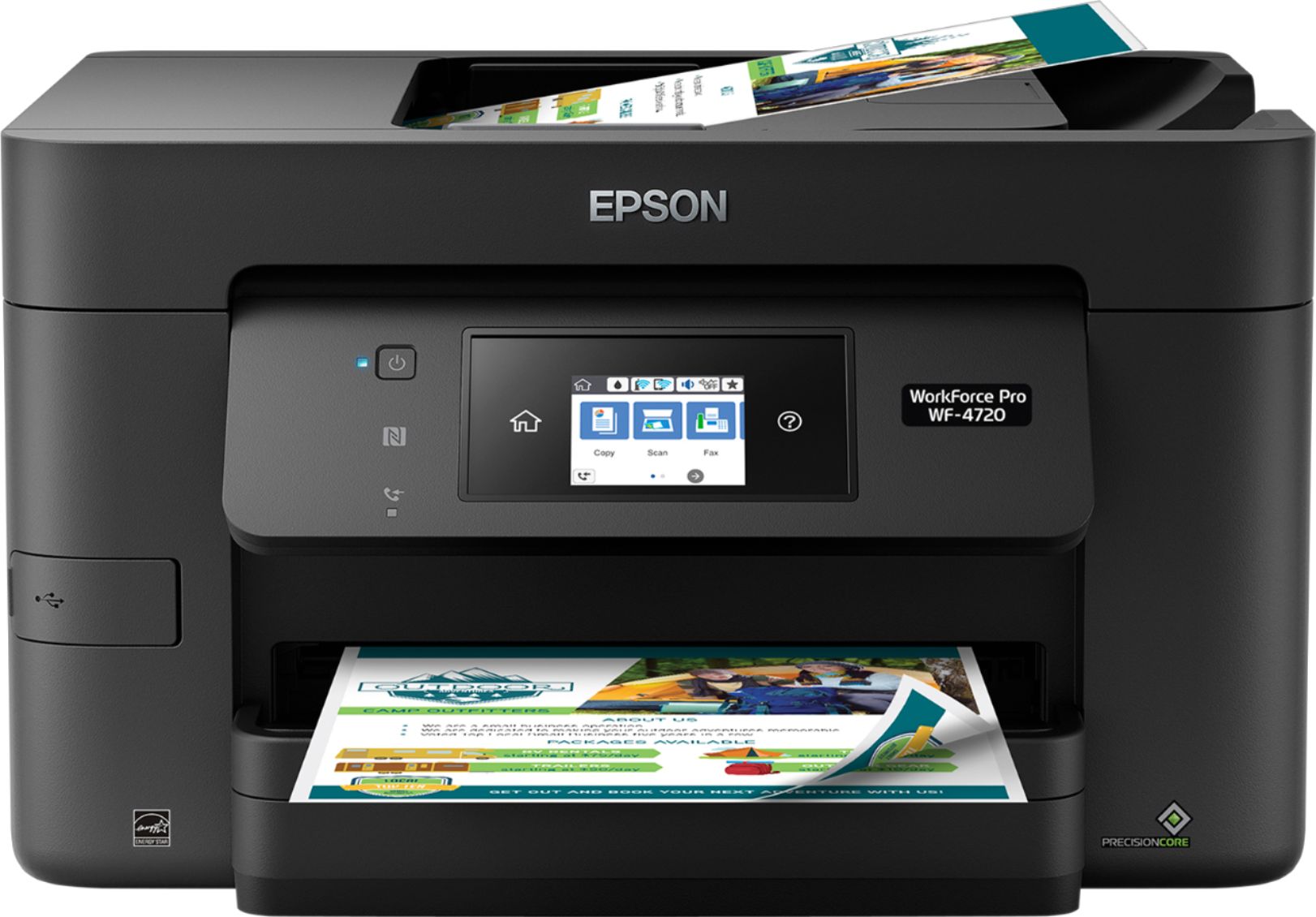
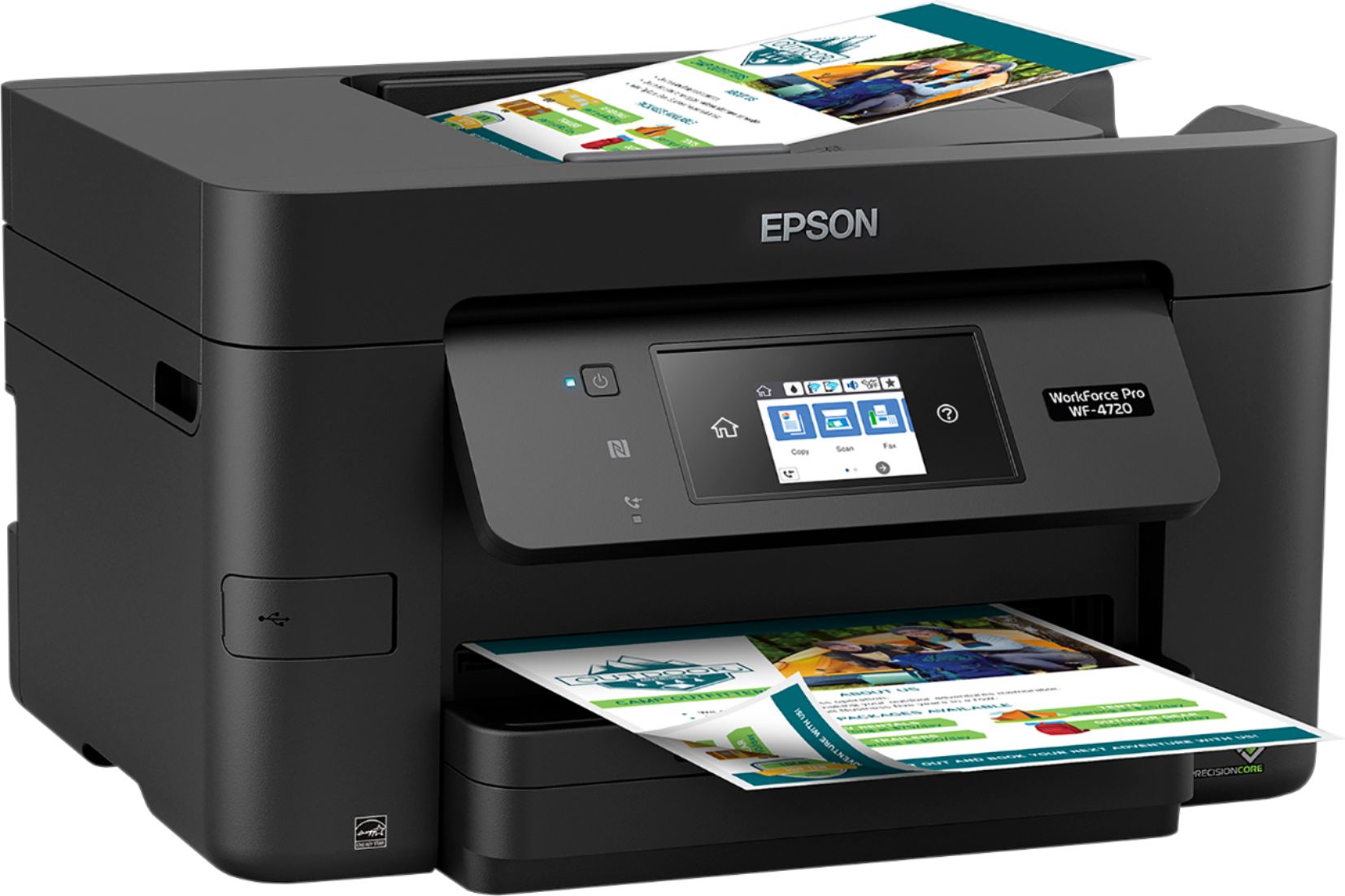
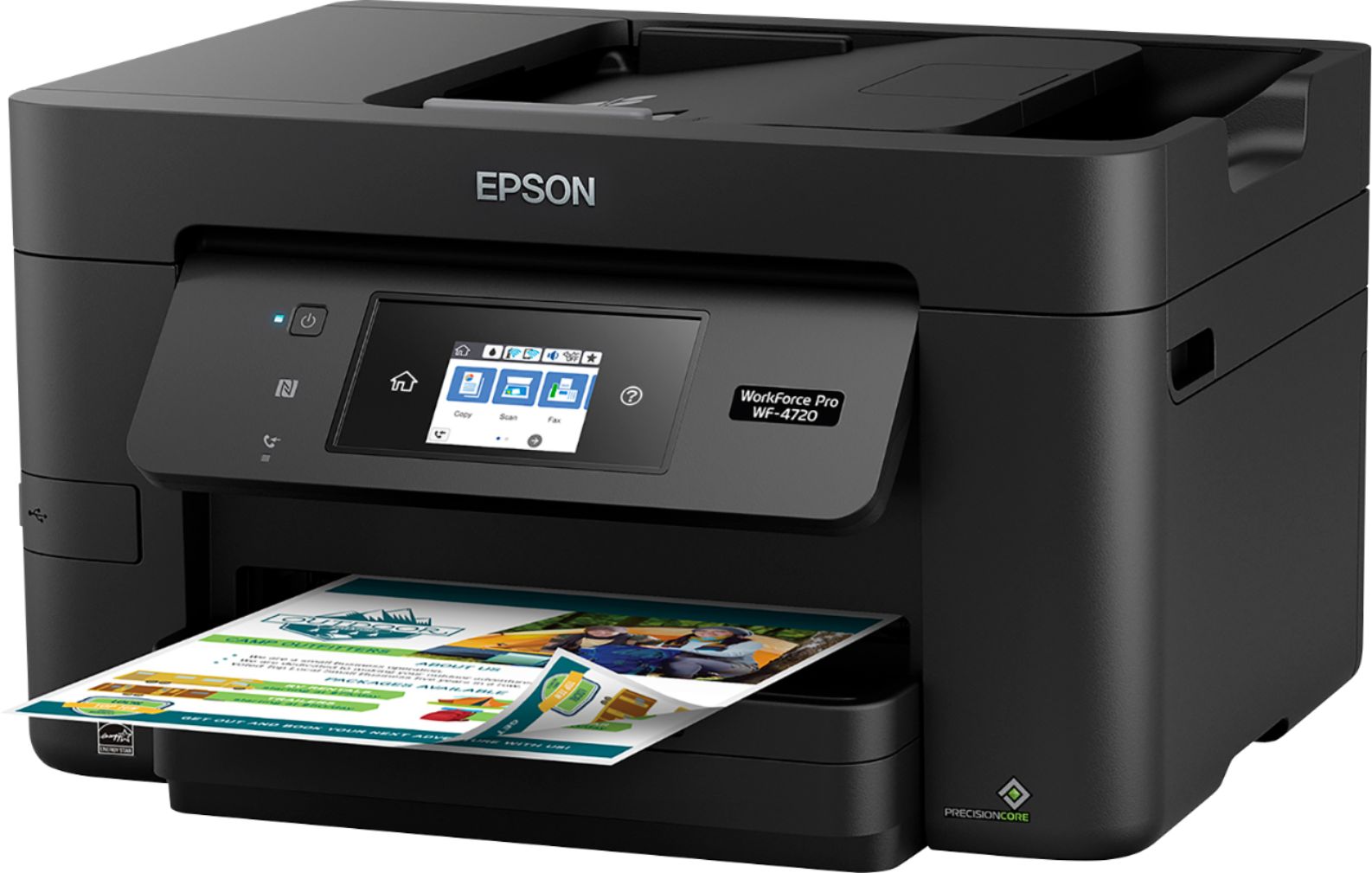
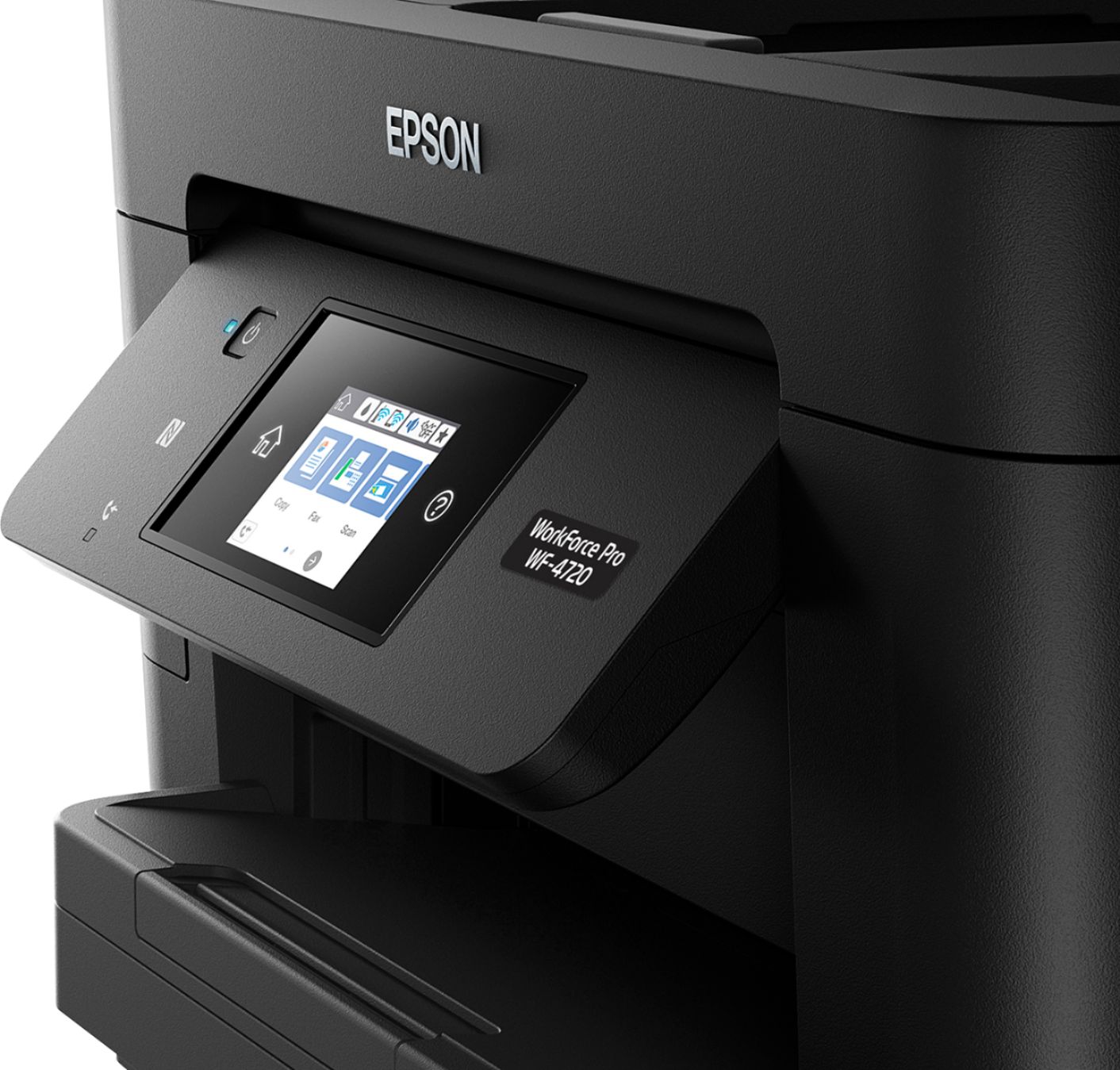
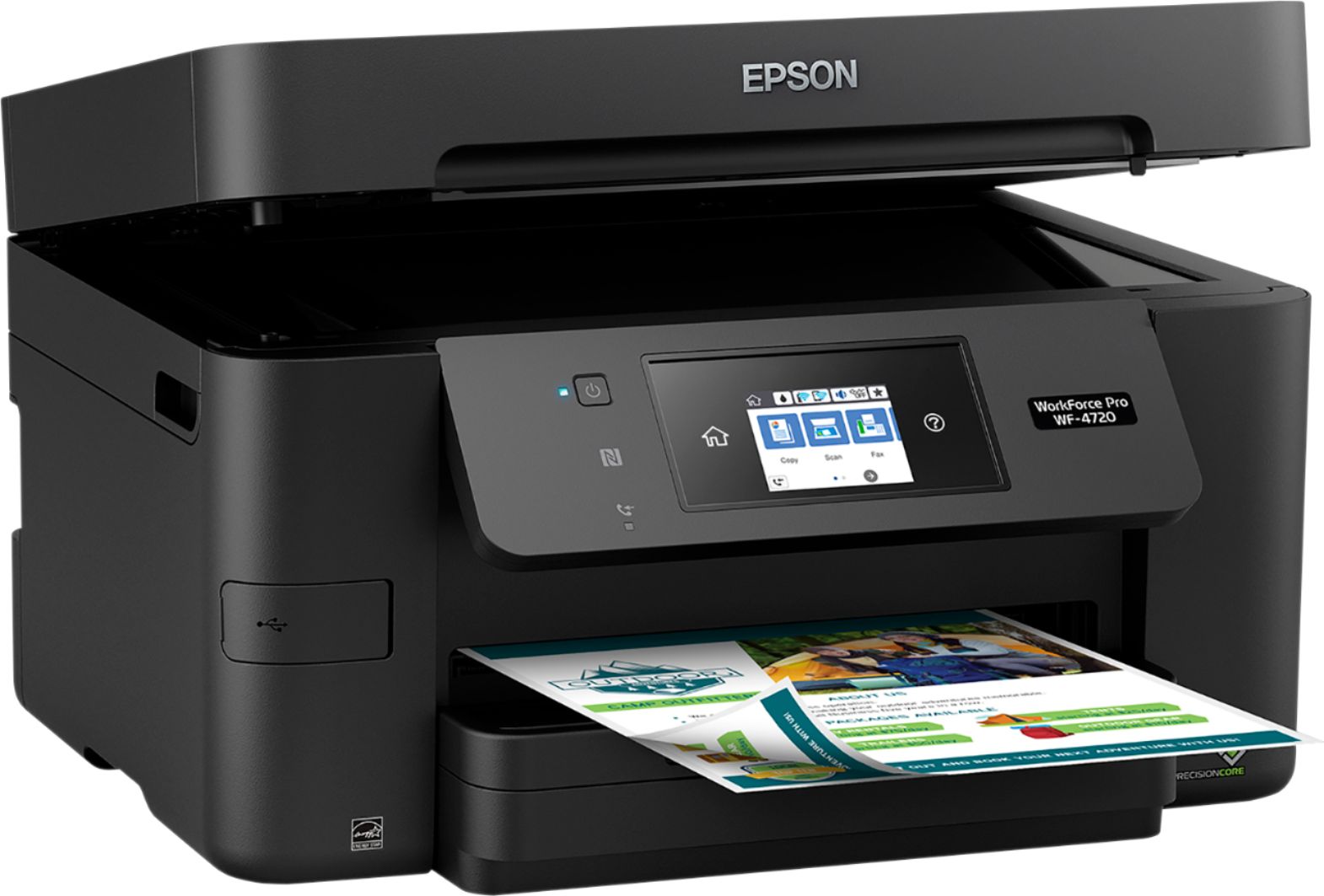
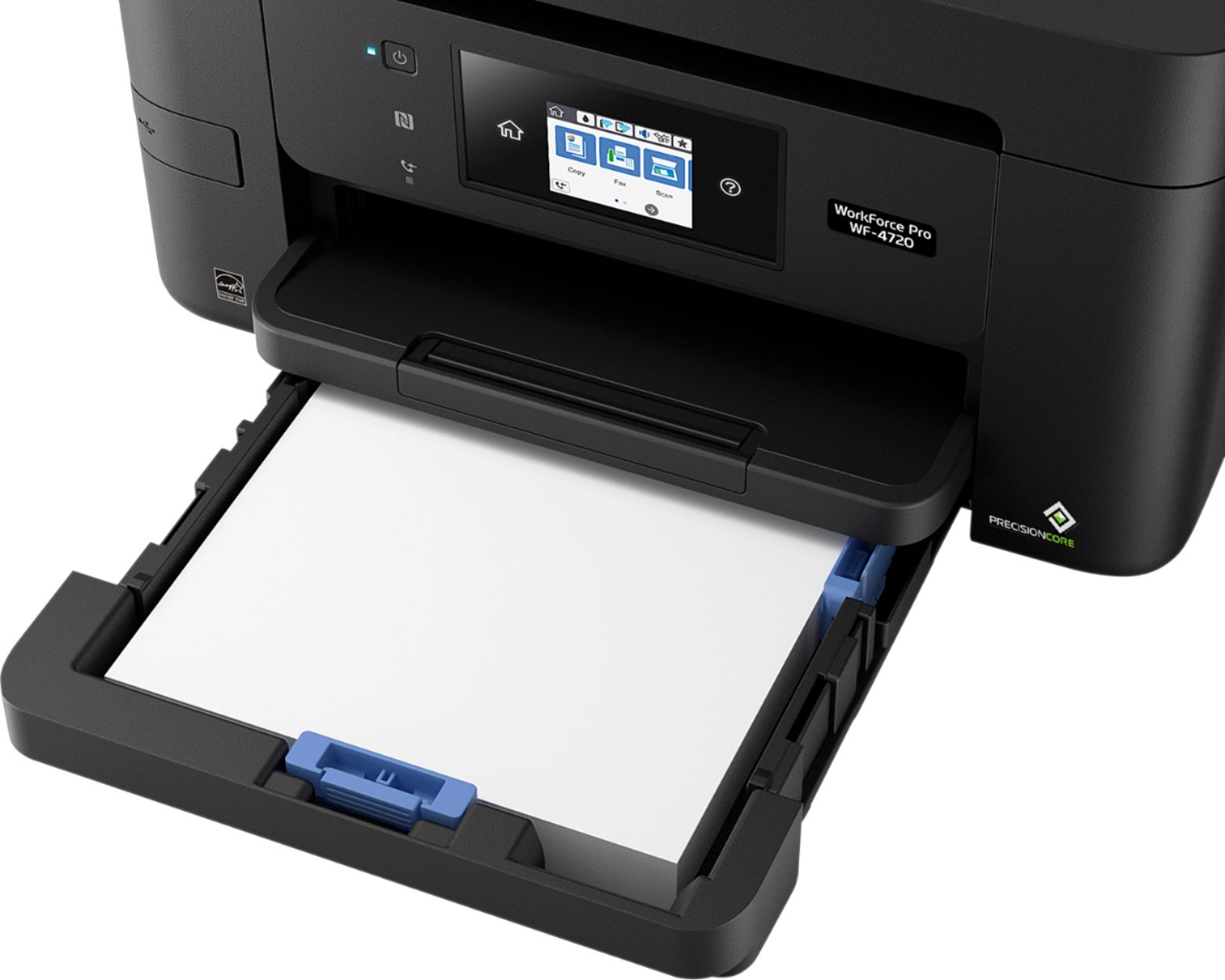
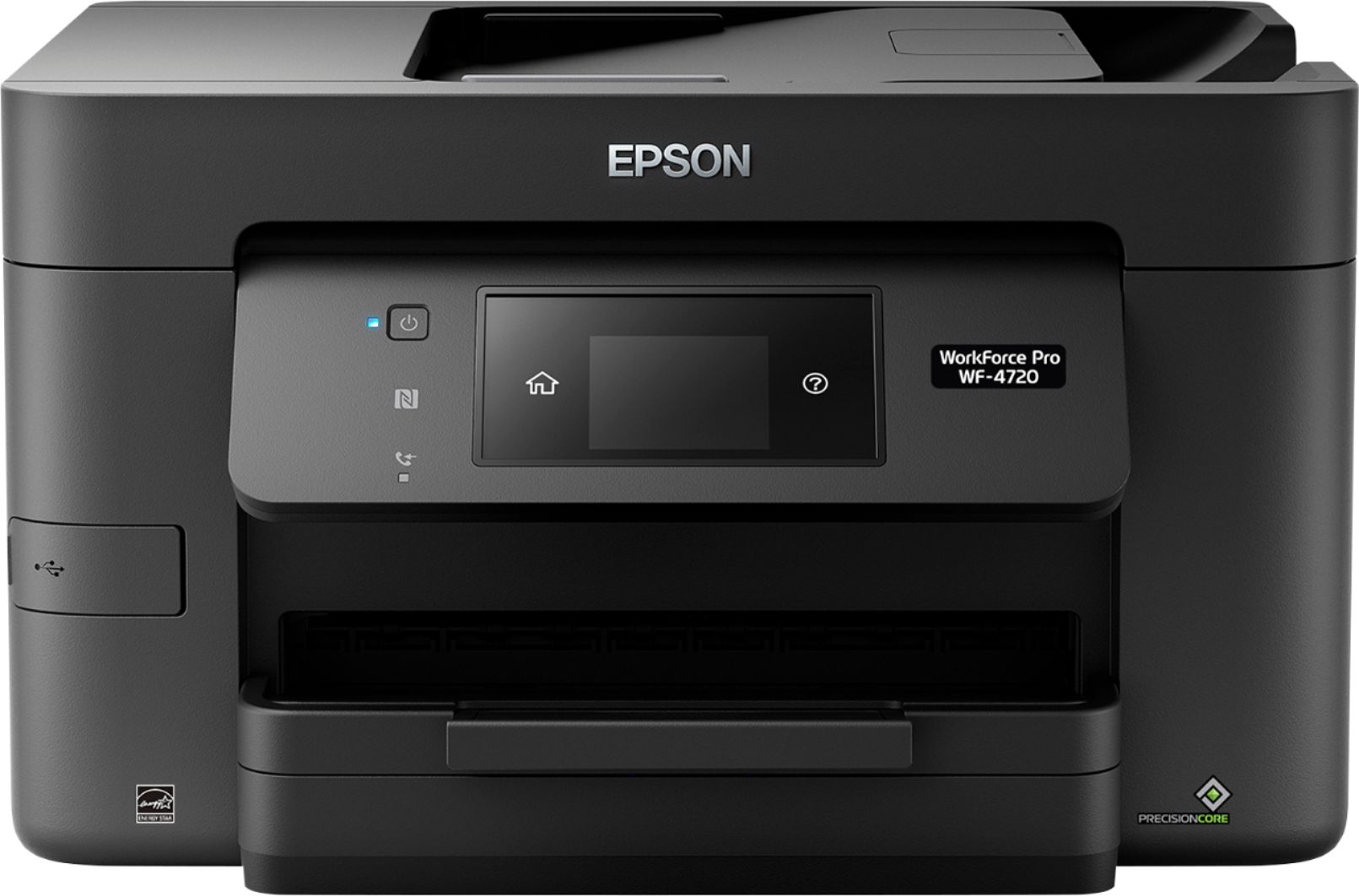
A:Answer Figuring this out has been pure torture. There's nothing in the user guide about how to print labels. There's no convenient bypass tray. You have to take out the paper in the regular paper tray, then put in your labels -- preferably a stack of label forms so that the labels feed properly. Then you have to format a custom paper size if you're using anything like the Avery standard (3.5" wide by 6.5" long). I love this printer for WiFi printing, scanning and copying. But when it comes to labels, I wish I still had my old HP 7110, even though it meant plugging in the USB cable every time I wanted to print a label.