A:AnswerI have used it successfully with my MacBook Air, MacBook Pro, iPad and iPhone. However, I recommend that you first make sure that you have the latest drivers (free download from the Epson Support site) on all devices, and make sure that you keep them up to date. BTW, I am using a wireless connection for all devices and have not tried the wired connections, but it's usually wireless that has problems, if anything, so I would not expect any problems....
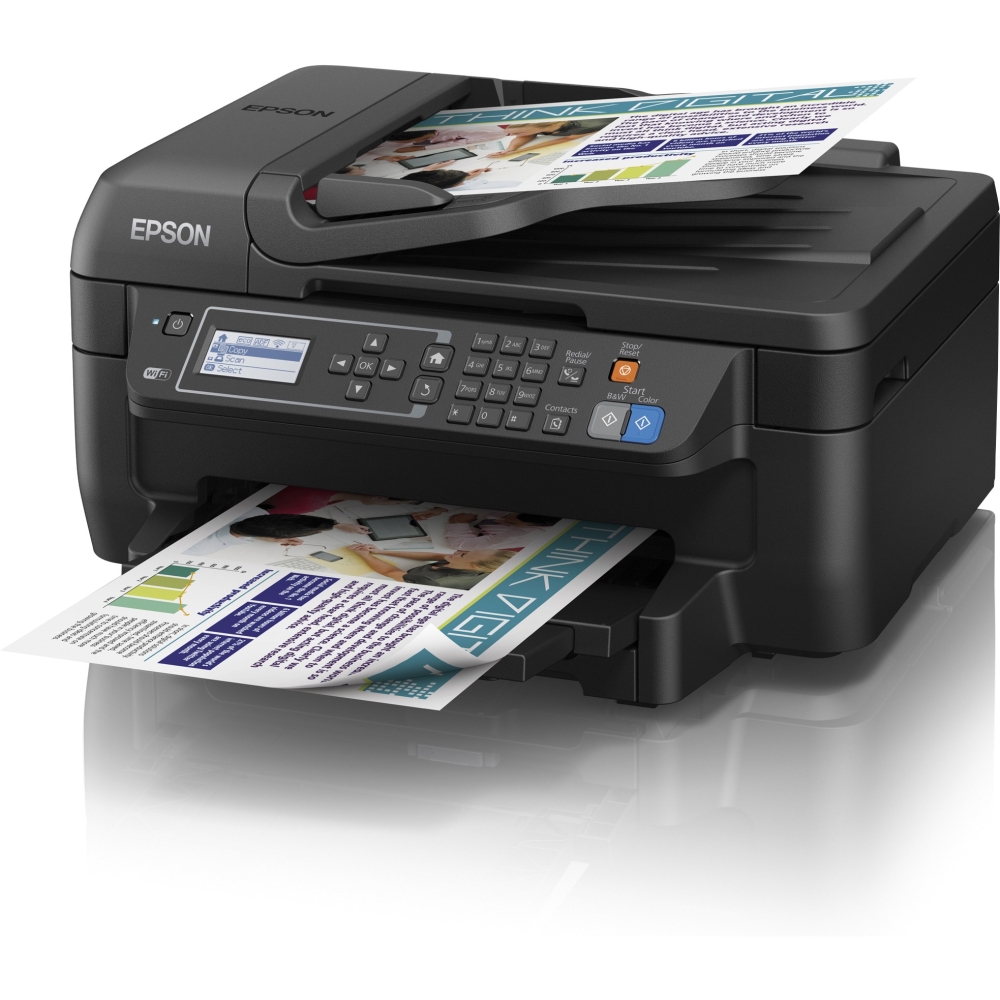
A:AnswerYes, just press either the B&W or Color button (locally) or use the Page Setup screen on your computer to select the desired output. If the heads get clogged, follow the Head Cleaning & Head Alignment (if needed) routines. CAUTION: NOTHING on this printer is easy or intuitive. You'll just have to struggle thru the cryptic instructions. If that fails, I've found Epson's phone support to be very good as a last resort. They have always been helpful and able to solve my problems quickly...
A:AnswerYes, this type of printer is an air printer . It can receive documents from your lab top via wifi and Bluetooth . My daughter has this printer and has a lab top that has no cd drive. I had a external cd drive to load software for printer onto laptop. I'm sure you also go to Epson website and download software as well. It works great!












