A:AnswerHi Nikki, The WorkForce WF-2860 can print a sheet that is 8.5" x 47.2". If that is not large enough consider an Epson wide-format printer like the WorkForce Pro WF-7840. Regards, Mark - The Epson Team.
A:AnswerHello Laura. Yes, the WF-2860 is compatible with Windows 11. Please visit our official Epson Support page to download the latest print driver. Regards, Kevin - The Epson Team.
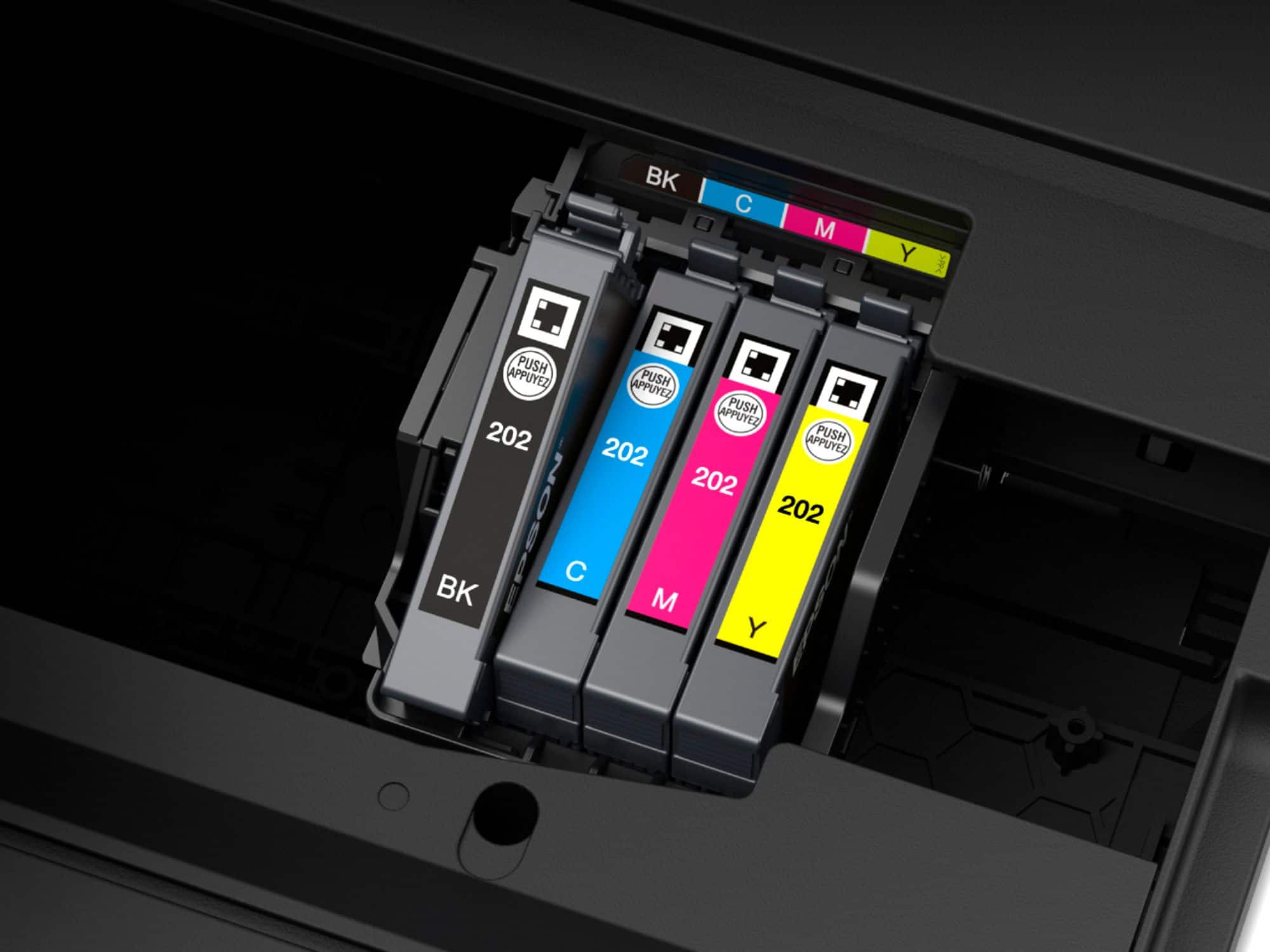
A:AnswerHello Peaches. The WF-2860 is an inkjet printer that only uses Ink Cartridges, so no toner replacement is required. Regards, Kevin - The Epson Team.
A:AnswerHi, The WorkForce WF-2860 works on 2.4 GHz Wi-Fi. If you have a dual band router, you can set it to 2.4 GHz/5 GHz and the WF-2860 will connect. Regards, Mark - The Epson Team.
A:AnswerHello Knit. It is recommended to download the driver to set up your printer first to ensure all settings are available when printing. You can find the latest driver available on our official Epson Support page. Regards, Kevin - The Epson Team.
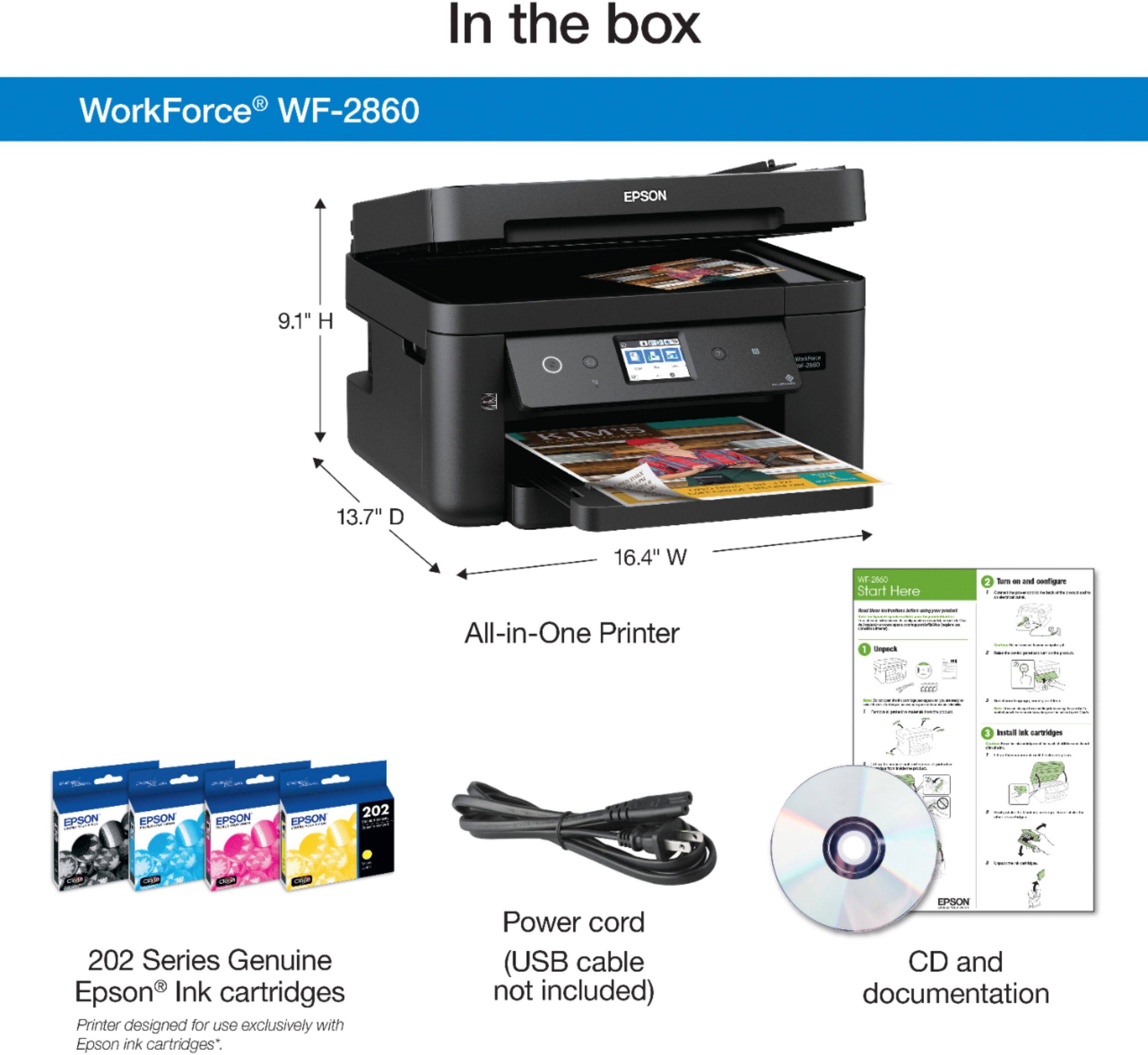
A:AnswerHi robotman, An installation disc comes with the WorkForce WF-2860. All the drivers and software are also available for download on the Epson support site. To discover the printer's email address and set up printing from email, you must sign up for a free Epson Connect account. Regards, Mark - The Epson Team.
A:AnswerHi bobbert, The WorkForce WF-2860 is compatible with Mac OS 10.13.6. You can download the necessary drivers and software from the Epson support site. Regards, Mark - The Epson Team.
A:AnswerHello Cat. The WF-2860 is compatible with computers running Windows 10. You can visit our official Epson Support page to download the latest print driver. Regards, Kevin - The Epson Team.
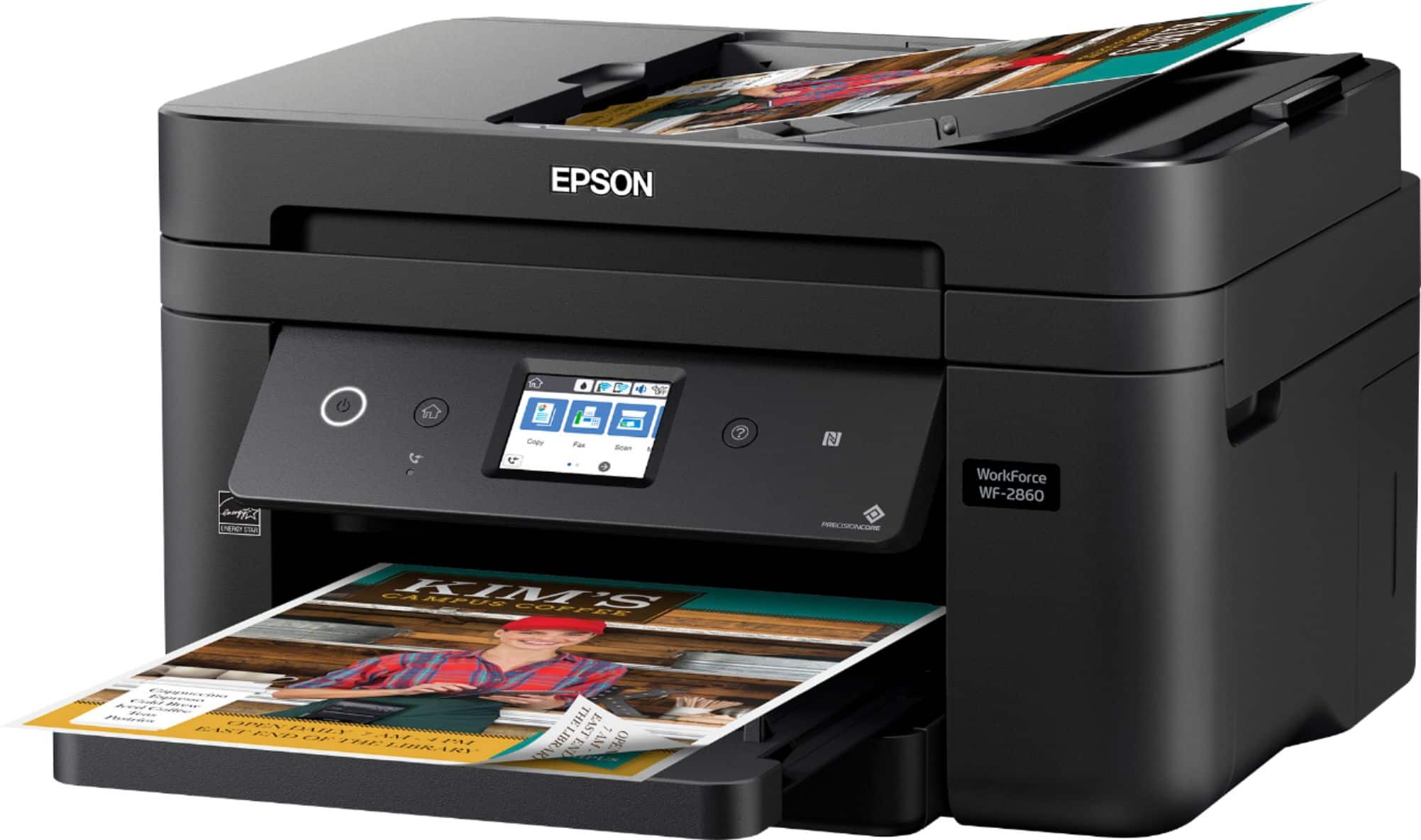
A:AnswerHi MB, Yes, you can scan Legal-size documents using the auto document feeder (ADF) on the WorkForce WF-2860. The ADF holds 10 legal-size, or 30 Letter-size sheets. Regards, Mark - The Epson Team.
A:AnswerHi Guy, You can use the WorkForce WF-2860 to print documents and photos. For a list of compatible paper types, please visit the Epson support site. Regards, Mark - The Epson Team.
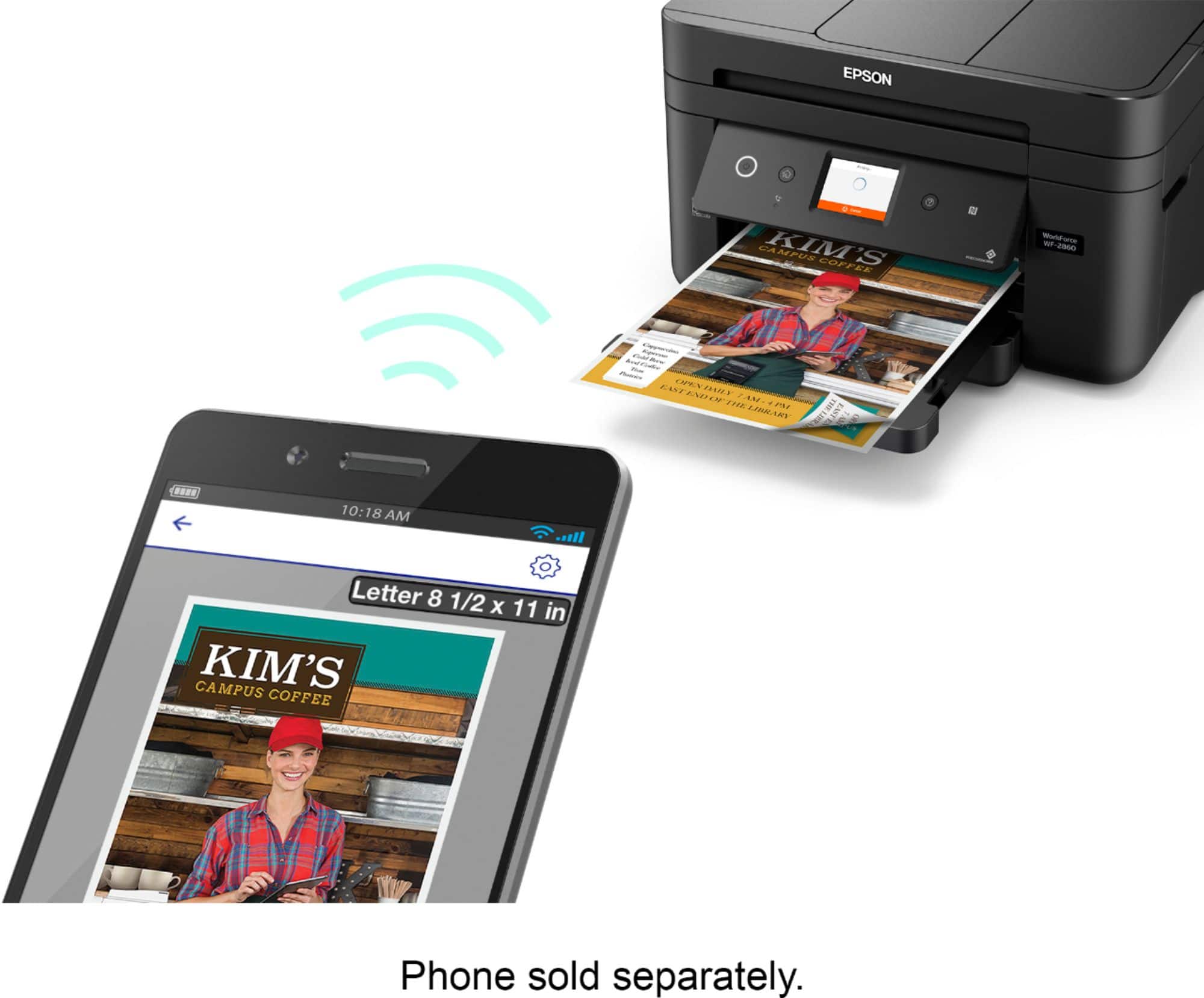
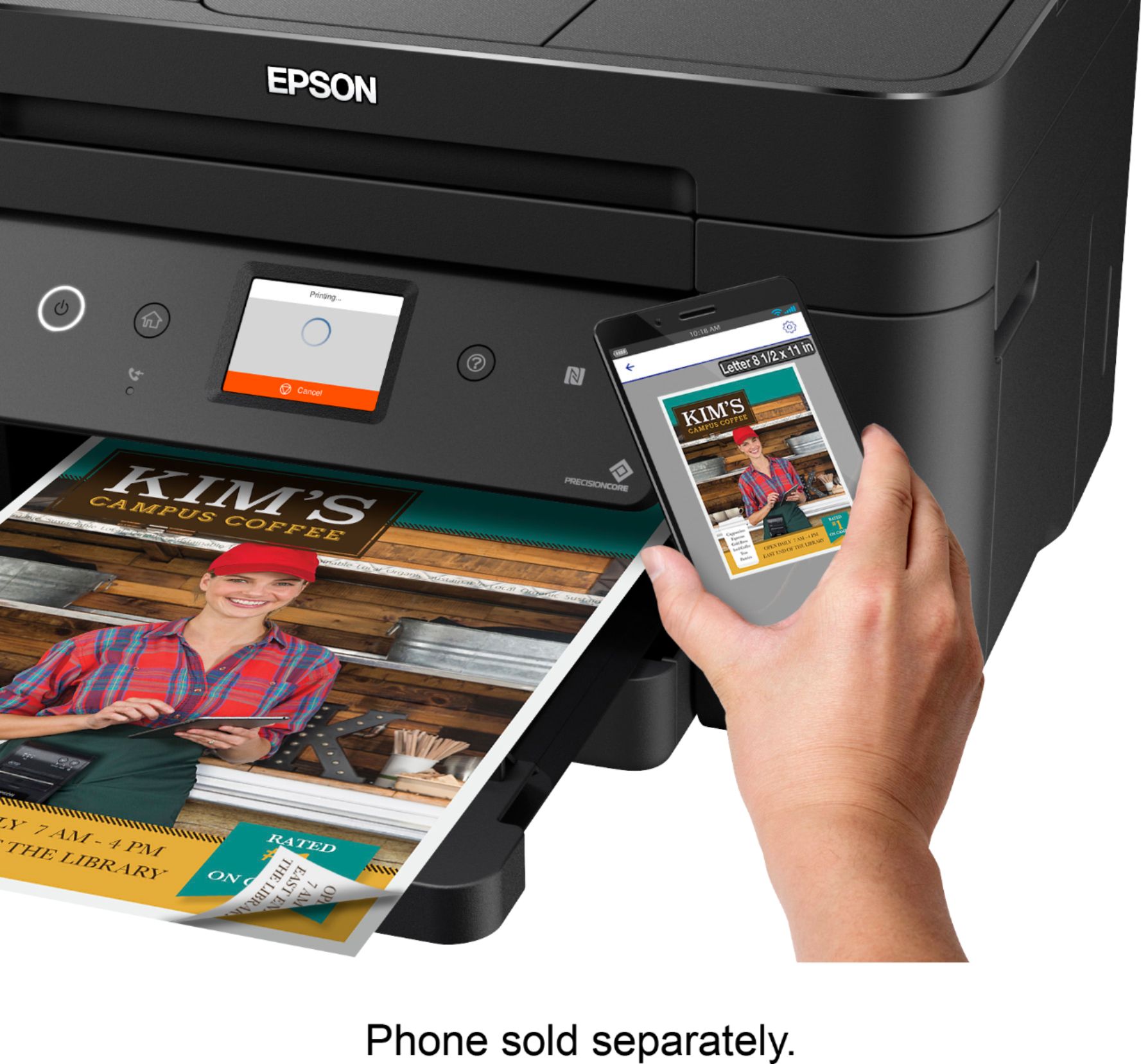
A:AnswerHello. Yes, the WF-2860 can be connected to a computer via a Printer USB cable. When using the printer with a smartphone or tablet, it can only be connected wirelessly via Wi-Fi. Regards, Kevin - The Epson Team.
A:AnswerHi MrDe, You have to manually pull out the output tray before you can print with the WorkForce WF-2860. Some higher-end models like the WorkForce Pro WF-7840 automatically extend the output tray. At the time of this response, the WF-7840 was available at Bestbuy.com. Regards, Mark - The Epson Team.
A:AnswerHello joe. Yes, the WF-2860 can temporarily print in "black only" mode when other color cartridges are expended. If printing stops, you can cancel your print job and select settings to temporarily print with only black ink on plain paper or an envelope. We recommend replacing any expended color cartridges as soon as possible as this can lead to print head-related issues. Regards, Kevin - The Epson Team.