A:AnswerNo this is not a sublimation printer.
It can be a sublimation printer if you purchase sublimation ink and refillable ink cartridges or CISS ink system.
ALL sublimation printer are regular printers, what make a printer a sublimation printer is the type of ink used.
Sawgrass sublimation printer are regular Ricoh 3110 printers Using their sublimation ink cartridges makes it a sublimation printer.
If you purchase sublimation ink, Make sure you are getting a custom ICC color profile with your inks. Regular ink is different from sublimation ink and a custom profile must be used for colors to come out correctly.
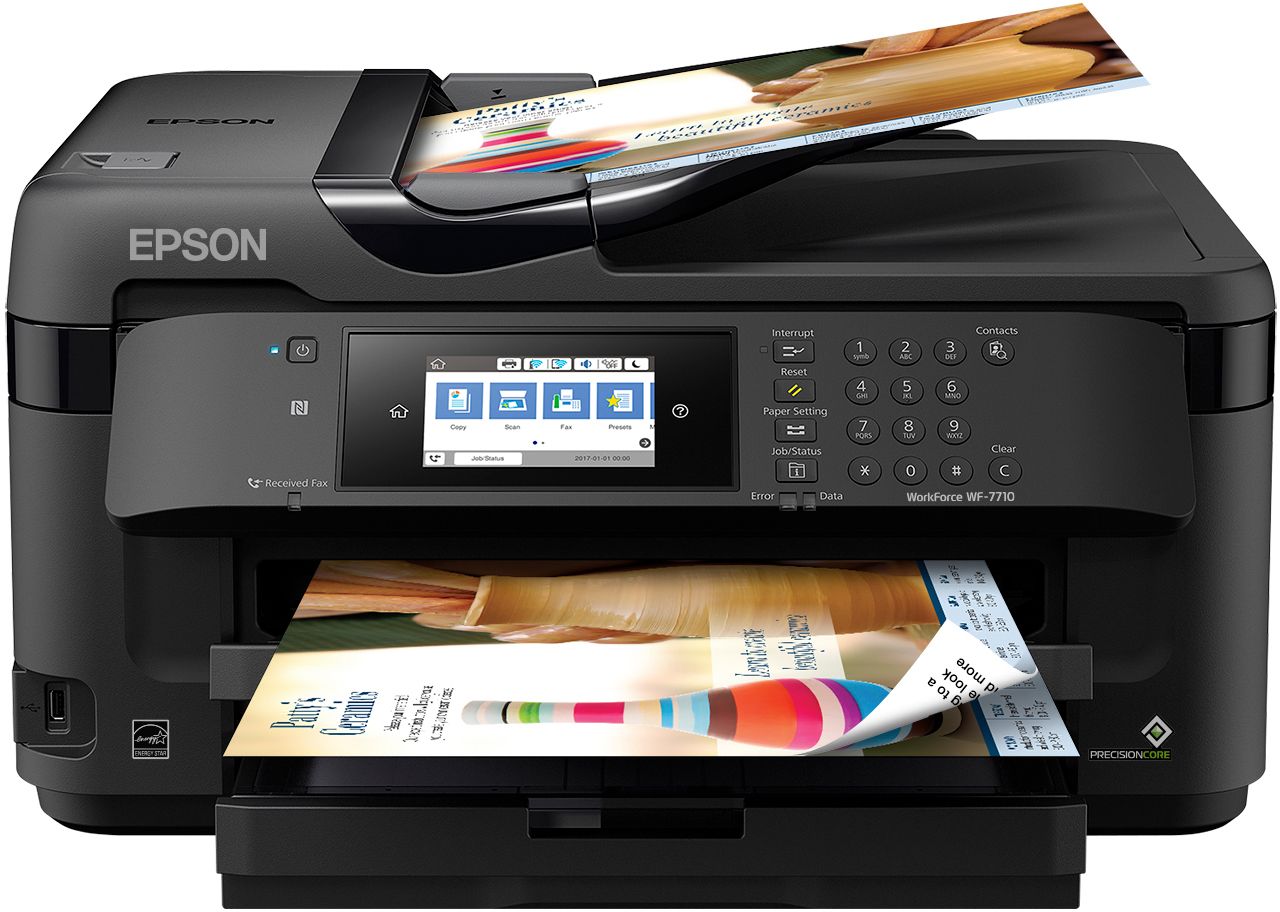
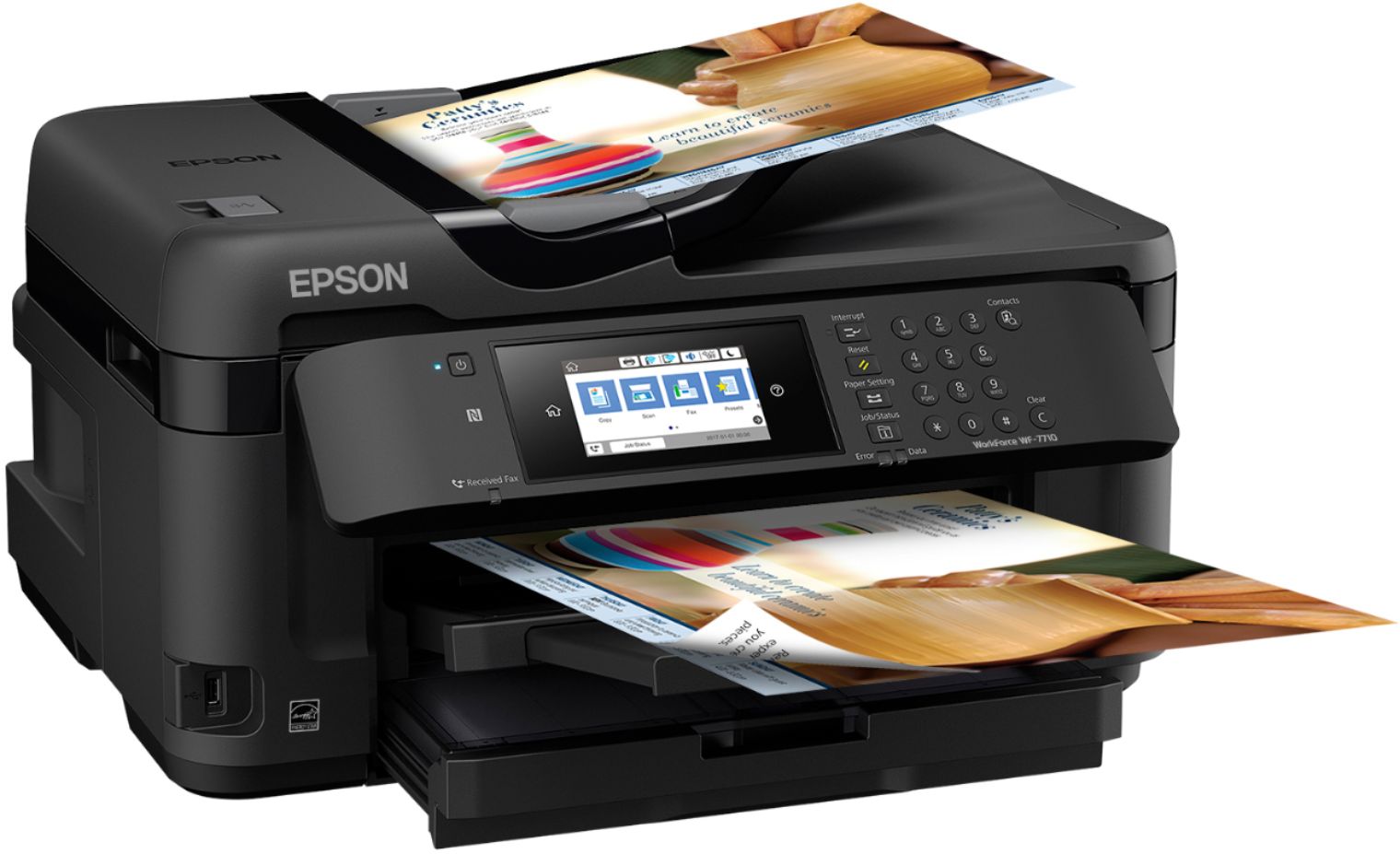
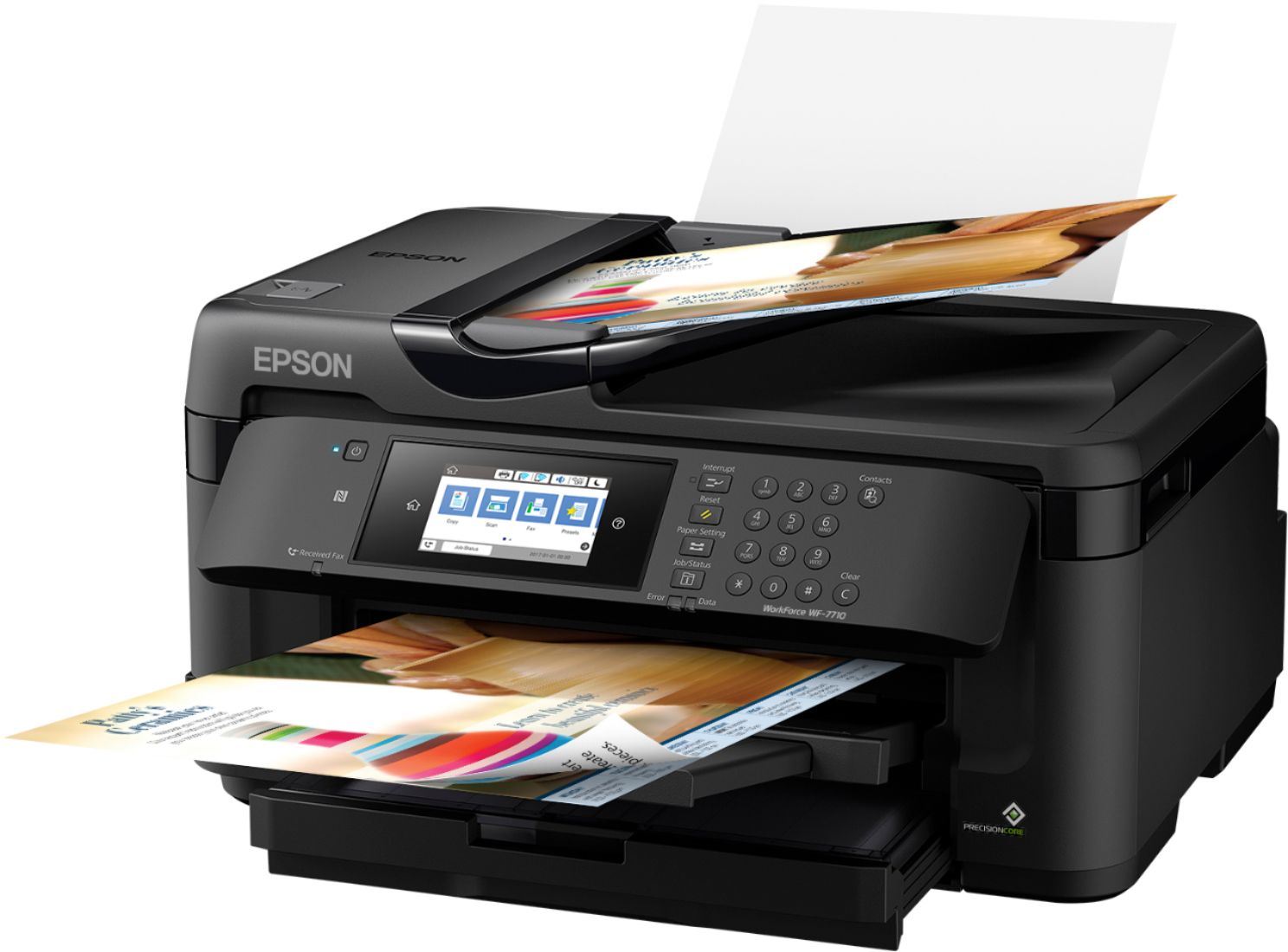
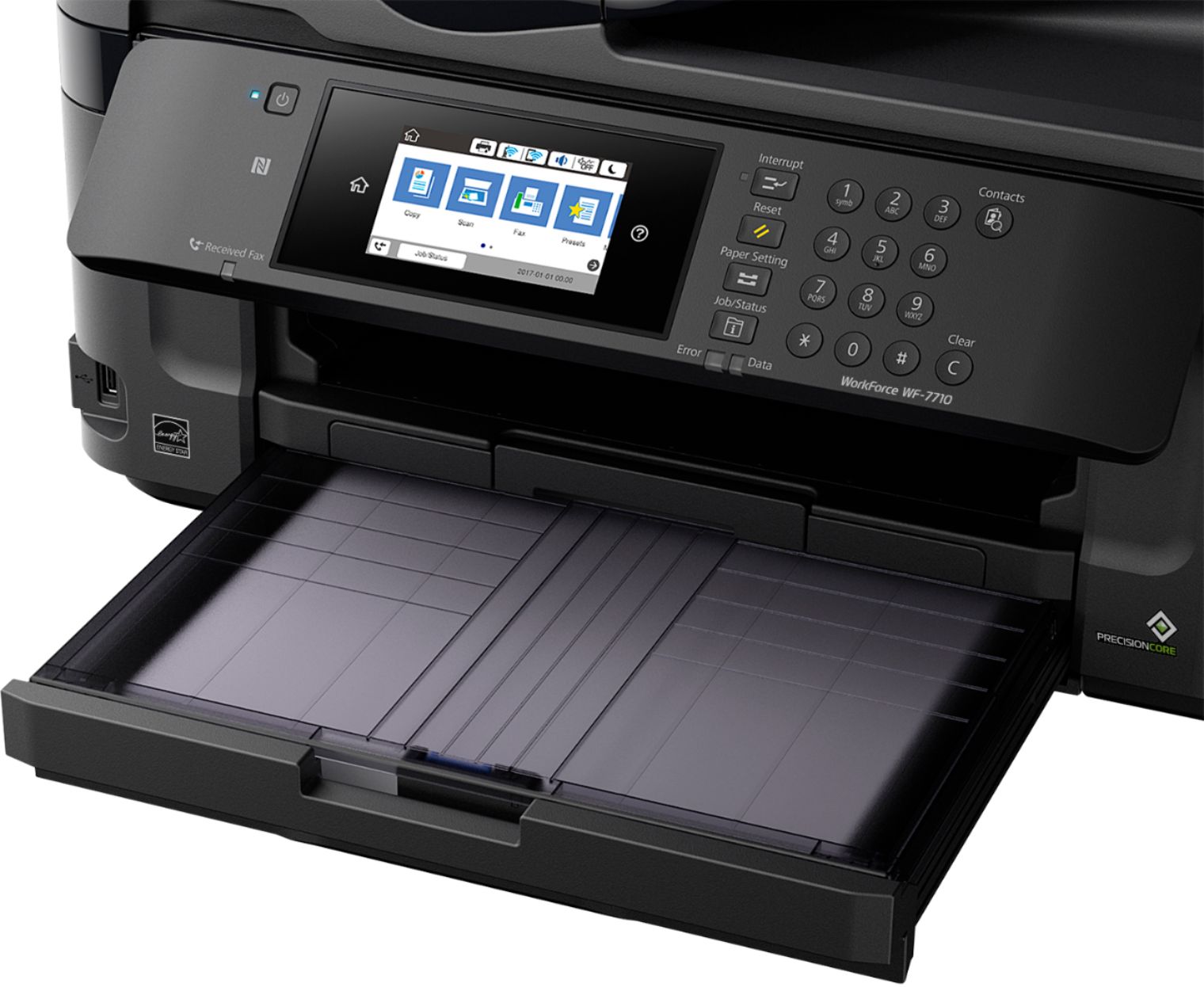
A:AnswerYes, the Epson WF 7710 prints on cardstock by feeding the cardstock using the Rear Paper Feed Slot, this way the stock does not have to do the u-turn that regular paper does when fed from the Paper Cassette. I have successfully printed business card on the thicker stock.
A:AnswerThe printer needs all the colors to make Other Colors so NO.......... OMG I hate that too. It will def. stop until you replace the ink that needs to be replaced and then it will continue.
A:Answerhas no problem scanning to PDF and numerous other formats. Cannot comment on "optical character recognition" because I'm not familiar with that format. One problem I am having is the long wake up time. When scanning and the printer is asleep there is a 3 to 5-minute wait for the printer to come alive and connect to my computer. I'm using a wired connection through a router and switch. Amazingly, if you turn the printer on manually, then it fires up and everything works fine (scanning). There is no delay when printing. Have been working with Epson support to resolve this issue. I suspect there is a glitch in their software involving the wakeup feature.
PS this comment for an Epson WF-7710
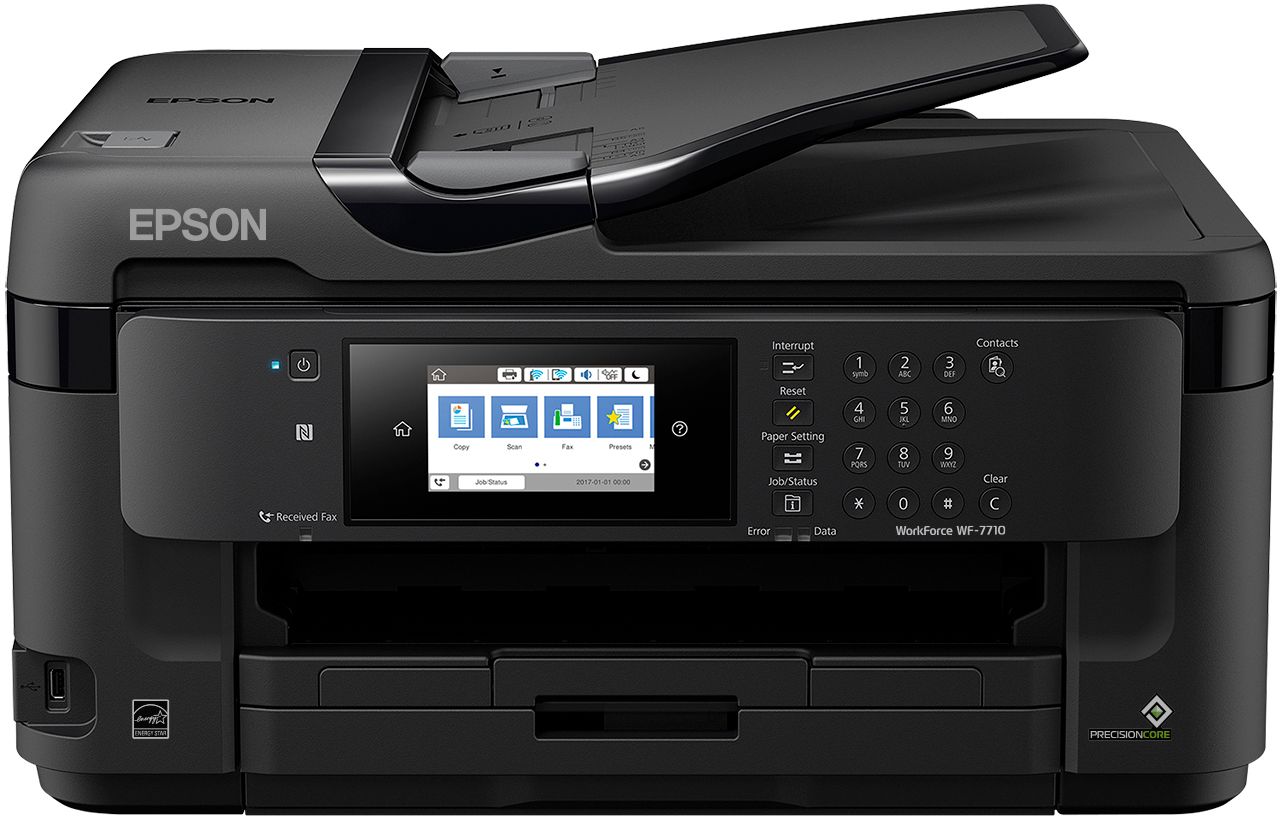
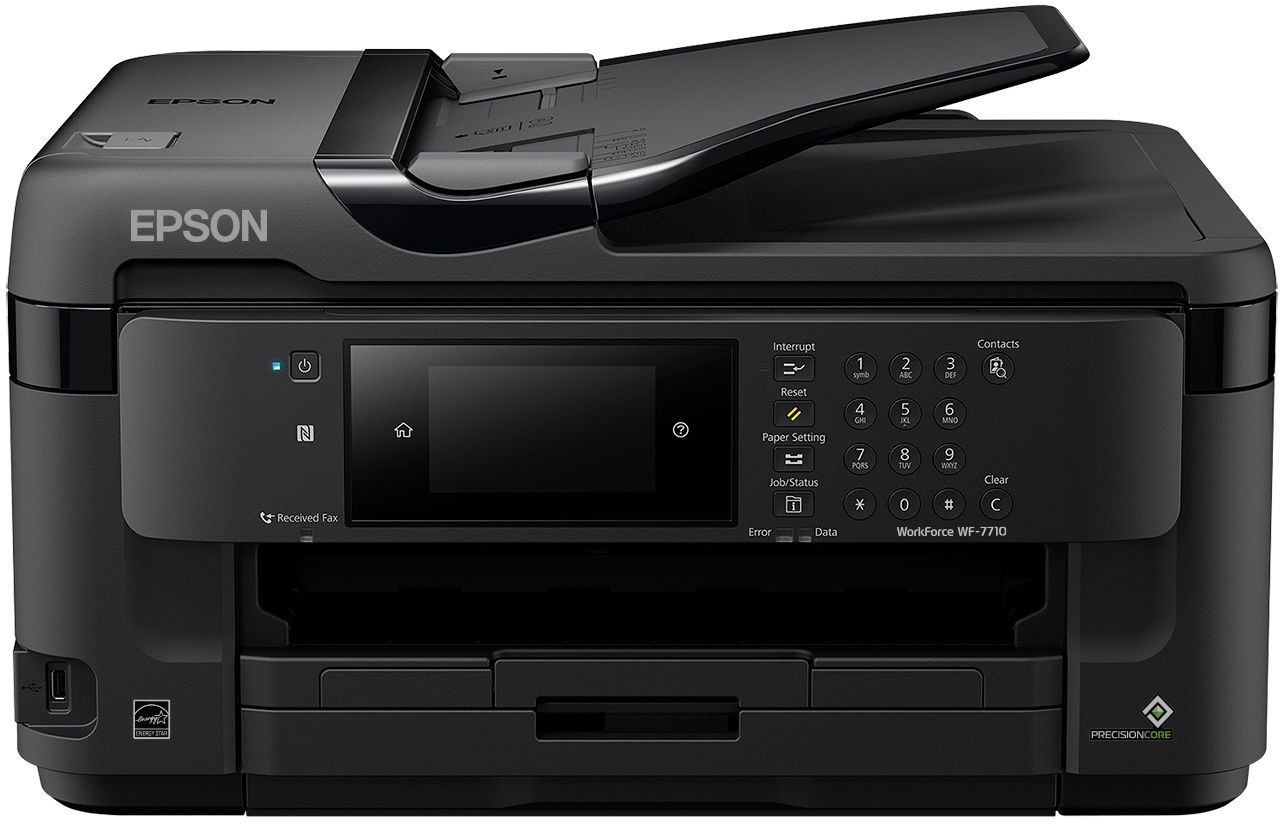
A:AnswerOnly difference between the WF-7710 and the WF-7720 is the tray count. 7710 has a single tray and 7720 has 2 trays.
To answer your question, yes the 7710 is capable of auto 2-Sided Copying/Scanning.
A:AnswerNo, it will not scan to edible text. Try using a software that allows pdf manipulation. Software such as Bluebeam or Adobe can. E downloaded offline.
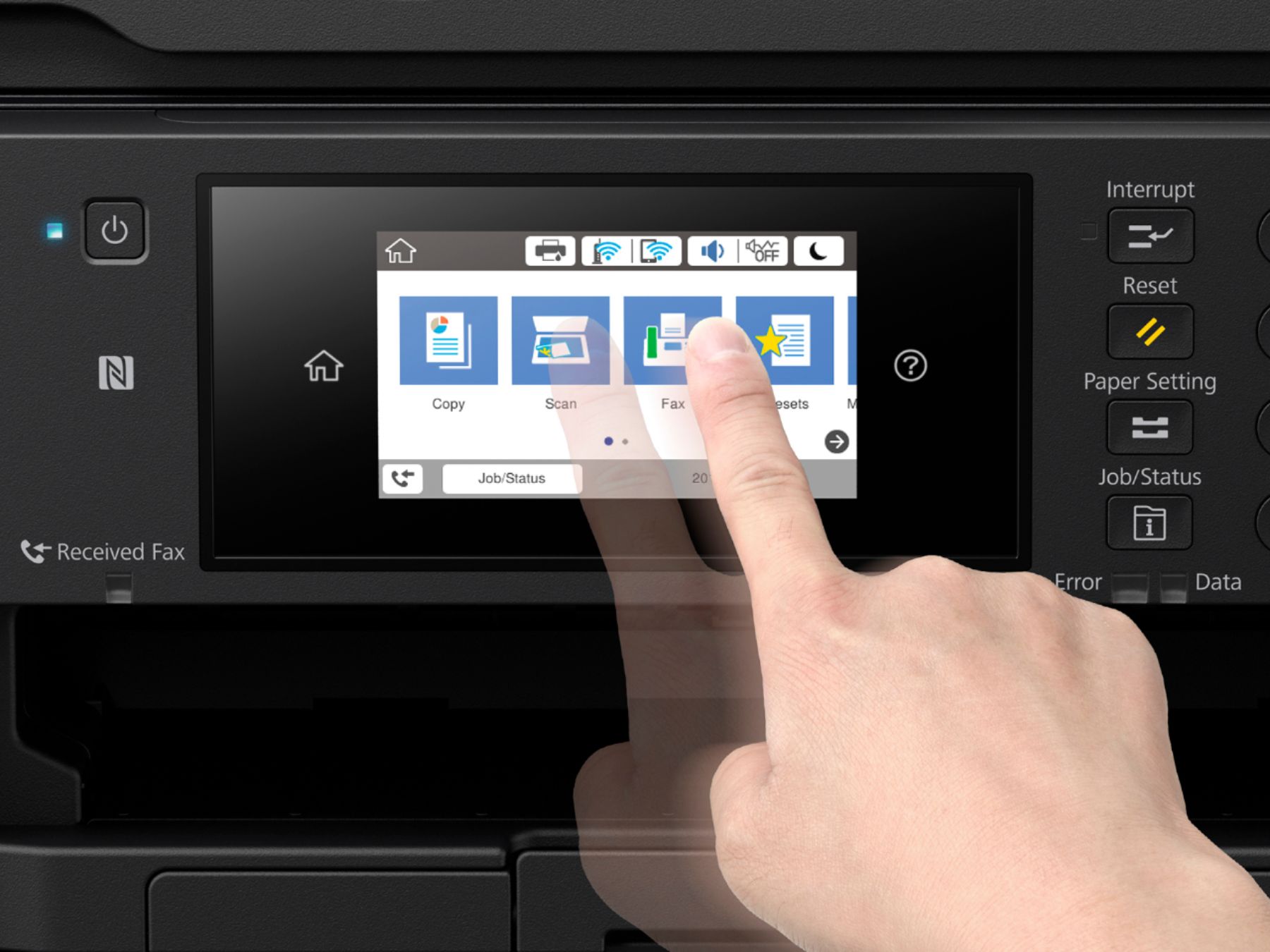
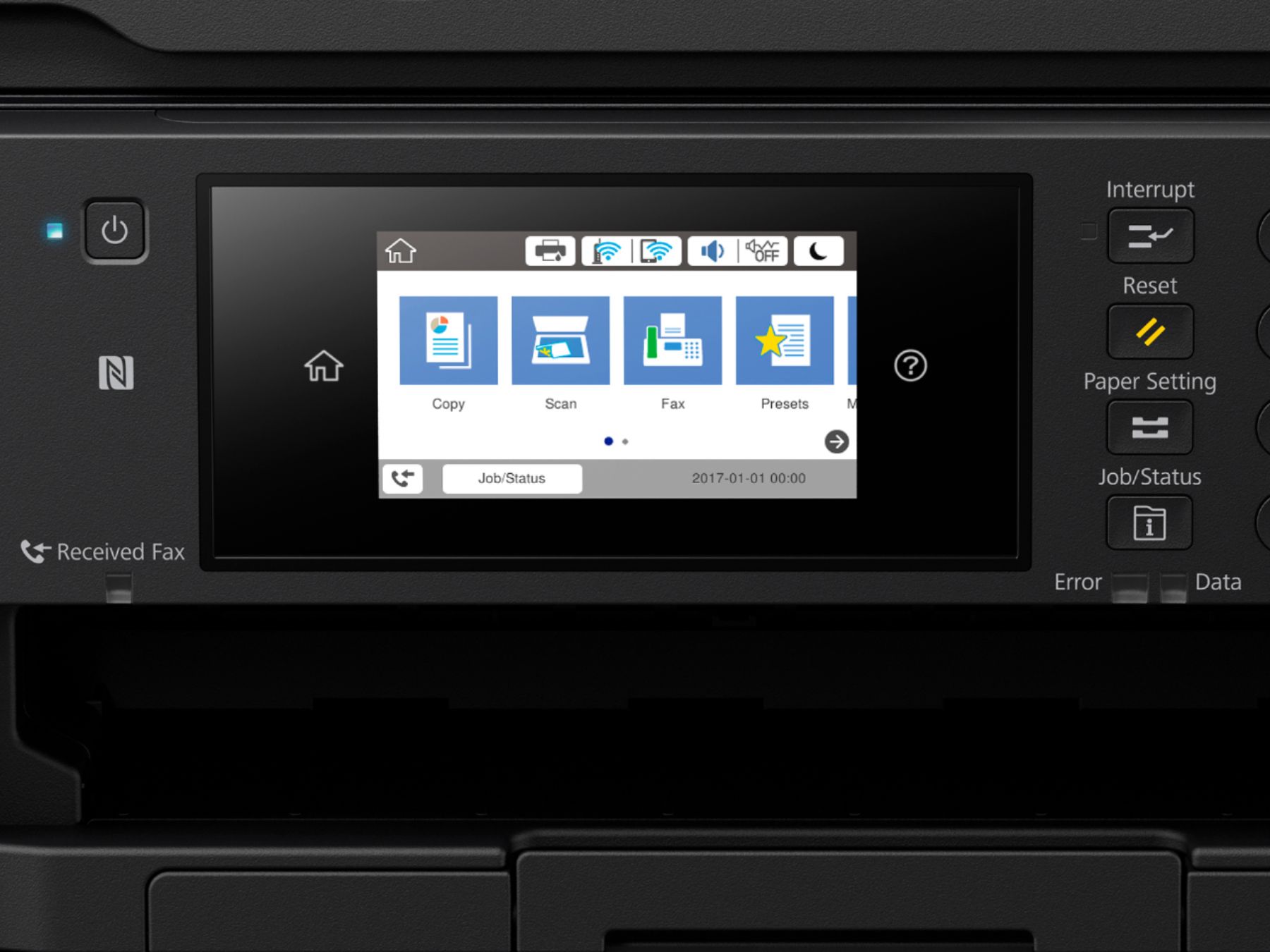
A:AnswerYes this All-in-one does do double sided scanning. Just following the prompting instructions on the touch screen display for the option. This printer/scanner/copier/fax is very fast. I'm very happy with it!
A:AnswerNo - Word has never been a document format for scanners.
This scanner's formats are JPEG, TIFF and PDF, These are the standard scanner formats. If you want a document in MSWord you'll have to buy some type of converter.