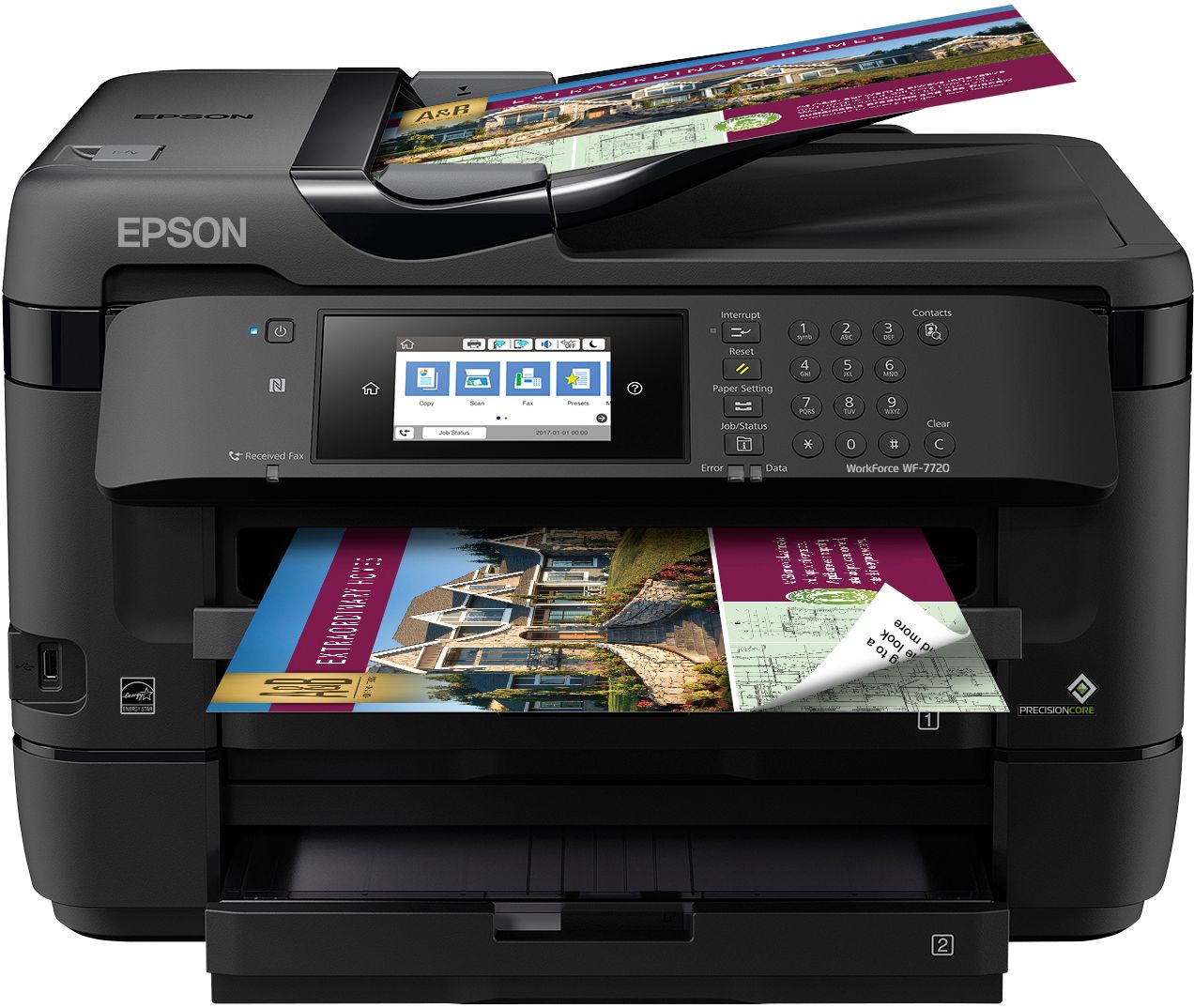
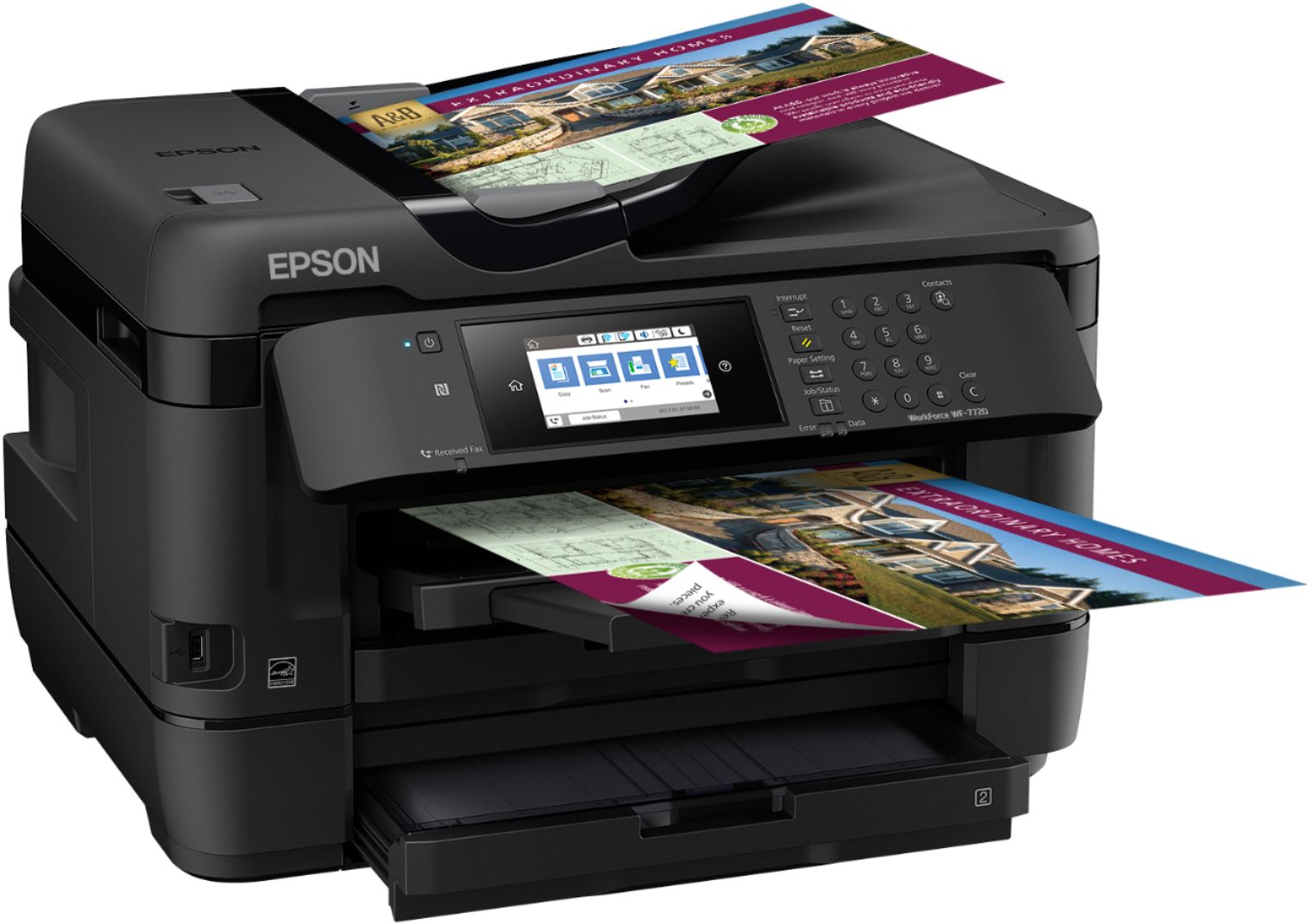
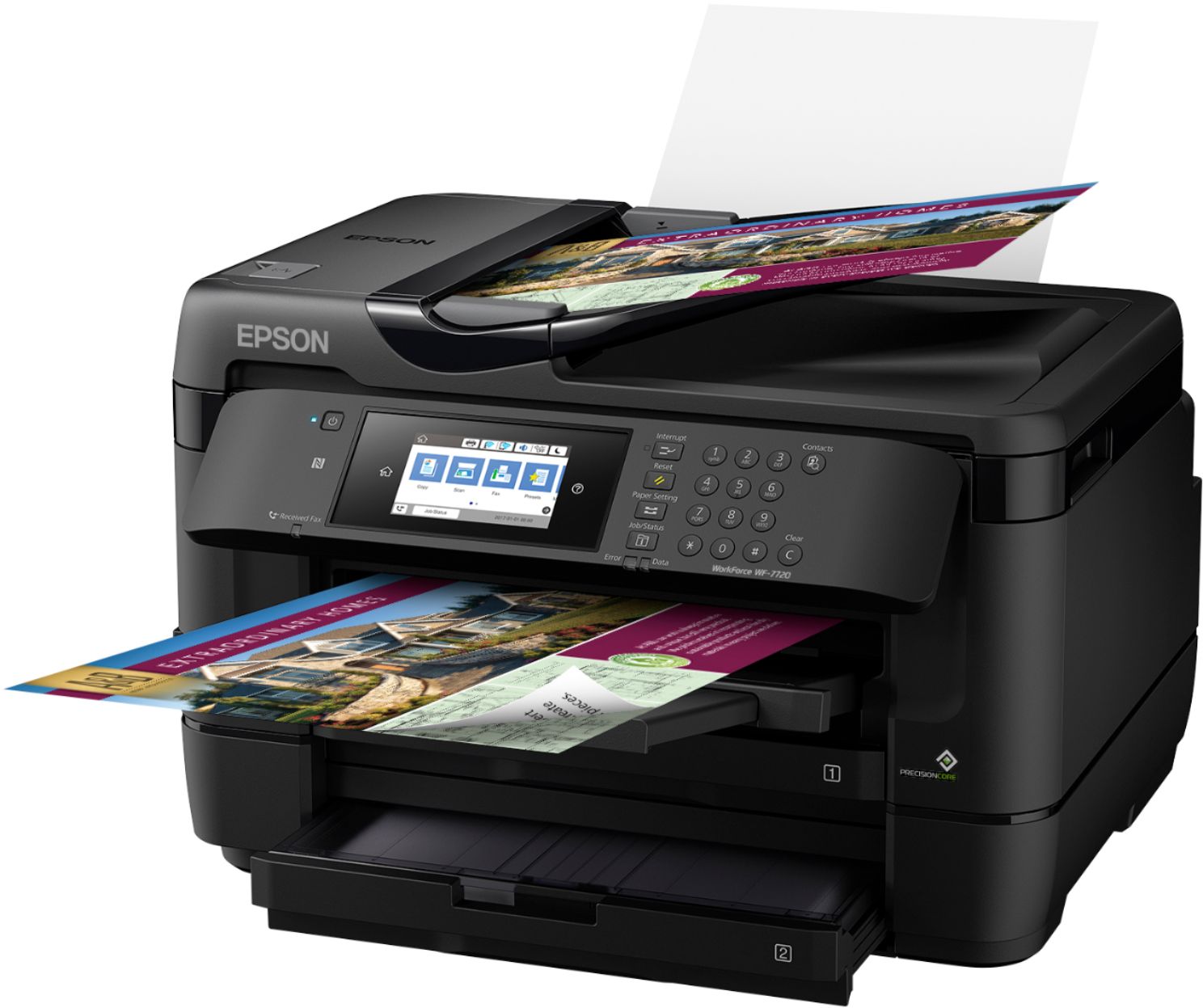
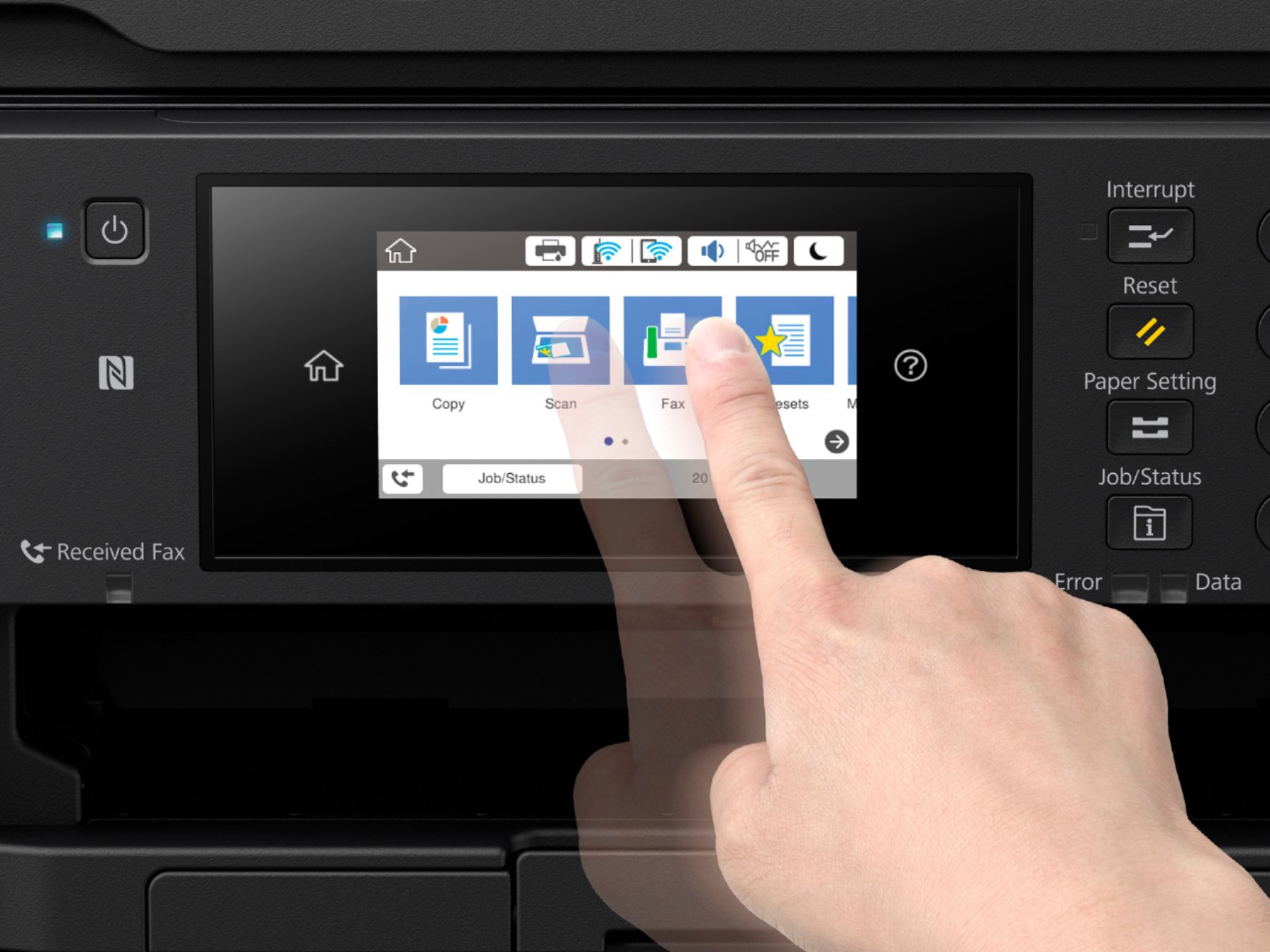
A:AnswerYes. You can adjust the brightness. Sleep mode turns off the screen when it’s not in use; however the power light is very bright so l have both of my 7720 printers (1 for sublimation, the other regular printing.) power light indicator covered with a small piece of heavy cardstock.
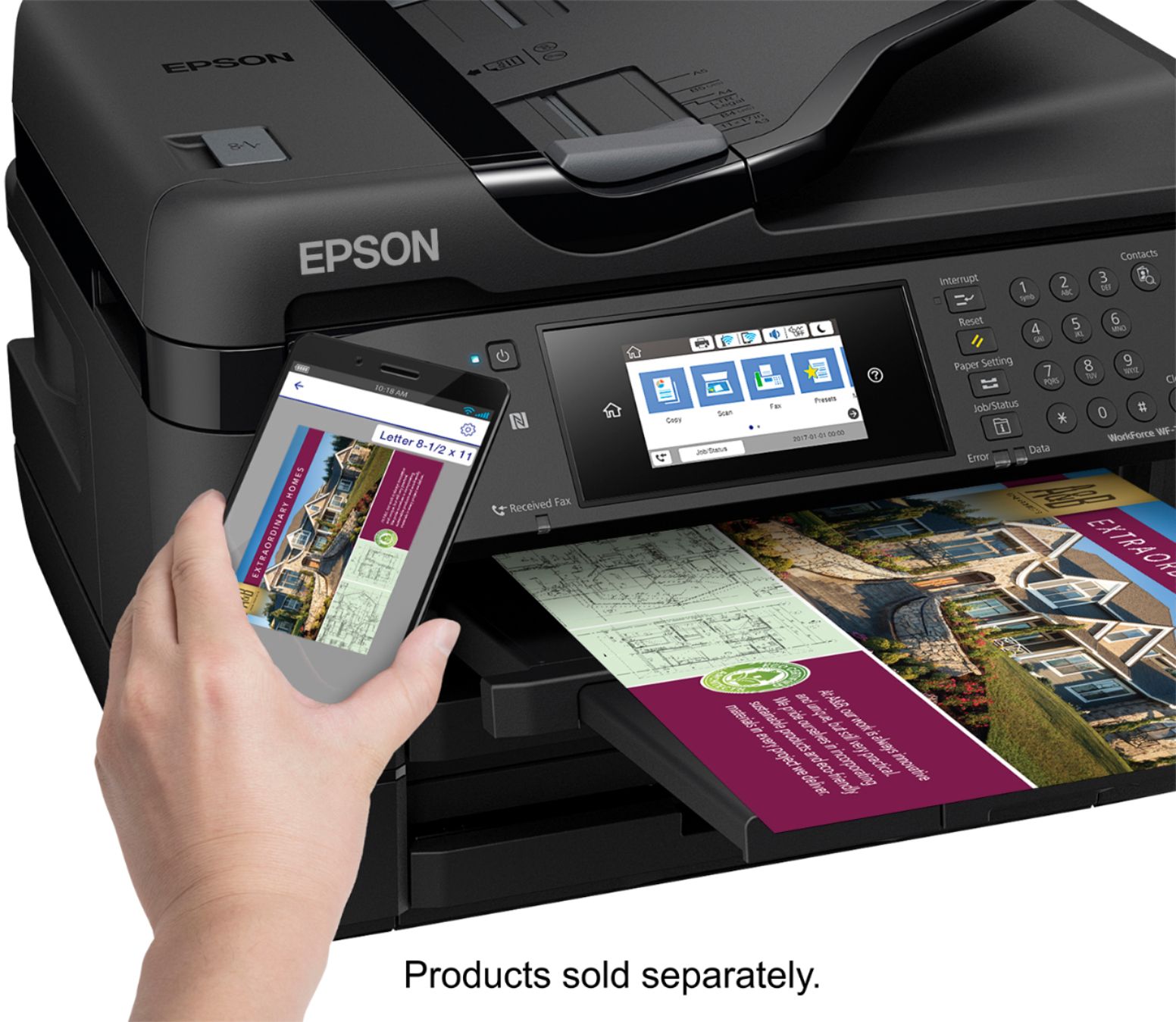
A:AnswerOnce you connect your printer to your wireless modem/router you will automatically see it on your iOS devices, if connected to the same wireless device, when you select “Printer” under Printer Options.
A:AnswerNo. Negatives need to be backlit for scanning. You could probably rig something up to do that but you’d be better off getting a dedicated negative scanner.
A:AnswerWhen you select copy, you can change the paper setting. You would need to click on the cassette and change it to plain paper. Make sure your auto is on unless you want it to copy from a specific cassette
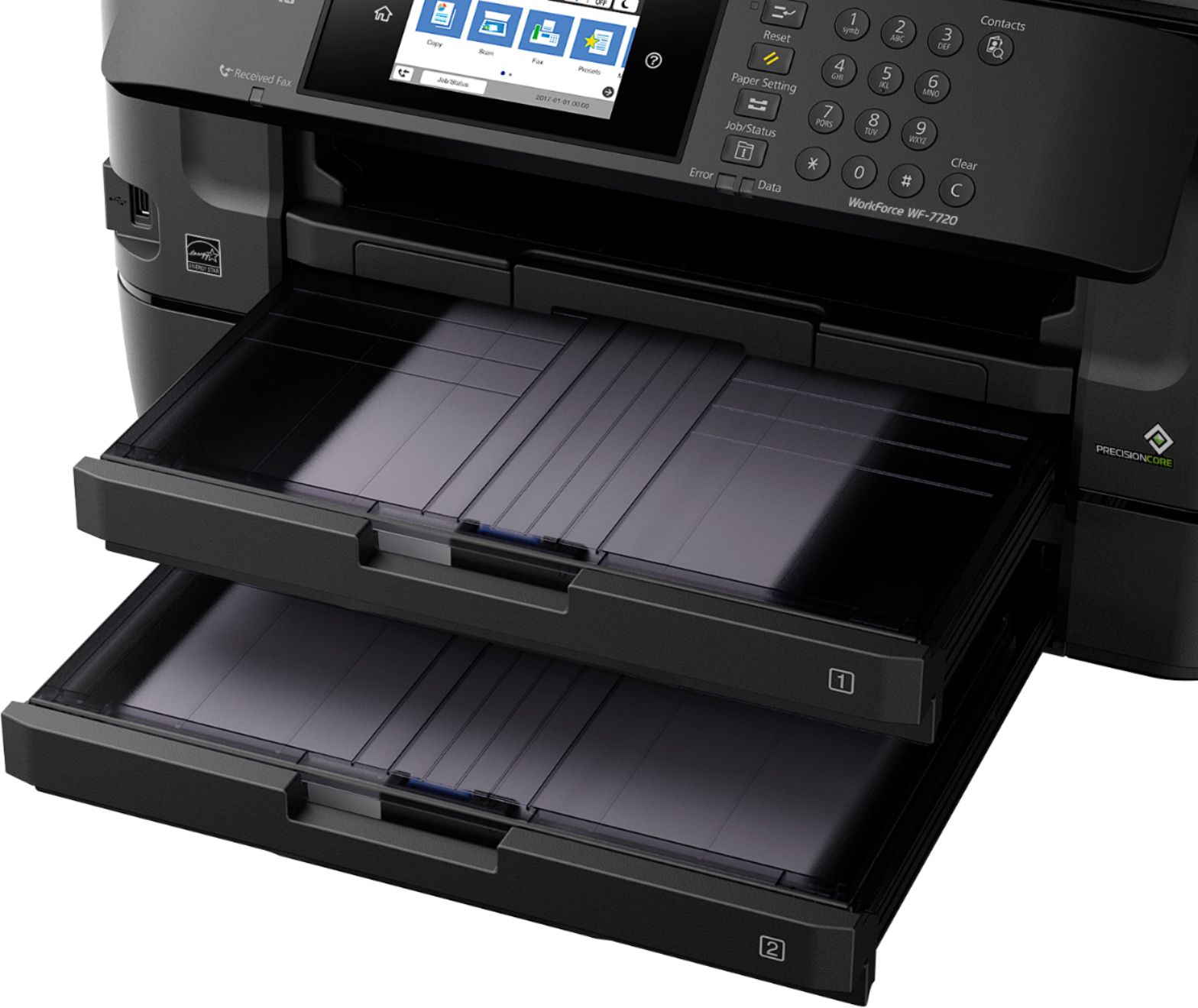
A:AnswerYou would press the blue sliders and slide them to open the width and height. The light blue tab closest to the opening of the tray on the right corner, you will need to press that to adjust and extend for 11X17 printing. It can be done on tray 1 or 2.