A:AnswerI believe I've heard of others using transfer paper. I use text print sublimation paper. Make sure you get the correct ink. And DO NOT do the update on this printer.
A:AnswerI wish I could fully answer this question for you but I would contact Epson customer service to save time and money. From my understanding the ink for sublimation printing is what is special due to its shelf life. There are some Epson printers that can provide this function; my apologies again but I hope this helps in some way.
A:AnswerMight it be that the music is copyright protected and will not print for those reasons? Just a shot in the dark. Best of luck getting a resolution.
A:AnswerEpson WF7720:
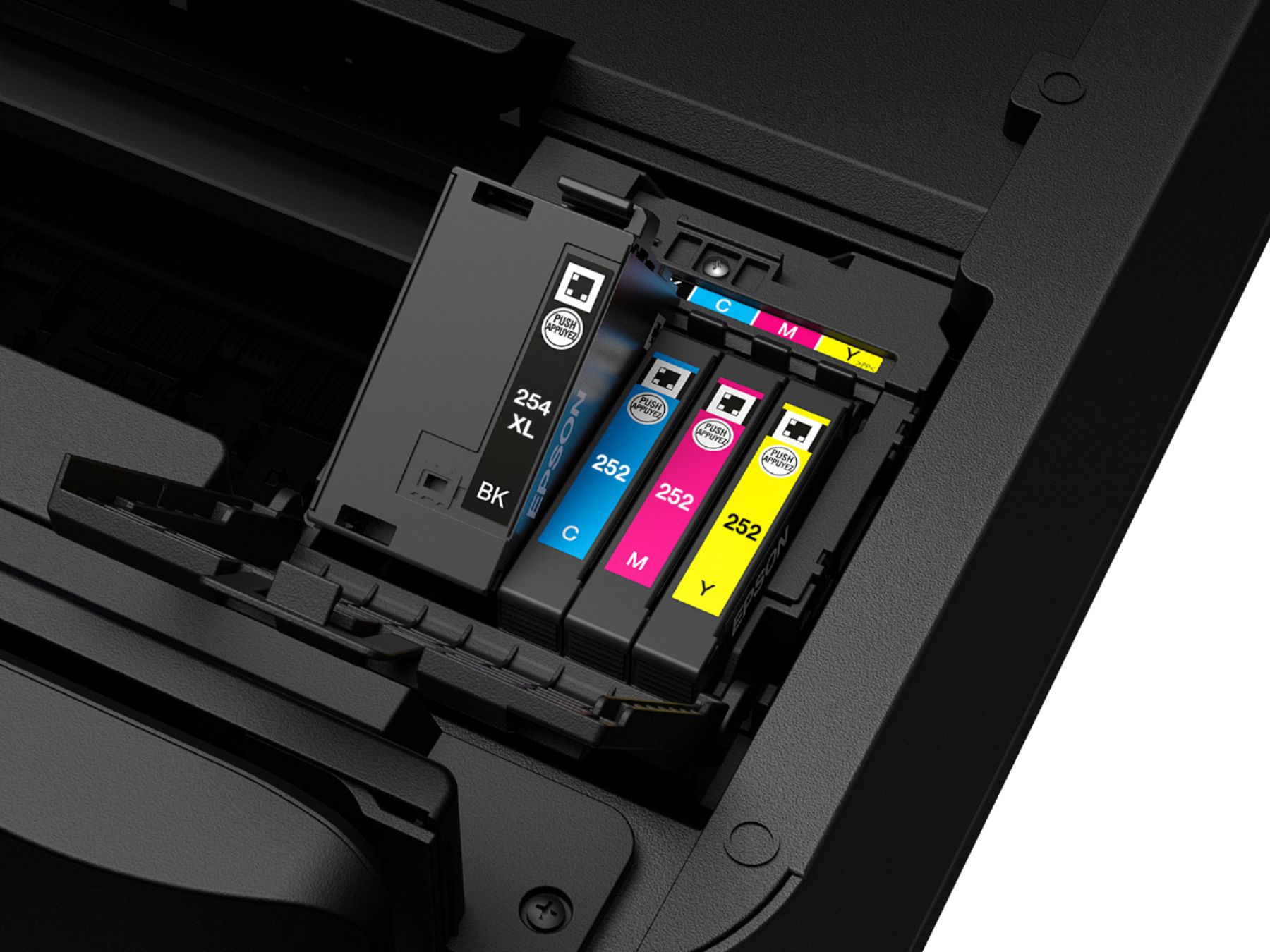
Low — no. It will continue to print until at least 1 cartridge is empty.
Empty — yes it will stop. BUT, if a color is empty you can still print in black.
A:AnswerNo. The Epson ink for this printer is pigment ink (starter carts come in the box.) However you can modify the printer to do sublim. Search youtube and the net. Several folks sell kits, and have how to videos. Not sure what the mods would do to your Epson warranty.
A:Answerwhen the print screen pops up, click preferences and there’s an option to change the settings before you print. It says color or black/grayscale. Choose black/grayscale.