A:AnswerI would say from a house to the sidewalk mostly. Can record cars driving down the street if set to “all motions” instead of human only. People can walk across my street without setting it off.
A:AnswerIf you wire it properly to a 12v battery then yes you could but when that battery dies your cam stops working as well.
Constant power provided through your home or some alternative power resource such as solar would be recommended.
A:AnswerThe eufy Security Indoor Wired 2K PTZ Security Camera is not recommended to be used through a window to monitor outside. The reflection from a glass window impacts the accuracy of AI detection, and the motion detection feature cannot work reliably because the camera uses Passive Infrared Sensors (PIR) to detect motion. These sensors are blocked by glass, making them unable to detect motion effectively through a window.
A:AnswerDirections show it can be mounted to a swivel base does not allow. Does it need a conversion bracket. The link provided did not satisfy my original question about putting it on a mount like shown it the picture of original reqiuest
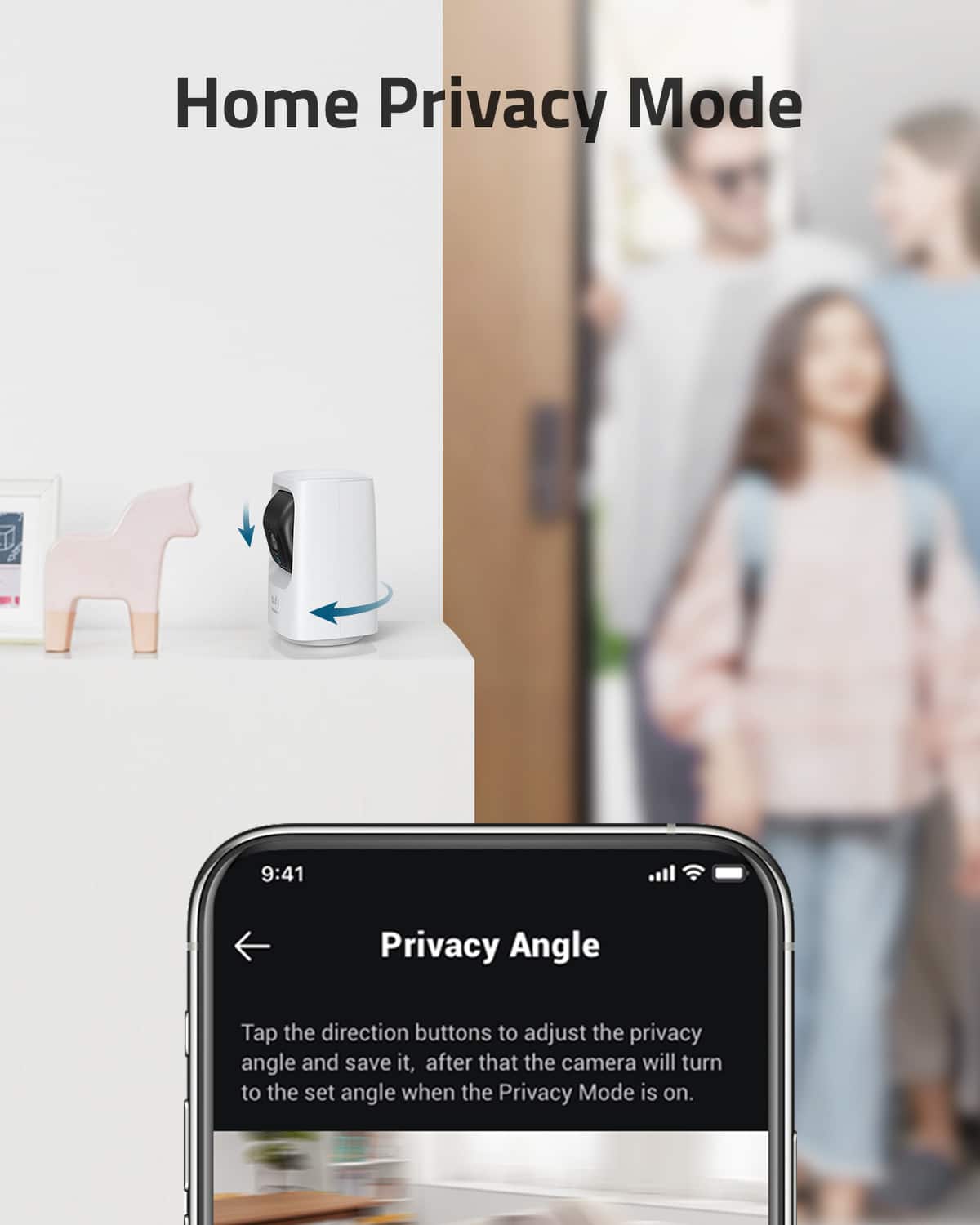
A:AnswerThe issue you described about forcing the camera into privacy mode by toggling power or trying to set up the camera through the app could be mitigated with some preventive measures and configuration adjustments. Below are possible solutions:
Password-Protect the App and Camera Access:
Ensure that the eufy Security app is secured with a strong password, and your account has two-factor authentication enabled. This will prevent unauthorized access to change camera settings.
Secure Physical Access to the Camera:
Place the camera in locations that are more difficult to reach or tamper with. This will make it less accessible for kids to toggle the power.
Individual App Permissions:
Don't share the eufy app credentials widely. If multiple household members need access, provide them with appropriate access via the app's shared device functionality, where you can set user permissions to limit what actions they can perform.
Use an SD Card and Activity Zone Settings:
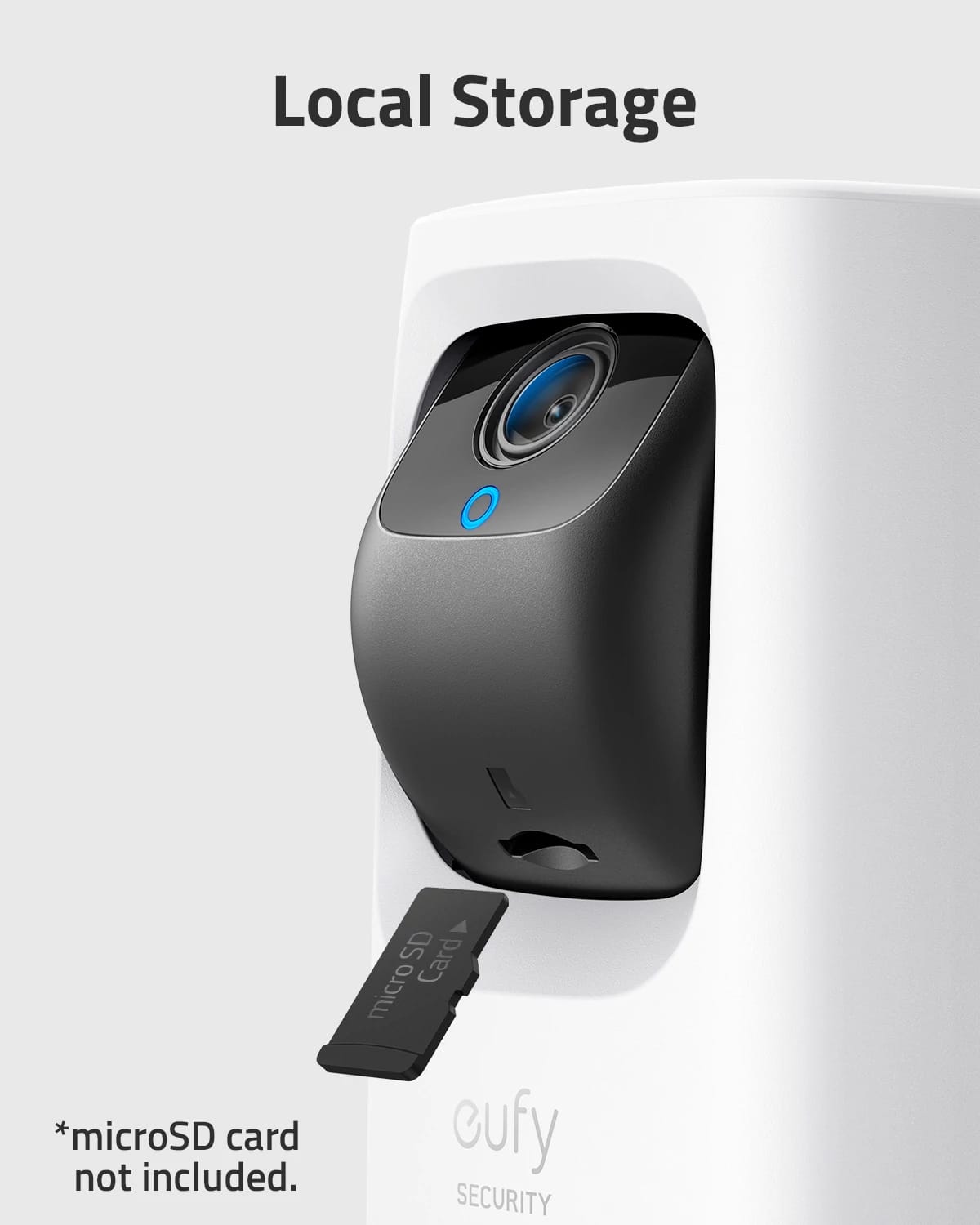
Insert a microSD card (up to 128GB, Class 10) to store recordings securely. You can restrict the recording area by configuring activity zones in the app, thus ensuring the focus remains on critical areas.
Camera Firmware Update:
Make sure your camera has the latest firmware installed. Updates often include fixes and new features that can improve security and functionality.
Notification for Privacy Mode Activation:
If your camera records or offers logs about when it's placed into privacy mode, review these periodically to detect patterns or misuse. Unfortunately, it might not notify you explicitly when privacy mode is engaged unless the app supports that specific alert feature.
Limit New Setup Permissions:
The eufy app requires account credentials for pairing a camera. If children have access to a phone or device with the app, use app locks or user restrictions to limit their ability to access and reconfigure the device.
Using a combination of these steps, you can significantly reduce the likelihood of unauthorized use or tampering with the camera's functionality. Note that the eufy Indoor Cam is designed for easy setup and comprehensive monitoring, but securing access and physical placement are critical to avoiding unauthorized changes.
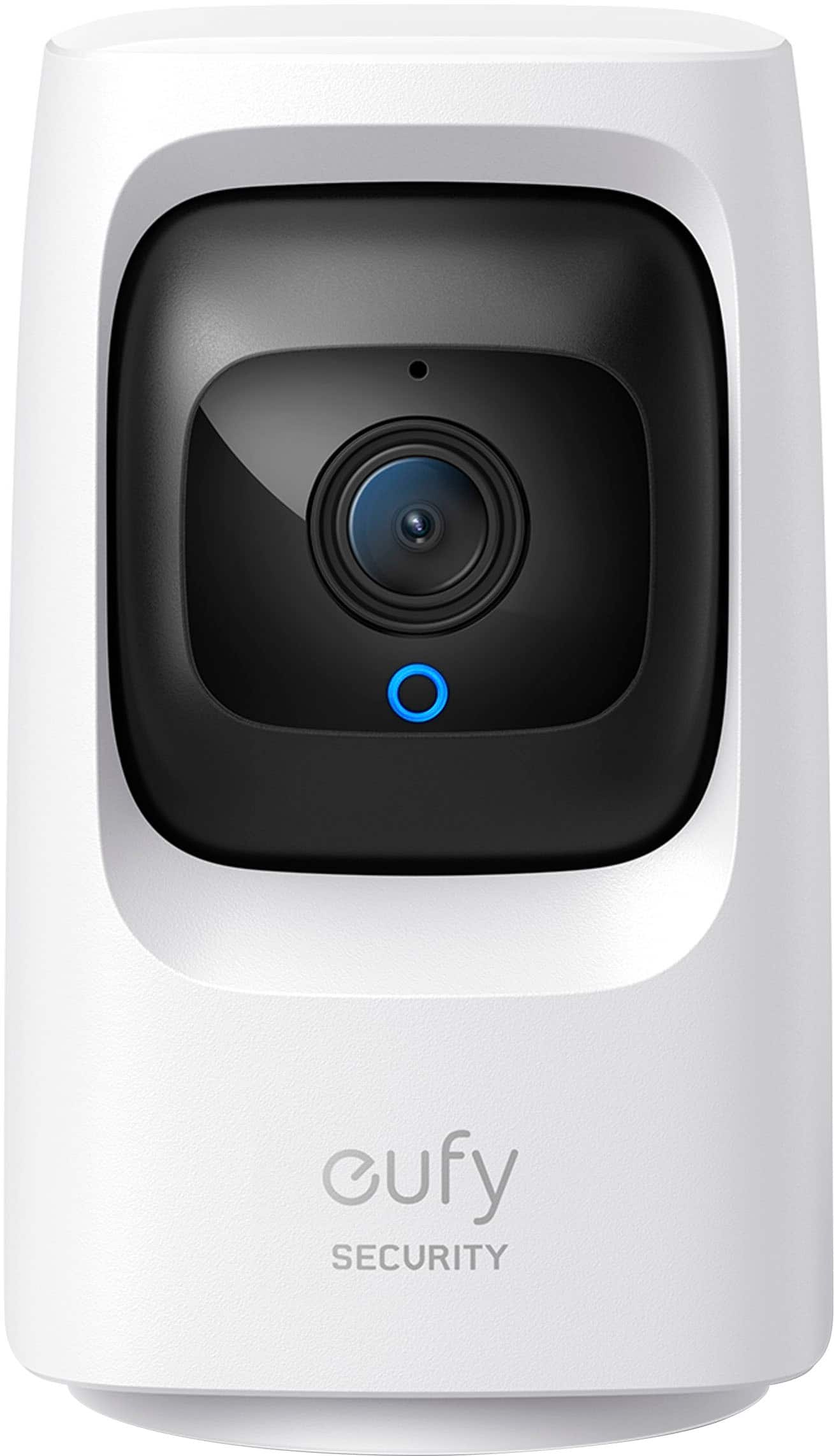
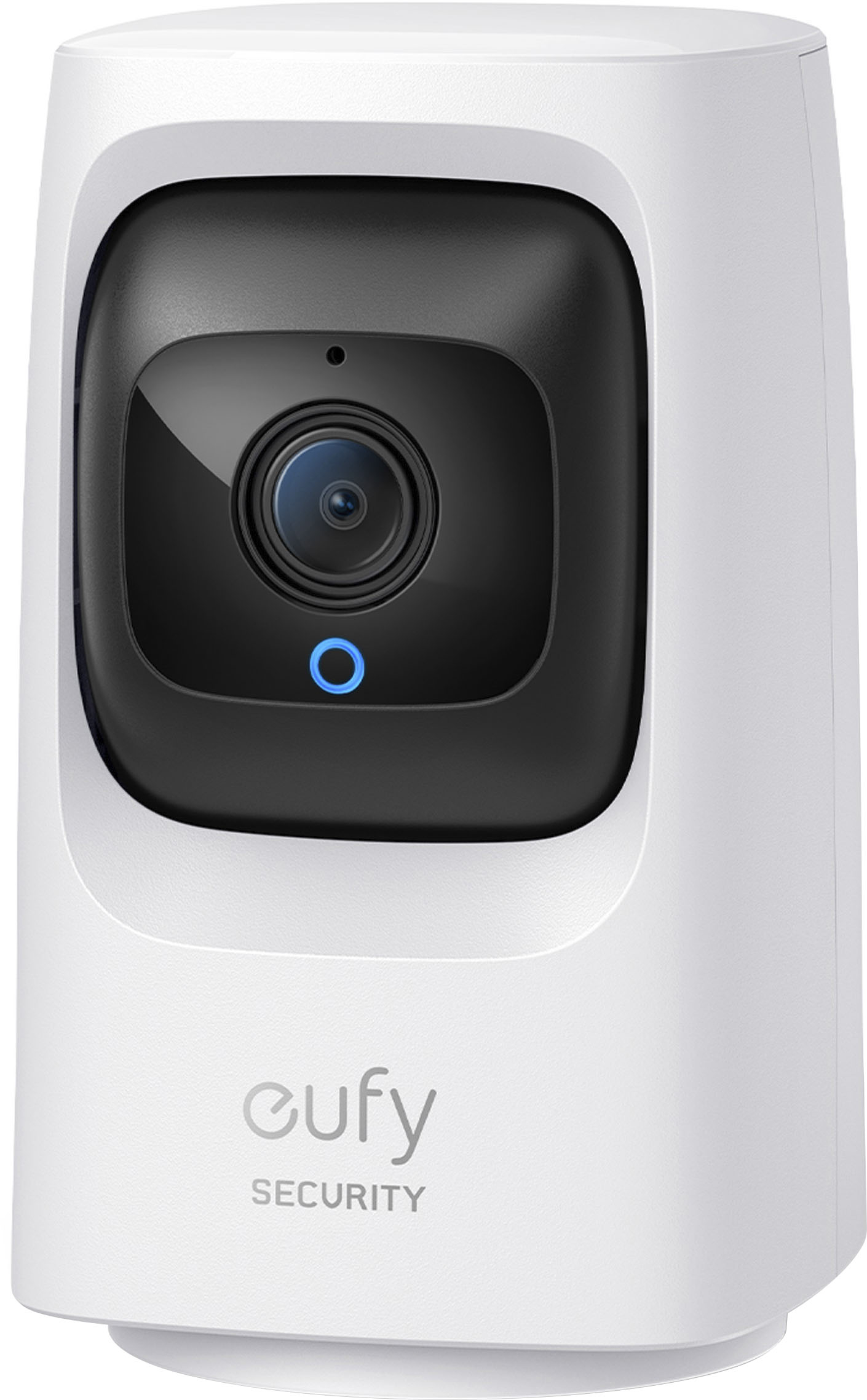
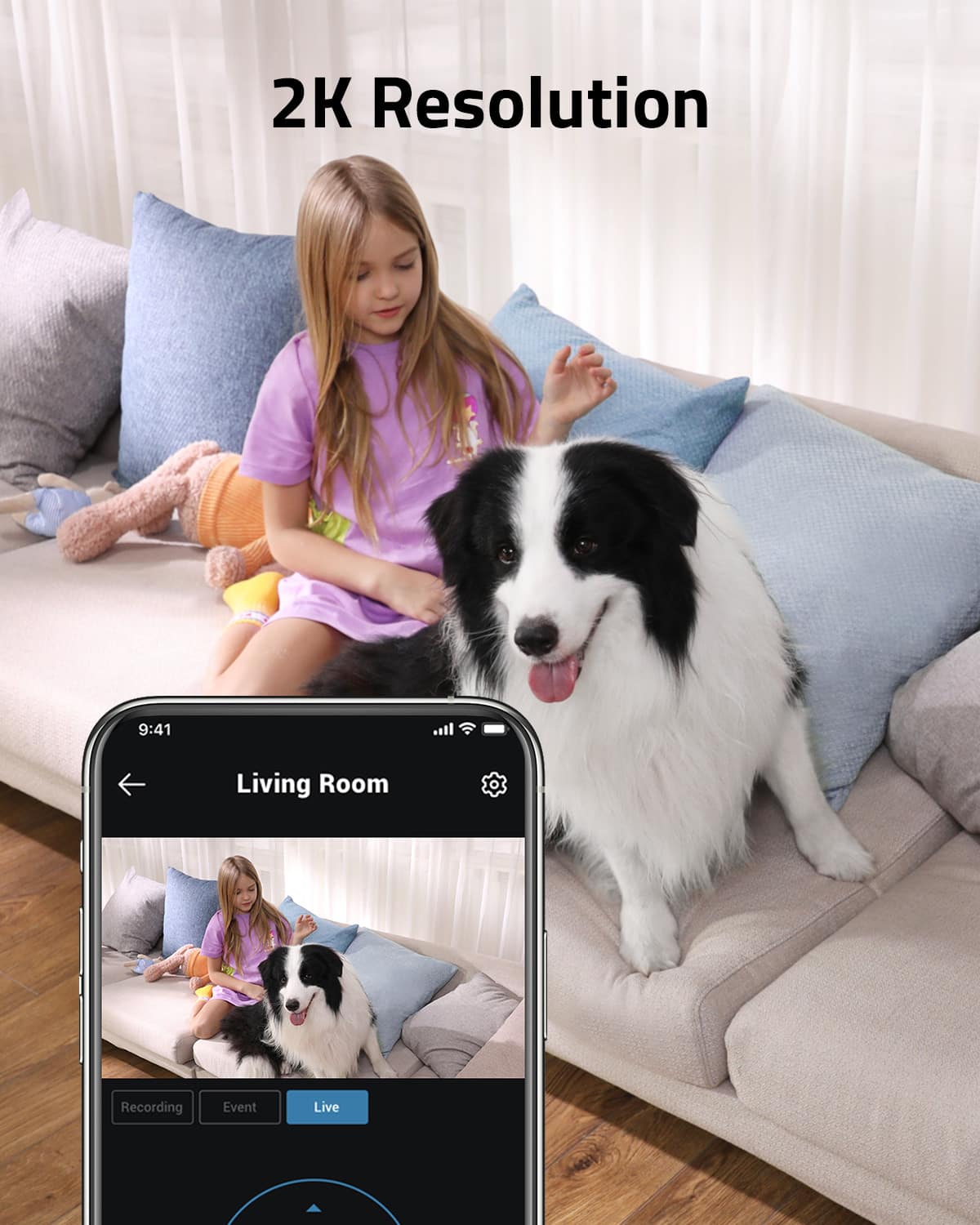
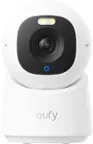
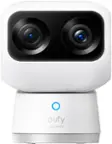
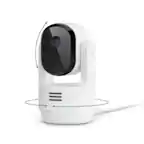
A:AnswerYes, the eufy Indoor Wired 2K PTZ Security Camera (Indoor Cam 2K Pan & Tilt) is capable of providing live monitoring, making it ideal for watching your small dog. The camera features:
Pan & Tilt Functionality: Allows a 360° horizontal and 96° vertical view, so you can scan across the room or track movement easily.
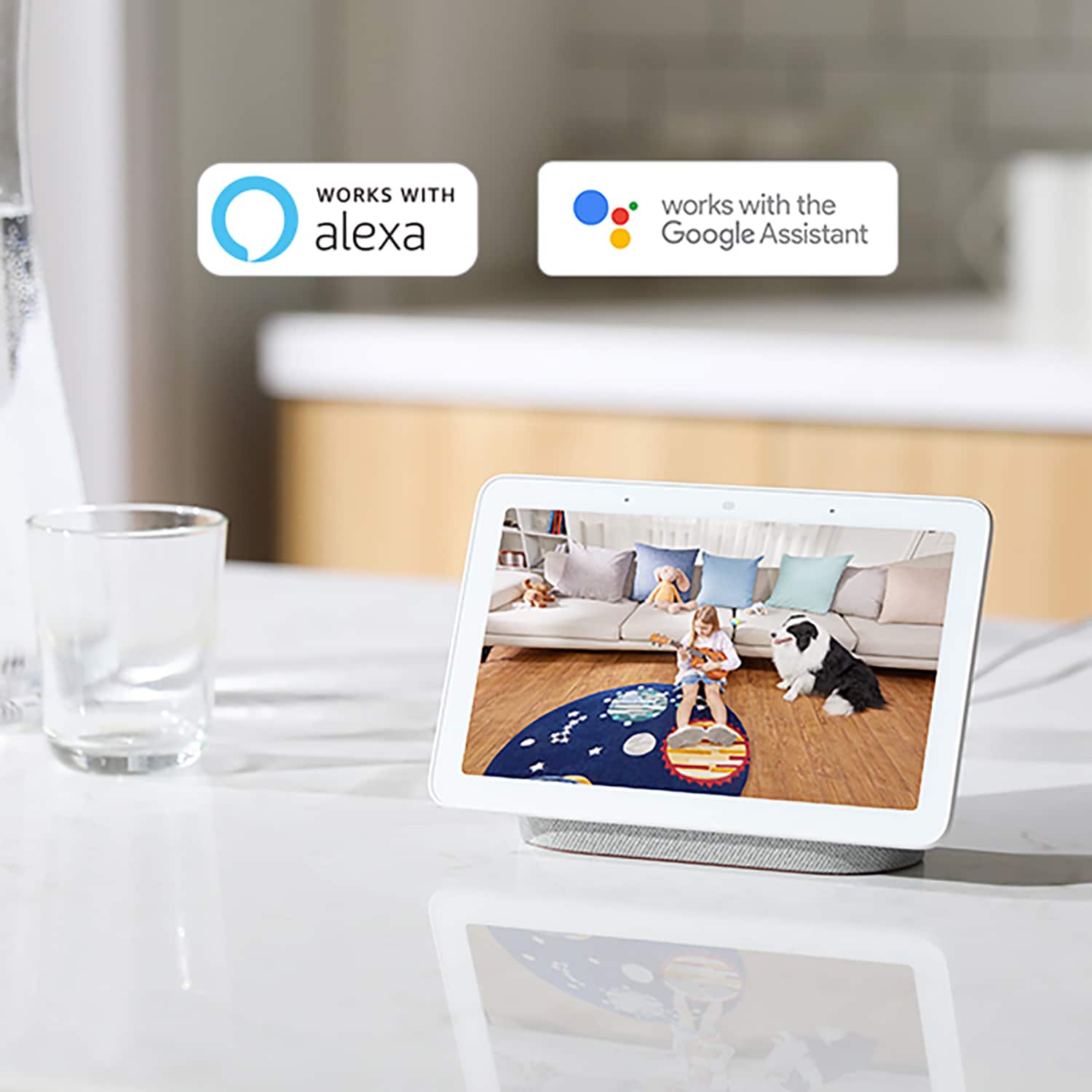
Continuous Live Streaming: You can keep an eye on your dog or any activity in the room through the eufySecurity app.
24/7 Recording: Continuous recording is possible if a microSD card (up to 128GB) is installed.
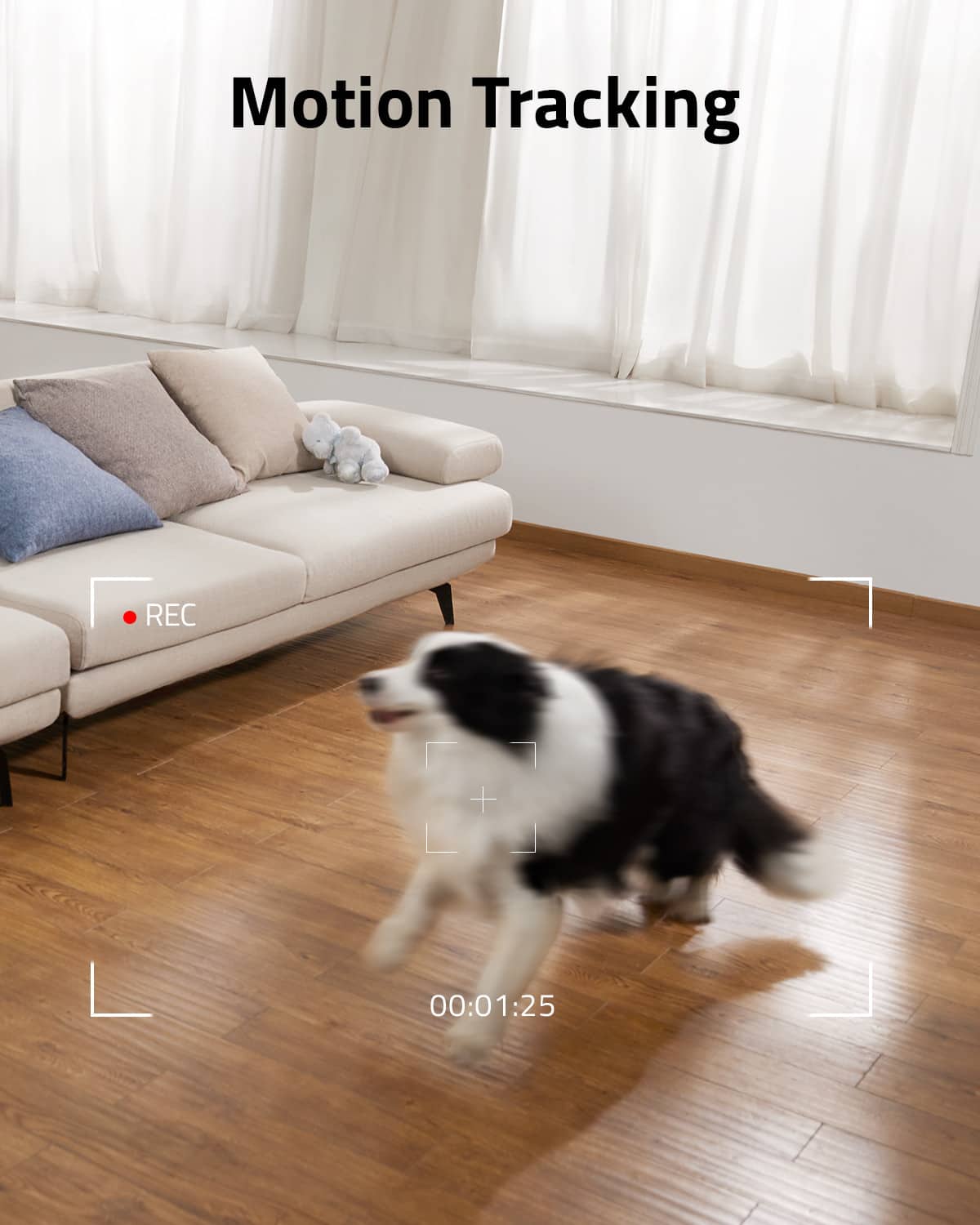
AI Motion and Pet Detection: It can be set to detect and follow motion, ensuring your dog stays in frame.
Placement Options: Since this is a wired indoor camera, it needs to be plugged in, but you can place it out of your dog's reach for safety.
This makes it a practical solution to monitor and interact with your pet remotely while ensuring its security.