Questions & Answers
- Model:
- T88511D1
- |
- SKU:
- 6414447
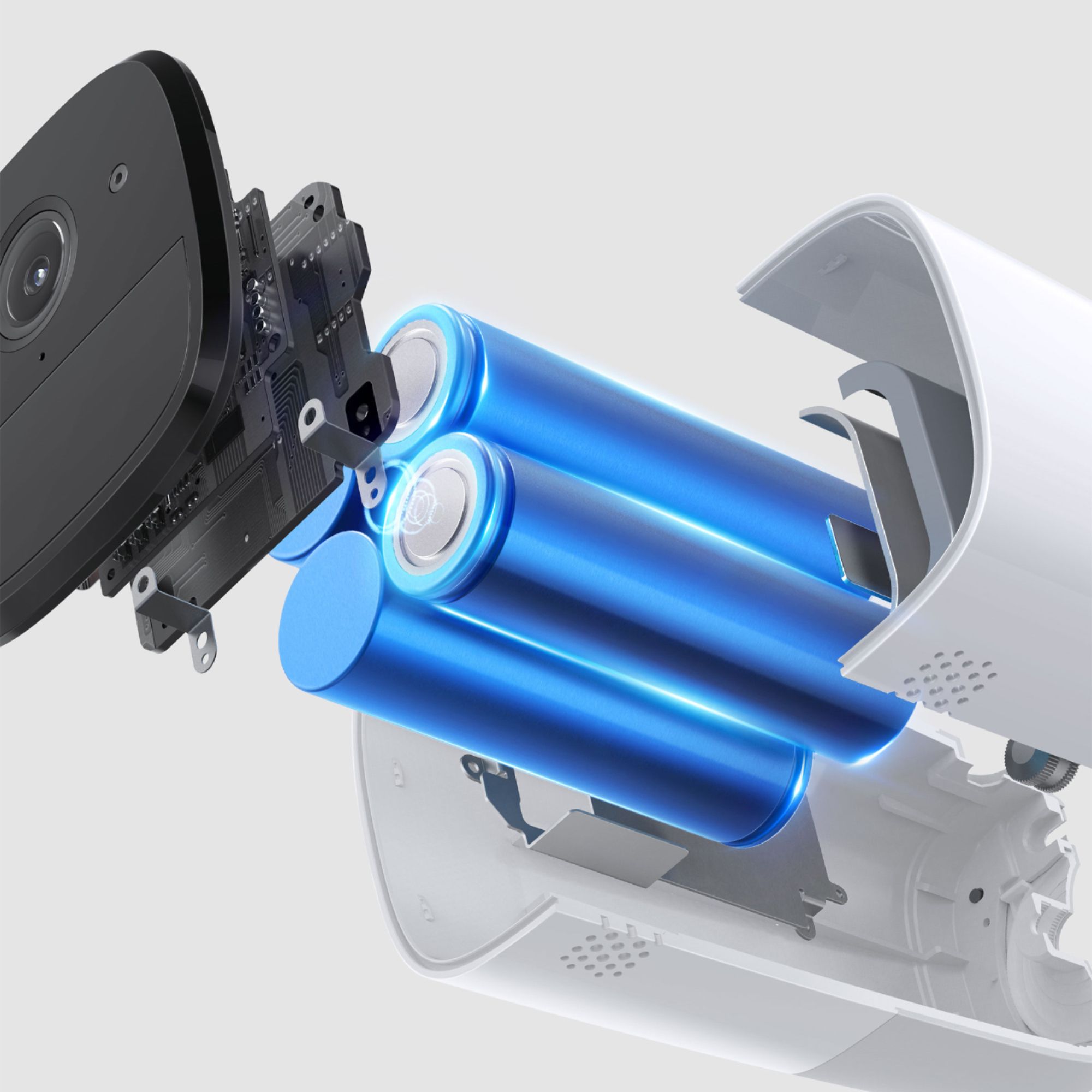
Highly rated by customers for: Camera Quality, Battery Life, Ease of use
$73.99Your price for this item is $73.99
Clearance
Comp. Value: $369.99
The comparable value price is $369.99
Page Showing 21-40 of 120 questions
Q: QuestionHow far away does the camera pick up motion or just record.
Asked by Annette.
- A:Answer I have my on the front porch and I pick people from the street around 40 ft so far I set it up for persons only so I doesn’t pick cars because there too many.
Answered by Hg25
Q: QuestionIs it necessary for me to have Best Buy install this system?
Asked by TLG.
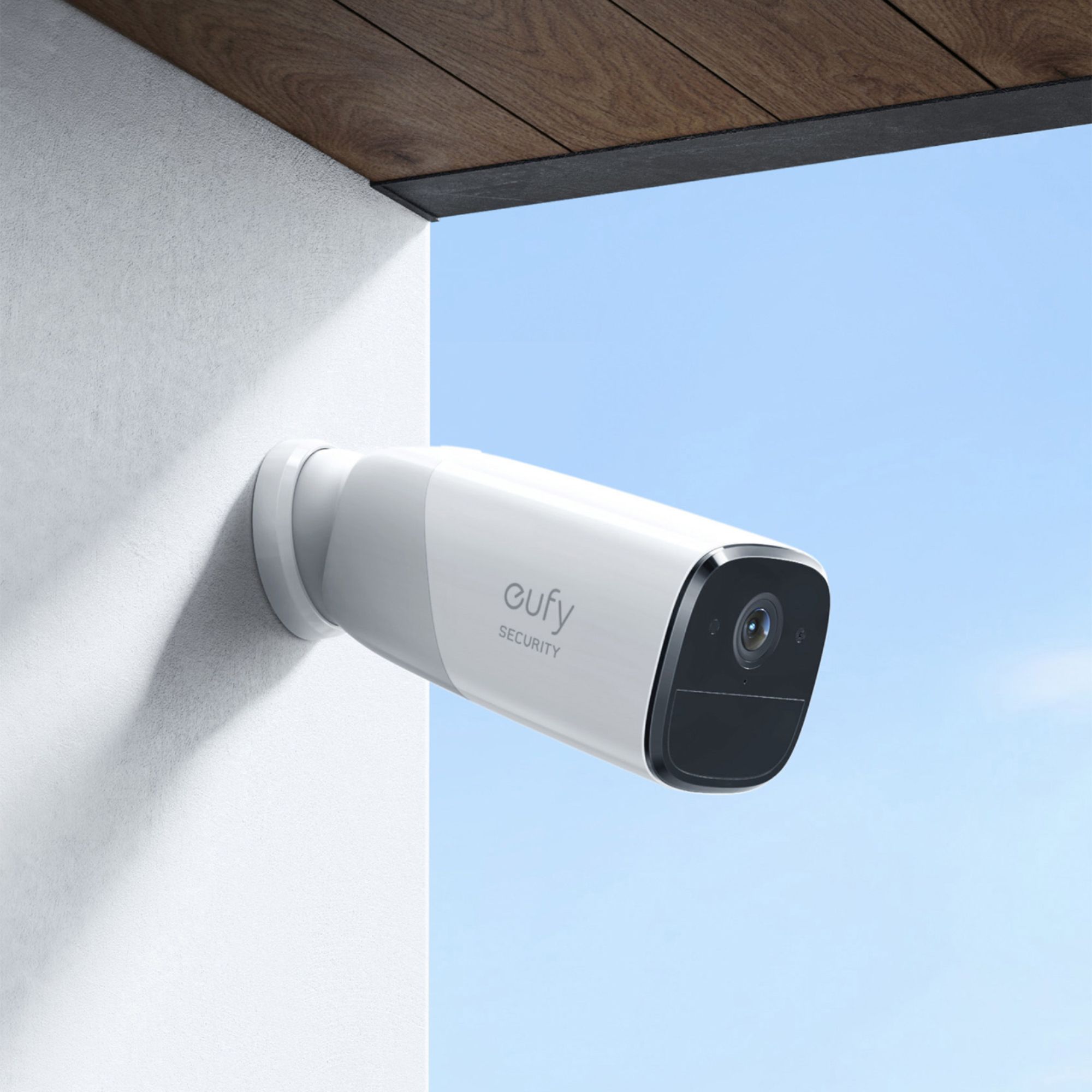
- A:Answer No, it’s very easy to install. It’s 2 screws, the mount and the camera. Just pick the location and you will be good to go.
Answered by Chris
Q: QuestionIf the system is wireless, is the Ethernet cable for? Sorry, it’s just kinda confusing. Thanks.
Asked by Davey.
- A:Answer The Ethernet cable is required to initially setup the system; it must physically be plugged into a router/switch/hub. Once it is all configured, the unit can then be switched over to work on w-fi. Please note it only works on 2.4GHz wi-fi networks, so make sure your wireless router is capable of that. Some of the newer units are 5GHz only.
Answered by Rfrankmcse
Q: QuestionDoes this camera have voice recognition?
Asked by Sav.
- A:Answer No that would be up to the person who is doing it on their phone to recognize that person. But for whatever it's worth you can enlarge the image and it also has a facial recognition feature. You can also talk to the person that would be your intruder. I bet that would be disturbing
Answered by Headphones
Q: Questioncan this wireless system come with a plug in wired stead.off rechargeable batteries and flat screen 8 inch monitor
Asked by fred.
- A:Answer It can be plugged in to keep battery charged full time It does not come with a monitor Only can visualize on Android or iPhone or tablets You could use an old tablet and dedicated to the camera system alone. That could be possible. It is the best wireless cam system out there for the price and features.
Answered by CaptMichel
Q: QuestionDoes anyone know whether this will capture Car's number plate in a common single-family home community when installed above the Garage or from how far it can capture the car's number plate?
Asked by Shekhar.
- A:Answer This camera will read plates at close distances only.
Answered by truebluekenny
Q: QuestionHow many cameras (or doorbells) can be added to a single HomeBase 2?
Asked by Minkus.
- A:Answer You can add 16 doorbells on a single Homebase 2 at most. If you have any further questions, please feel free to contact us via [email protected] or call us at +1 (800) 988 7973.
Answered by Eufy Team

Q: QuestionWill the cameras work if they are placed in my carport which is about 125 feet from the base station in my home?
Asked by JohnS.
- A:Answer The distance of 125 feet between your carport and the base station in your home could work depending on environmental factors, but it is close to the general wireless signal limit of many devices. In most scenarios, a 2.4GHz WiFi signal can reach up to 150ft (46m) indoors under ideal conditions. However, factors like the thickness of walls, interference from other devices, and the router's performance can greatly influence the range. If there's a strong and stable WiFi signal at the carport from the base station, the cameras should work without issues. For optimal performance, test the strength of the WiFi signal at your carport and make sure there's as little obstruction as possible between the base station and cameras.
Answered by Eufy Team

Q: QuestionWhat does the home base do? Where is the home base placed in relation to the camera? Is the home base plugged in to any thing? What is maximum distance from wifi source to camera? Thanks
Asked by JohnS.
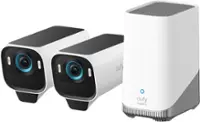
- A:Answer What does the HomeBase do? The HomeBase acts as the central hub of the eufy security system, managing camera connections and storing footage. It can also function as a Wi-Fi extender. Where is the HomeBase placed in relation to the camera? The maximum range from the HomeBase to the camera is around 20-30 feet. This range can vary based on factors such as the thickness of walls and obstacles inside the house. Is the HomeBase plugged into anything? During the setup process, the HomeBase must connect to a router via an Ethernet cable. After setup, it can be switched to a Wi-Fi connection if needed. However, using the Ethernet cable connection is recommended for more stable performance. What is the maximum distance from the Wi-Fi source to the camera? The HomeBase can be placed up to 50 feet away from the Wi-Fi router, and the camera can be placed up to 20-30 feet away from the HomeBase. These distances may vary depending on wall thickness, indoor obstacles, and device placement.
Answered by Eufy Team

Q: QuestionIs there an SD card in cameras? Must cameras be in range of household modem or router in order to work? Can camera images/footage be downloaded to Android and Apple phones? Can images/footage be downloaded to desktop computer? Thanks
Asked by JohnS.
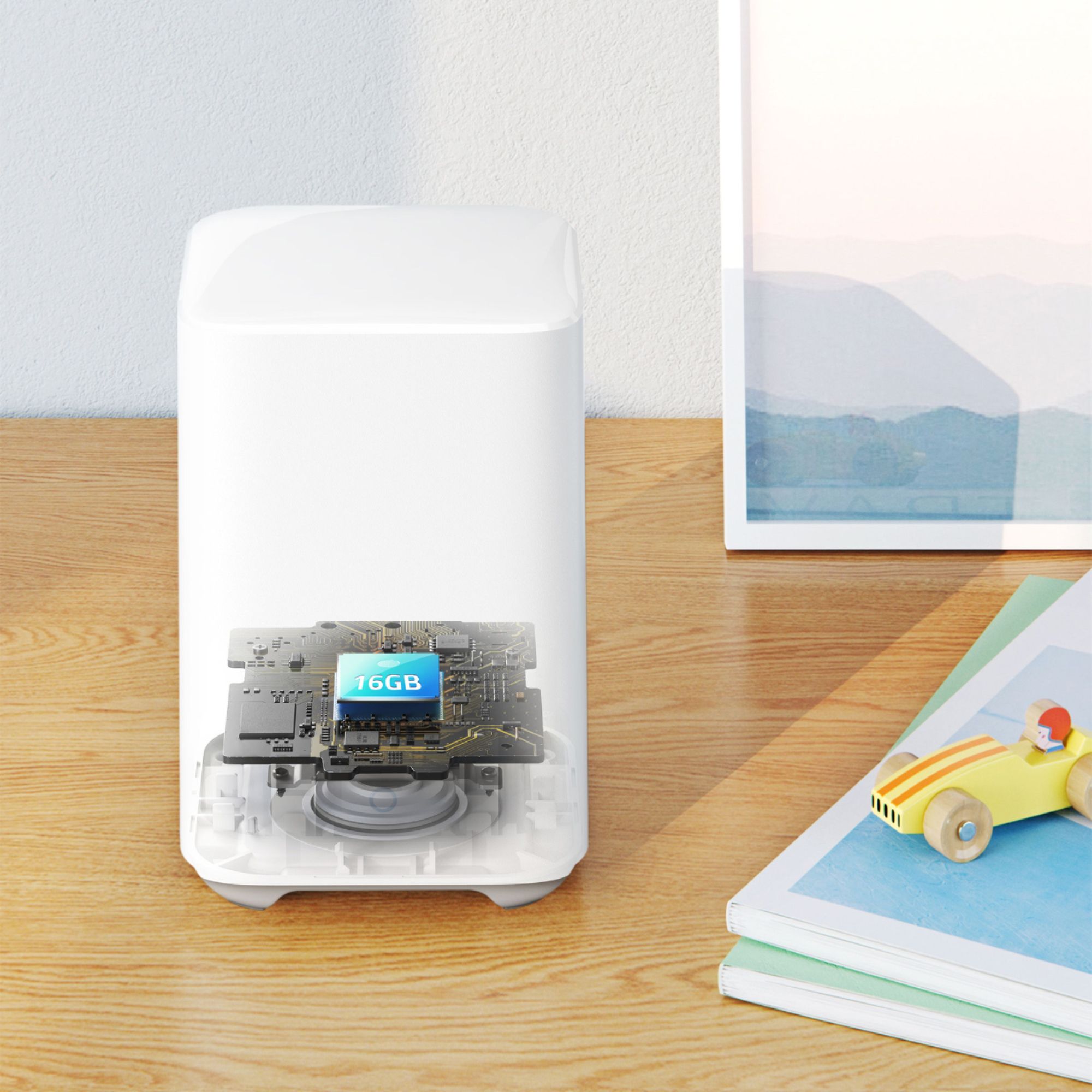
- A:Answer Is there an SD card in cameras? The local storage for the eufyCam 2 Pro system is in the included HomeBase, which comes with 16GB local storage. This is where footage is stored. The cameras themselves do not have SD cards. Must cameras be in range of household modem or router to work? The cameras need to connect to the HomeBase, which acts as their central hub. The HomeBase must be connected to your router/modem for setup and operation. The recommended range between the HomeBase and the cameras is 20-30 feet, and the HomeBase requires a 2.4GHz Wi-Fi connection. Can camera images/footage be downloaded to Android and Apple phones? Yes. You can download the eufySecurity App, which is compatible with both Android (8.0+) and iOS (10.2+). From the app, you can view and download camera images and recordings to your phone. Can images/footage be downloaded to a desktop computer? Local footage stored on the HomeBase cannot be directly transferred to a desktop computer due to encryption, but you can download videos from the eufySecurity app on your phone. There is limited functionality for viewing live footage via a web browser on a desktop.
Answered by Eufy Team

Q: QuestionPlease explain to me how this works. How EXACTLY does the feed go over the internet to the app on my phone. Because if goes to servers in China that my app connects to...just NO. So please tell me how my phone gets to the feed.
Asked by jb1999.
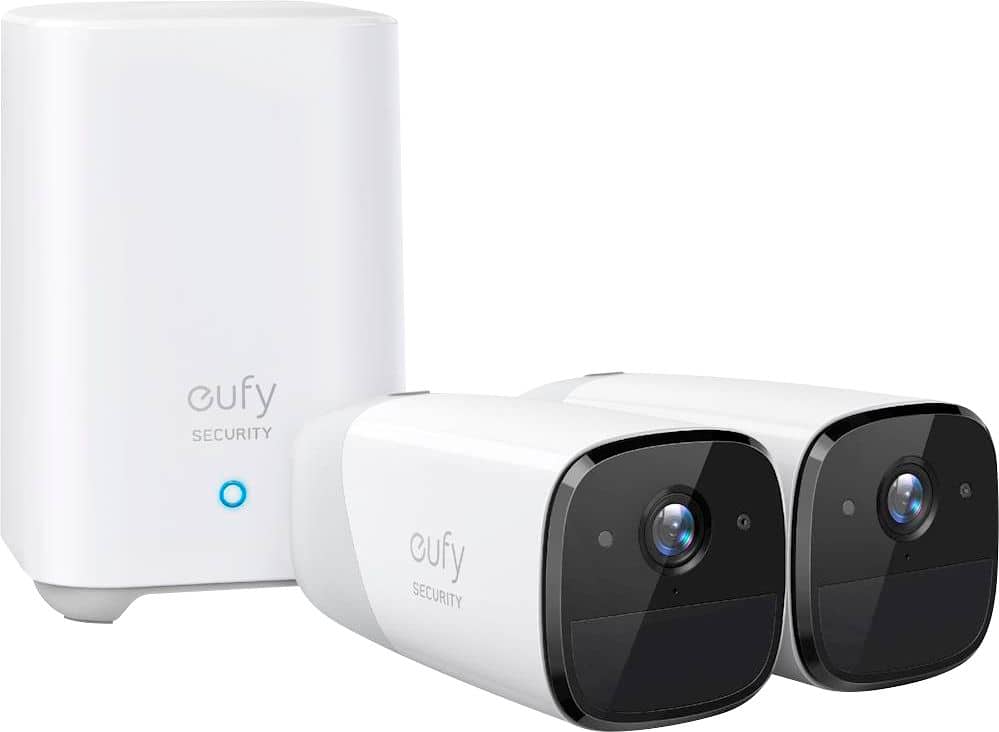
- A:Answer The eufyCam 2 Pro transmits its video feed to your smartphone through a secure and local connection that prioritizes privacy and user control. Here’s how the feed is transmitted to the app on your phone: HomeBase 2 Connectivity: The eufyCam 2 Pro works in conjunction with the HomeBase 2, which connects to your home network using an Ethernet cable or Wi-Fi. The cameras send their video feed to the HomeBase. Local Communication: The cameras and HomeBase communicate locally over a secure and encrypted connection. This setup avoids reliance on external servers for primary video storage and processing. App Access: Using the eufySecurity app installed on your device, you connect to the HomeBase 2 to watch live feeds or view stored footage. The app connects securely to the HomeBase when both are on the same Wi-Fi network, or it establishes a secure remote connection when you’re away from home. Cloud-Free Option: By default, eufySecurity devices allow you to store video data locally on the HomeBase’s internal storage. If you prefer to keep the data within your own network and avoid external servers (like those hosted overseas), you can choose not to use any cloud storage services. With this setup, your video data is kept private and secure, and you remain in control of where your footage is stored and accessed. If your concern is about servers in foreign countries, you have the assurance that local storage and access through HomeBase allow you to bypass such connections.
Answered by Eufy Team

Q: QuestionIs the Homebase a 3 ?
Asked by Dude.
- A:Answer Sorry to say that please note that this set included a homebase 2
Answered by Eufy Team

Q: QuestionAre additional cameras available
Asked by Ken.
- A:Answer Yes I bought a third after I bought the package with 2 cameras.
Answered by SammyD
Q: QuestionCan you put both included cameras outside and does it come with two mounts to accomplish this? If not, are extra outside mounts available? Thank you
Asked by PAGIRL.
- A:Answer If you buy two cameras, they come with two mounts.
Answered by SammyD
Q: QuestionWill it hook up to my starlink modem?
Asked by JoeG.
- A:Answer Yes, the eufyCam 2 Pro can be connected to your Starlink modem as long as the modem provides a 2.4GHz Wi-Fi network and uses either WPA or WPA2 security protocols. The eufyCam 2 Pro setup process requires a 2.4GHz Wi-Fi connection, which is typically supported by most modems, including Starlink, as long as these requirements are met.
Answered by Eufy Team

Q: QuestionDo the newer cameras store the images/videos to the HomeBase3 as my older Eufy doorbell camera does?
Asked by LonB.
- A:Answer It should store up to 16 gb before looping over
Answered by GWeber
Q: Questiondoes the home base have a battery back up in case of power failure?
Asked by stebie.
- A:Answer The eufy HomeBase 2 can be equipped with a eufy Backup Battery to keep it powered on in case of a power outage. This backup battery ensures that the HomeBase 2 stays connected to devices that are linked to it when there is a power failure. However, the backup battery is for emergency use only and cannot replace the HomeBase’s AC power adapter for continuous long-term power. The HomeBase itself needs to be plugged into a wall outlet using its AC power adapter at all times to function properly. For more information about the eufy Backup Battery for HomeBase 2, you can visit the following link: (https://support.eufylife.com/s/article/Introducing-eufy-Backup-Battery-for-HomeBase-2).
Answered by Eufy Team

Q: QuestionWill the camera send an alert when birds are in the viewing area? Nearby feeders.
Asked by ts.
- A:Answer Birds - no, but squirrel - yes.
Answered by Mike
Q: QuestionCan I get email/text notifications of camera activation on iPhone?
Asked by Barrette.
- A:Answer Yes.
Answered by Eufy Team

Q: QuestionCan you receive notifications and view camera activity live on your cell phone?
Asked by Wanderer.
- A:Answer The answer is yes to both questions.
Answered by KennethF
Most-viewed items
- Black Friday Deal$119.99Your price for this item is $119.99
- Black Friday Deal$74.99Your price for this item is $74.99
- Black Friday Deal$27.99Your price for this item is $27.99
- Clearance$208.99Your price for this item is $208.99
- Black Friday Deal$349.99Your price for this item is $349.99
- Clearance$346.99Your price for this item is $346.99
- Black Friday Deal$51.99Your price for this item is $51.99
- Black Friday Deal$539.99Your price for this item is $539.99
- Black Friday Deal$119.99Your price for this item is $119.99
- $184.99Your price for this item is $184.99$419.99The comparable value for this item is $419.99
- Black Friday Deal$69.99Your price for this item is $69.99
- Black Friday Deal$239.99Your price for this item is $239.99
- $34.99Your price for this item is $34.99$69.99The comparable value for this item is $69.99
- $399.99Your price for this item is $399.99$549.99The comparable value for this item is $549.99
- Black Friday Deal$209.99Your price for this item is $209.99
- Black Friday Deal$349.99Your price for this item is $349.99
- Black Friday Deal$559.99Your price for this item is $559.99
- $309.99Your price for this item is $309.99$359.99The comparable value for this item is $359.99
- Clearance$454.99Your price for this item is $454.99
- $399.99Your price for this item is $399.99$549.99The comparable value for this item is $549.99