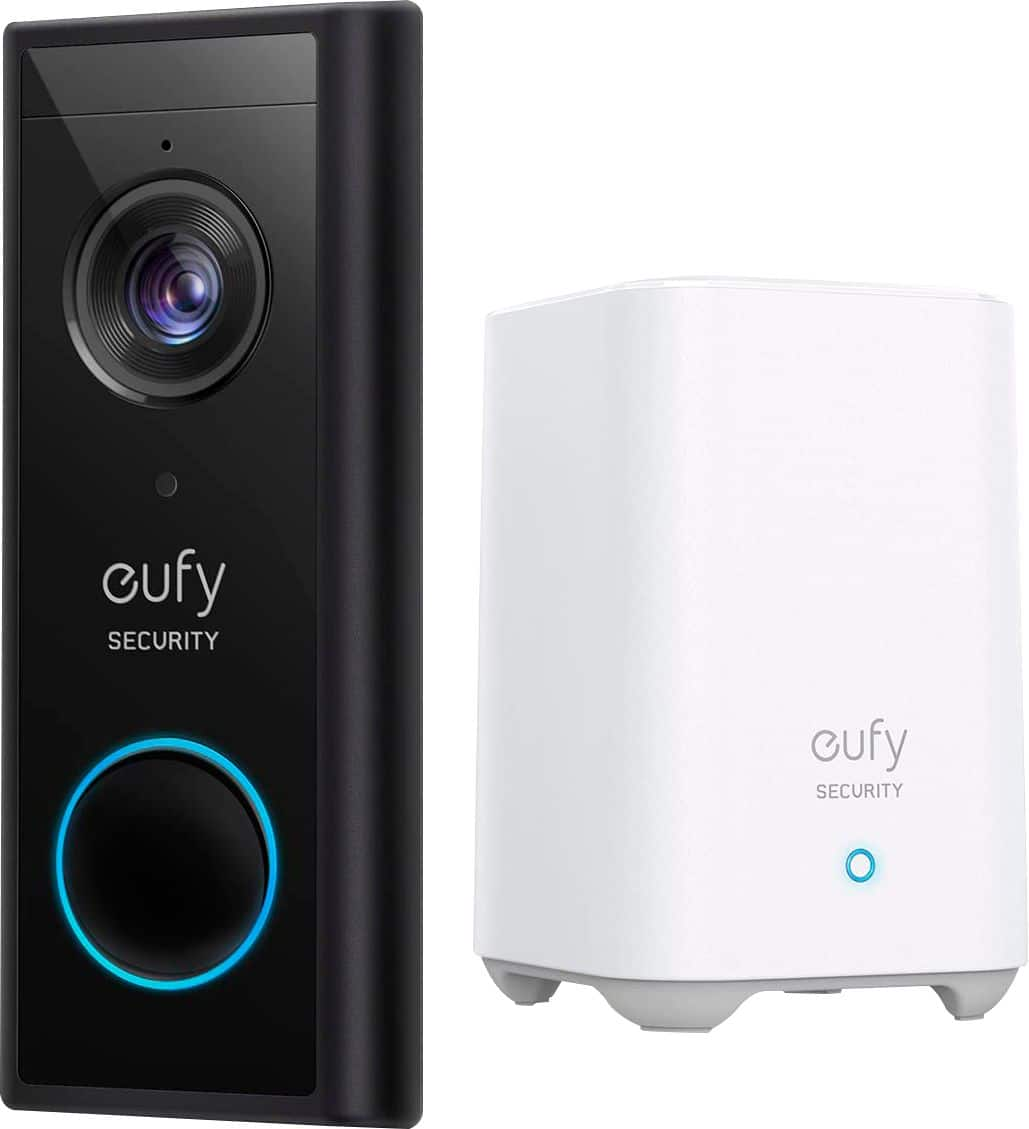
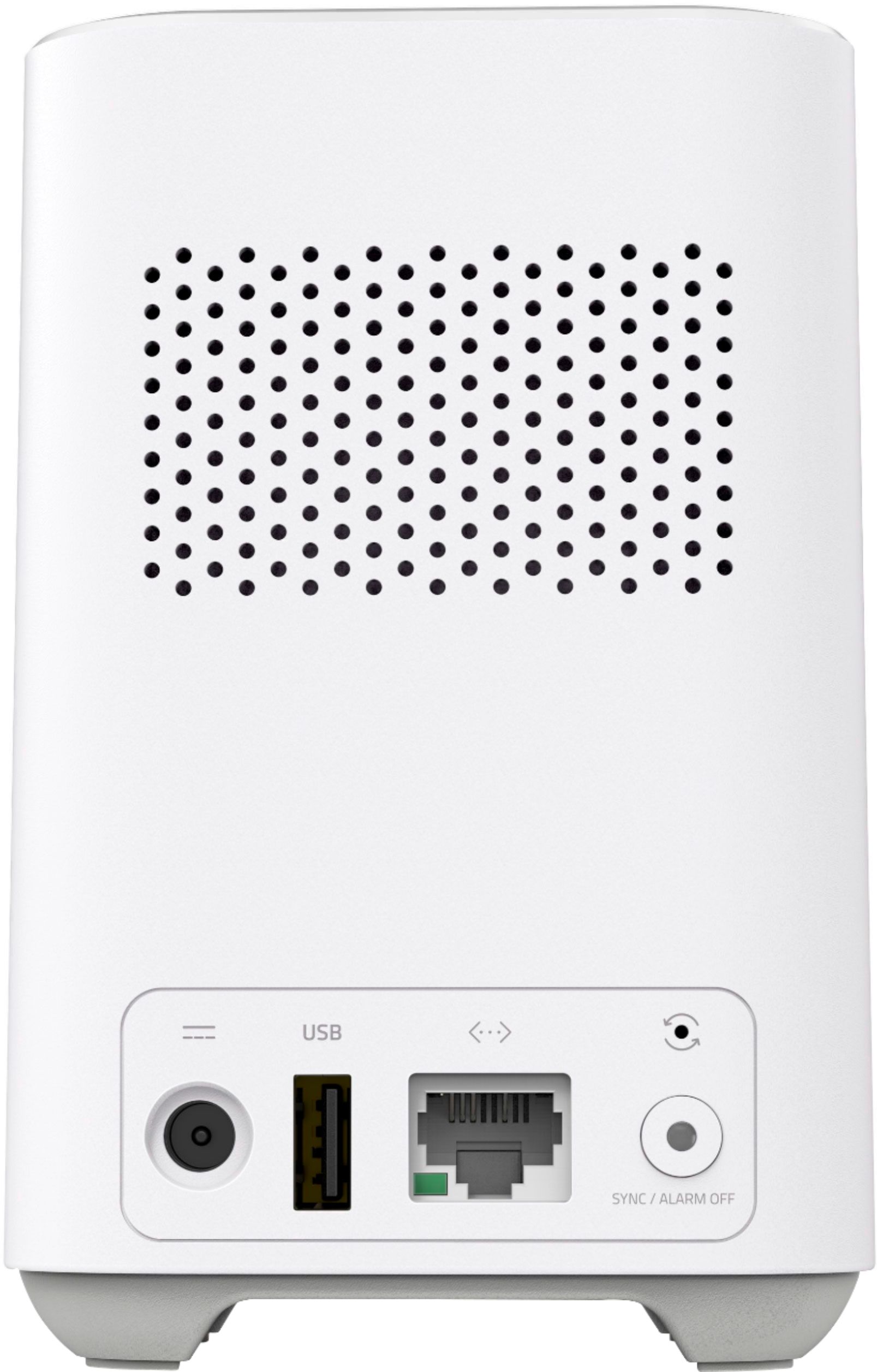
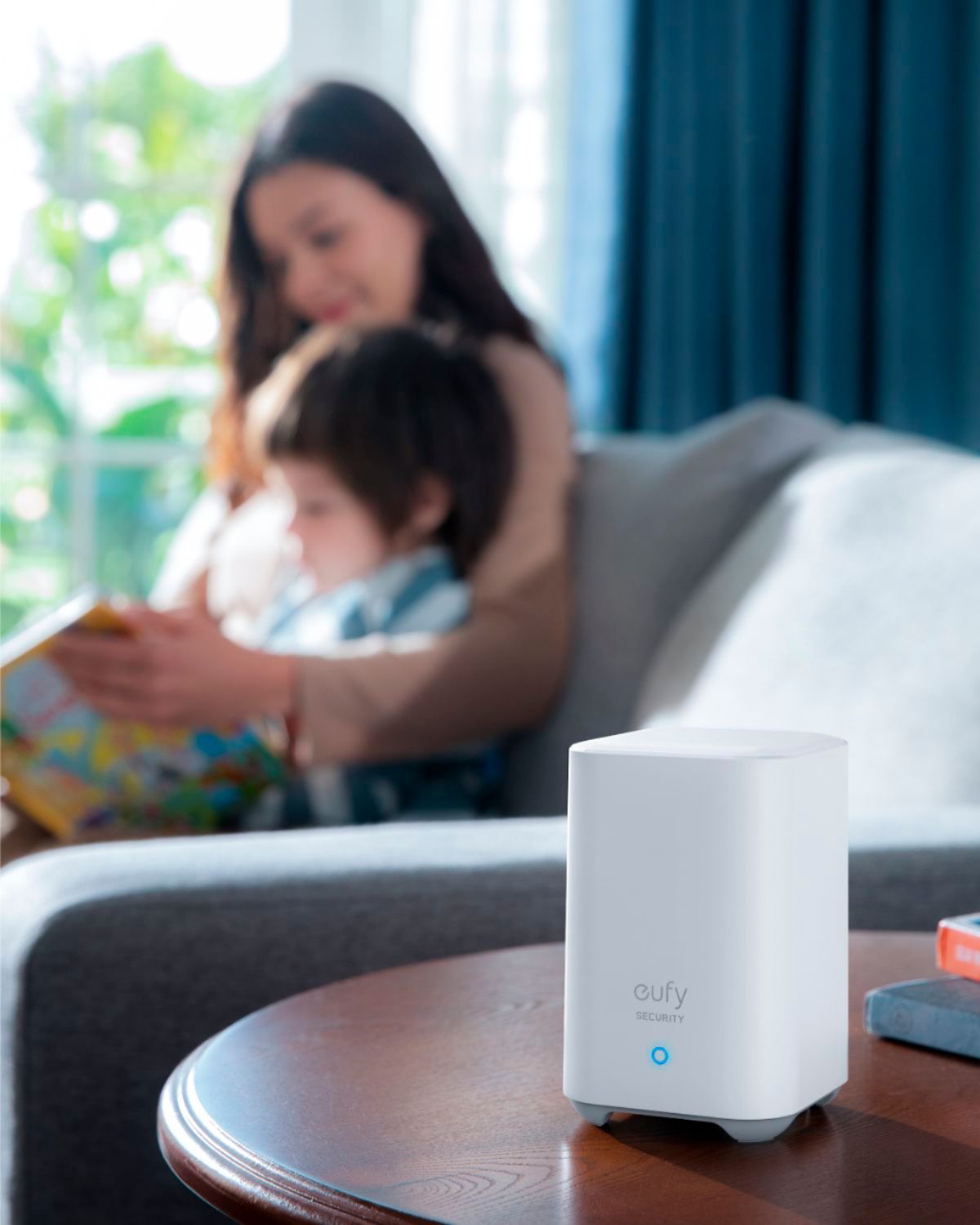
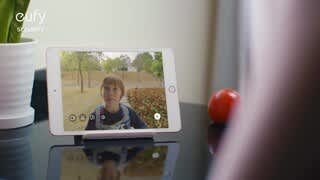
A:AnswerThanks for your question. The video doorbell comes with the base station. If you have any further questions, please feel free to contact us via support@eufylife.com or call us at +1 (800) 988 7973.
A:AnswerYes, we do not use the subscription and the two units we have at our two houses work really well. I think the subscription is meant for people who have additional security cameras which we do not.
A:AnswerSix at most. The admin account can share his account with 5 persons at mosts. If they all enable the notification function, they can get the text notification when the doorbell rings or motion is detected. You can open the app and choose the situation when you want to get the notification. If you have any further questions, please feel free to contact us via support@eufylife.com or call us at +1 (800) 988 7973.
A:AnswerThanks for your question. Do you mean if you can see live streaming on your phone? Yes, you can open the Eufy security app and click the play button. If you have any further questions, please feel free to contact us via support@eufylife.com or call us at +1 (800) 988 7973.
A:AnswerI don't know I purchased mine at best buy online and it still shows available at the time of this reply.maybe change your default store online to a different one.
A:Answeryou can configure the ringtone for the doorbell to several different ones (and separate ones for ring vs motion), so you should be able to choose different ones for different units.
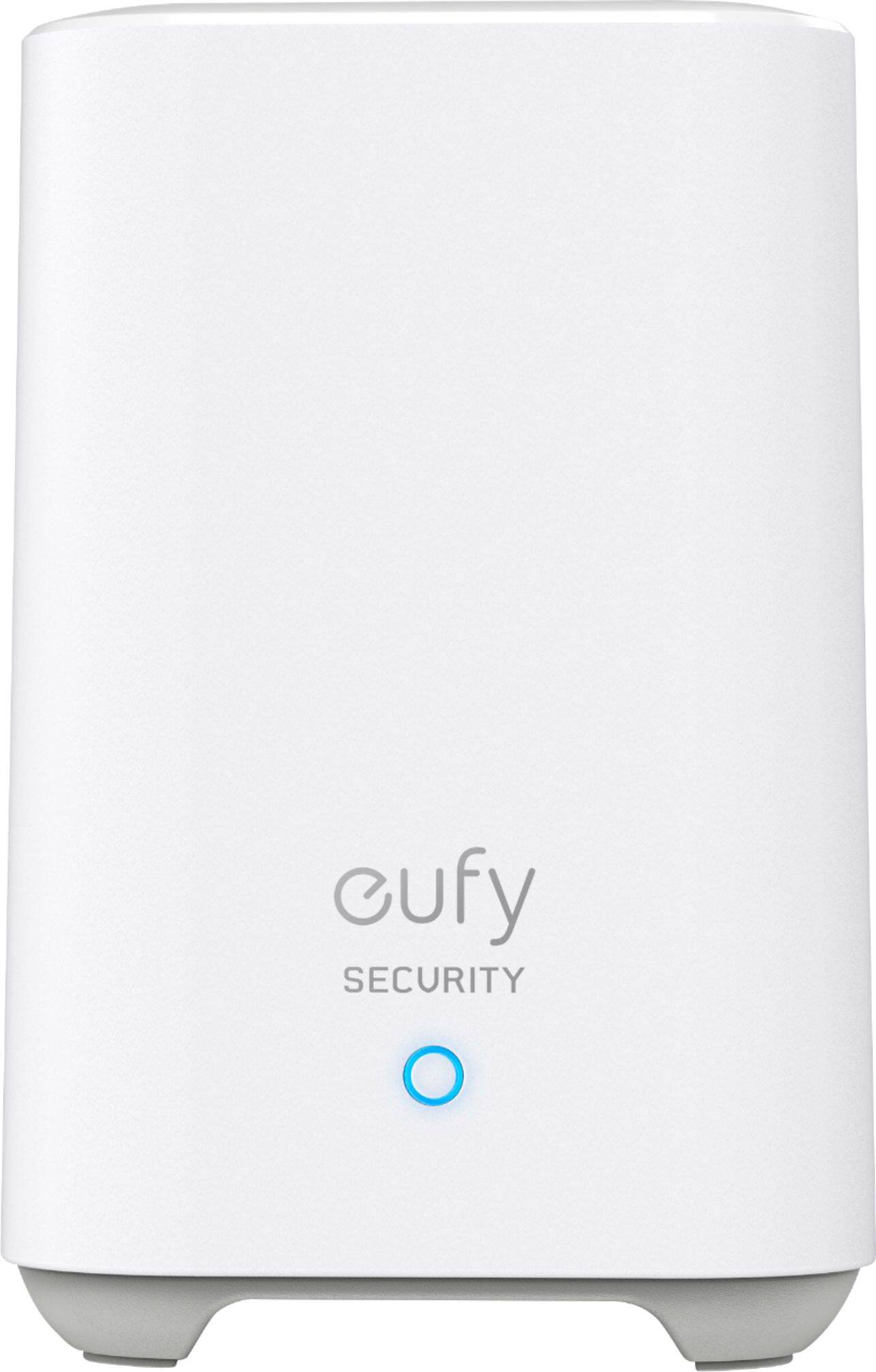
A:Answerit does come with a homebase. i have since added several other cameras and they work through the homebase. you have to check the specs on the cameras though - some work with homebase, some are stand-alone.
A:AnswerDepending on the camera you choose, you can use the doorbell and camera on the same homebased unit as long as the camera you select uses the same homebase model as the doorbell.
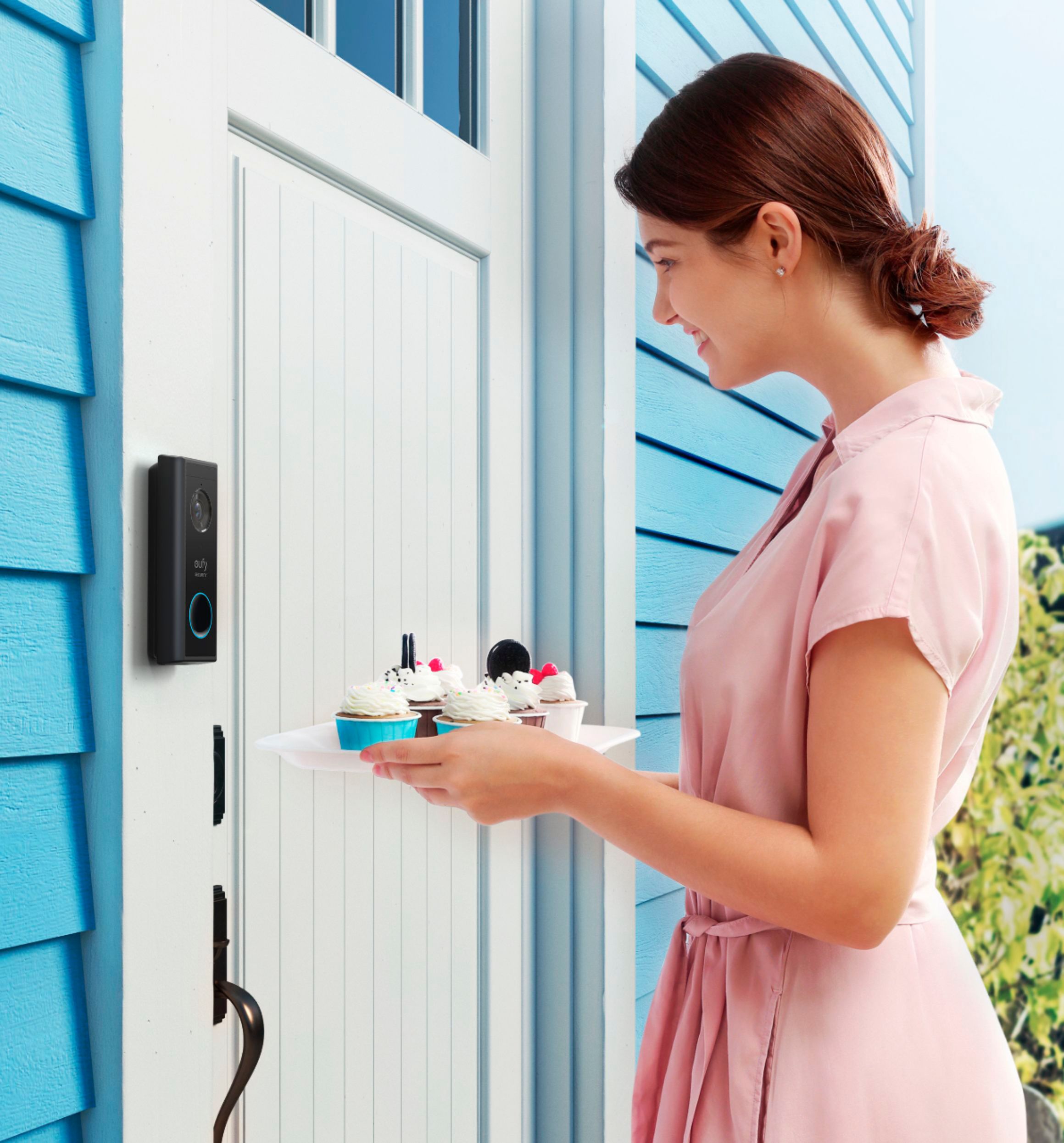
A:AnswerYes, you can speak to the visitor via the security camera app. As soon as you get notification through the app you have the option to click a button where you can speak.
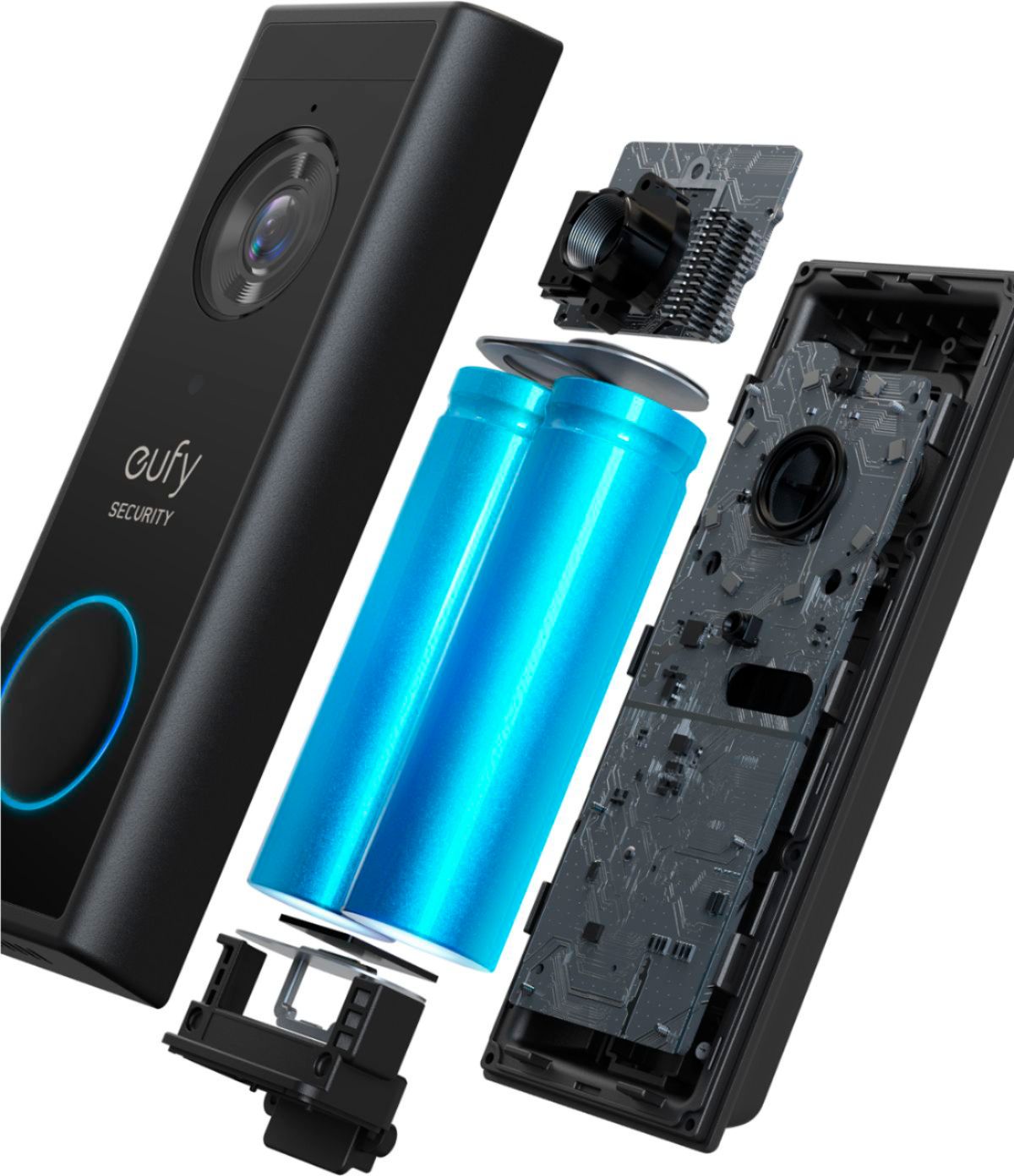
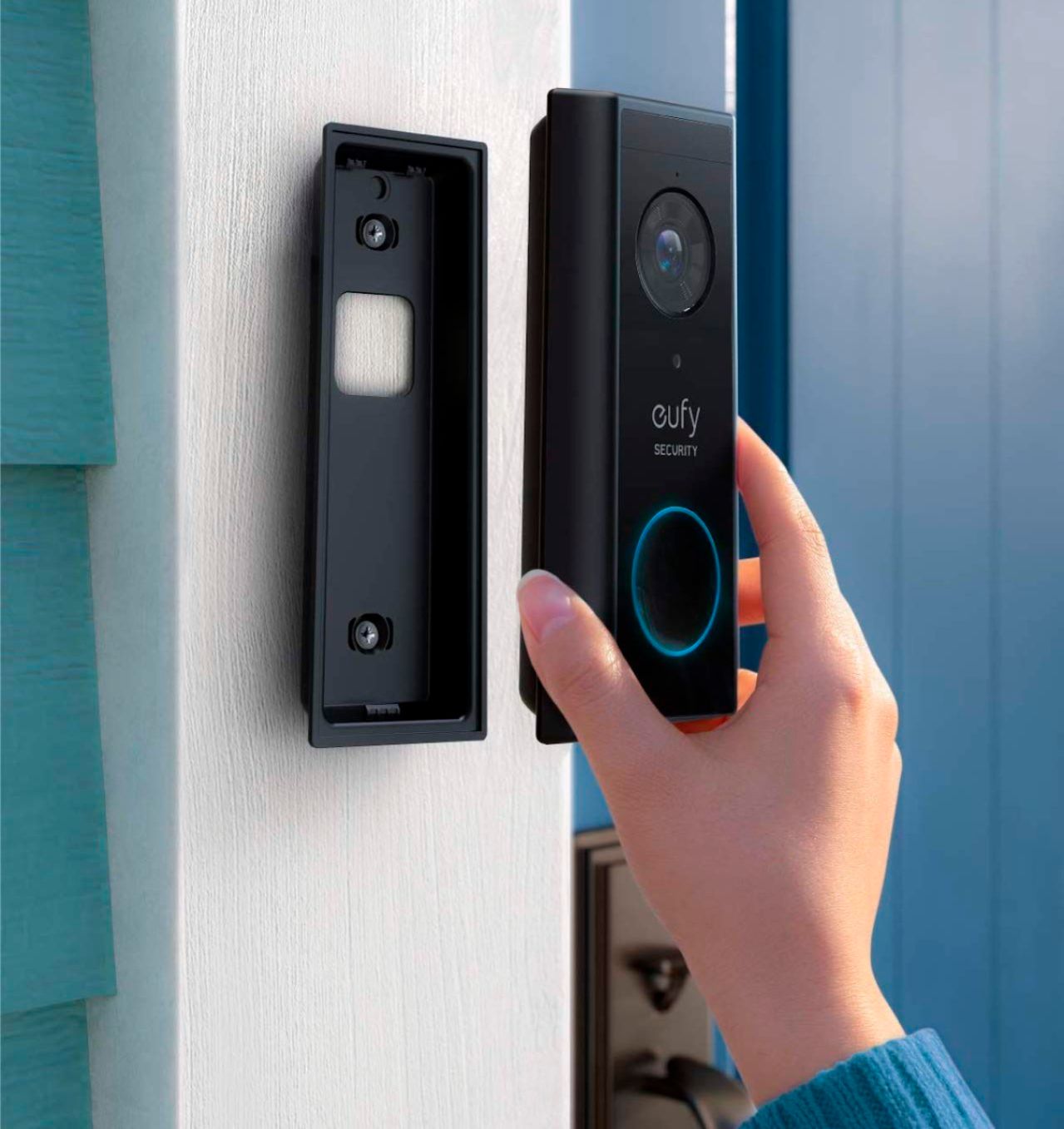
A:Answerthere is a pinhole at the bottom of the unit. they provide a tool to do this (on a magnet so you can stick it to the inside of the door). if you lost this, use a straightened paperclip. push the tool into hole and you will see the doorbell start to separate from the base - just grab it near the bottom and lift it away from the base. the recharger port is near the top under a rubber protector. to put the doorbell back on, slide the top onto the base at the top and click the bottom into place.
A:Answerthis unit keeps events for a long time. it only looks like it deleted the older items. there is a date at the top of the page with a forward and back arrow to let you navigate between dates. try that.