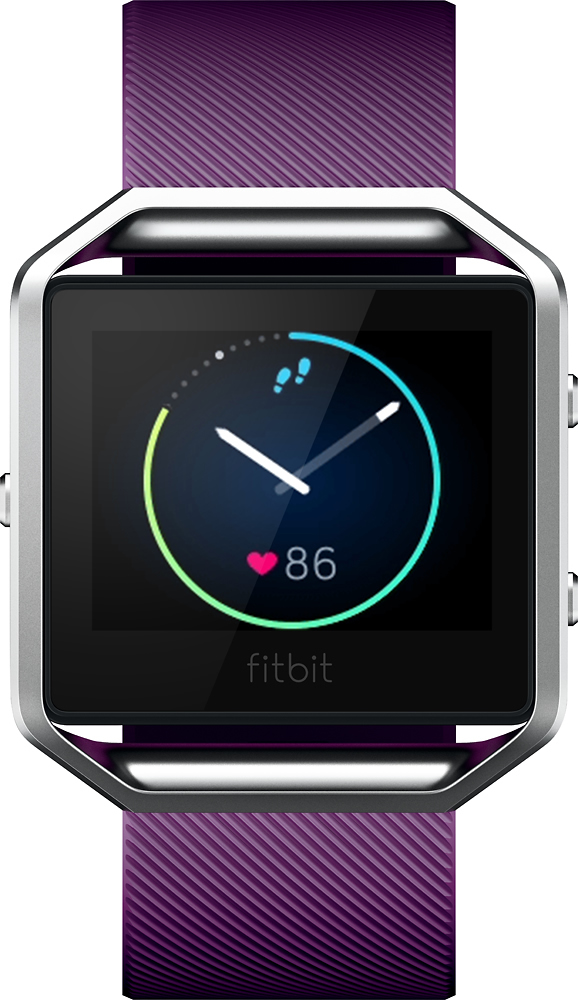
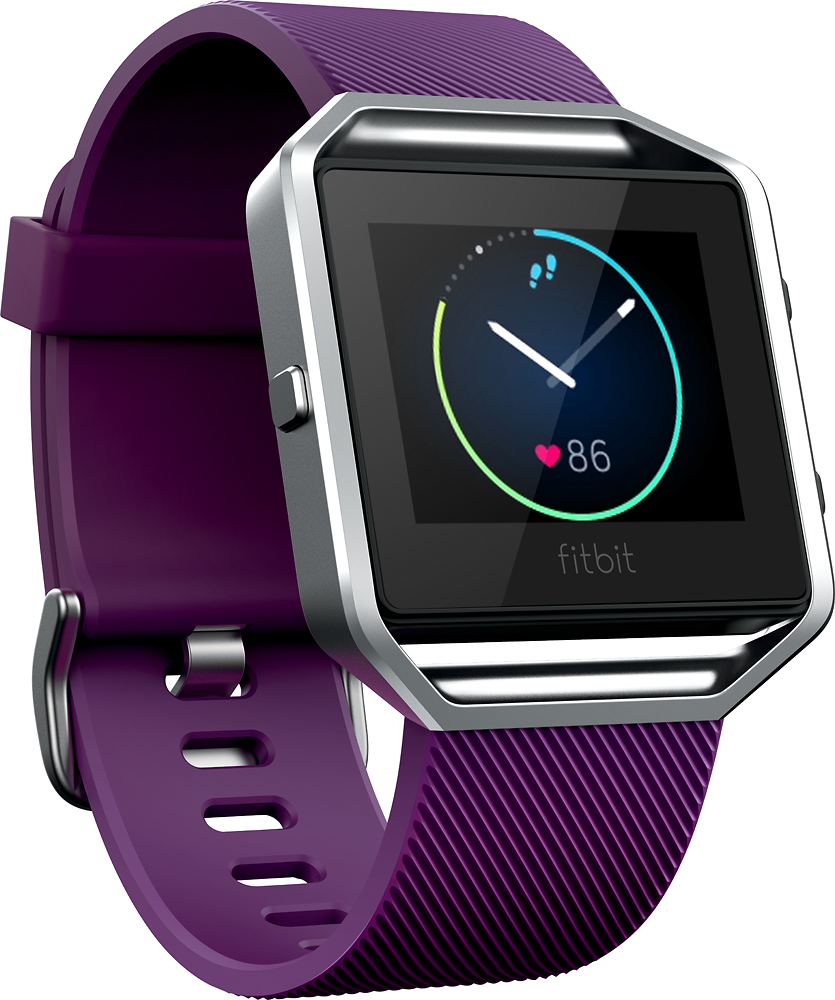
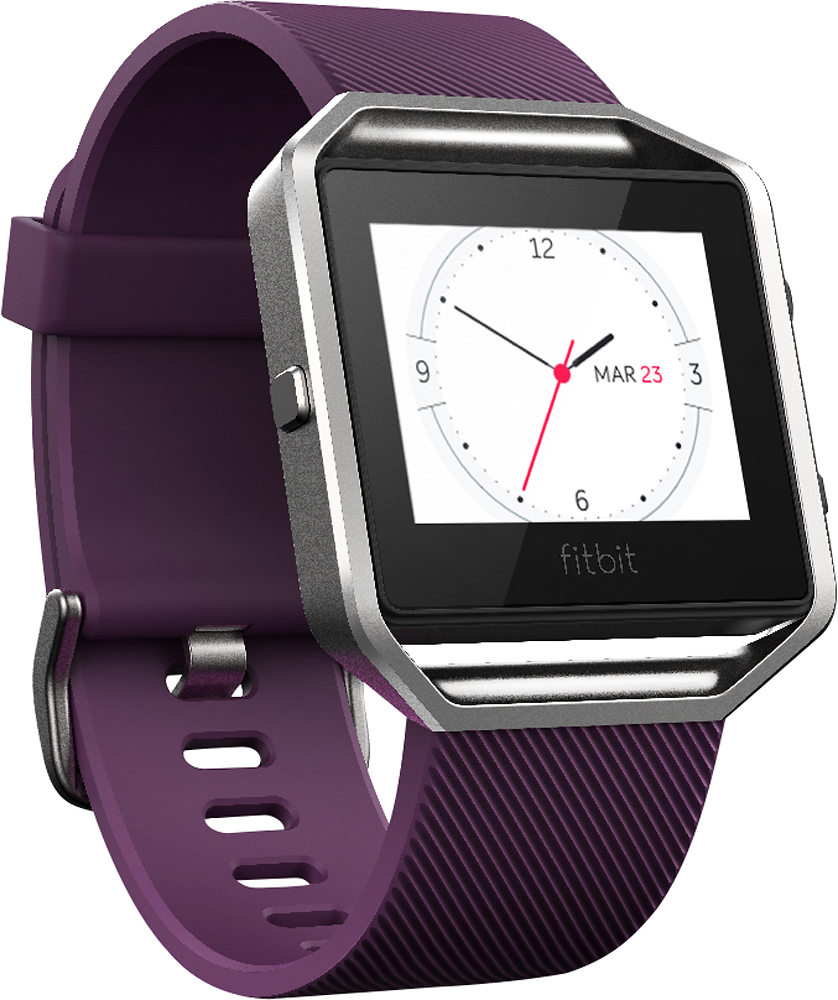
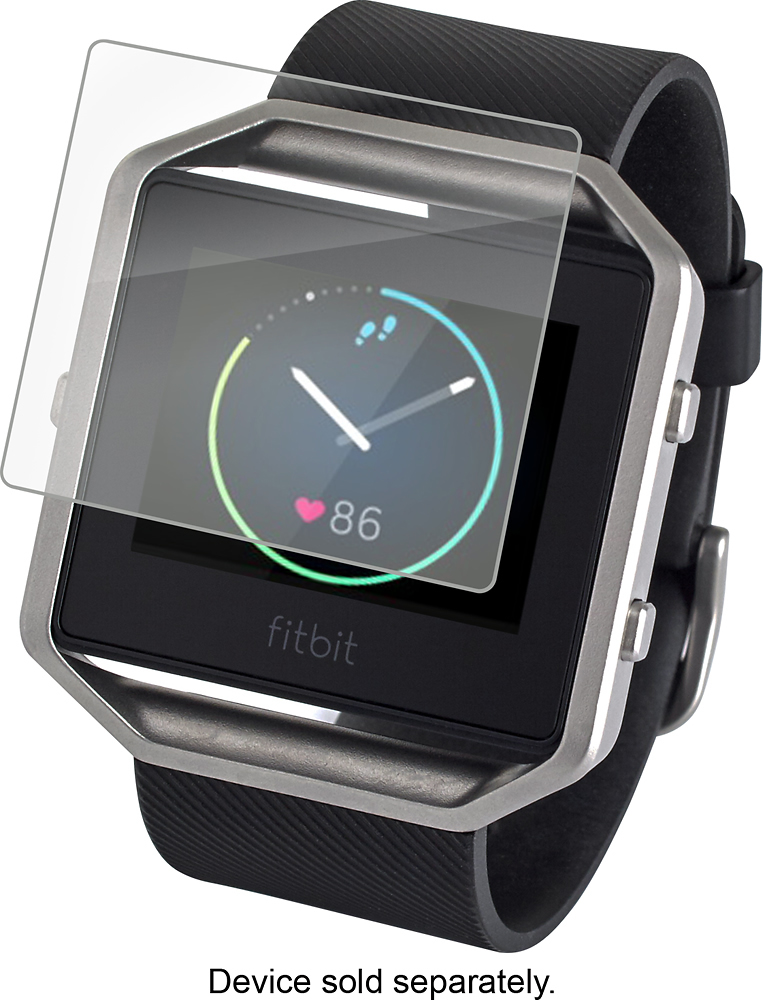
A:AnswerYou will be able to track daily steps, heart rate, miles, and calories burned for that day. You will not be able to see any history from workouts, sleep patterns, etc as those are stored in the App.
A:AnswerWe've used this to track walking workouts, and it shows "Pace" as you're doing the workout. Though we haven't tested the "Run" workout explicitly, it's probably a pretty safe bet that it will.
A few google searches will probably tell you definitively.
A:AnswerNot really. Your watch will be working independent of the internet but if you want to use any application from your phone you must be in bluetooth
A:AnswerI will recommend buying the protector for the screen to avoid scratches. It's very durable but at the same time, I would be mindful I don't hit my hand on hard surfaces.
A:AnswerNo it will be fine I wear mine to work at waste management and it goes under my gloves but you can get a screen protector to prevent scratches mine has helped so much
A:AnswerNo it's not. But it is water resistant. Just make sure to clean off after a workout and or the end of the day . And the more you move the more you will have to charge . I charge mine almost every other day . But make sure it's in the red for a good charge .
A:AnswerNo it does not record your voice. It only shows a preview of texts, reminds you of calendar notifications, and also notifies that someone is calling and will answer your phone for you!
A:AnswerThe Fitbit itself can't hold any music files, so your phone is always necessary to have on hand (although I've found that the bluetooth range is more impressive than I thought, so you can easily leave it in another room). The Fitbit CAN act as a remote for playing/pausing/skipping your music, although I don't know if it works with music apps like iHeart Radio and Spotify.