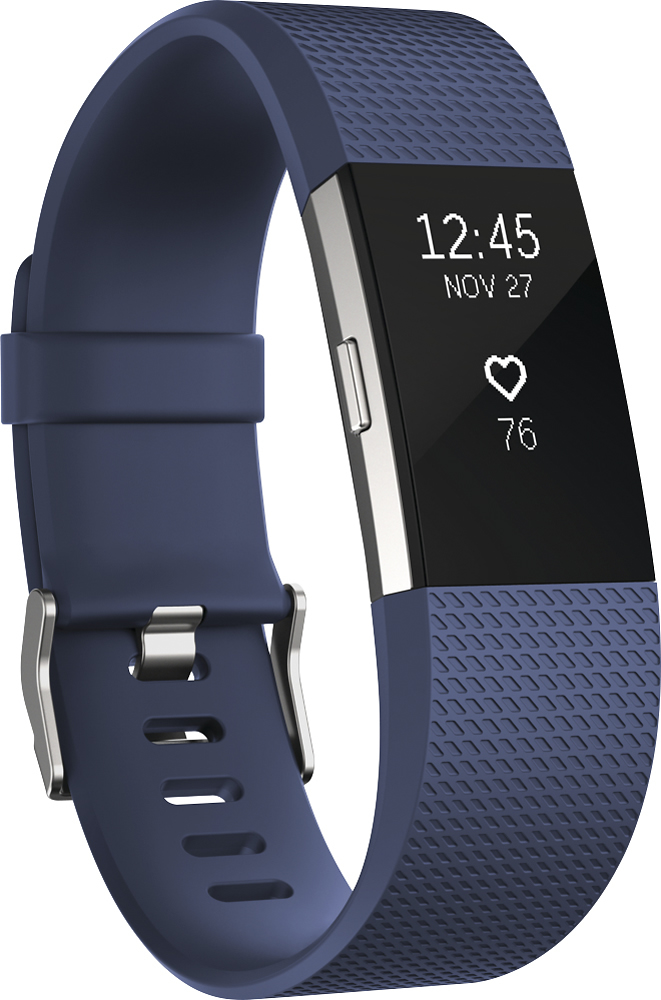
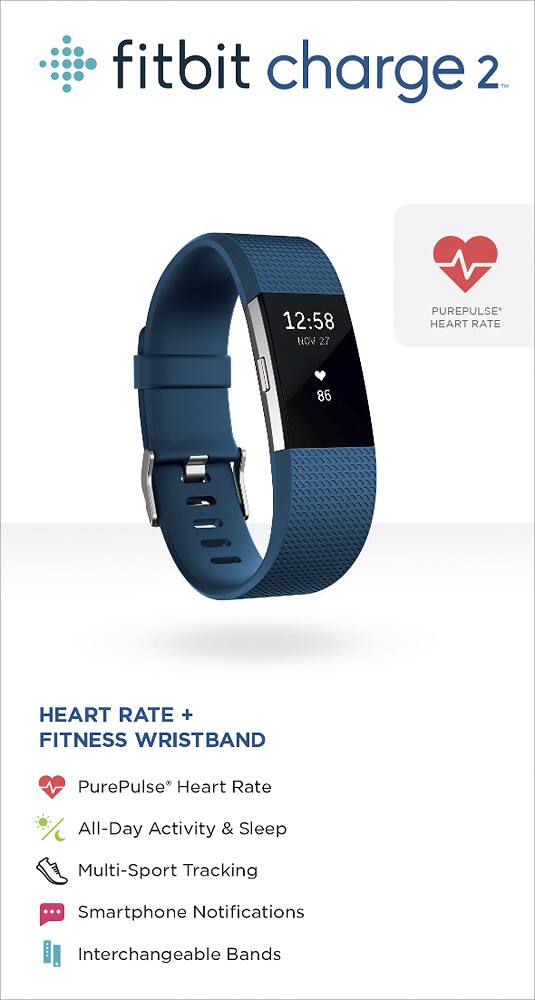
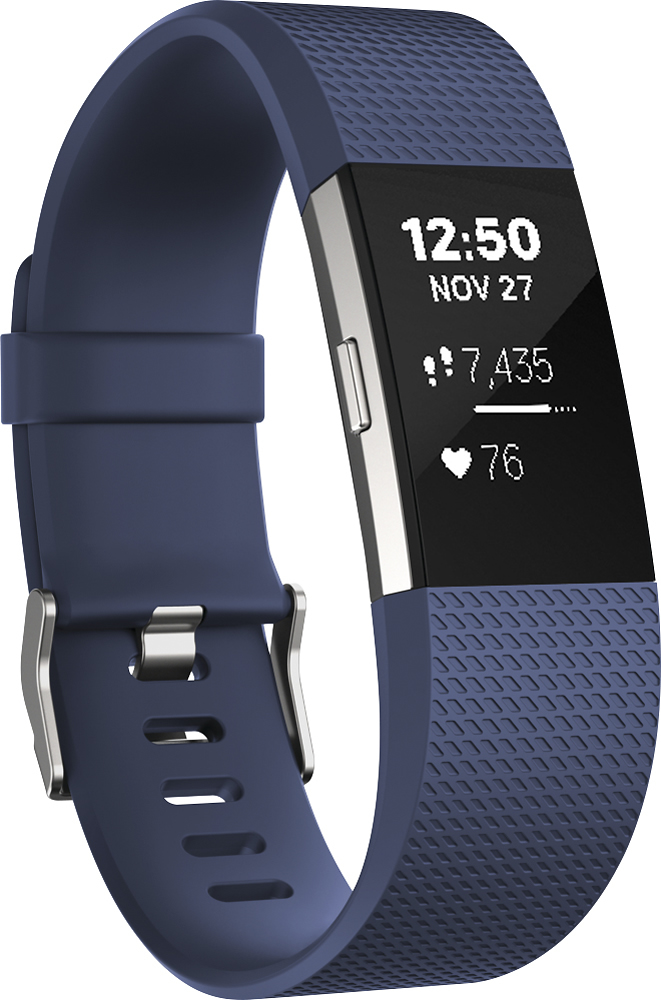
A:AnswerClick on the account icon at the top right hand side of the display on your phone (or pc). Scroll down to "Advanced Settings". Under "TIME ZONE" you can select the time zone you reside in which will automatically set the correct time. If you are traveling across time zones, you can choose "Set Automatically" which will (if I understand it correctly) change the time as you pass into the timezone BUT only after you have done a Sync.
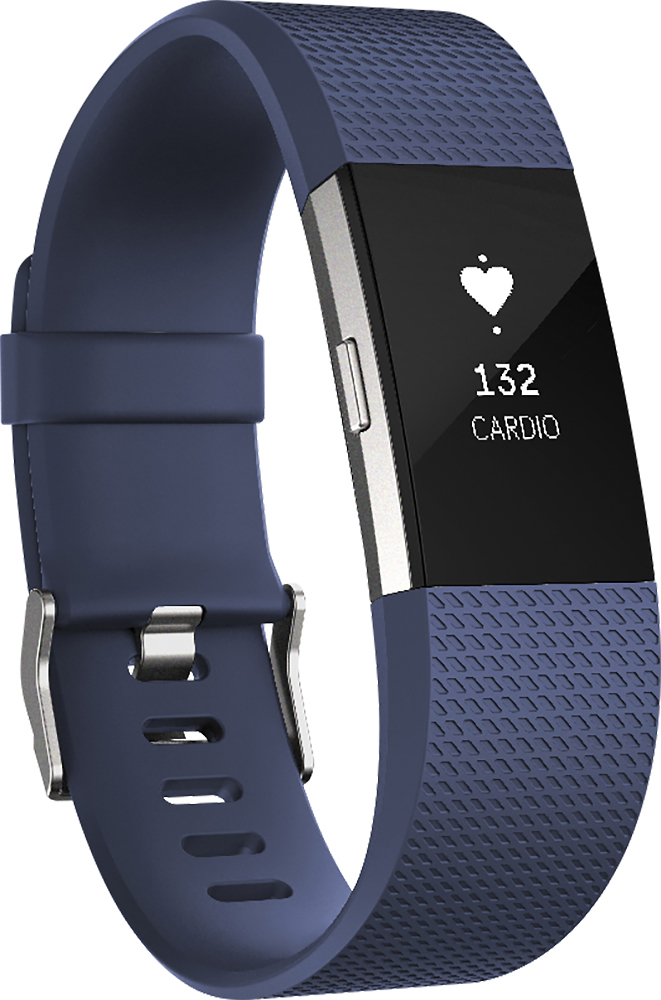
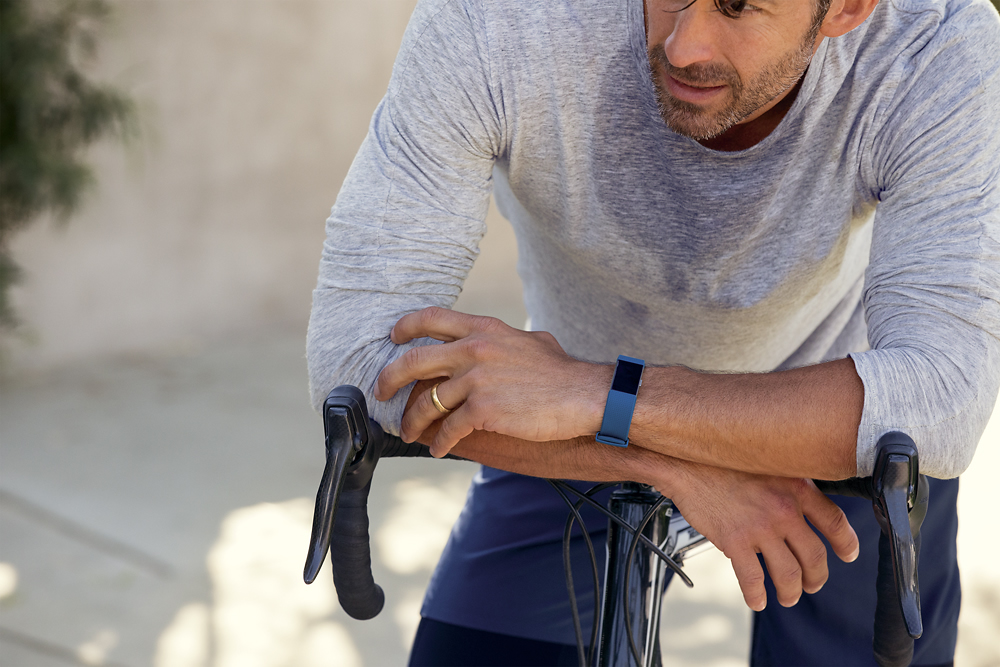
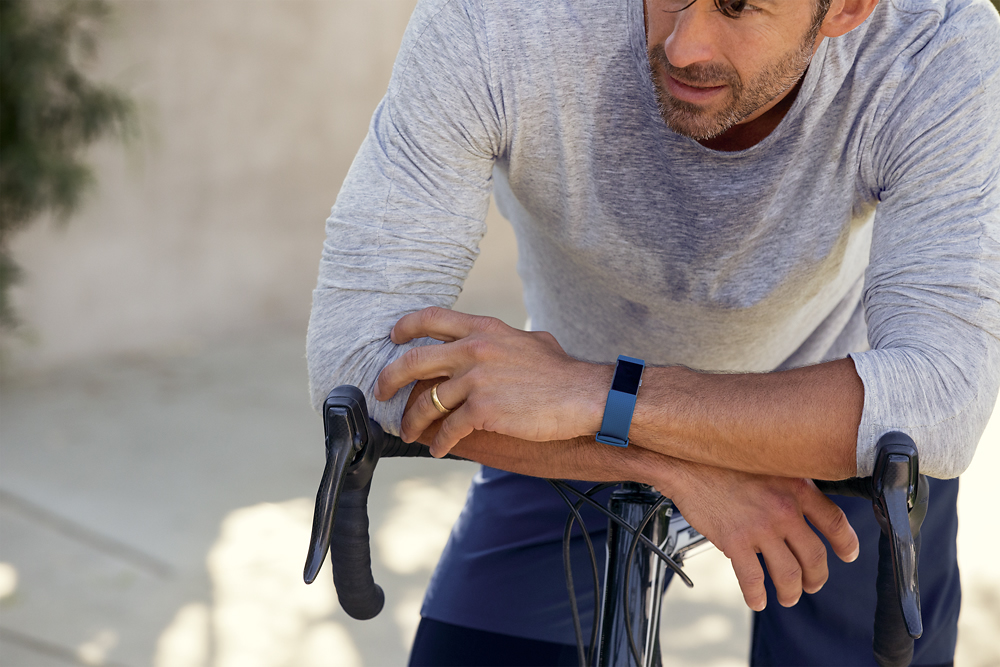
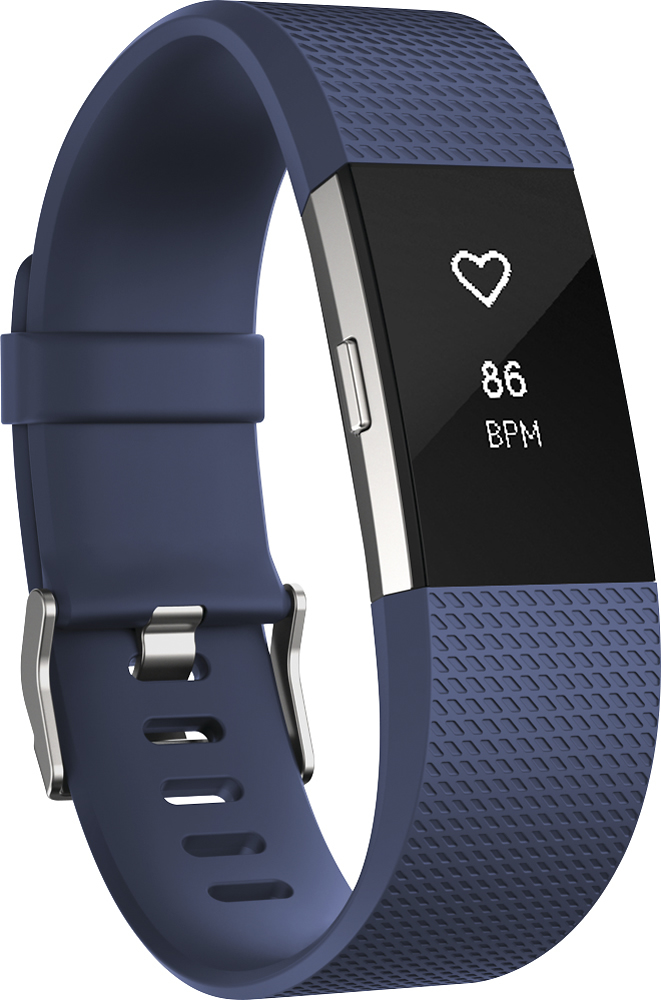
A:AnswerYes, Now they have more strap colors available. Go to BestBuy and speak to one of the individuals that works in electronics and they will be able to assist you.