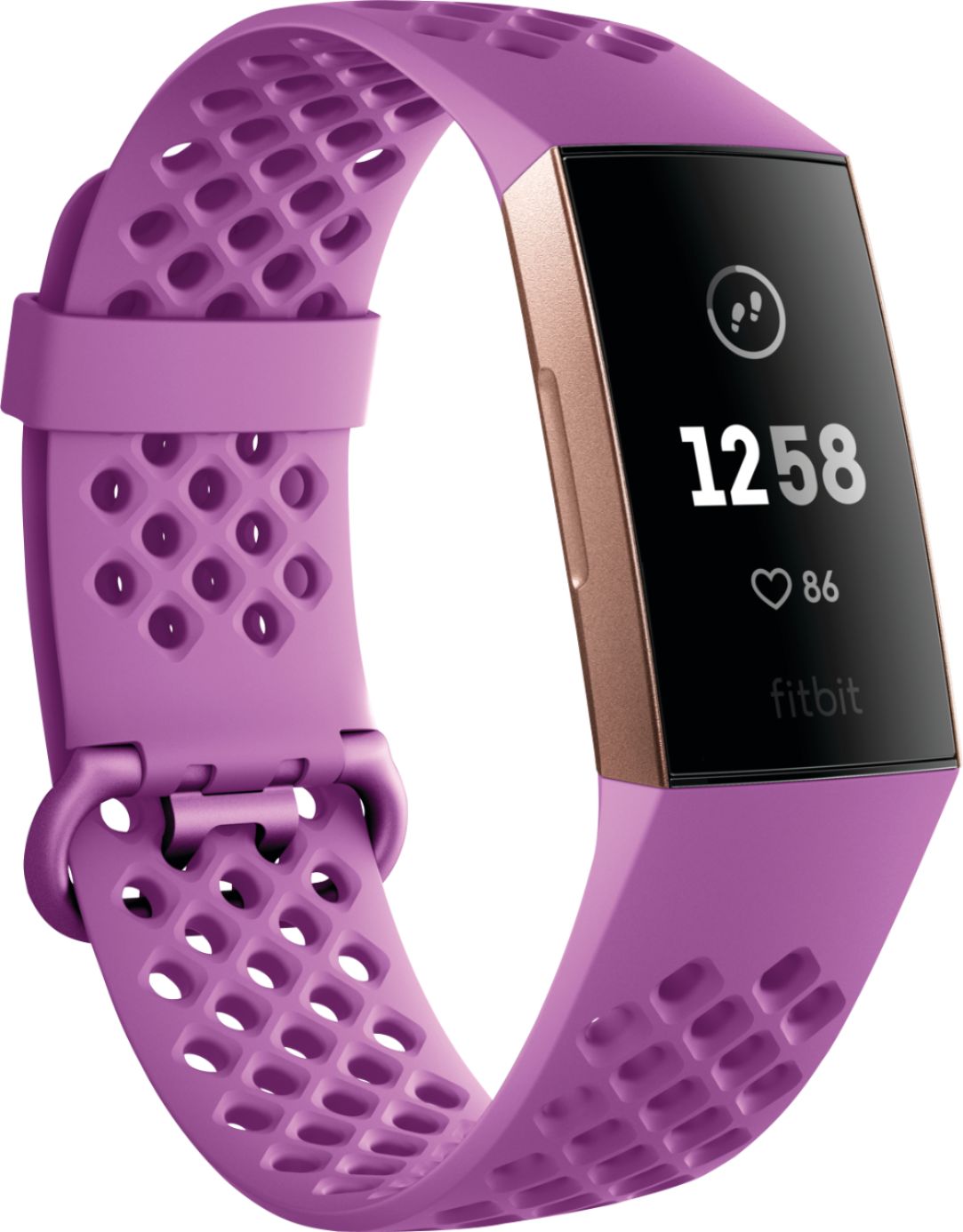
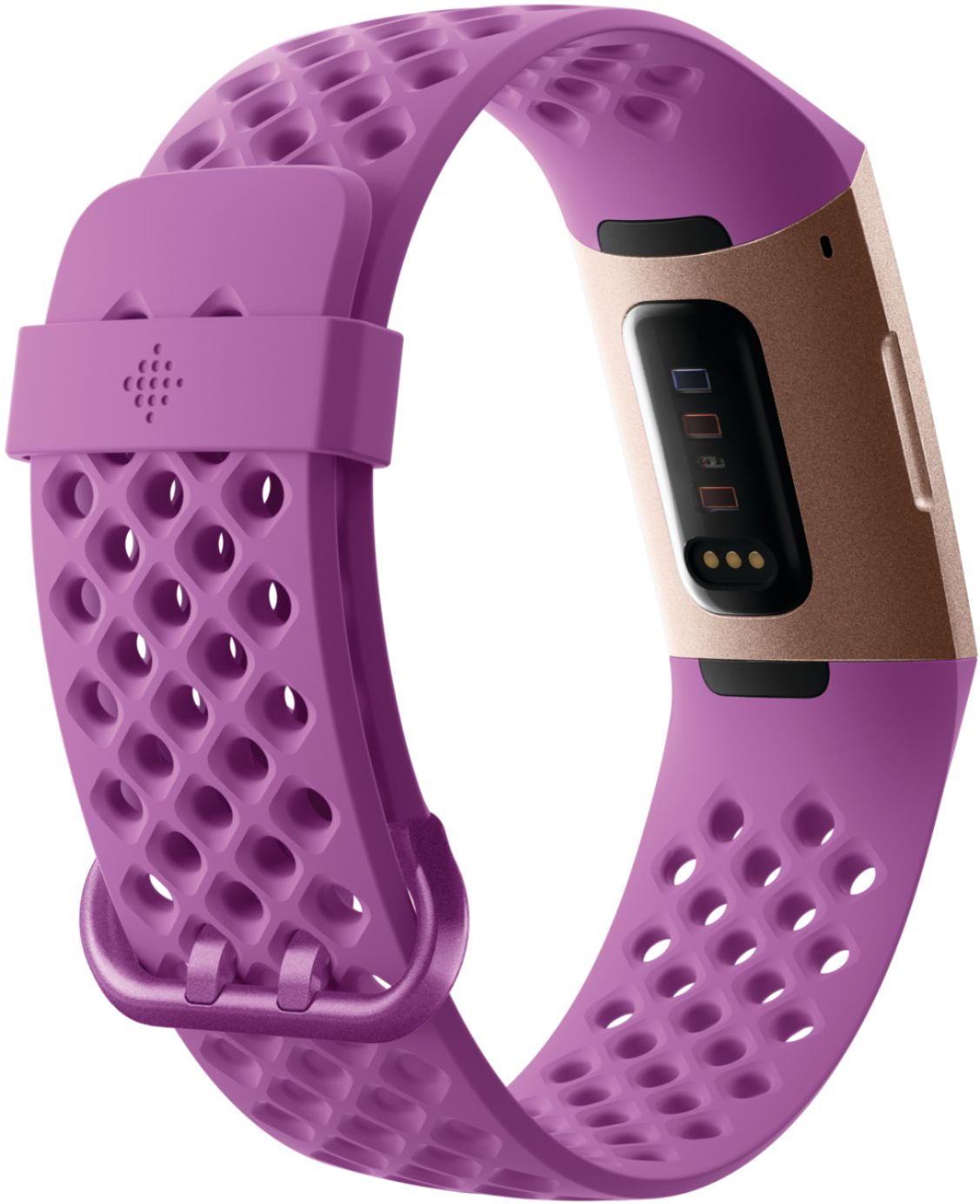
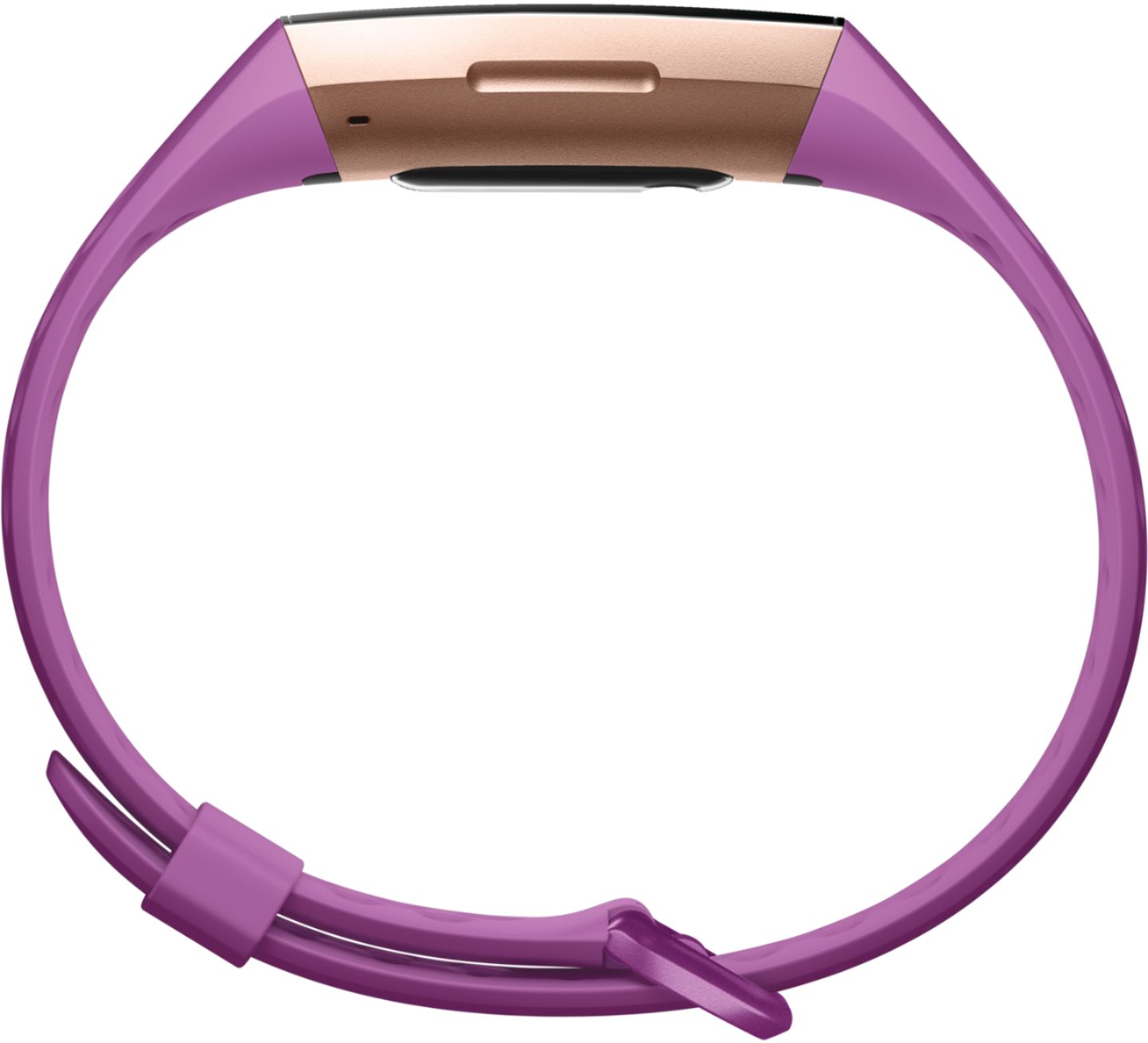
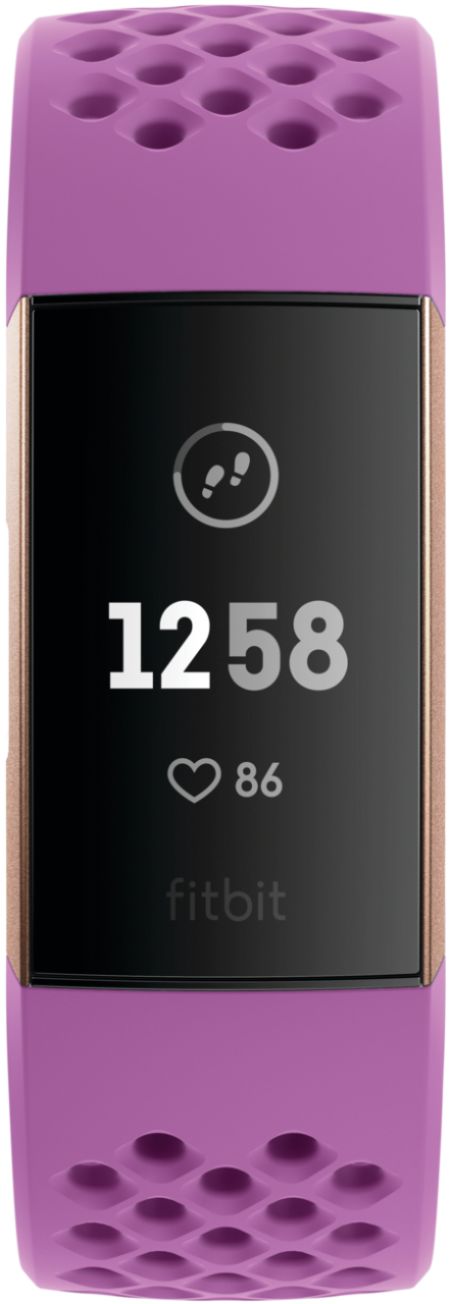
A:AnswerThe Charge series relies on arm motion to detect steps. Look at the Fitbit One which can be worn in your pocket, on your hip, or even in a purse.
A:AnswerYou need the application through the App Store. Then follow the instructions to sync your iPhone and the Fitbit! Easily done! Don't fret about it.
A:AnswerMost phones have a bluetooth option that you can turn on and off through your settings. From that same place, you can sync to other devices- it also helps to have the fitbit app installed (from Google playstore or apples store). The app has a step by step process that you can follow!
A:AnswerThere has To be movement to track it it as a step. The only way IMO, is to have GPS (like the new one) but that requires you to charge it every day so there goes your sleep App!! The only way is to swing your arm while riding...