A:AnswerI discovered this with my original Alta HR. In the Fitbit app go to Account in the top left corner. Then click on Advanced Settings. Turn Auto Time Zone off and wait a few seconds then turn it back on. You should have the correct time.
A:AnswerHi, there. Similar to many online services, our Terms of Service don't allow customers who are under the minimum age to create standard Fitbit accounts. The minimum age is 13 (customers in the EU may have different minimum age guidelines based on their country). And, you can only set up the Fitbit Inspire 3 to a standard account. For more information about the Fitbit Inspire 3, please visit this: https://support.google.com/fitbit/answer/14237921
For any additional questions and concerns, reach us at: https://goo.gle/contactfitbit
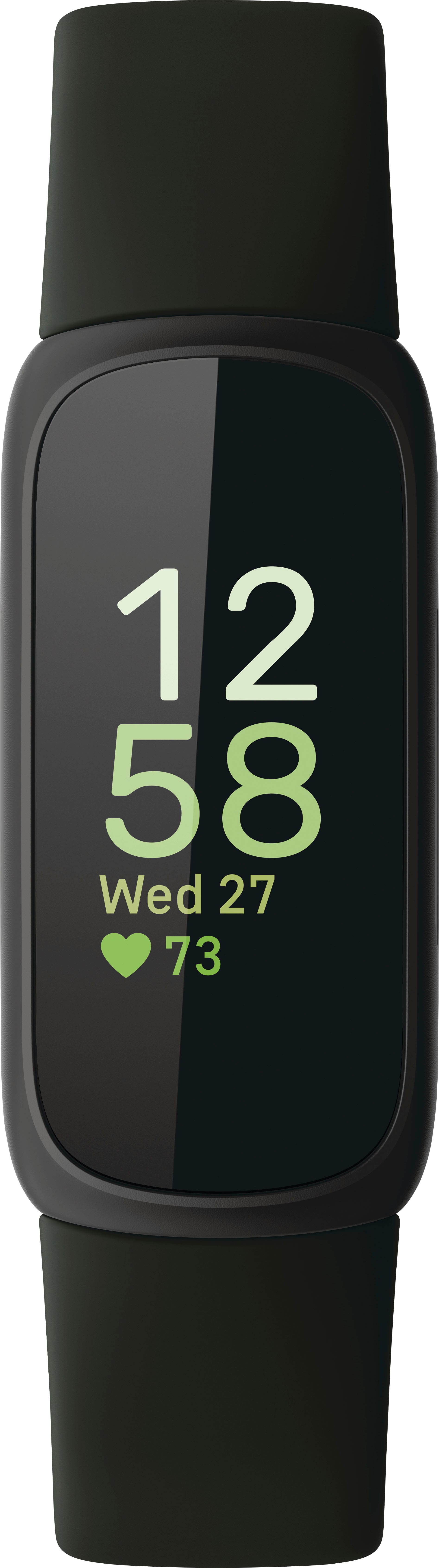
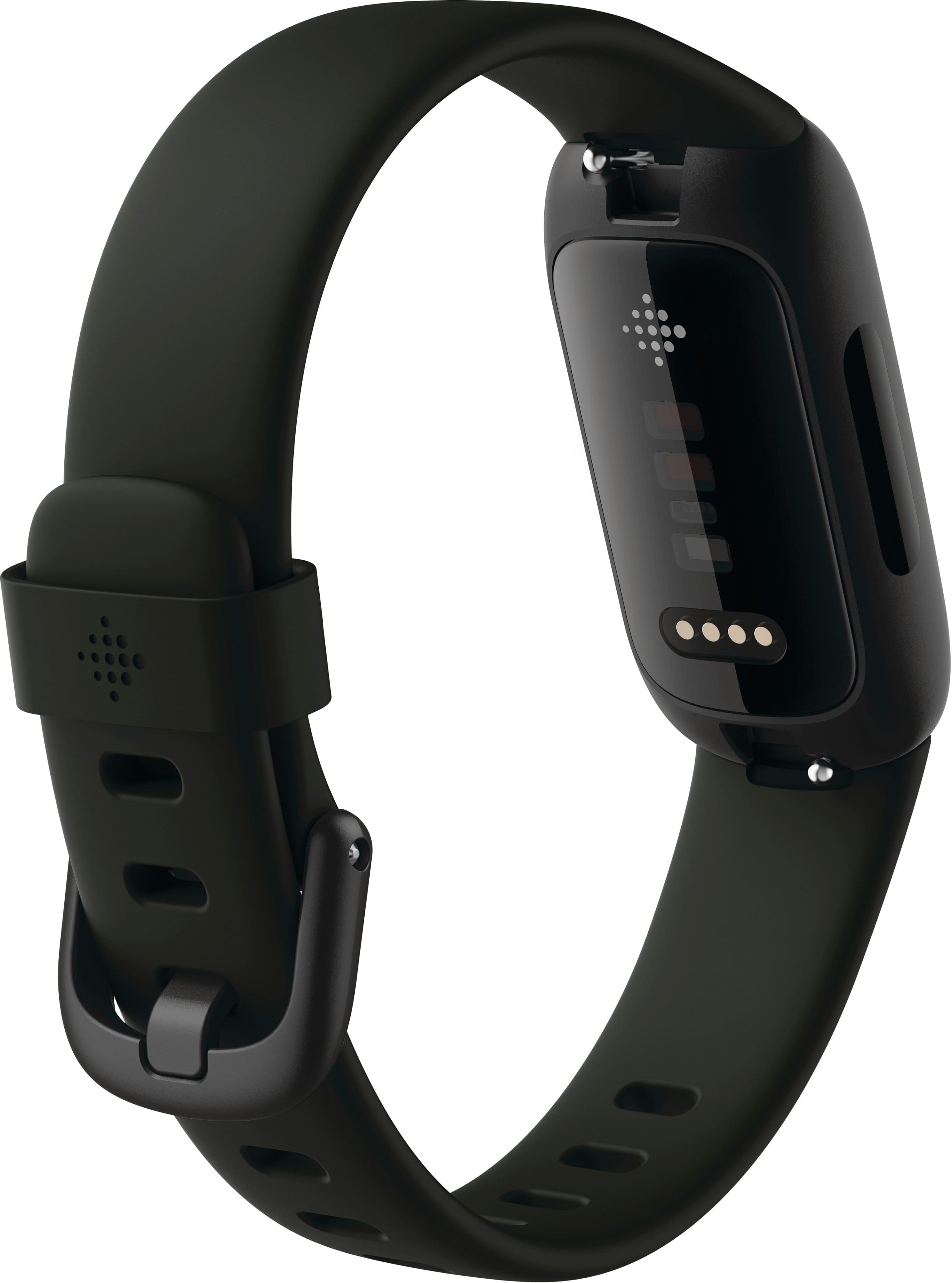
A:AnswerHi, JoAD. We're sorry to hear that your and your husband's Fitbit Inspire 3 isn't charging. The batteries on our Fitbit devices are not replaceable. If you haven't done so already, we recommend giving them a restart: https://goo.gle/restart
We also suggest checking out battery-reviving tips at: https://goo.gle/battery
Should you need further assistance, you can always contact our support team at: https://goo.gle/ContactFitbit