A:AnswerIt definitely does comes with a charger. I just got mine last Monday, and I was very confused about the charger situation too. It *seems* obvious that it would, but one never knows. The charger is really awesome, too, I might add. It has a wrap-around storage design so it's not a giant mess when not in use.
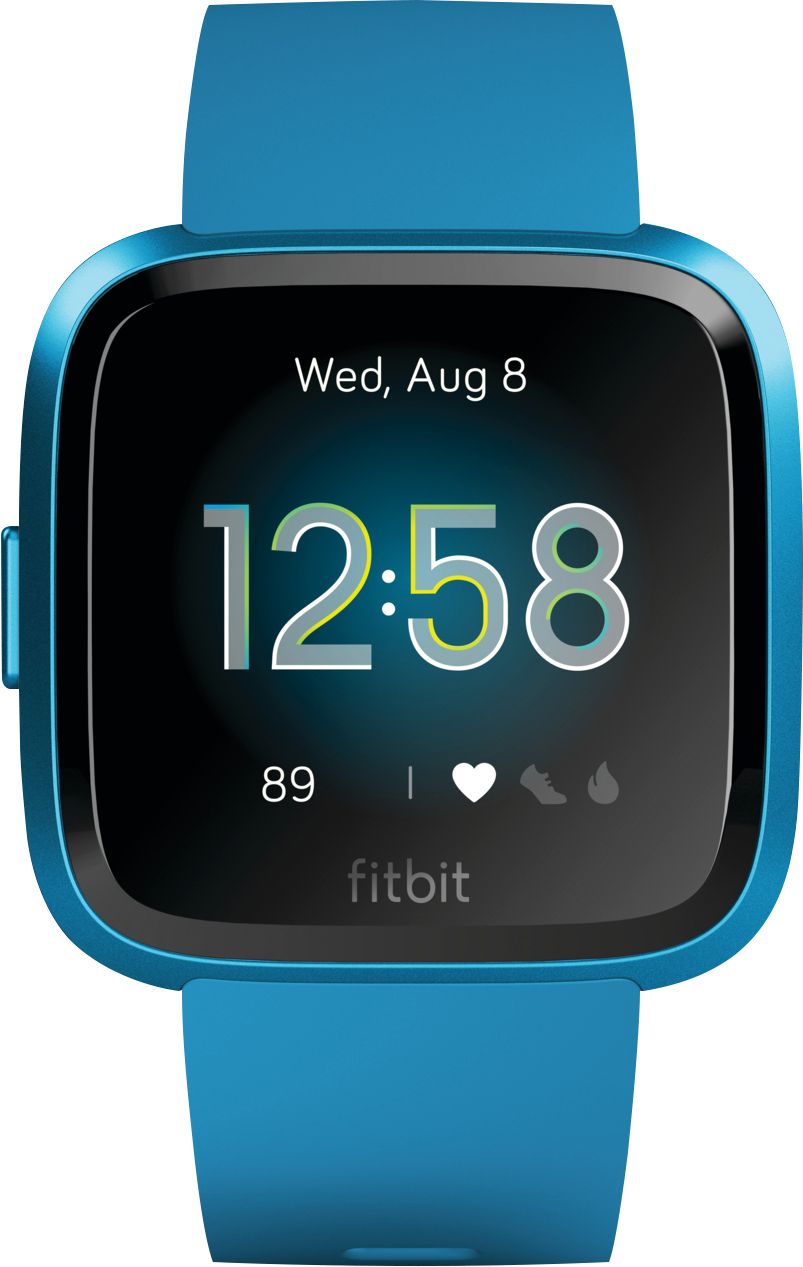
A:AnswerIt does not. That is one of the only few differences between the original Versa and the Lite edition (the only other differences that I am aware of is that you cannot listen to music on it, and it does not keep track of stair flights climbed).
A:AnswerYou can set multiple types of notifications to be received through the FitBit app. I personally only receive notifications of texts or incoming calls, but you can be notified of emails and I believe also calendar items.
A:AnswerAutomatically?? No, you will have to select on your watch or app on what you are doing. There are some activities that are automatic like steps, calories, miles walked, heart rate etc.
A:AnswerIf setup to track inbound calls / texts. These calls and texts will appear on the tracker. You can accept or decline the call (I use mostly to decline). The tracker does not have speaker / mic so you will not be able to communicate through the tracker. The tracker will only indicate a call / text is arriving if it is within bluetooth connection to the phone.
A:AnswerYou can go to FitBit's website and they have a device comparison tool where you can choose any devices and it'll show you a chart of the different features.
A:AnswerHad an AltaHR and had no issues during the 3 years I had it. Now have the Versa elite lite. Have only had it for a month but have noticed it needs recharging about every 4 days
A:AnswerYes, you will get email notification and be able to read. As long as you don't clear the notification screen, you can go back to your texts to send a brief reply.