A:AnswerNot that I know of, but if you have a Fitbit account, you can go on Fitbit community to suggest it.
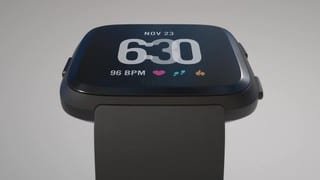
Here is a link to all the apps and clock faces for the versa.
https://fbgallery.cpfx.ca/#/apps/gallery
A:AnswerOnce the Versa is activated and linked to the Fitbit App, you have the opportunity to download whatever face you would like for it. I do not recall the web site I was taken to, but there were MANY choices once you got there.
A:Answer1. It should work with any Bluetooth phone
2. You can receive text, says you can also reply with quick replies but I’ve never done that. You cannot send from your watch. Same as call. If you answer on your watch, you still need to have the phone/speaker/car audio to answer. You can’t make calls from the watch
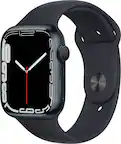
3. In comparison to Apple Watch, no. Apple will work better with Apple based on connection and what you can do with it. Fitbit is a fitness watch that receives notifications and has a few features. Apple Watch is made to serve as a wrist phone. Those are two different things if you ask me.
Summary: Fitbit is a FITNESS watch, Apple Watch is a SMART watch
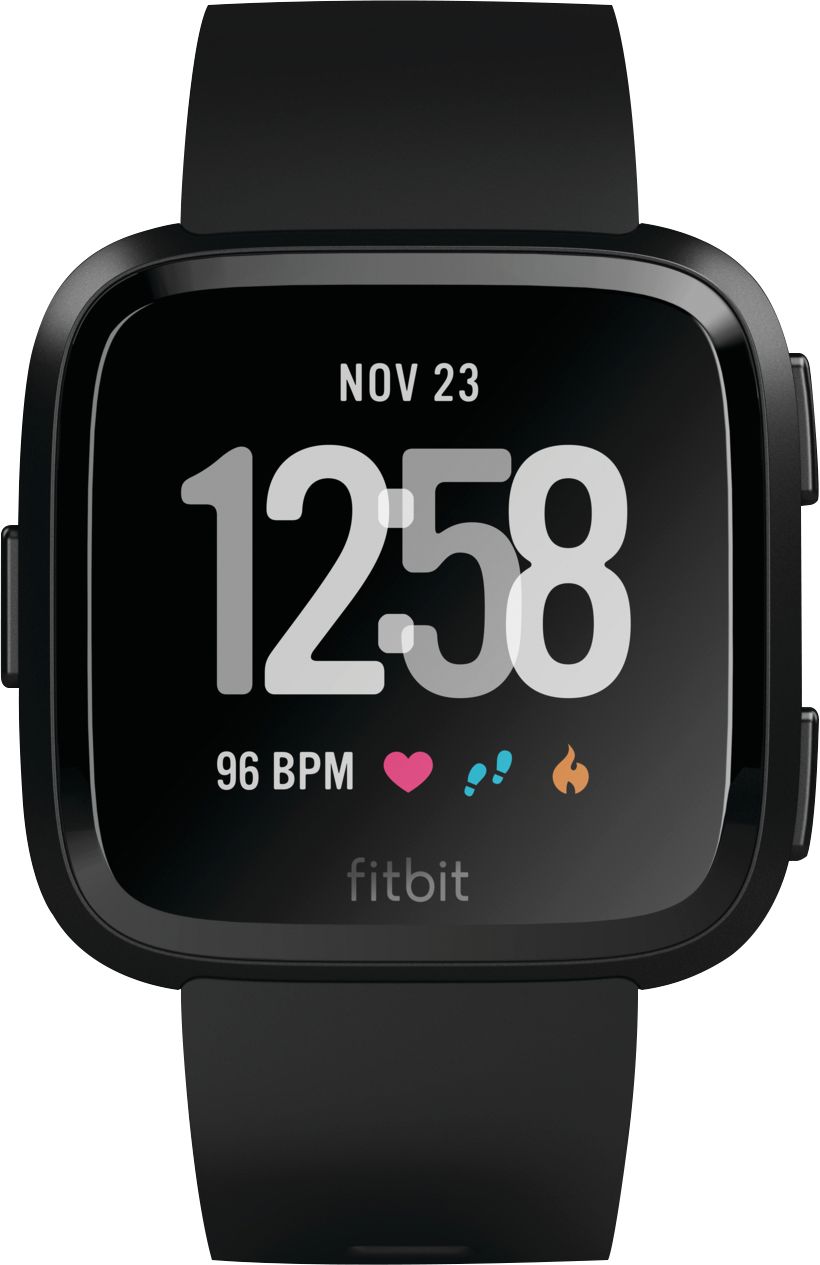
A:AnswerYes you can get notifications and it has caller ID. You can’t talk into the watch. But you can answer or reject calls from your watch. And it does show you the name and number of the caller or just the number if name is not listed. You can turn on notifications from the app or the watch. From the app you can choose which notifications you receive on your watch. Just go into the Fitbit app and go to your account not the dashboard. And then where it has notifications listed click on that. Then you can go in an choose which notifications you want. Hope this helps.
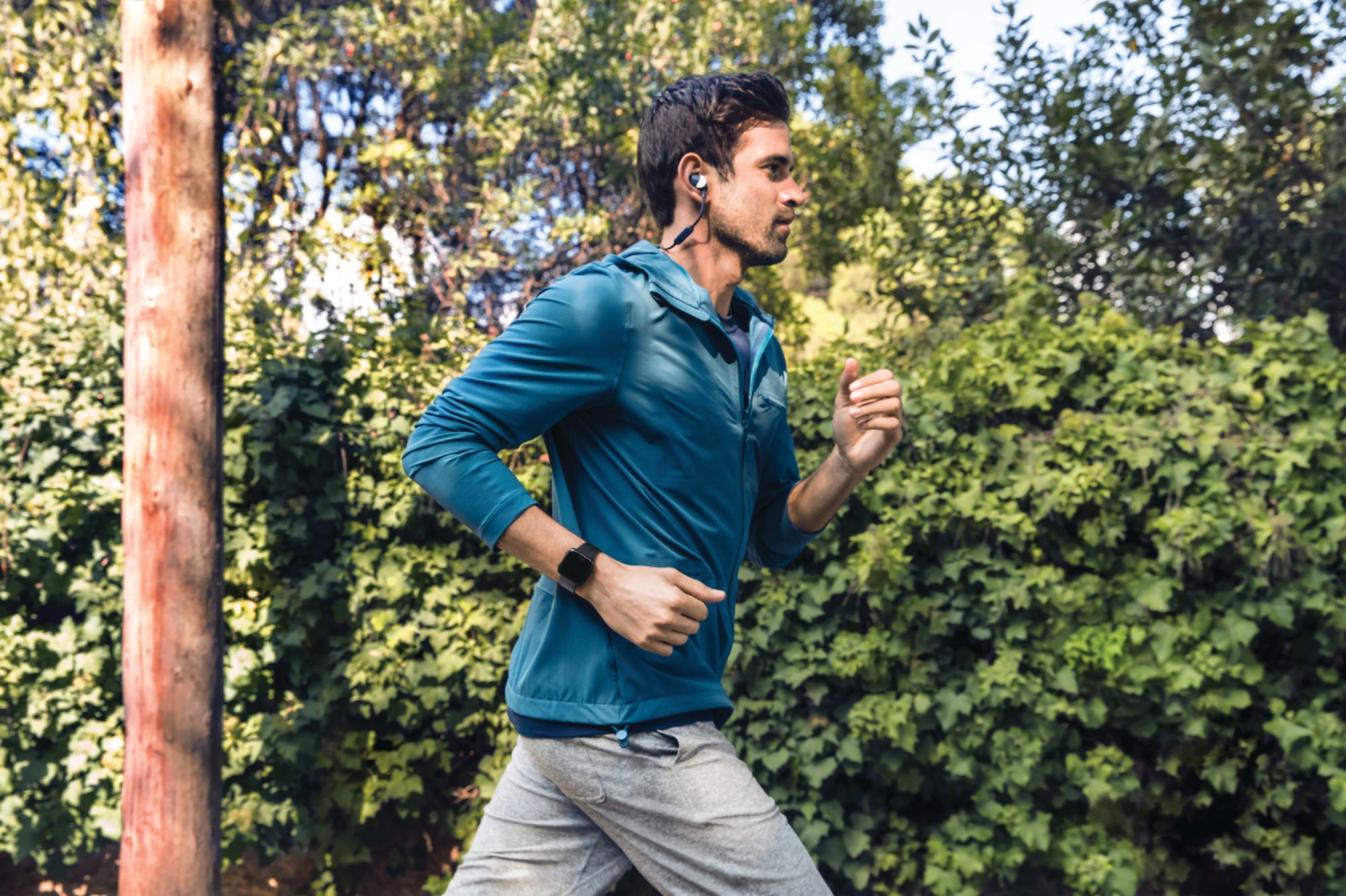
A:AnswerYes, you can use any Bluetooth ear piece. HOWEVER, you must have your phone with you linked to your earbuds to listen to music. You cannot listen to music via your versa unless you PURCHASE Pandora Premium. This is what I have come to find anyways.
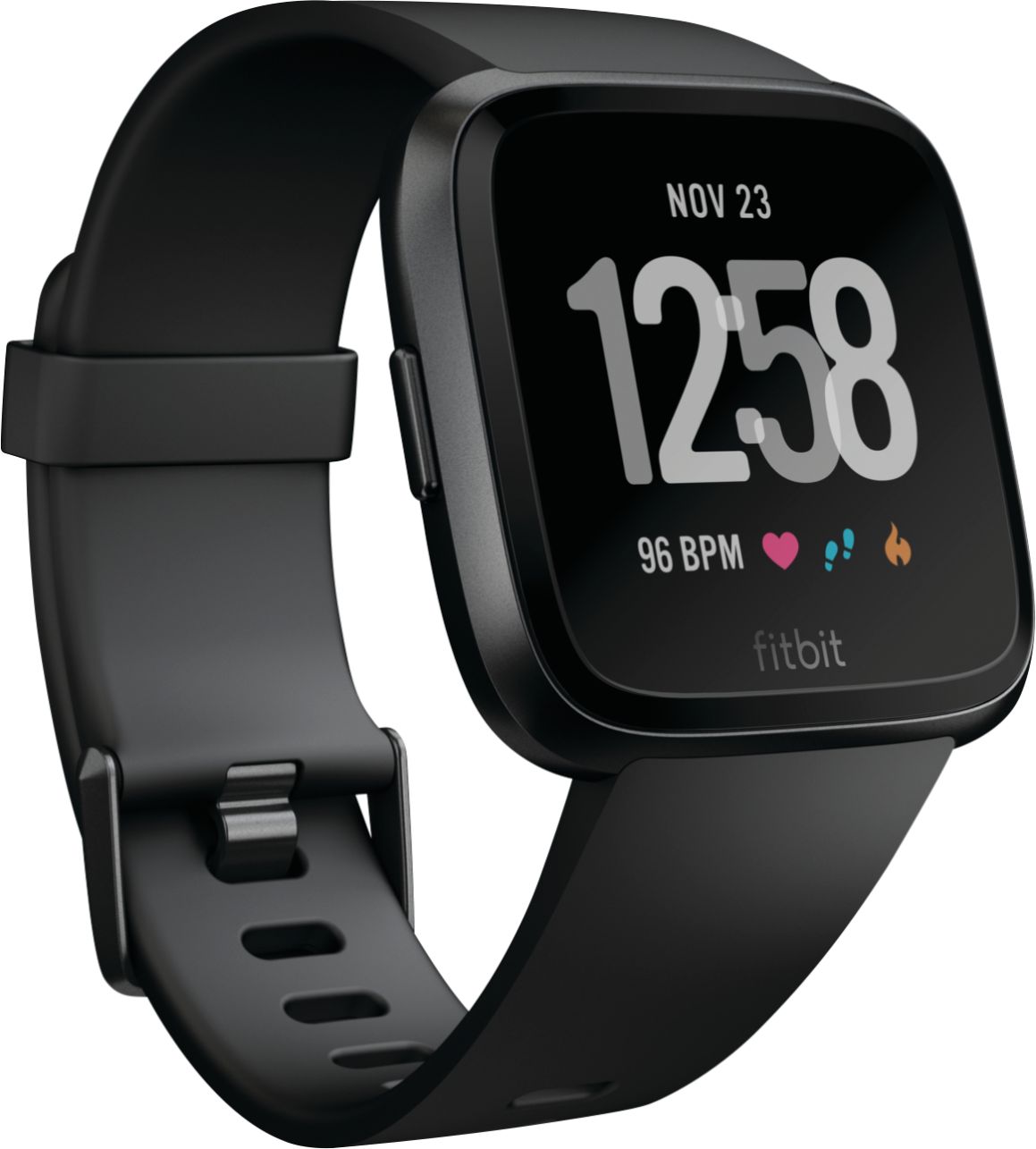
A:AnswerIt partly depends on which clock face you are using. The one I am using shows both the time and my heart rate, as well as other data, at the same time. You can also select "treadmill" from the exercises. That screen shows your heart rate as well as how long you've been on the treadmill.