A:AnswerHello Nat.
Great question. We recommend reaching out to your local Bestbuy to see what installation options are available in your area. In this particular case, we’d suggest you reach out to Best Buy’s customer service: 1-888-237-8289 or https://www.bestbuy.com/services/triage/home. We are confident that they will be able to provide you resolution to the installation inquiry you have described.
If you need assistance from Ring, Ring Community is our first peer-to-peer community online forum, giving our customers the ability to help one another and share their feedback directly with Ring.
We invite you to reach out at https://community.ring.com/ if any additional installation information is needed regarding the Ring Floodlight Camera Wired.
Thank you, Jamila with Ring.

A:AnswerHello RingSoftware,
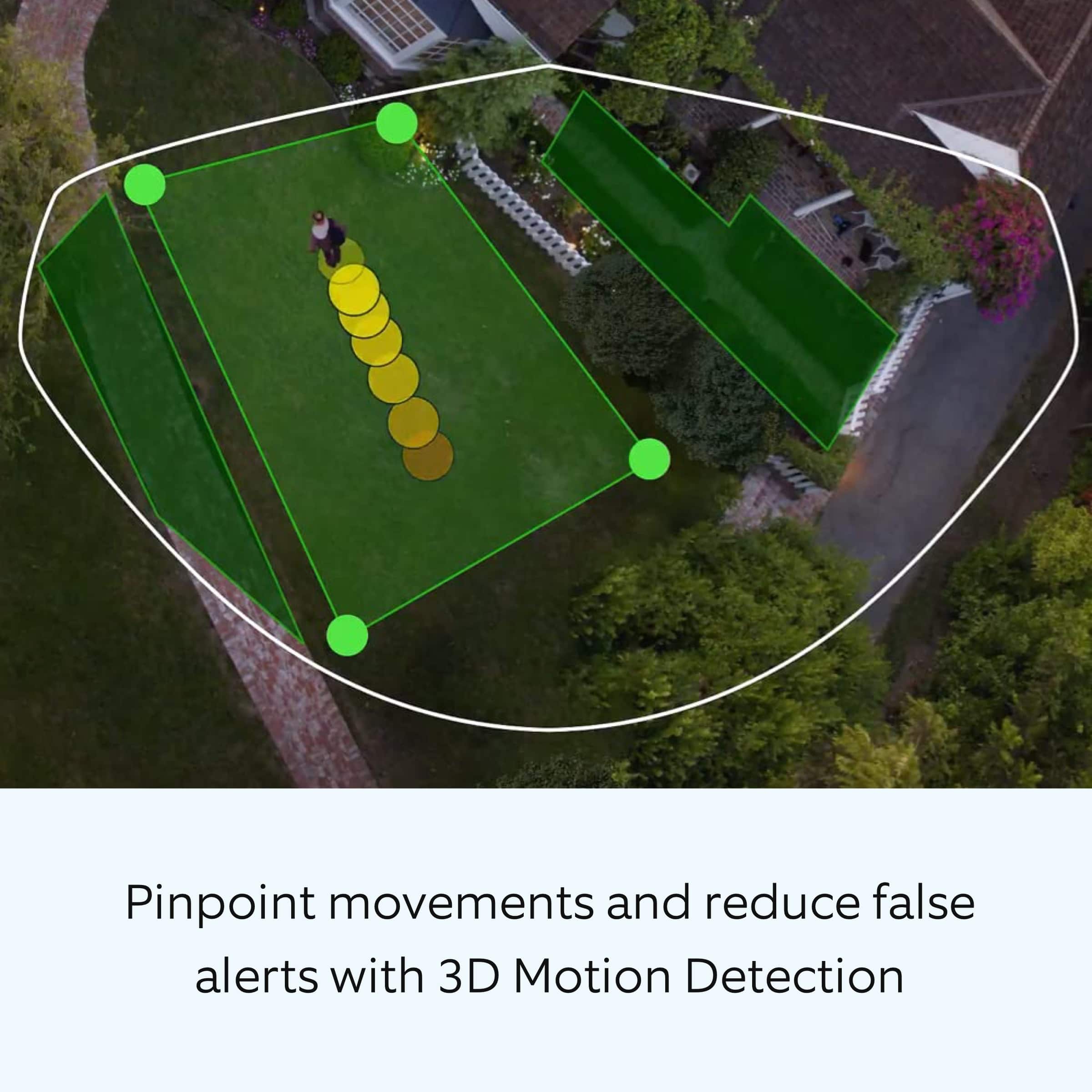
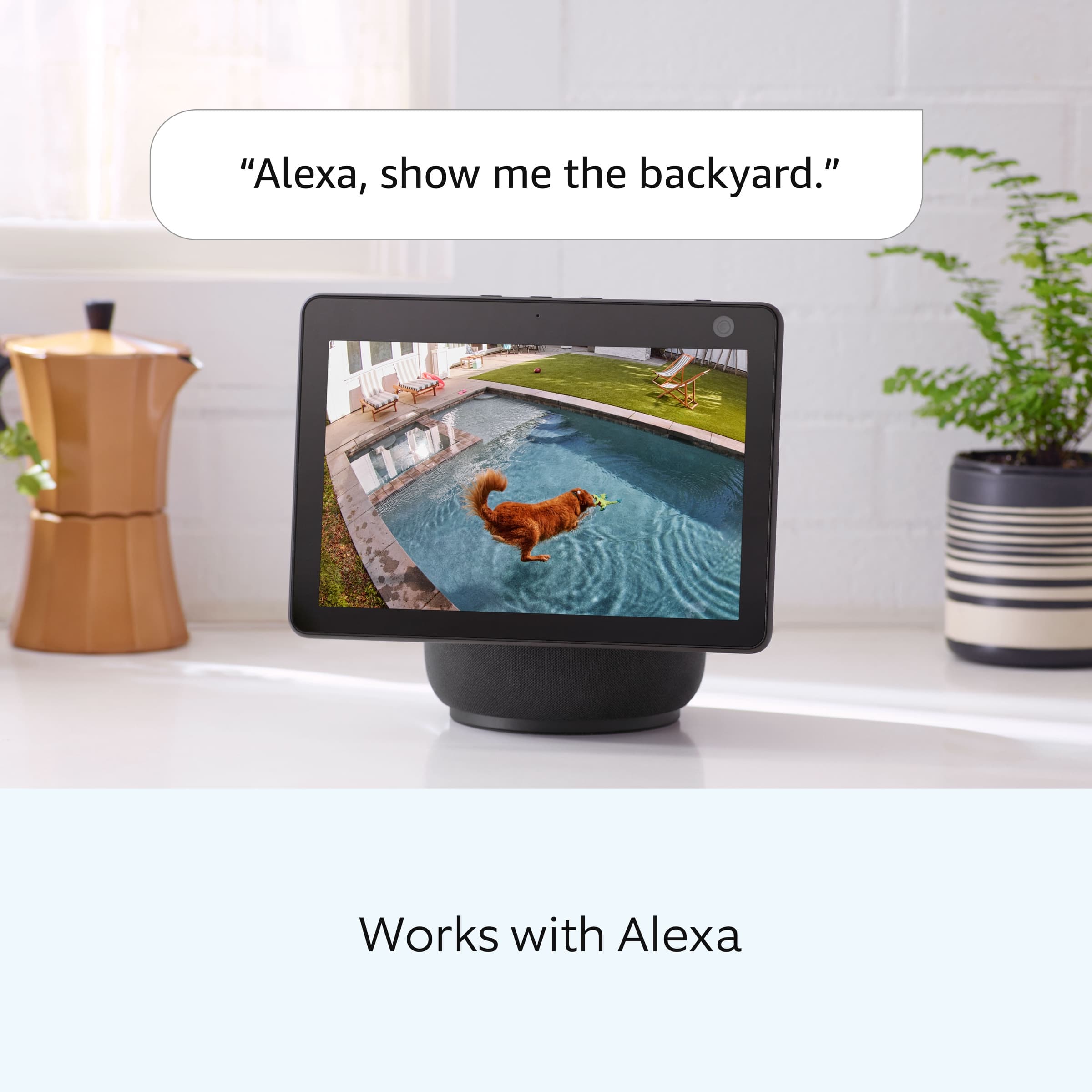
Great question. Yes, the "birds eye view" feature will work with your Ring device and also your Alexa enabled device. With Bird's Eye View you can get an aerial map view of motion events around your home and clearly see the path that visitors take when visiting your property. For more information, please see our help center article: https://support.ring.com/hc/en-us/articles/360056772832-Bird-s-Eye-View-information. For any additional questions or concerns, please feel free to reach out on our community forum at https://community.ring.com/. We look forward to hearing from you soon! Thank you, Jamila with Ring
A:AnswerHi Samiam,
No, it does not look like Best Buy offers a bundle that includes the Ring Floodlight Cam Wired Pro and Ring Chime Pro. If you'd like to add the Ring Chime Pro to extend your wifi network, we've included the product link below.
https://www.bestbuy.com/site/ring-chime-pro-white/6396015.p?skuId=6396015
We invite you to reach out at https://community.ring.com/ if any additional information is needed regarding our products. Ring Community is our first peer-to-peer community forum, giving our customers the ability to help one another and share their feedback/experiences with Ring.

All the Best,
Danielle with Ring
A:AnswerHi Vol.
Thank you for taking the time to ask this question. The amount of power consumed may vary depending on the usage of the device. The Ring Floodlight Cam Wired Plus is hardwired with 110-240 VAC.
If any additional information is needed regarding your question, please reach out to our community. Ring Community is our first peer-to-peer community forum, giving our customers the ability to help one another and share their feedback and experiences directly with Ring. Join the Ring Community today!

Thank you,
Amilia from Ring.
A:AnswerHi Joey.
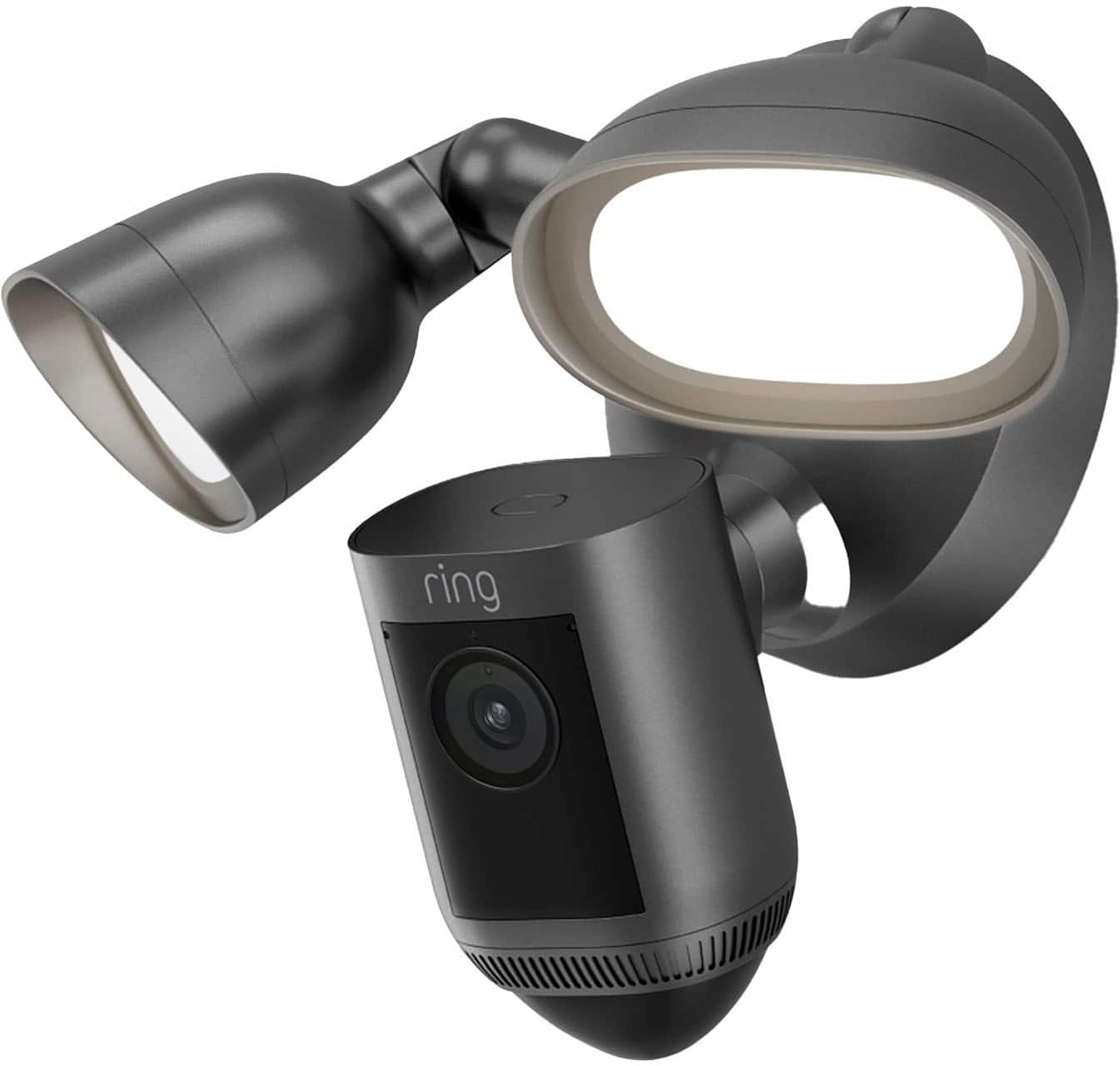
Thank you for your question today! No, the Ring Floodlight Cam Wired Pro doesn't require a Wifi connection for the physical installation. To test the device after installation you can press the setup button to put the device into setup mode. Then, once you get your Wifi connected you can go through the digital setup from within the Ring app.
If any additional information is needed regarding the Ring Video Doorbell Wired or Ring Chime, please reach out to our community. Ring Community is our first peer-to-peer community forum, giving our customers the ability to help one another and share their feedback and experiences directly with Ring.
Sincerely,
Matthew from Ring.
A:AnswerHi Bluetooth.
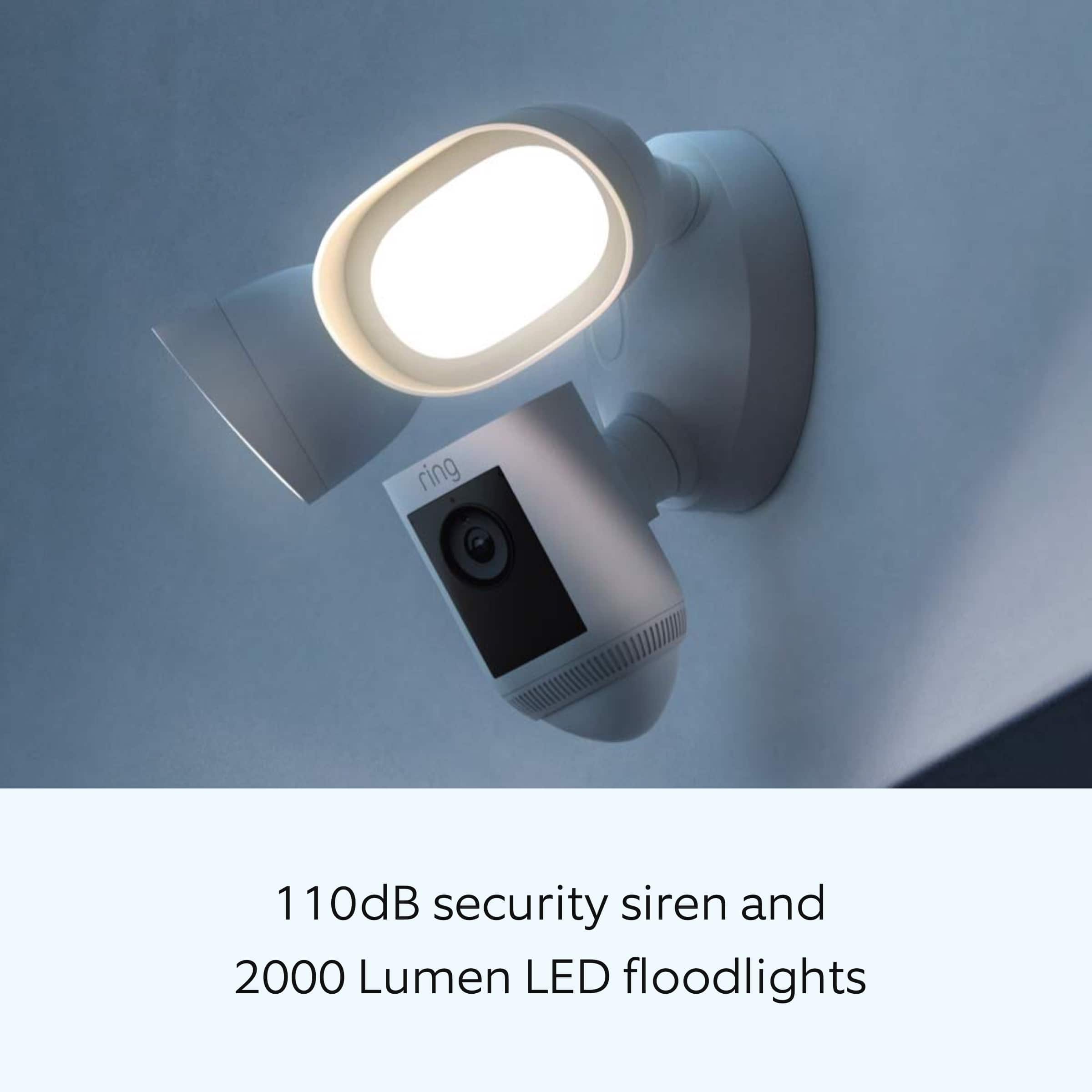
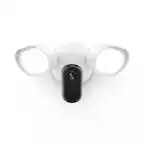
Thank you for your question today! The Ring Floodlight Cam Wired Pro uses two 3000K with 2000 lumen floodlights. Which uses about 7 watts for both lights.
If any additional information is needed regarding the Ring Floodlight Cam Wired Pro, please reach out to our community. Ring Community is our first peer-to-peer community forum, giving our customers the ability to help one another and share their feedback and experiences directly with Ring.
Sincerely,
Matthew from Ring.
A:AnswerHi Ruth.
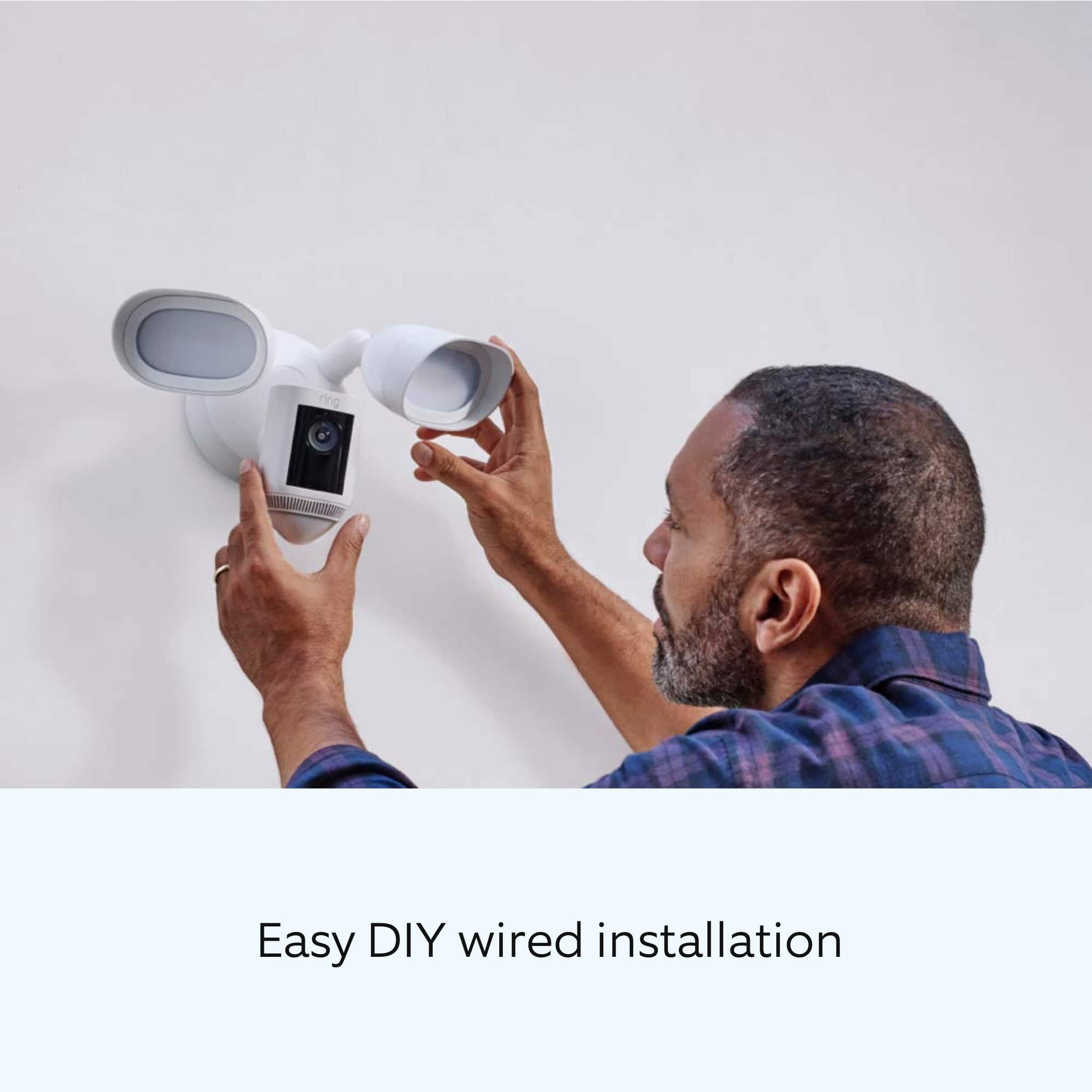
Thank you for taking the time to reach out to us with your question. The Ring Floodlight Cam Wired Pro must be installed on a 4“ round UL listed weatherproof electrical box. We have included a link here to the safety and compliance information for the Ring Floodlight Cam Wired Pro: https://ring.com/support/articles/2egk5/Safety-and-compliance-information-for-Ring-Floodlight-Cam-Wired-Pro. We have also included a link here to the installation instructions for the Ring Floodlight Cam Wired Pro: https://ring.com/support/articles/3v1dn/Installing-Your-Ring-Floodlight-Cam-Wired-Pro.
We invite you to reach out to our community if any additional information is needed regarding your question. The Ring Community is our first peer-to-peer community forum, giving our customers the ability to help one another by sharing their feedback and experiences with each other. You can find it here: https://community.ring.com/.
Thank you,
Melissa from Ring.
A:AnswerHi Jar.
Thank you for taking the time to ask this question. There are a few steps we can try to get the Ring Floodlight Cam Wired Pro to detect all motion. Ring Smart Alerts filter out wanted and unwanted motion based on the settings you have for the camera. The Smart Alerts feature allows you to choose the notification and recording options for person and other motion. Depending on the current settings of your Ring Floodlight Cam Wired Pro, other motion may not be enabled to record or send alerts. To review this setting and make any changes, please follow these steps: 1) Tap the menu (≡) on the top left. 2) Tap Devices. 3) Tap the device that you want to adjust. 4) Tap Motion Settings. 5) Tap Smart Alerts. 6) Tap Enable Feature. (If the feature is already enabled, you can skip to step 8).
7) Tap Continue.
8) Select the notification options that you want for Person and Other Motion.
You'll see a video camera where you can select or de-select recording and a bell icon to represent alert notifications.
9) After you've adjusted your settings tap Done.
If any additional information is needed regarding your question, please reach out to our community. Ring Community is our first peer-to-peer community forum, giving our customers the ability to help one another and share their feedback and experiences directly with Ring. Join the Ring Community today!
Thank you,
Link from Ring.
A:AnswerHi John.
Thank you for your question. No, you do not need a Ring hub to use the Ring Floodlight Cam Wired Pro or the Ring Spotlight Cam Pro. Ring devices require wifi connectivity and a Ring account, which can be set up on our website or by downloading the Ring app.
If any additional information is needed regarding your question, please reach out to our community. Ring Community is our first peer-to-peer community forum, giving our customers the ability to help one another and share their feedback and experiences directly with Ring. Join the Ring Community today!

Thank you,
Melissa from Ring.
A:AnswerHi Stef.
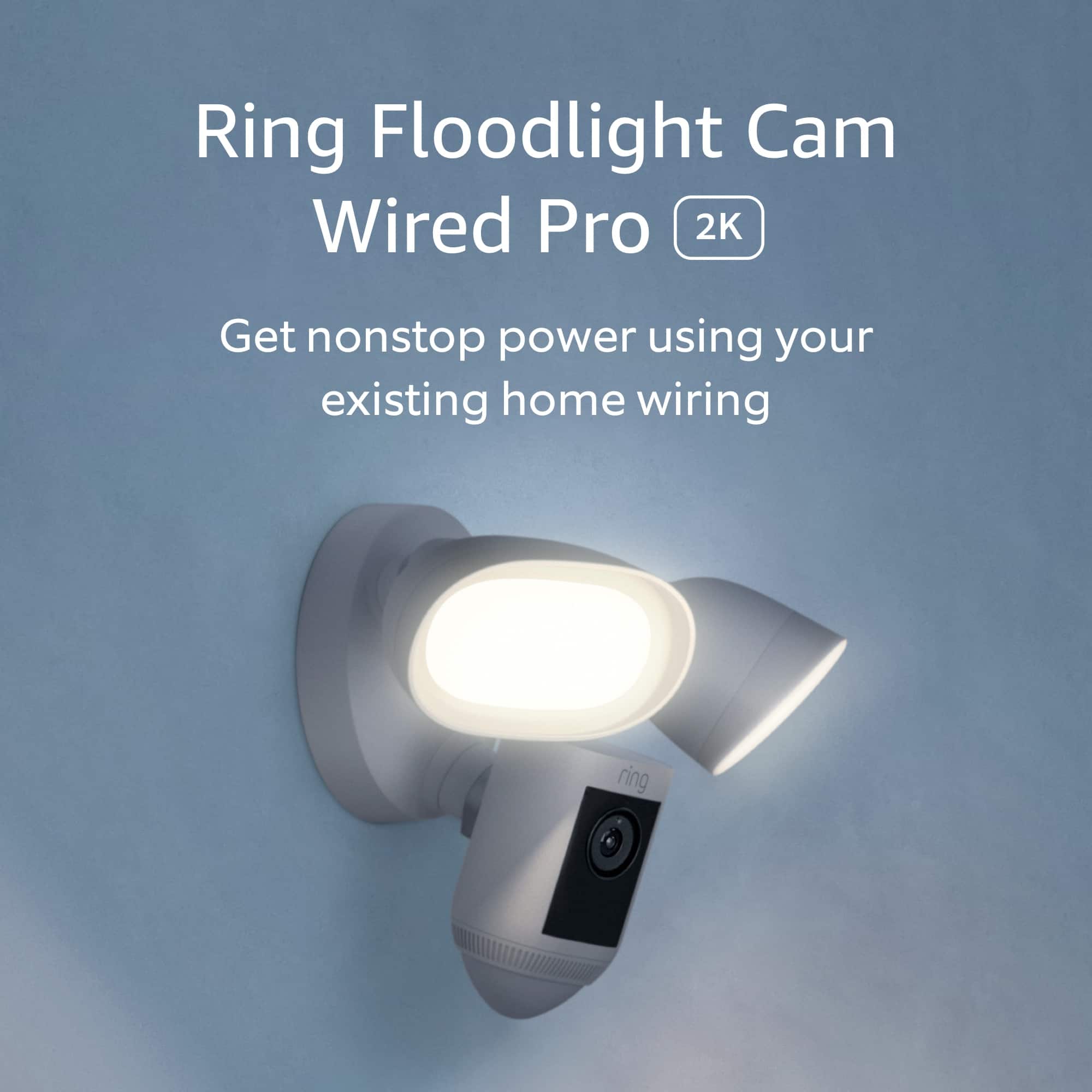
Thanks for reaching out. The Ring Floodlight Cam Wired Pro requires a hardwired connection; it is not compatible with battery or solar power. It must be installed on a 4“ round UL-listed weatherproof electrical box. Visit our support center for more information.
We invite you to reach out to our Community if any additional information is needed regarding your question. The Ring Community is our first peer-to-peer community forum, giving our customers the ability to help one another by sharing their feedback and experiences with each other.
All the best,
Nicole from Ring.
A:AnswerHello.
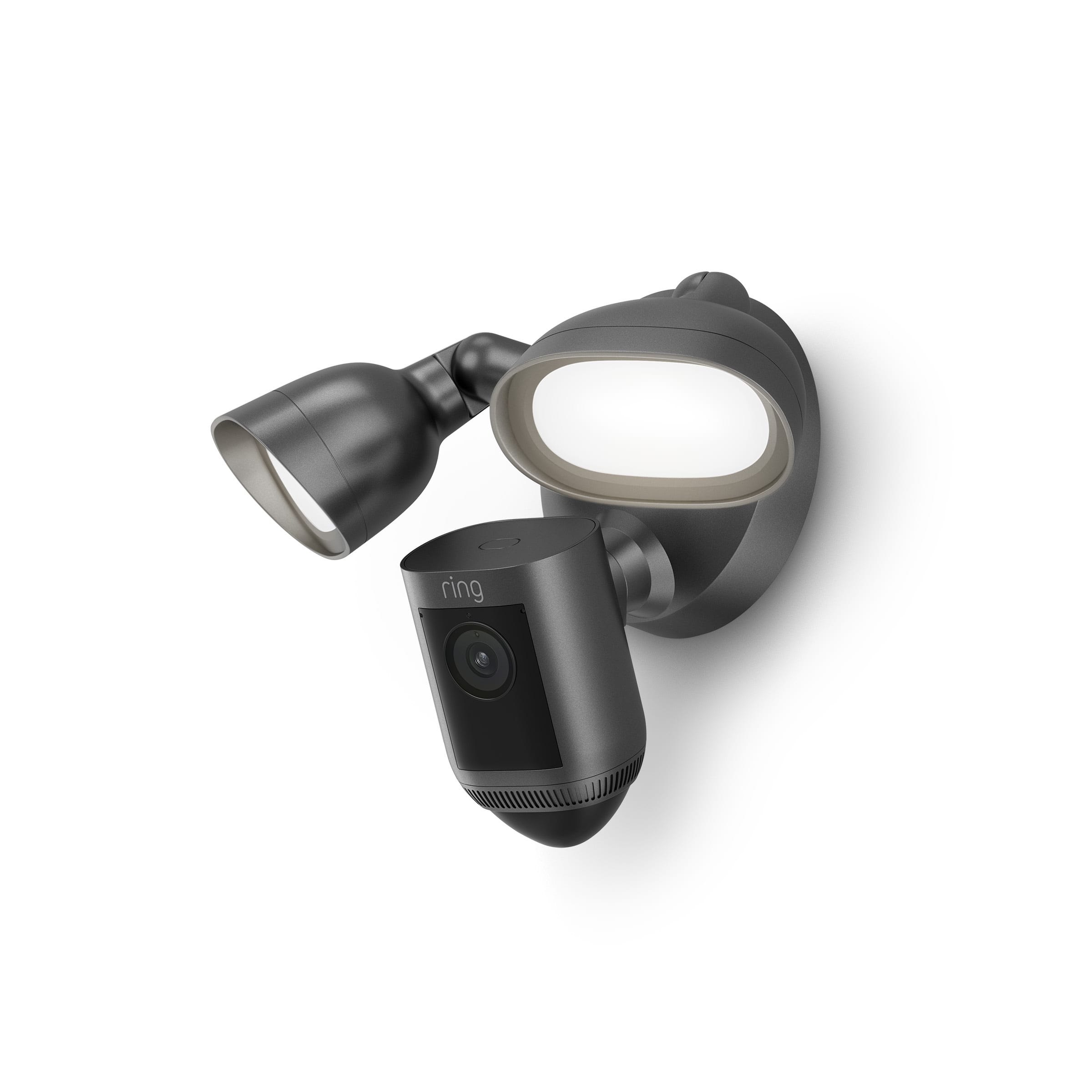
Thanks for asking. Ring Floodlight Cam Wired Plus is an outdoor floodlight security camera with 1080p HD video. Ring Floodlight Cam Wired Plus has ultra-bright, motion-activated LED floodlights, customizable motion zones, live view, color night vision, a 105db siren, and two-way talk. There are three Ring Protect Plans available for home devices and one Ring Protect Plan for the Ring Car Cam. For more specific information on Ring Protect plans, visit our support center.
We invite you to reach out to our Community if any additional information is needed regarding your question. The Ring Community is our first peer-to-peer community forum, giving our customers the ability to help one another by sharing their feedback and experiences with each other.
All the best,
Nicole from Ring.