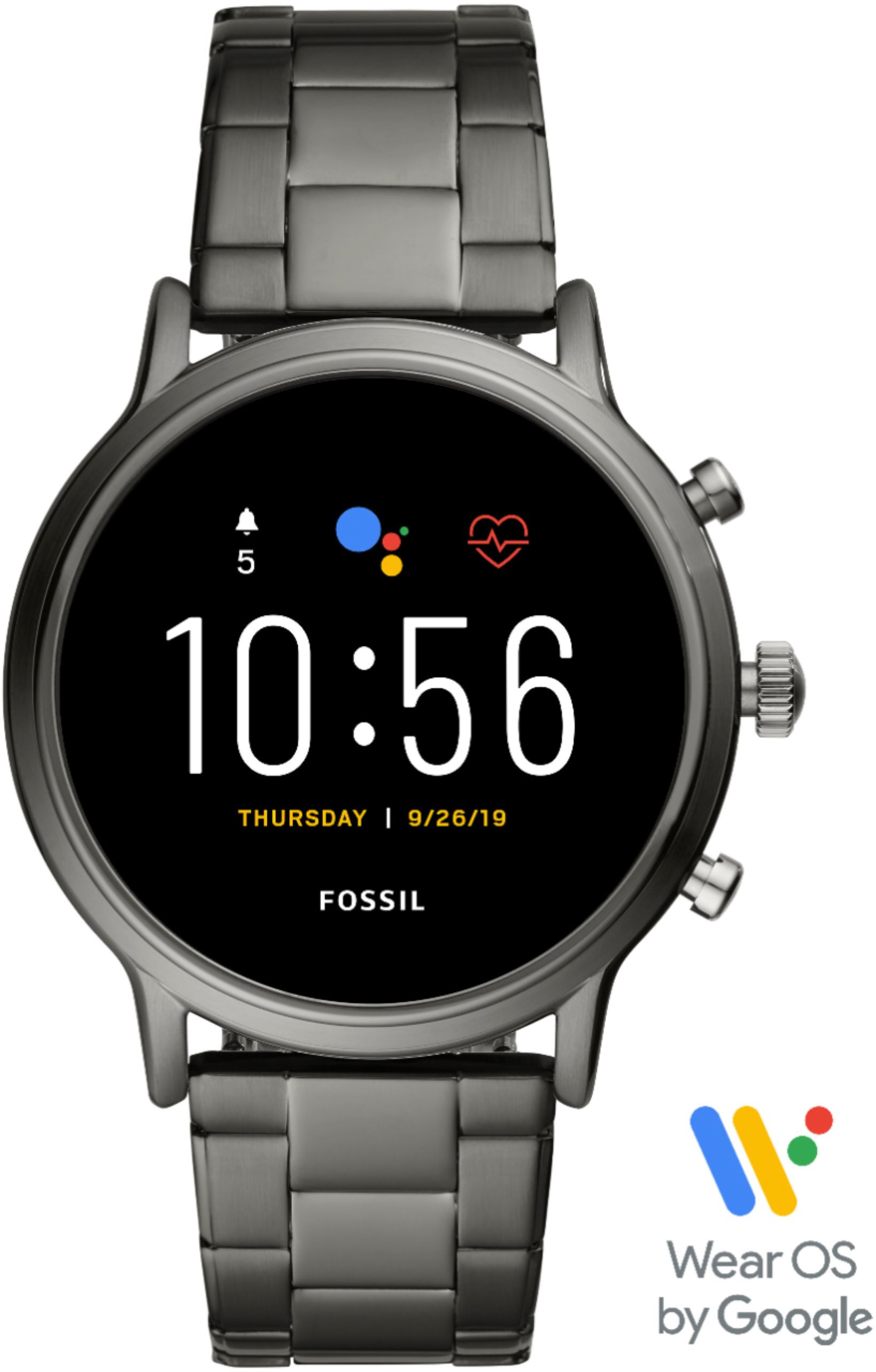
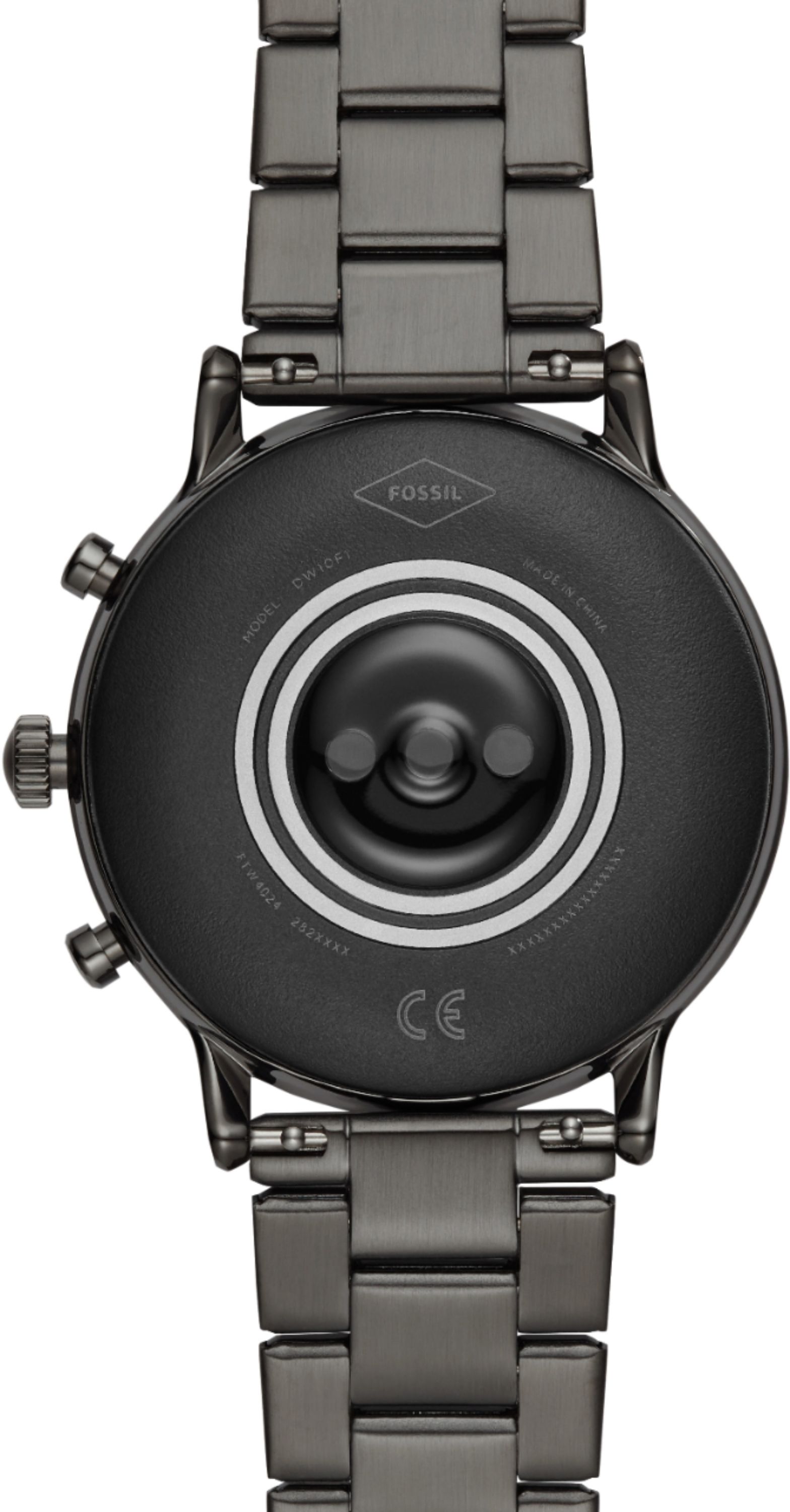
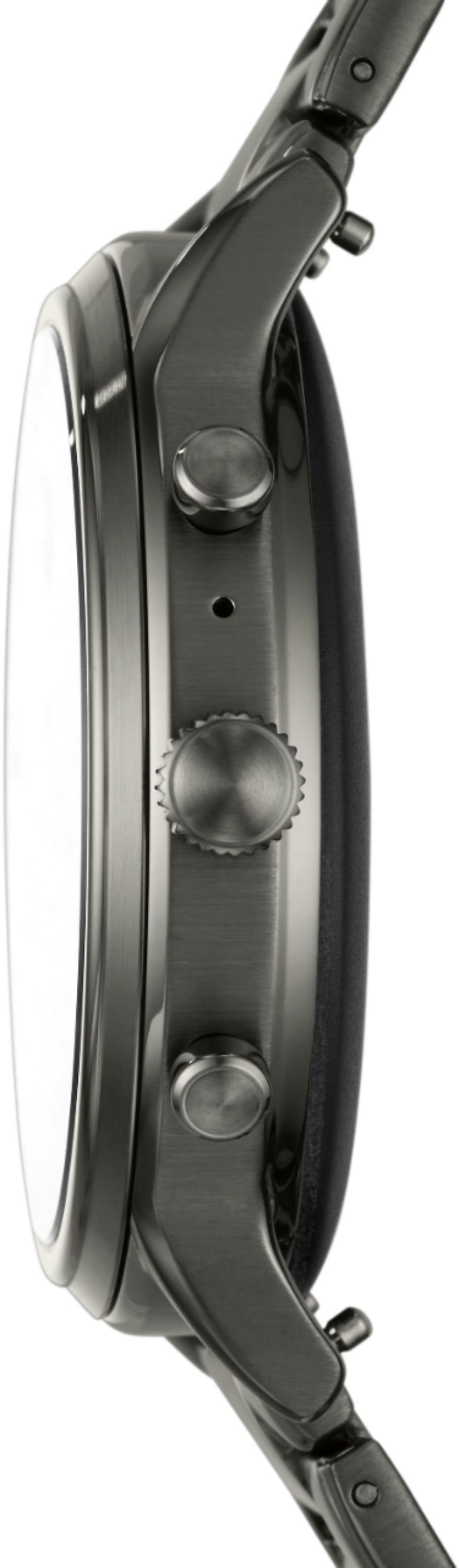
A:AnswerDepends on your field of work. Screen protector will definitely protect it as it would for a phone. There are watch cases or bumpers for it as well which can also protect the watch from getting scratched up.
A:AnswerHow it pairs is though the wear os application. Check the apple app store for the wear os app. The problem lies as it's going to attempt to communicate with the ipod meaning sending notifications such as texts emails,etc. The best option is with a phone as it's intended use. This way, you're using all it's features.
A:AnswerBest to my knowledge, this model gen 5 was made to be compatible with apple products. That I know of, & heard about. Should be able too, this link below might help not sure.
https://youtu.be/JEekgJzXXb0
A:AnswerThat phone is Android, so nothing special needs to be done other than downloading the Wear OS app from Google from the Play Store and pairing the watch.
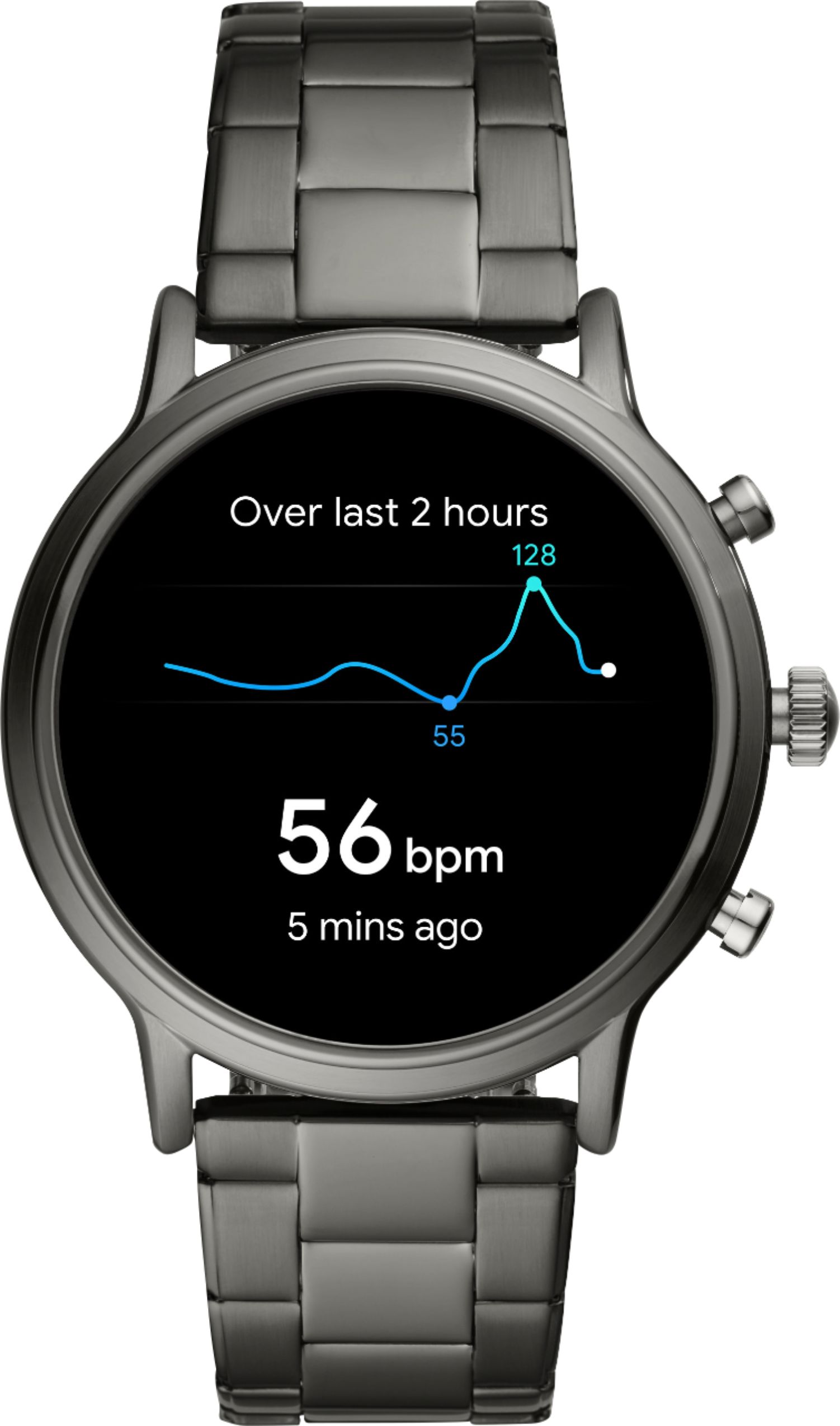
A:AnswerIt's pretty good. Tracks my sleep and automatically tracks my workouts pretty well. I mainly do treadmill running and it can tell when I'm doing that exercise.
A:AnswerIt should be able to control all media, YouTube and music. Though I haven't tried it outside of Google music or YouTube music. However it doesn't always show the controls, you can swipe down from the top and click the media controls there. It can't browse video, just play pause, skip back forward and volume.