A:AnswerHello, JW! When the ice reaches the bail arm it will auto-shut off. You don't have to do it manually from the display panel. I hope this information is useful. Should you have any additional questions or concerns, please don't hesitate to connect with us via Live Chat or call us at 1-800-374-4432 Monday-Friday, 8:30 a.m.–8 p.m. EST, and we’ll be happy to assist. ~ Sam
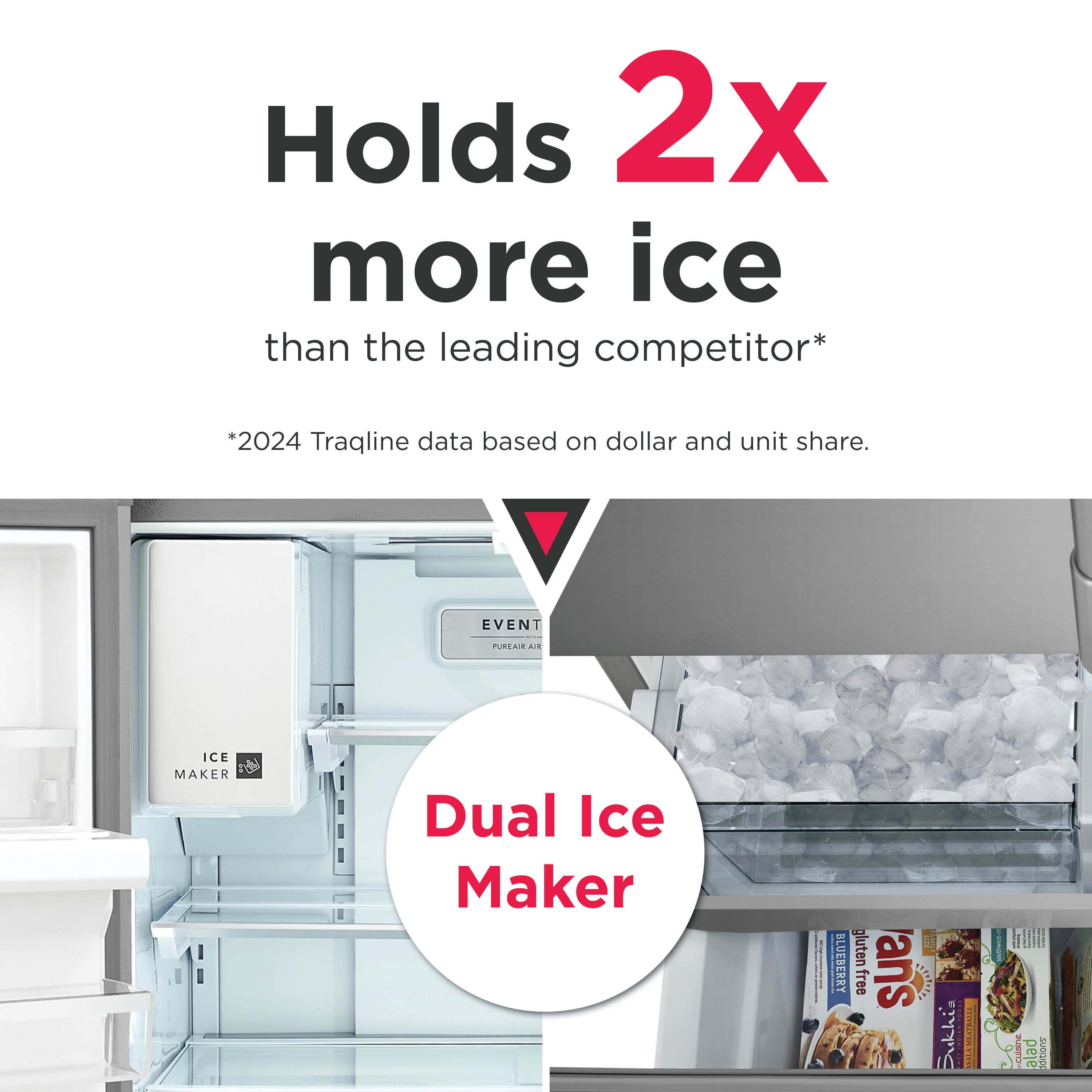
A:AnswerThere is no cooling tank. Sorry for the messy freezer pics. But there is an extra ice maker space. I believe you can turn it off if you want the extra space for other stuff.
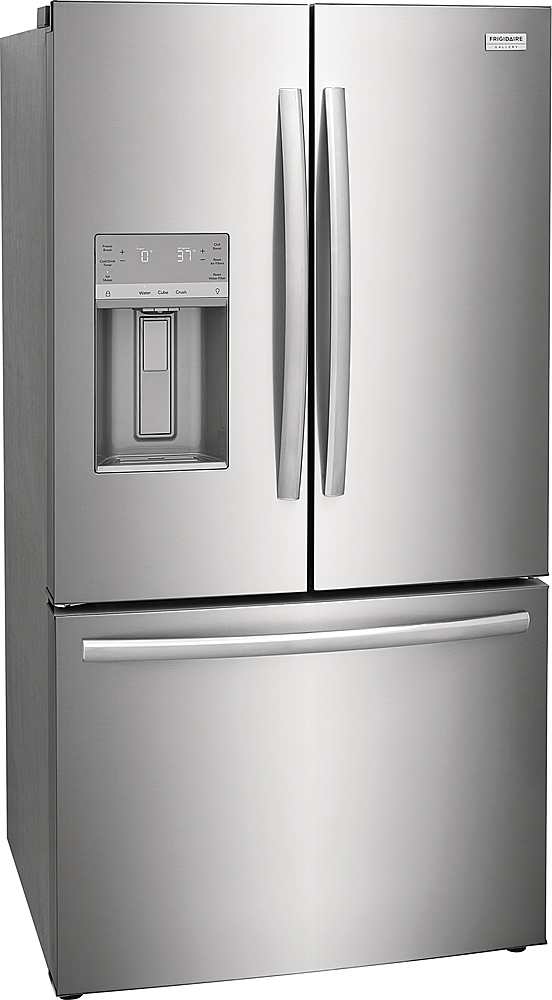
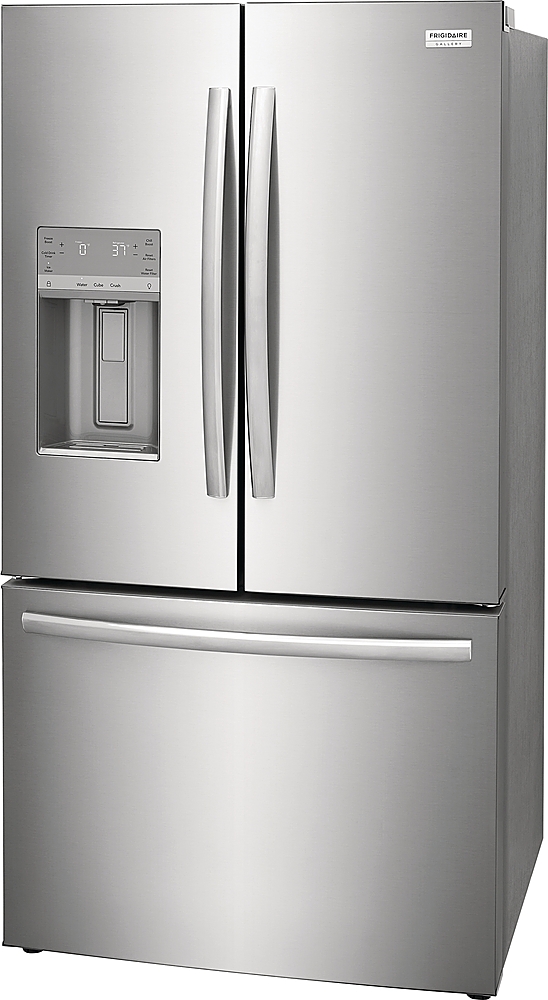
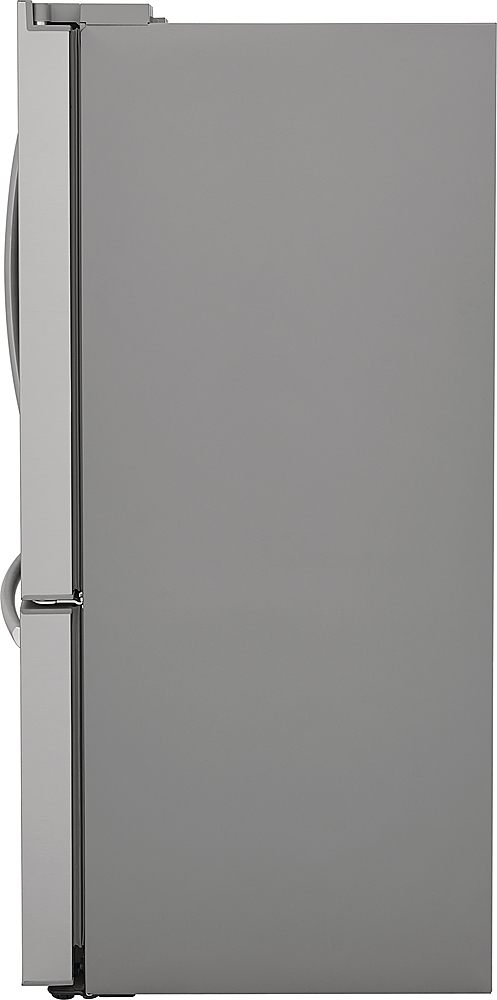
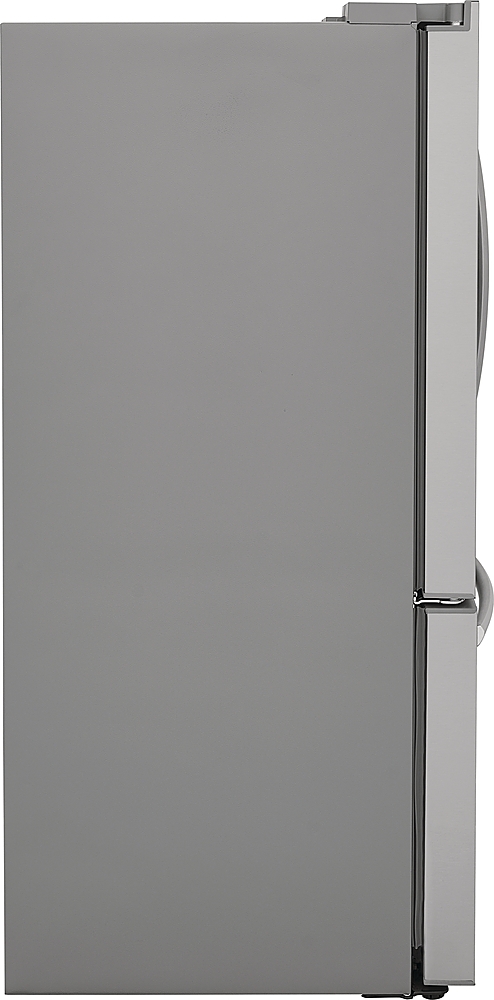
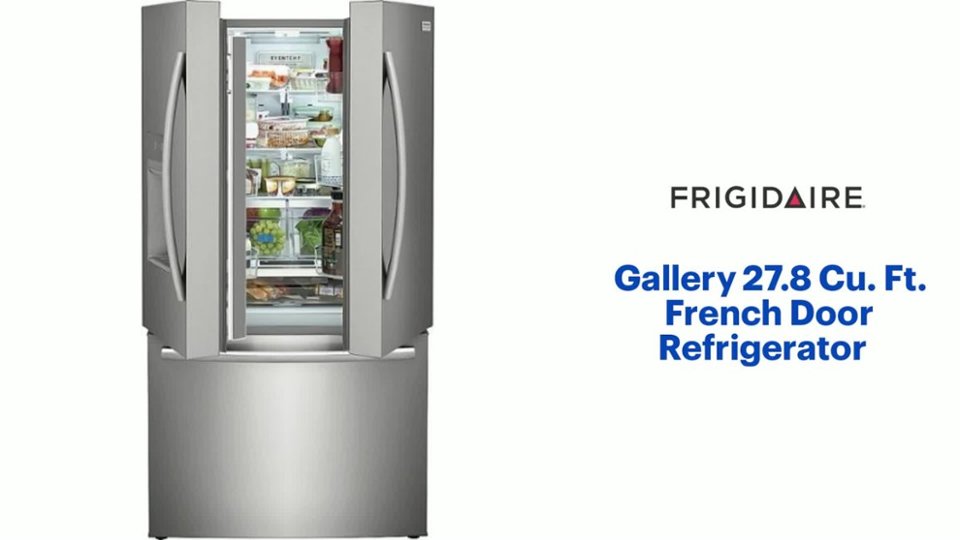
A:AnswerHi Mickster! Thank you for reaching out. The width of the Frigidaire - Gallery 27.8 Cu. Ft. French Door Refrigerator (GRFS2853AF) is 36 inches. The width remains consistent at 36 inches regardless of whether the doors are included in the measurement. We hope this clears some information. - Patrick
A:AnswerHi KMVHS, thank you for your question. Yes—the listed height represents the refrigerator’s total installed height, which includes the leveling legs/rollers. — Reed
A:AnswerHi there! Thank you for your interest with our products. No, the Frigidaire model GRFS2853AF is not a counter-depth refrigerator. It is specifically designed as a standard-depth model, offering a larger 27.8 cu. ft. capacity that will extend beyond standard kitchen cabinets. - Patrick
A:AnswerHi J! Thank you for dropping by. For the Frigidaire Gallery GRFS2853AF refrigerator, while it is marketed as a "36-inch" refrigerator, the actual width of the cabinet (rear/body) is 35 3/5 inches (35.6 inches), and the door width is 36 inches. We hope this helps! - Patrick
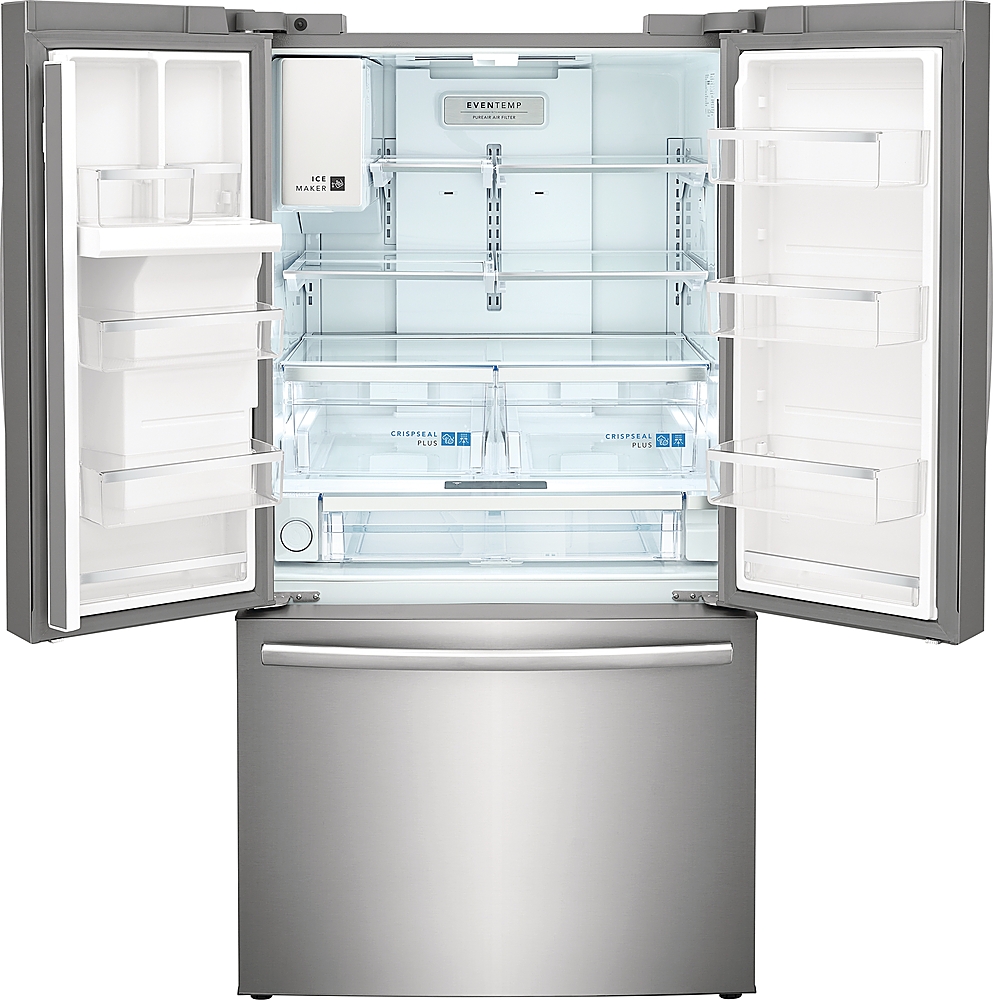
A:AnswerHi, Iceman! To access the ice maker on a Frigidaire model like the GRFS2853AD, you will need to remove the ice bucket first. For this model, you'll need to pull down on the handle of the ice bucket to open the compartment, then grasp the upper and lower handles of the ice bucket and lift it straight up and out. - Patrick
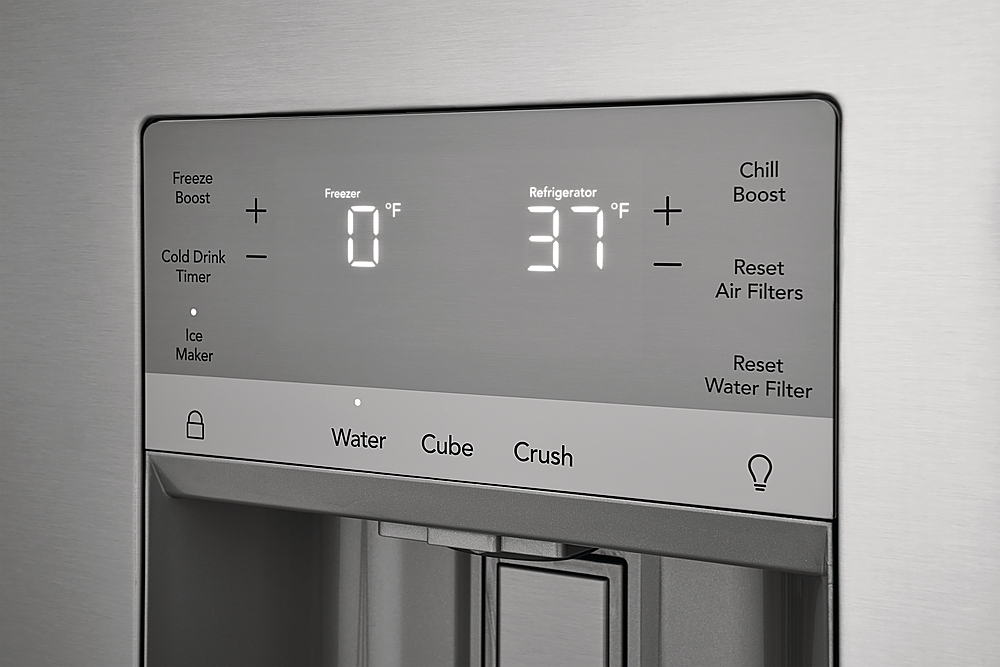
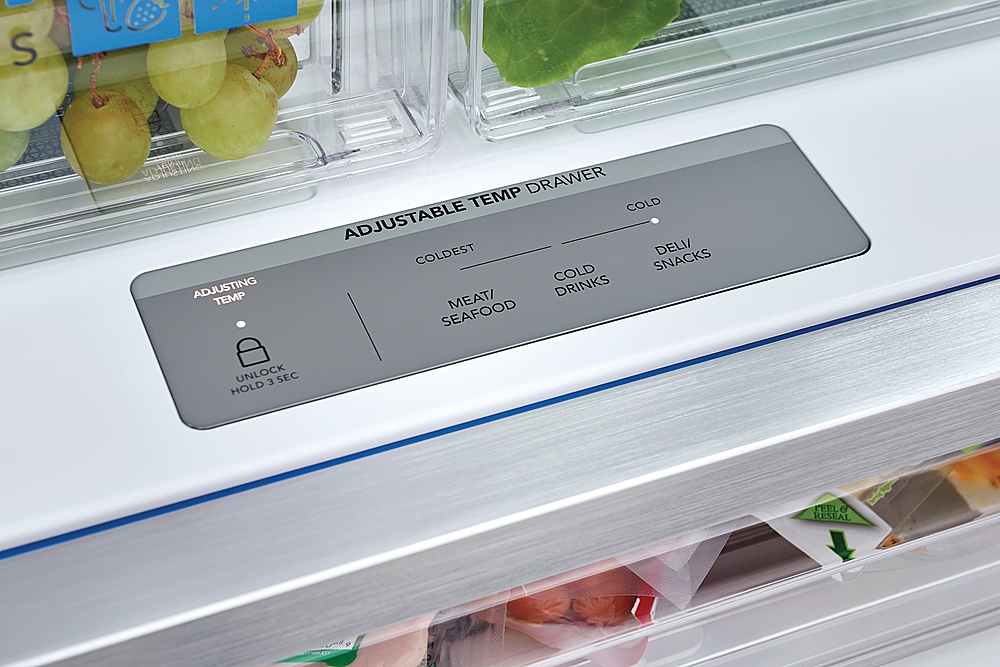
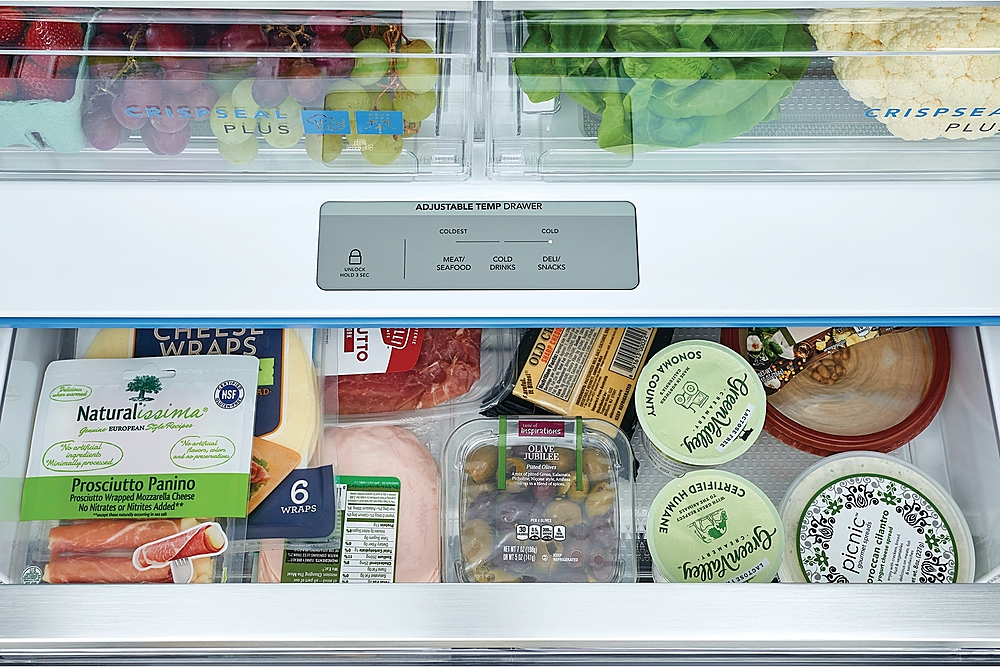
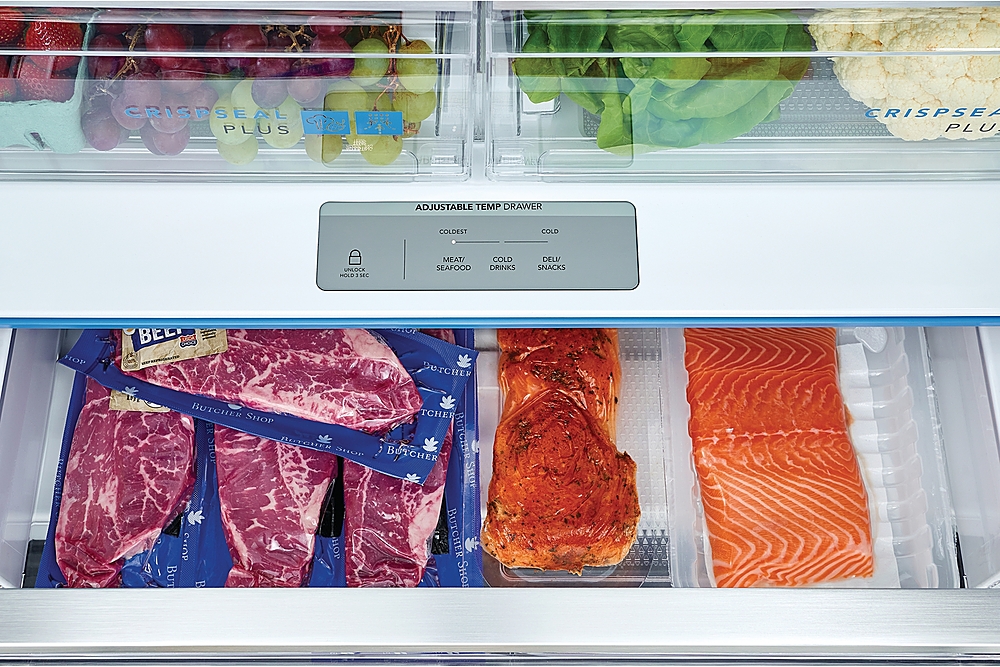
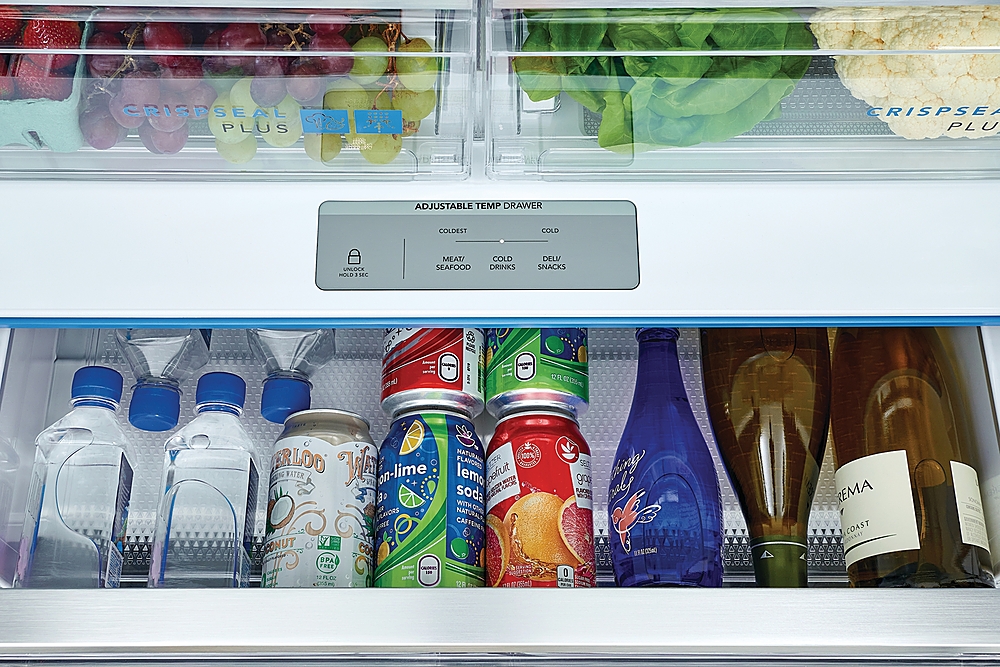
A:AnswerHi there, to turn on your Frigidaire Gallery 27.8 Cu. Ft. French Door Refrigerator with Adjustable Temp Drawer and control the temperature settings, here’s a general guide:
- Turning the Refrigerator On:
- Plug it in: Make sure the refrigerator is properly plugged into a working electrical outlet.
- Power Button: Some models have a power button inside the control panel on the front or inside the fridge. Press and hold this button if available to turn it on.
- If no power button: Just plugging it in may start the fridge automatically.
Adjusting Temperature Settings:
1. Locate the Control Panel:
- Usually found on the inside of the fridge, near the top, or on the front door display (depending on model).
2. Adjust the Refrigerator Temperature:
- Look for a button or touch panel labeled "Fridge Temp" or "Refrigerator".
- Use the + or - buttons or touch arrows to adjust the temperature.
- Ideal fridge temperature is usually between 37°F and 40°F (3°C to 4°C).
3. Adjust the Freezer Temperature:
- Similarly, find the "Freezer Temp" button and adjust as needed.
- Ideal freezer temperature is usually 0°F (-18°C).
4. Adjust the Temperature Drawer (Adjustable Temp Drawer):
- This drawer often has its own controls or can be set to either fridge or freezer temperatures.
- Check the control panel for a drawer temp button or an option to toggle between meat, beverage, or produce modes, which changes the drawer temperature accordingly. - Maico
A:AnswerHandles were not attached when the product was delivered. Product was not in a box, but rather, it was delivered with styrofoam panels attached to the outer faces of the refrigerator to protect the surfaces. The styrofoam was stuck to the surfaces via adhesive. Outer surfaces of the refrigerator had plastic film covering them such that the adhesive of the panels was in contact with the plastic film and not applied directly to the refrigerator surfaces. Delivery team removed the hinge pins from our front house door (and removed the door) to allow for easier entry and reduce the risk of damage during entry. Very easy installation of the refrigerator door handles and freezer handle after refrigerator was in the house.
A:AnswerThanks for reaching out! Please connect with us via Live Chat or at 1-800-374-4432 Monday-Friday 8:30 am-8 pm EST and we will be happy to assist.
-Yhano
A:AnswerHi, ! Thank you for this inquiry and for reaching out. Yes, if the freezer or refrigerator doors are left open for five minutes or more, an alarm sounds and the door open indicator illuminates on the display. Close the door or press any key on the display to silence the alarm. You may check the page 24: Controls & Settings > #7 "Door Open" of the complete owner's manual for more inforamtion: https://content.syndigo.com/asset/b59f31f7-e7e0-45ea-a11b-a84891926006/original.pdf
We hope you find this information helpful! ~Juan
A:AnswerHi there, our valued customer! To remove the lower freezer basket, kindly locate basket clips in the rear corners of the basket and pull them out to remove them. Lift the basket up and remove it. Reverse the steps to reinstall the lower freezer basket. -Christian
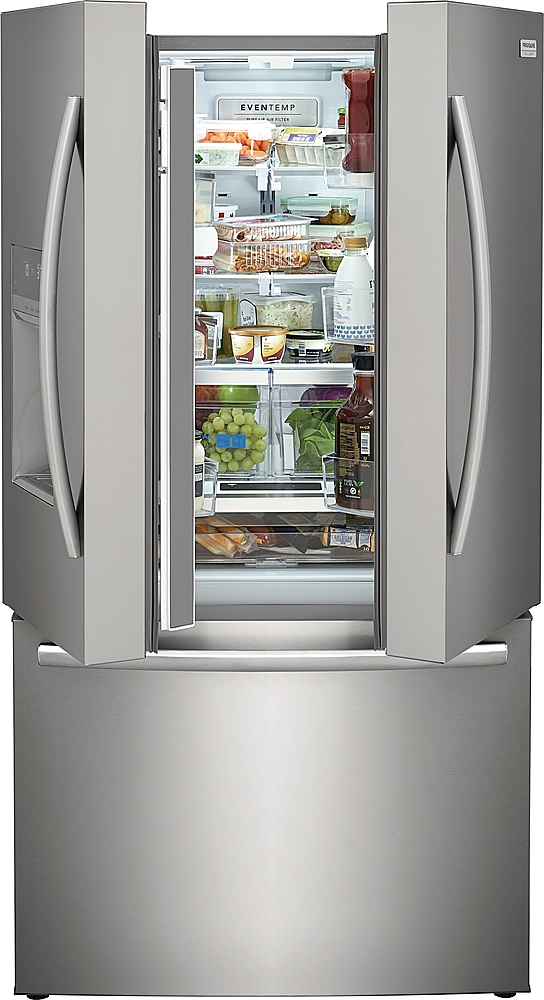
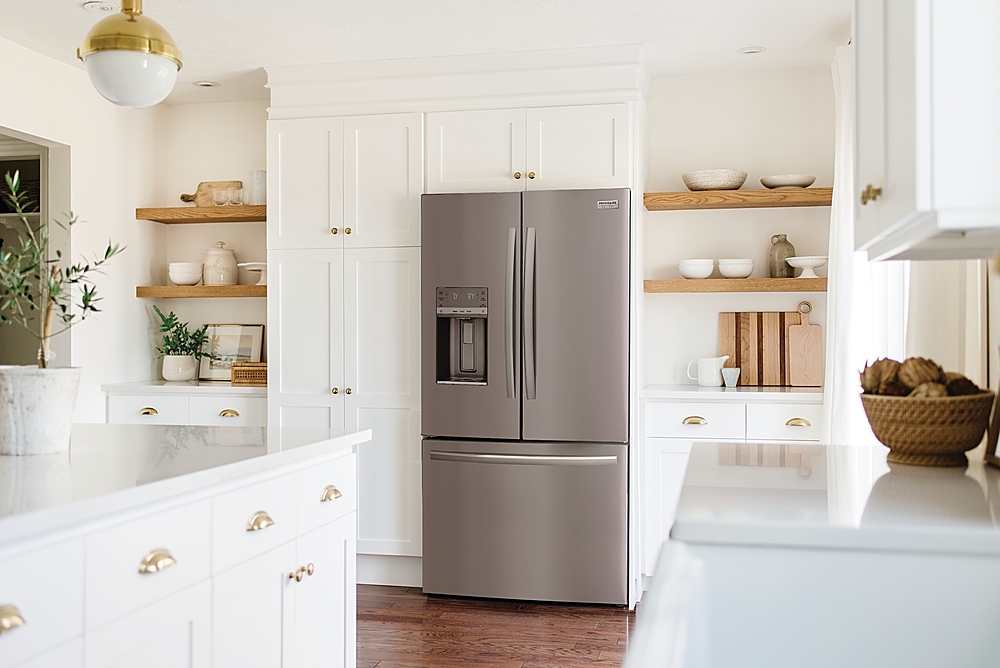
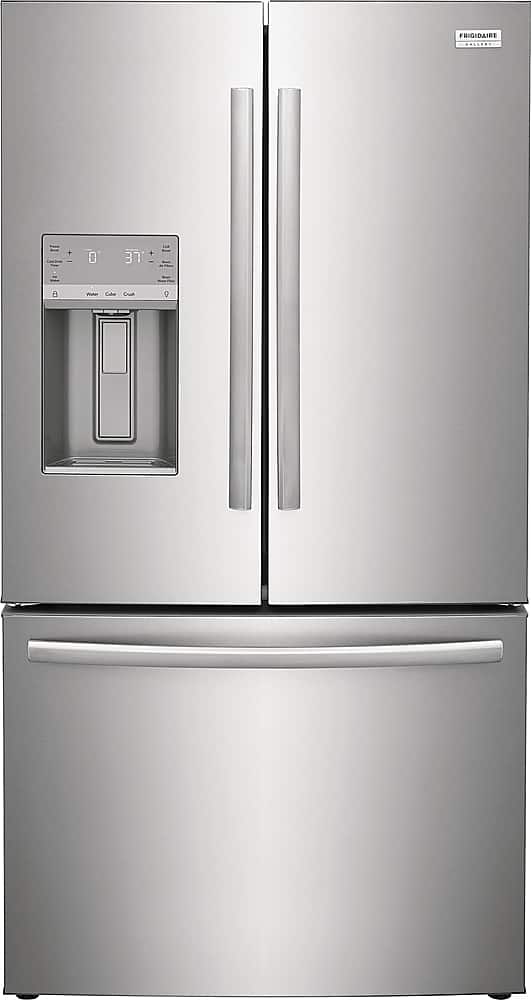
A:AnswerHello, valued customer. We appreciate your inquiry. This model has a dispenser, and the exterior finish is smudge-proof stainless steel. We hope this information helps! - Christi