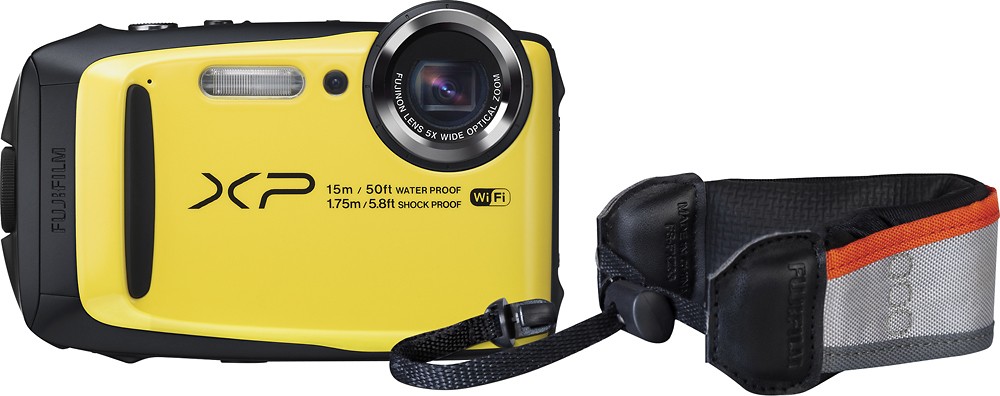
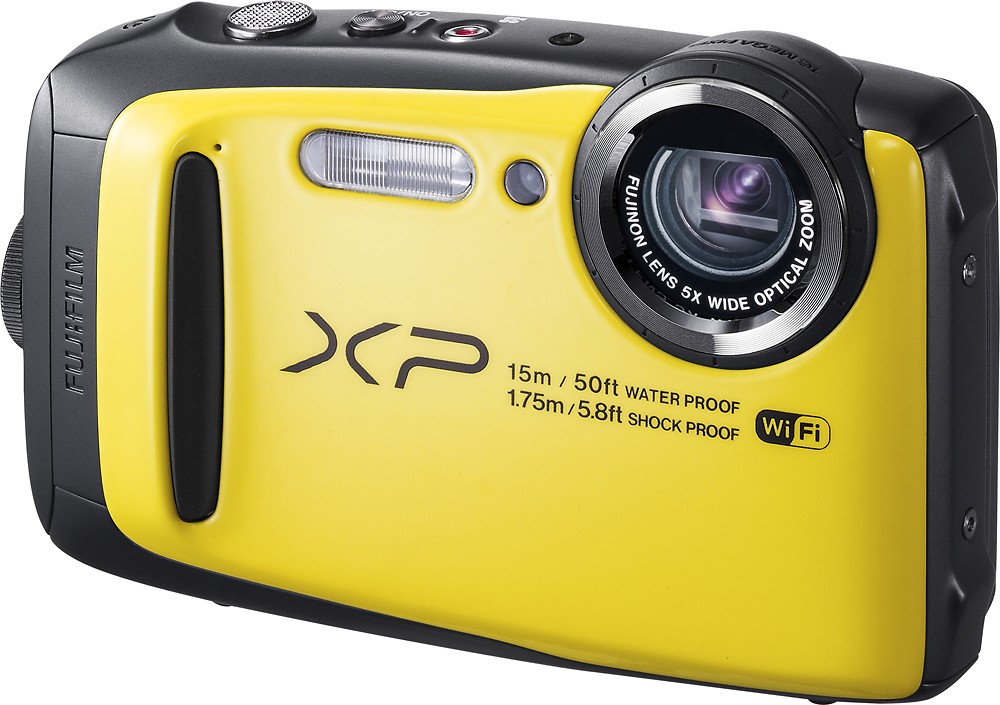
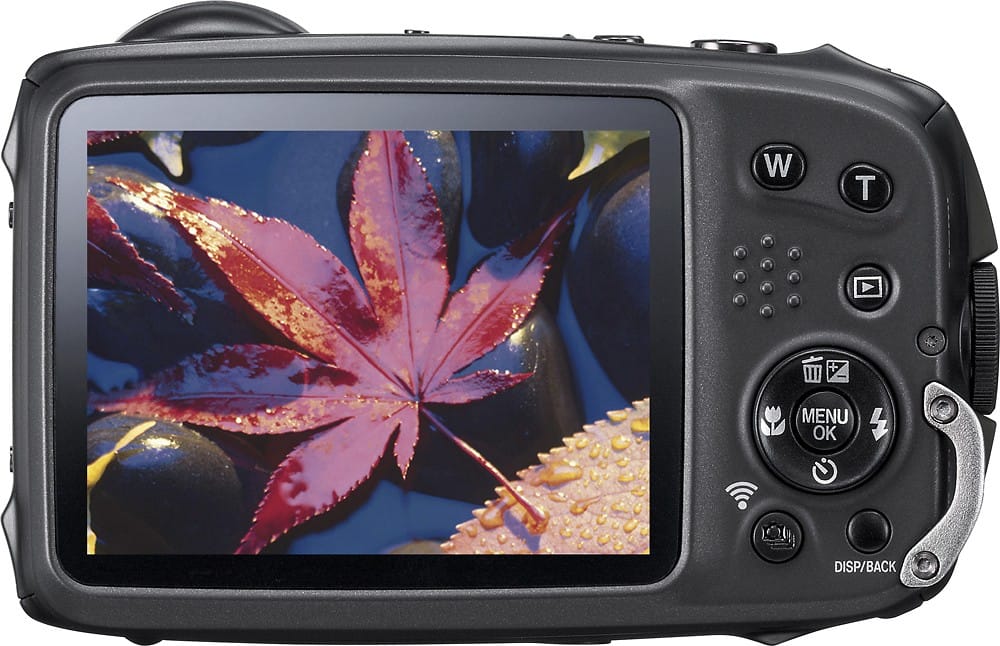
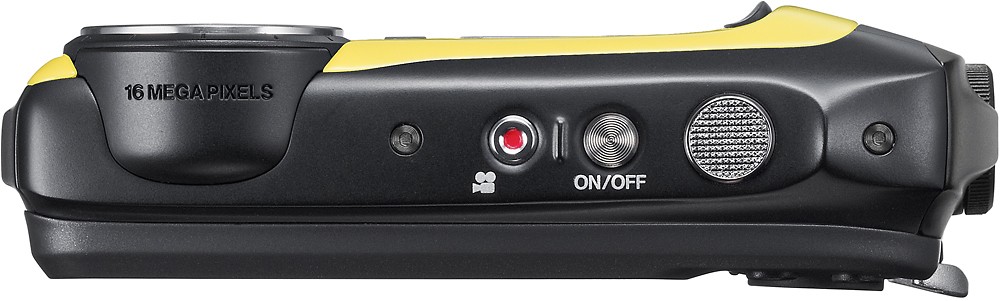
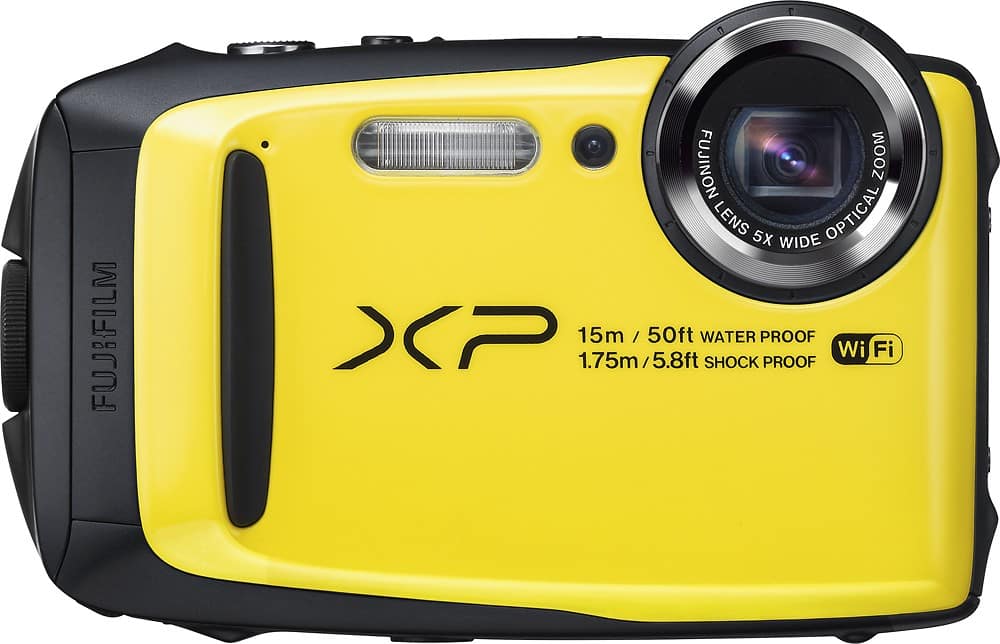
A:AnswerThe battery/memory card door needs to be opened to change (and charge) the battery. The door is on the side of the camera, there is a small knob with a button in the middle of it. Push the button and turn the knob at the same time and the door will open. Push the battery holder out of the way and the battery will slide out. It can be charged inside the camera with a cable and adapter when the door is open, or can be removed and charged in a 3rd party charger.
A:AnswerAfter you put it in your cart it will ask you if you want to add the protection plan then it will tell you how much. I get it and they have come in handy as I had a camera that got damaged and was able to replace it cause I had the right warranty on it and just had to pay for a new warranty. hope this helps good luck...