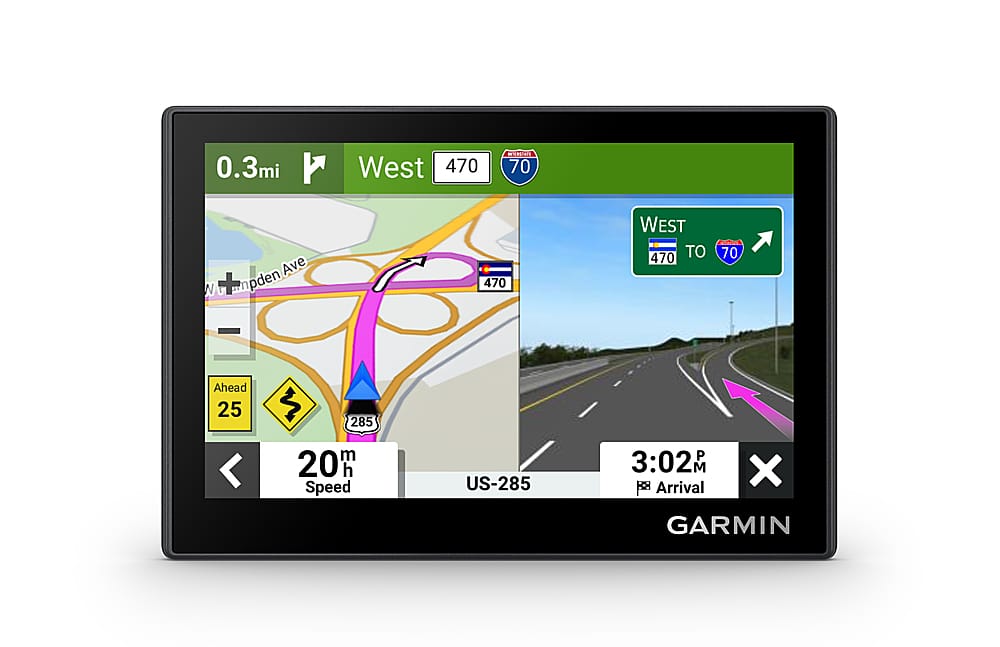
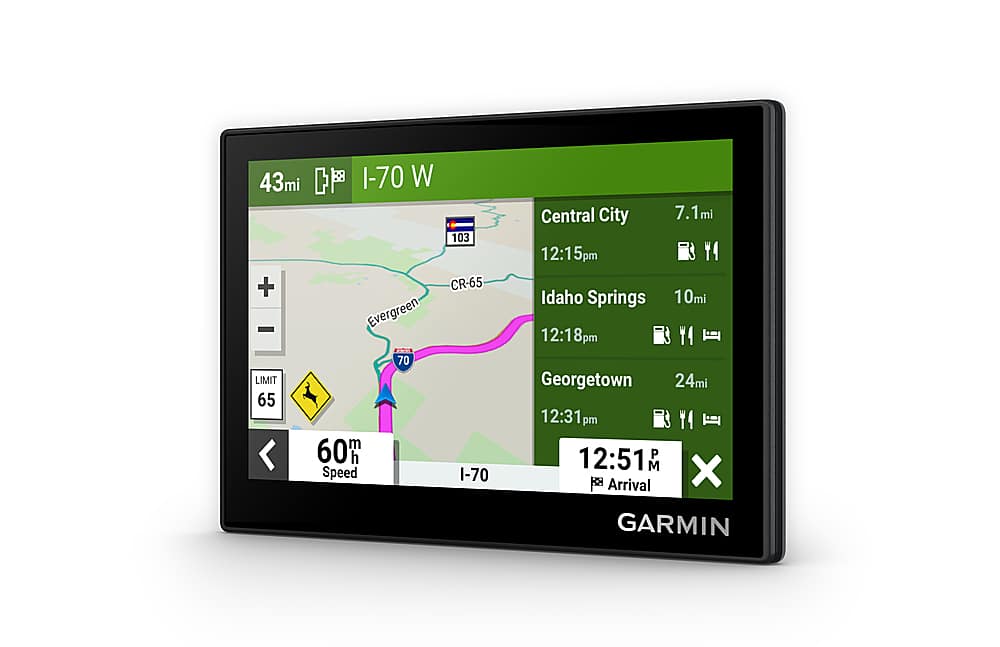
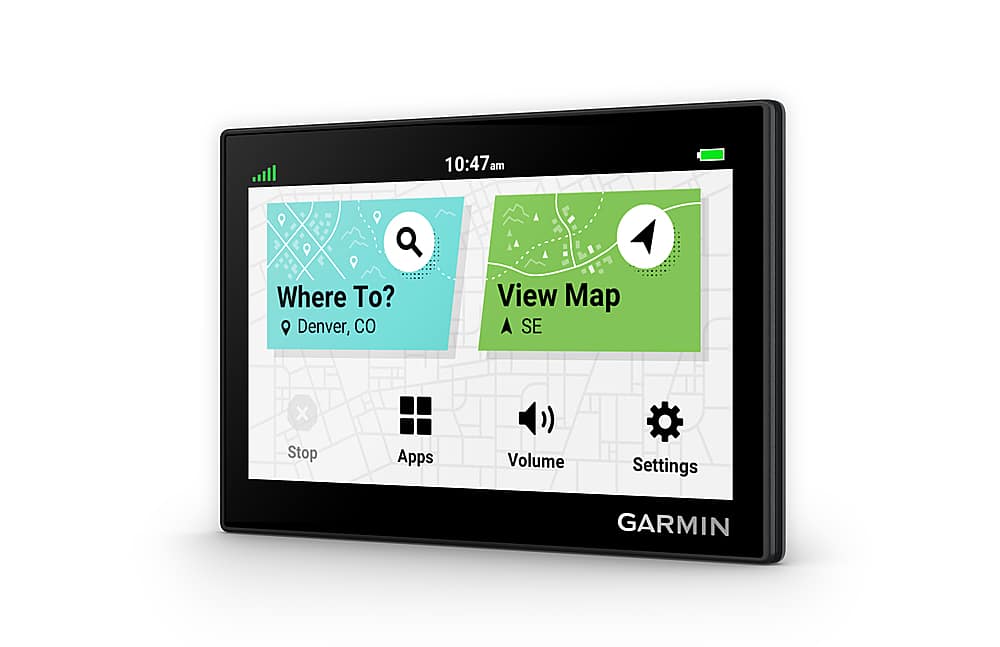
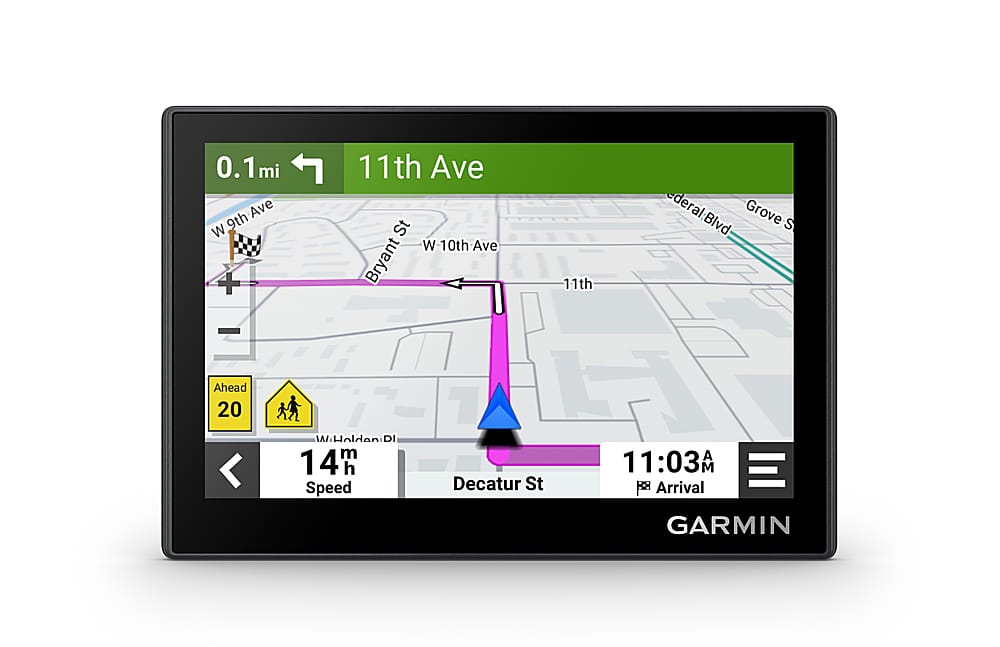
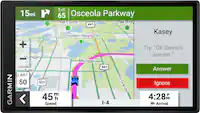
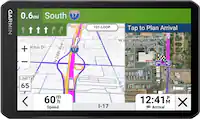
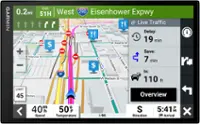
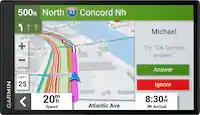
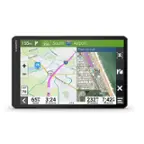
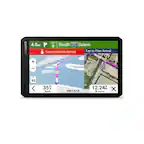
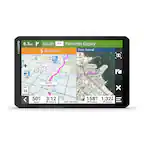
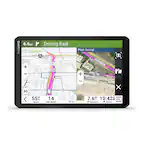
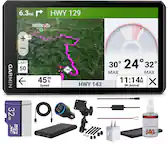
A:Answer Initially, when you select a destination, the Garmin calculates the route, you select "GO" and you get an initial total distance and ETA. As you drive, the unit shows mileage or kilometers from current position to next point of exit/on-ramp or change of direction when going to a specific location and ETA to final destination (you've told the device to provide route from point A to point B). The general Map display does not provide this additional information.