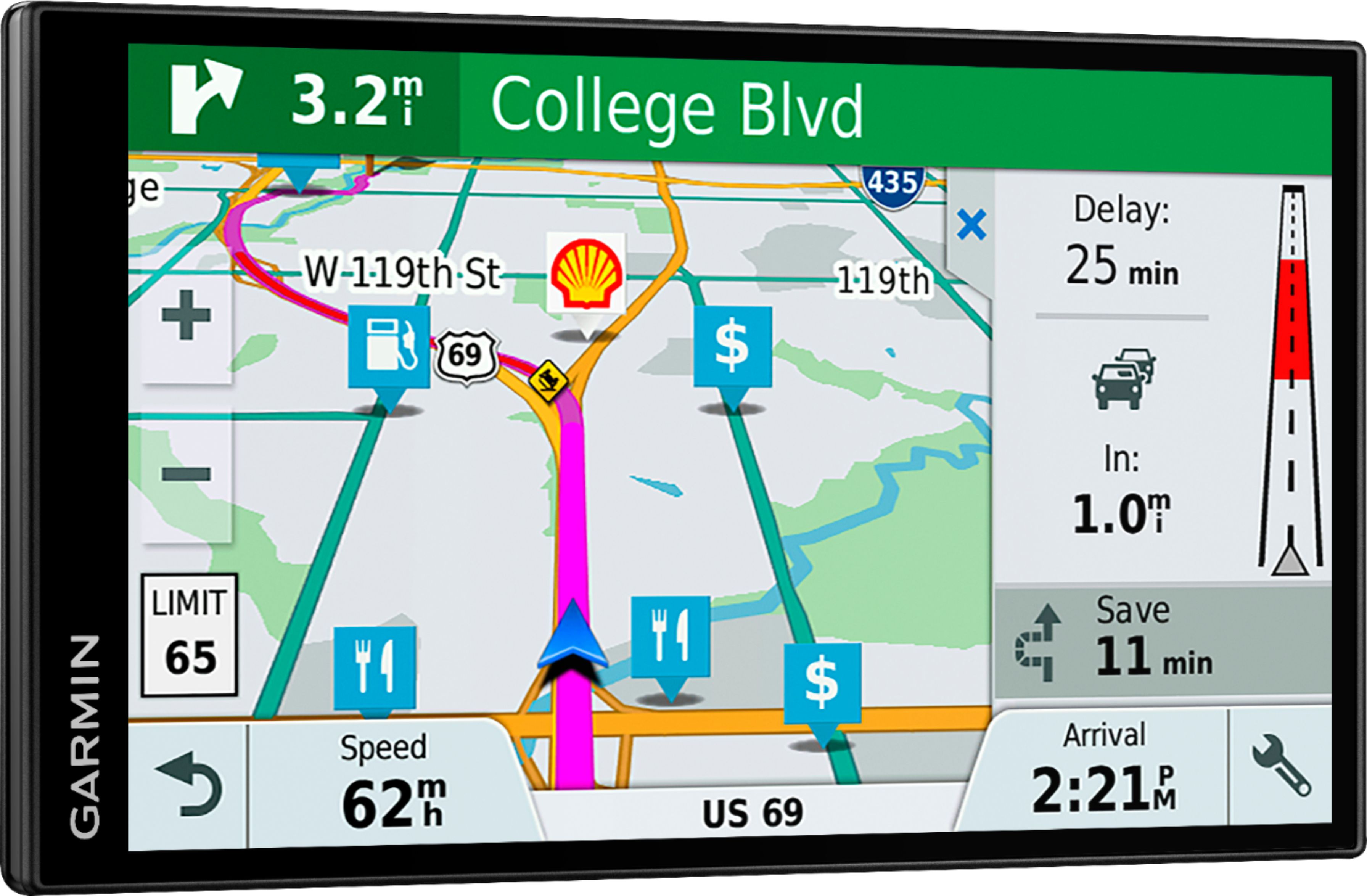
A:AnswerNo, this model includes Garmin Traffic. It is compatible with the free Smartphone Link app to provide Live Traffic, Live Traffic delivers up-to-date “live” traffic information to your navigator using your existing mobile data plan on a smartphone. If you don’t have a Smartphone, the Garmin DriveSmart™ 61 LMT-S is compatible with both the GTM™ 60 HD Digital Traffic Receiver (010-01031-00) or the GTM™ 36 Traffic Receiver (010-01009-02). Thanks, James
A:AnswerYou couls, however please be advised that this model does include any truck specific routing. The Garmin dēzl™ series includes detailed maps for North America that also include truck-related restrictions – like bridge heights, sharp curves, weight limits and more – and related information for most major roads and highways. Thanks, James
A:AnswerGood question. This model is capable of holding up to 100 trips at a time with each trip limited to 30 waypoints/stops. If the number of waypoints you want on your route exceeds that device's limitation, it is recommended that you create a separate route or trip for each leg. Also, this Garmin FAQ provides details about creating, editing, or deleting a trip on this device: http://bit.ly/2iC0Ipy
A:AnswerYou may want to look at the LiveTrack feature included in the Garmin Smartphone Link app. LiveTrack lets you share your location so friends can track your whereabouts — whether you’re running errands around town or taking a long road trip. The app is available for free download on the App Store™ and Google Play™.
A:AnswerNo, an SD card isn’t required. We would suggest using the Garmin Express program to check for any map and software updates. If you haven't installed Garmin Express please download it from the following link: www.garmin.com/express
This Garmin FAQ will help with updating the software and maps: http://bit.ly/2y4lUI3 Thanks, James
A:AnswerCity Navigator® Europe maps can be purchased and downloaded to any of the North America devices. Please see the Garmin Support Center article about purchasing maps for other countries for additional information: http://bit.ly/2j64mEc Thanks, James
A:AnswerYes, all of them can be transferred using the Garmin Express program. Use it to transfer Favorites, Saved Places, and Routes from one compatible device to another. This Garmin FAQ provides all of the details: http://bit.ly/2kxlwz1 Thanks, James
A:AnswerHave a Grand Marquis & set it up easy on the the big dash in minutes. The extra anti-slide pad helps in the car & is better than the windshield mount in my opinion.
A:AnswerI was pondering the same thing. For the size difference and price I would go with this one and buy a seperate dash cam if you want the camera. I am researching the dash cameras more to see what the best ones are.
A:AnswerNo, this model doesn’t include any RV specific routing. The Garmin RV series includes detailed maps for North America that also include RV-related services and restrictions – like bridge heights, sharp curves, weight limits and more – and related information for most major roads and highways. Thanks, James
A:AnswerNo, this model receives traffic updates through the Garmin Smartphone app out of the box. Vehicle power cables with built-in traffic receivers are available for purchase as optional accessories for your device, should you prefer or need to use this method over the default traffic solution. The GTM 36™ and GTM 60™ cables are compatible with the DriveSmart™ 61 and for folks that have a previous Garmin GPS that came bundled with either of these cables, they would also work. Thanks, James
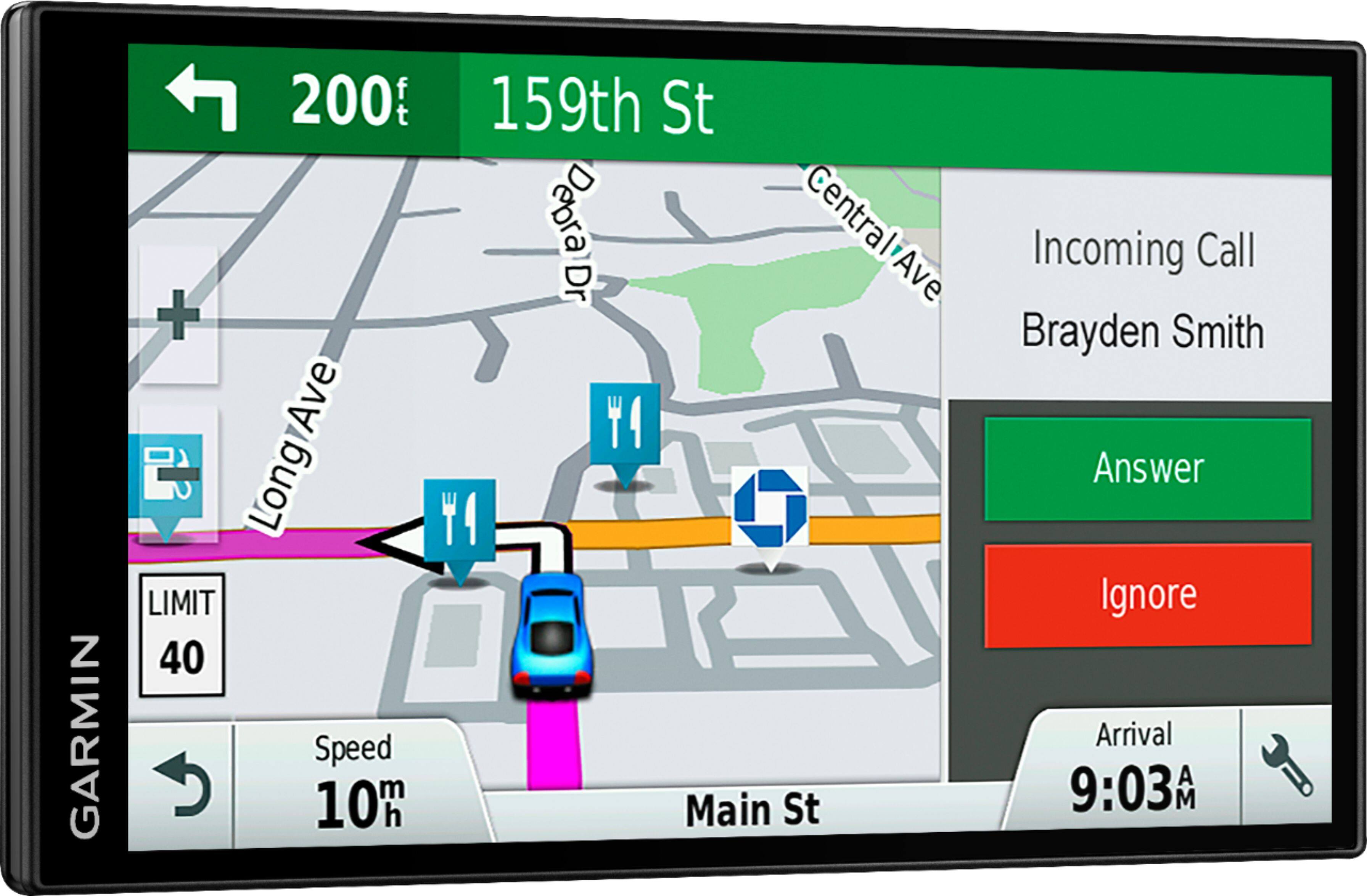
A:AnswerYes, the device has a built-in Points of Interest (POI) database which covers restaurants, hotels, stores, and more. This database is built into the mapping on the unit itself, and does not require any outside connection.
-MH