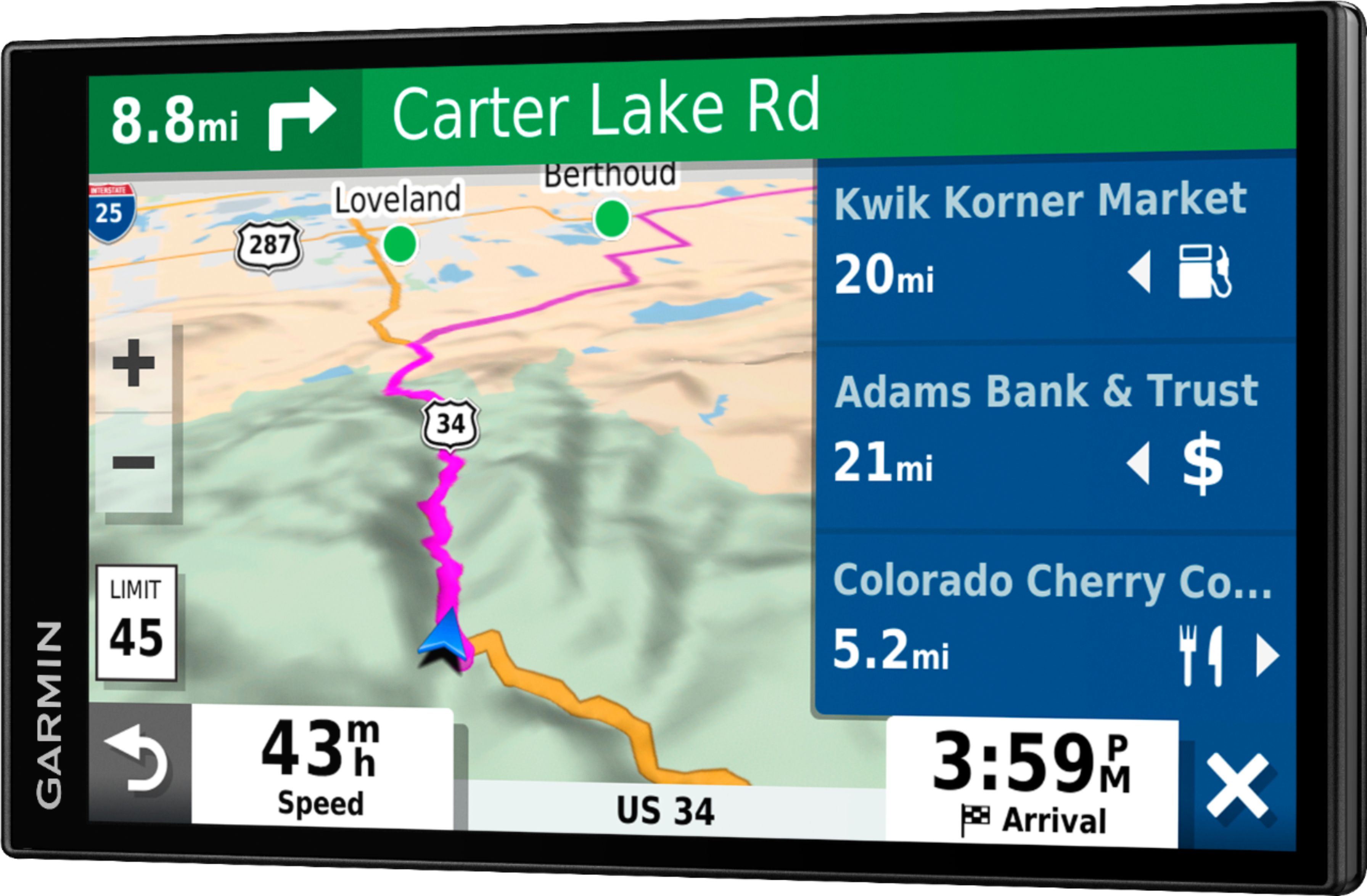
A:AnswerNo, unfortunately this model is not compatible with any type of TOPO or off-road maps. You may want to look at the new Garmin Overlander or Tread model. Both are rugged, all-terrain navigators with on- and off-road navigation.
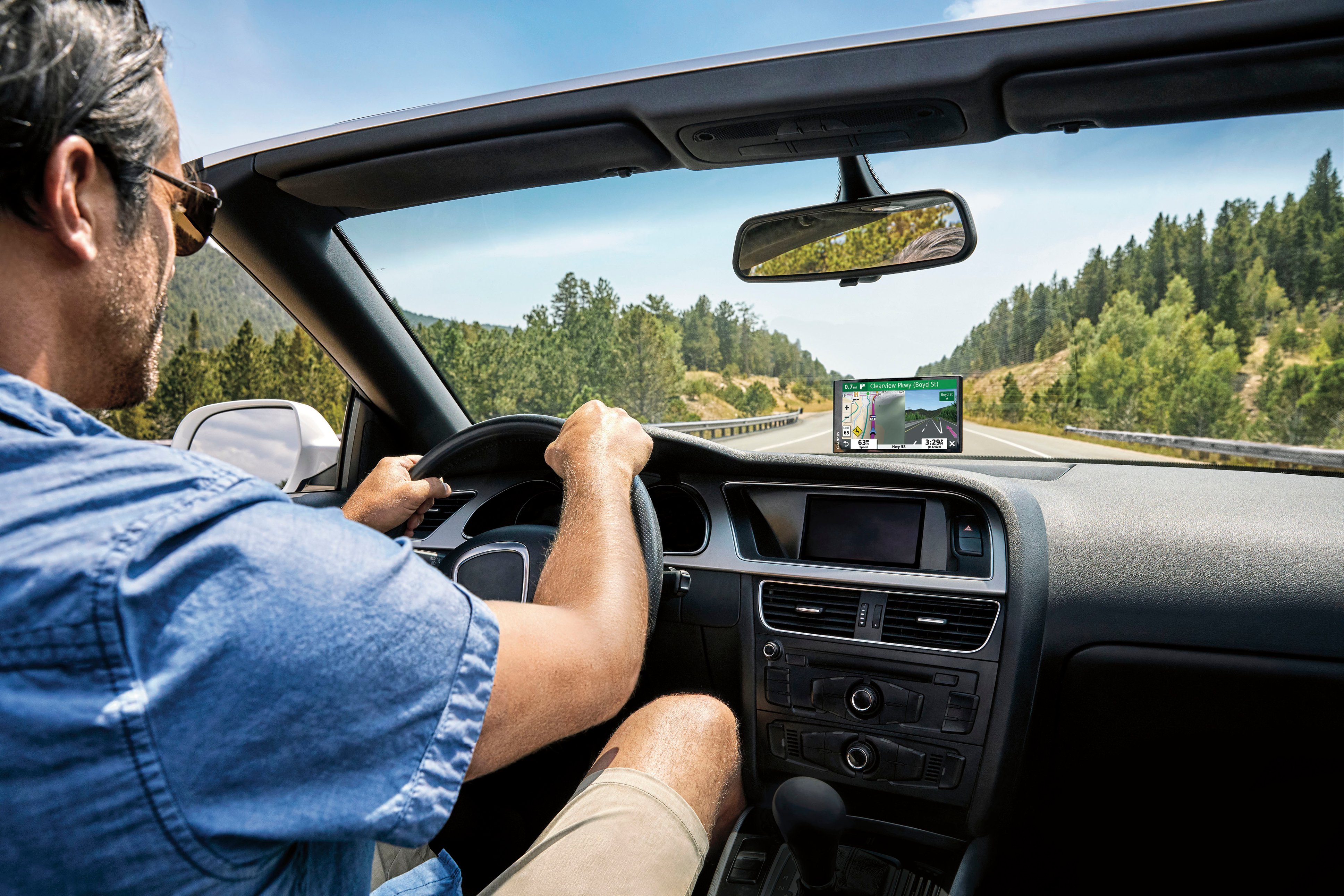
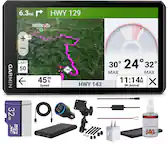
A:AnswerYes, this model includes a Vehicle suction cup mount to attach the GPS to your vehicle’s windshield and a vehicle power cable that connects to the vehicle’s cigarette lighter/power port.
A:AnswerYes, this model includes the Trip Planner feature that can be used to create and save a trip with multiple stops. An Optimize Order feature is also included to manually have the device calculate the optimum order in which to travel to all the entered points.
A:AnswerBluetooth using the Drive app. Although generally useful, it responds to other drivers encountering traffic delays and has on at least one occasion re-vectored me back to the route I was originally on, but without my permission and without telling me it was doing so. I reckon the new routing that triggered the re-route was reported as worse than the original. It could have been more clearly explained.
A:AnswerThis model includes the Trip Planner feature that can be used to create and save a trip with up to 30 multiple stops. Or if you only want to “shape” a custom route to go the way you prefer; the device has a Shaping Points feature also.
A:AnswerNo, this model is designed for passenger vehicles and doesn’t include any RV specific routing. The Garmin RV series includes detailed maps for North America that also include RV-related restrictions – like bridge heights, sharp curves, weight limits and more – and related information for most major roads and highways. It also includes a directory of RV parks and services.