A:AnswerFor the first time you need to bring it to near a highway or to a bigger city so that it can subscribe to service providers. That is one time. After that you should receive traffic updates.
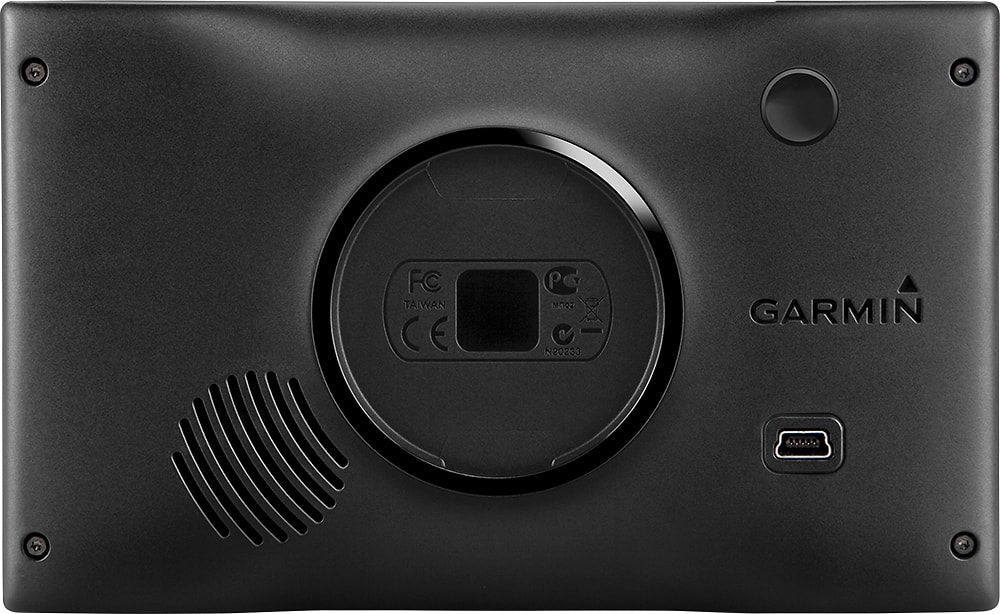
A:AnswerNo. You don't need to use a holder or use the included mount to use it. You could place or prop it inside a cubbyhole of a floor console or some other area inside of vehicle. Although, for safety you may want to attach the unit to your window with the included mount or purchase a friction mount for your dashboard, so the unit doesn't become a dangerous projectile in the unfortunate event of an accident.
A:AnswerI am a Homecare Nurse and I set up all my addresses and go from one to another. I will save to your favorites or you can chose your most recent. It stores about 20 of the last used addresses easily on the screen
A:AnswerYes, there is a cost to add maps to the Nüvi 2589lmt. There are two options for adding Europe maps to this device: 1 - Purchase a pre-programmed microSD™/SD™ Card or 2 - Purchase downloadable maps to be installed with the Garmin Express program. Please see the Garmin Support Center for additional information: http://bit.ly/2j64mEc
>JF
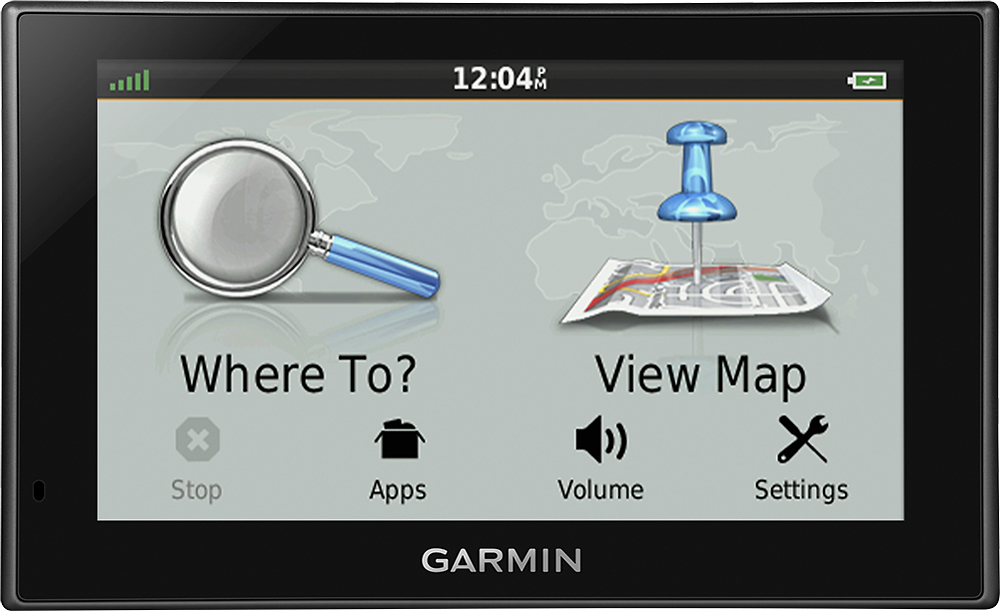
A:AnswerThe nuvi 2589LMT comes with the following items in the box:
nüvi® 2589LMT
Vehicle suction cup mount
Lifetime maps and traffic (indicated by “LMT” after model number on the box)
Antenna/vehicle power cable
USB cable
Quick start manual
-MH
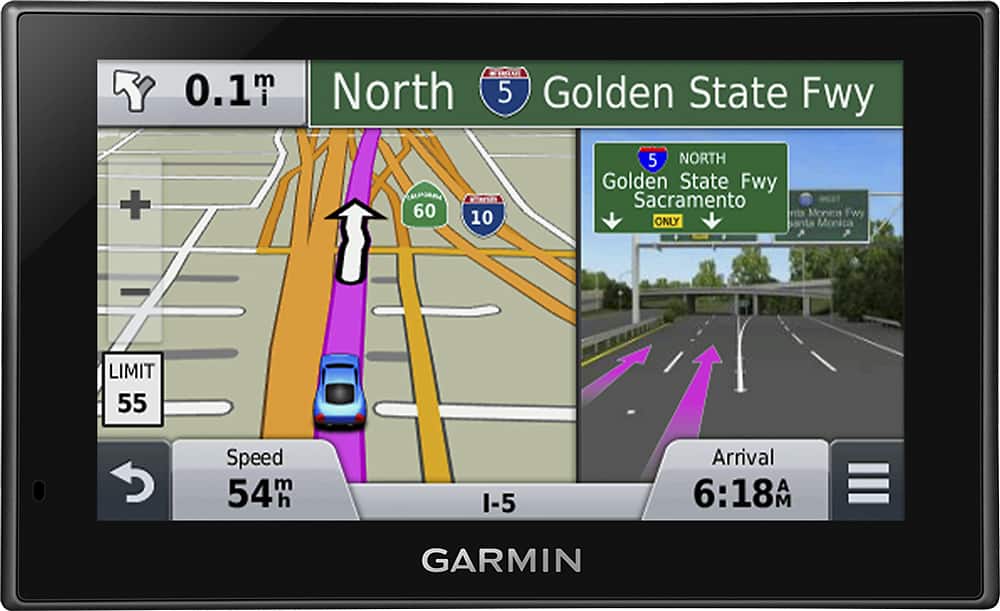
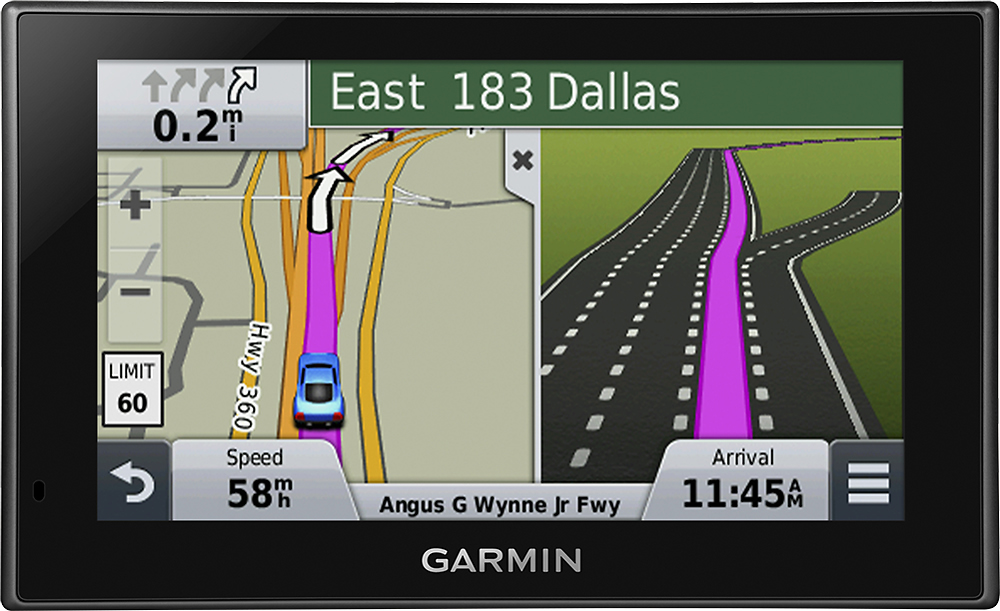
A:AnswerYes, you have a choice in the 2D map view of having North be up. I 3D, your travel direction is up. I find it better to have the travel direction as up. Turns are more intuitive.
A:AnswerNo, the Nüvi 2589lmt pre-loaded with North America maps will not work in Israel, the device does come pre-loaded with a base map that would include major highways in Israel, however Garmin doesn’t offer detailed On The Road Maps for Israel.
>JF
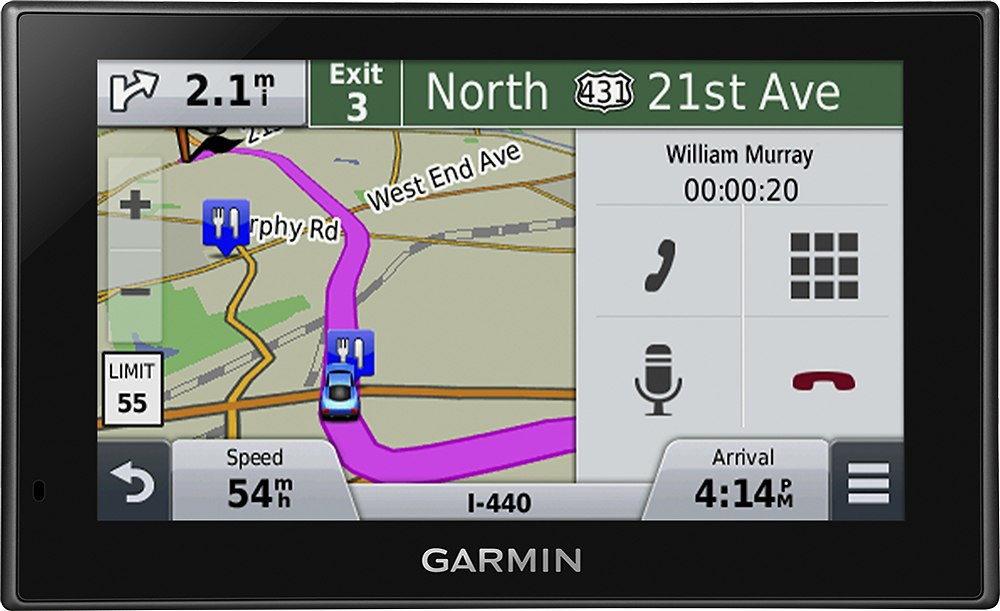
A:AnswerNo antenna needed for the areas I've traveled in Central Maine. I've only used listening to GPS voice notification and that has been great. I would recommend "test" driving with directions to known destinations. Built my confidence in the product.
A:AnswerYes, the Nüvi 2589lmt will work in South America with the purchase of South America maps for your Garmin navigator. Please see the Garmin Support Center for additional information: http://bit.ly/2j64mEc
A:AnswerYes, Australia maps can be purchased and loaded to the Nüvi 2589lmt. There are two options for adding Australia maps to this device: 1 - Purchase a pre-programmed microSD™/SD™ Card or 2 - Purchase downloadable maps to be installed with the Garmin Express program. Please see the Garmin Support Center for additional information: http://bit.ly/2j64mEc
>JF