A:AnswerYes, but you will need to purchase the maps of the Philippines separately. Maps are available in the City Navigator Southeast Asia NT download/SD card. Download part number: 010-D0974-00, SD card part number: 010-11652-00
~JH
A:AnswerAndy, the only power information available is on the power cable for the device. The label provides the voltage in/out. If you are considering a hardwire connection to a vehicle, we do not recommend this unless the device is designed for it. Please see this article on the topic: http://bit.ly/2aQkrd7 If you have more questions, please feel free to contact our Product Support at garmin.com/support. \tw/
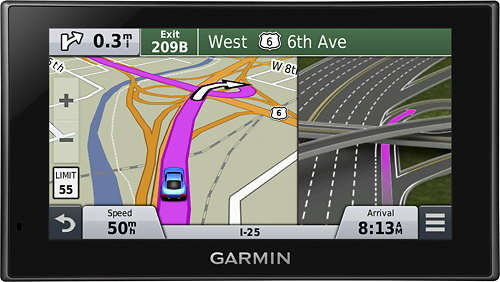
A:AnswerYes, it provides spoken instructions using not only street names but also recognizable landmarks, buildings, and even traffic lights. This helps minimize the need for you to find and read street name signs. >JF
A:AnswerAvailable internal memory of the device may vary, depending on when it was manufactured, which software and map versions are isntalled, etc... You can check out the FAQ below for SD card size & type limitations:
https://support.garmin.com/faqSearch/en-CA/faq/content/UsL6MuMMCM8PpgAhUUCqp7
Thank you. -JPK