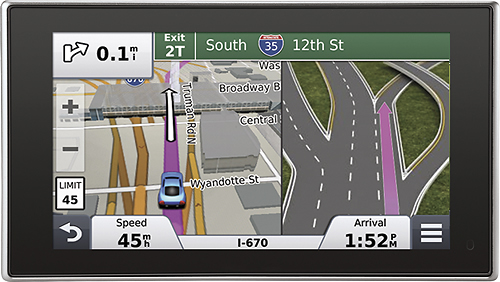
A:AnswerYes, you can enter as many as you wish. Just remember to save them as "favorites" or "recently found". (I would use favorites, myself. You can always go back in and delete them if you wish.)
A:AnswerHave to download the software from garmin to do the back up and to install updated software. Go to garmin and download the software for your device number. See the new icon on you computer and clicknon the icon..as simple as that.