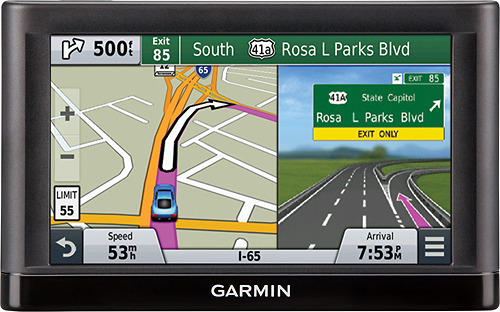
A:AnswerAutomotive devices will take you from your current location to various destinations which can be physical addresses, Points of Interest (e.g. business or park), city limits, intersections, or coordinates.
~JH
A:AnswerIf you want to know your current coordinates with the nüvi 65lm just tap in the vehicle when on the navigation screen. Tapping on the vehicle will give you information about that current location including coordinates.
If you want to search a location by coordinates please follow the steps below:
From the main screen select the Where to? > Categories > Coordinates.
~JH
A:AnswerOur nüvi devices are typically going to be near sunlight most of the time so they care designed with that in mind. With any device there is an expectation of some glare so the best idea is to move out of direct sun when using it.
~JH
A:AnswerNo, the nuvi 65LM doesn’t include any truck specific routing. The Garmin dēzl™ series includes detailed maps for North America that also include truck-related restrictions – like bridge heights, sharp curves, weight limits and more – and related information for most major roads and highways.
A:AnswerYes. You may have to zoom in to see them but they are there.
Used it today on gravel roads. It will tell you which one you are on and will tell you the next street or gravel path coming up. If it's a highway street or rural route with a name it's in there.