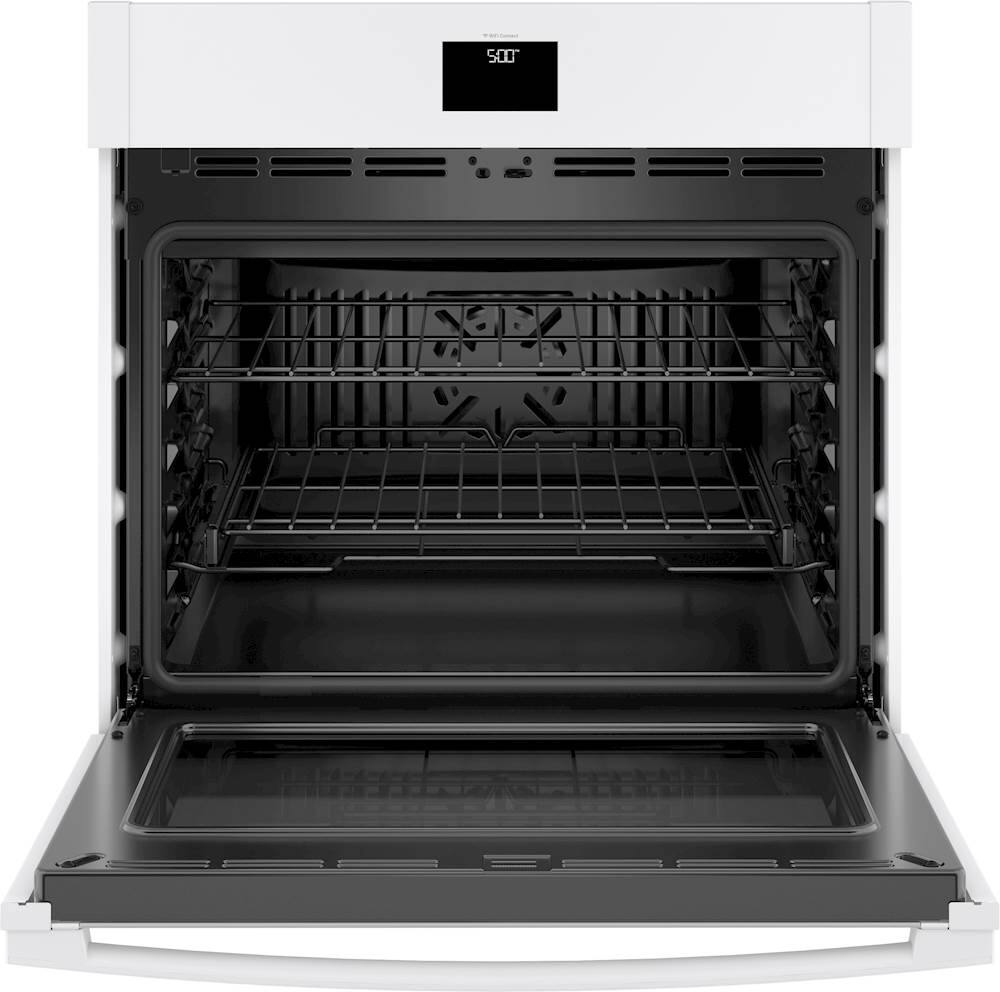
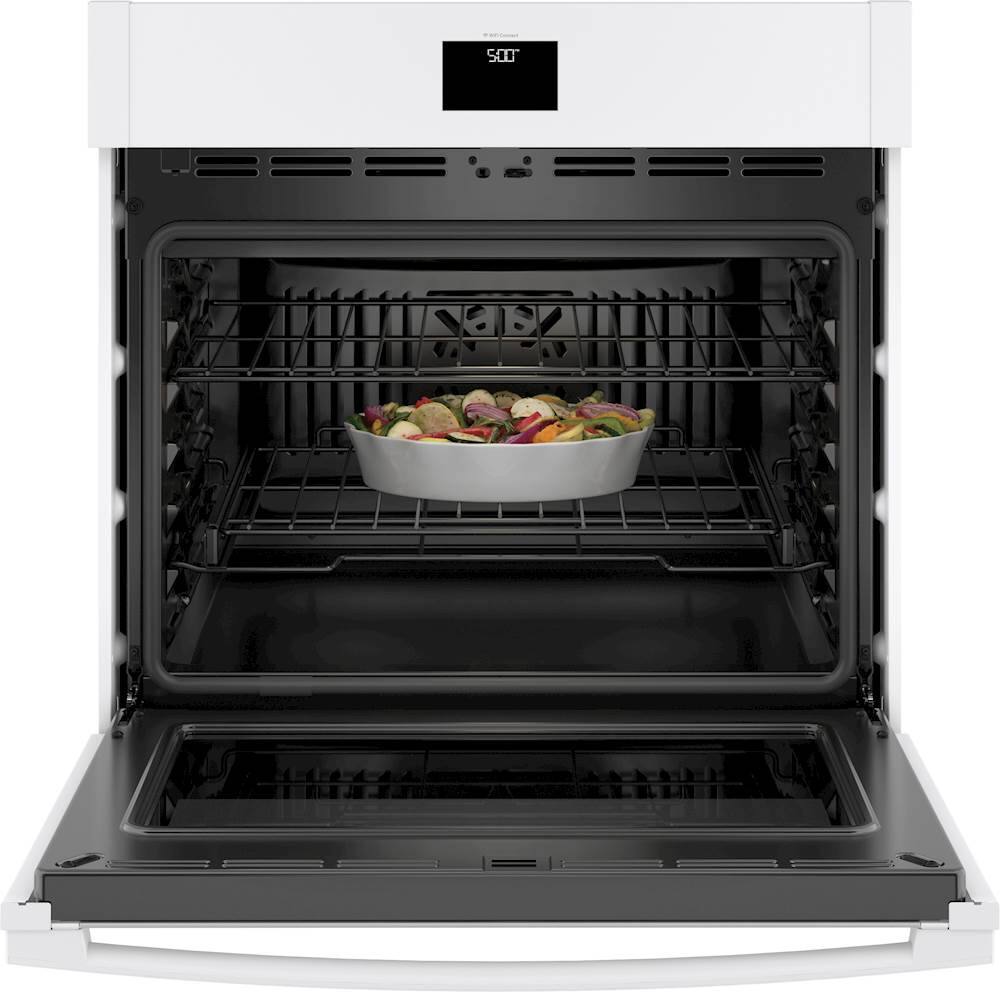
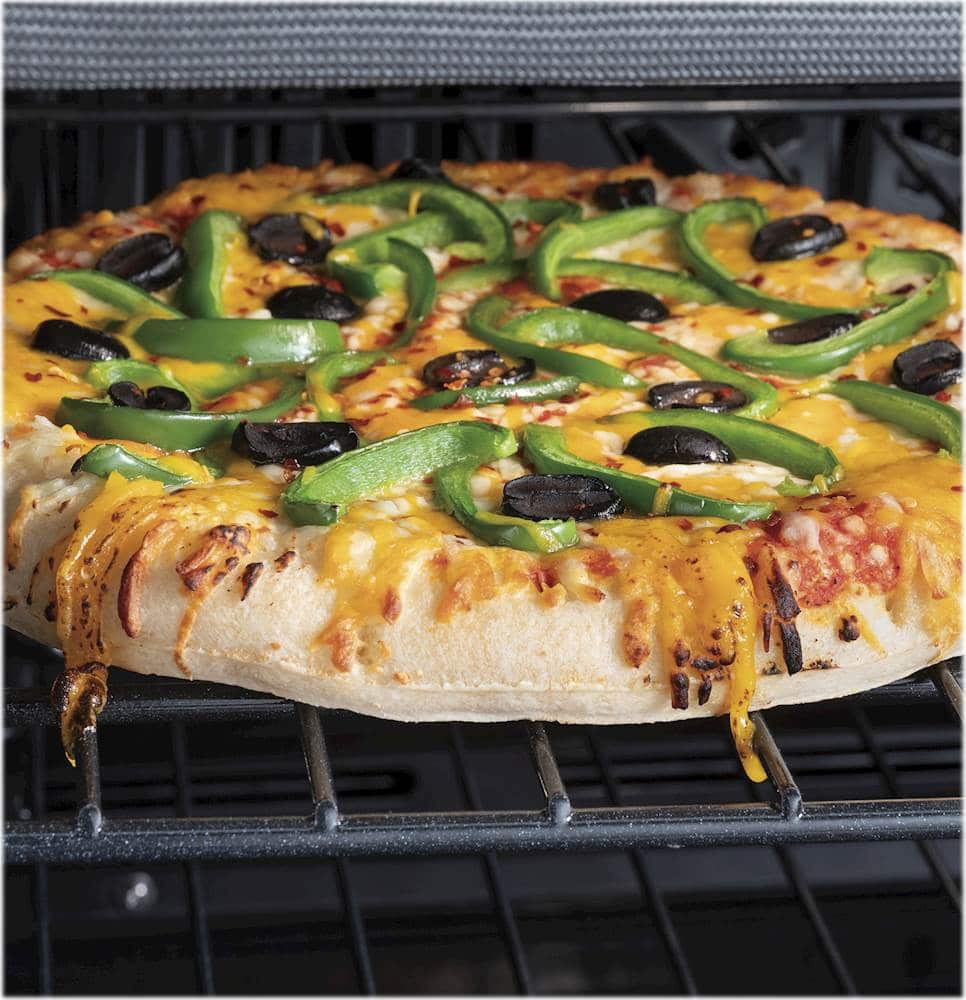
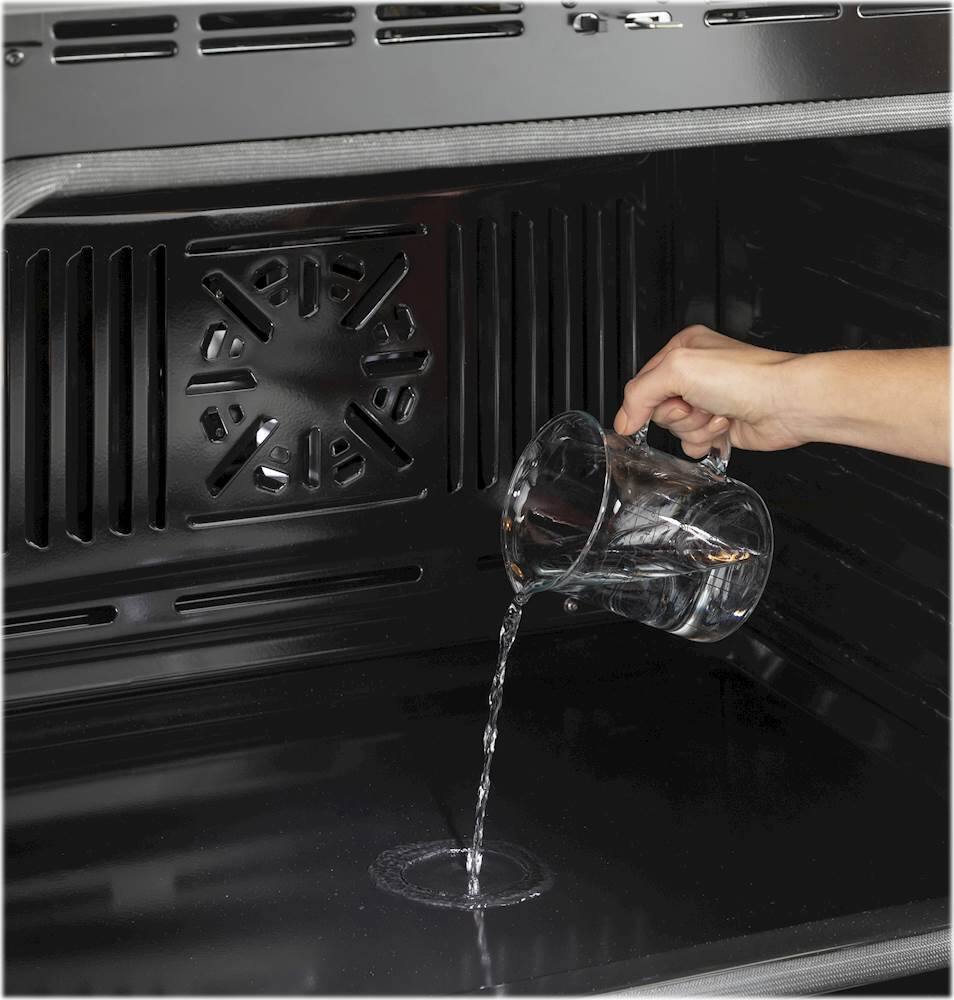
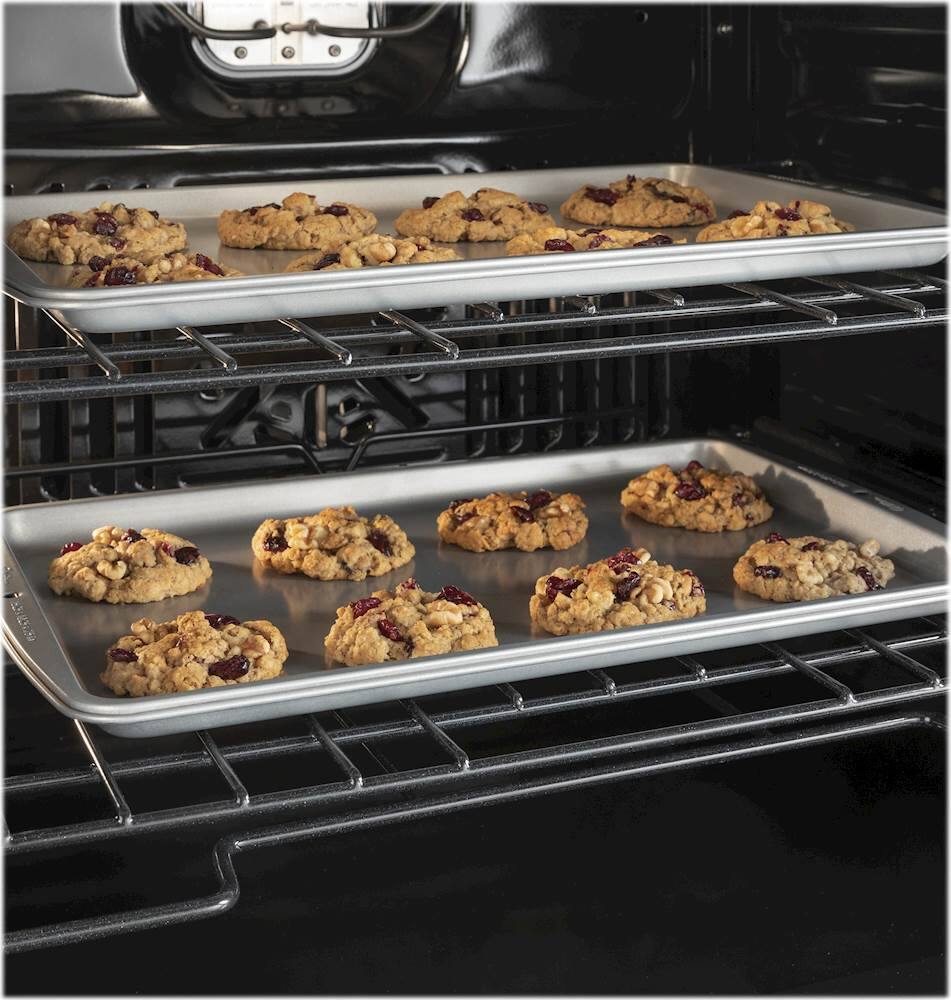
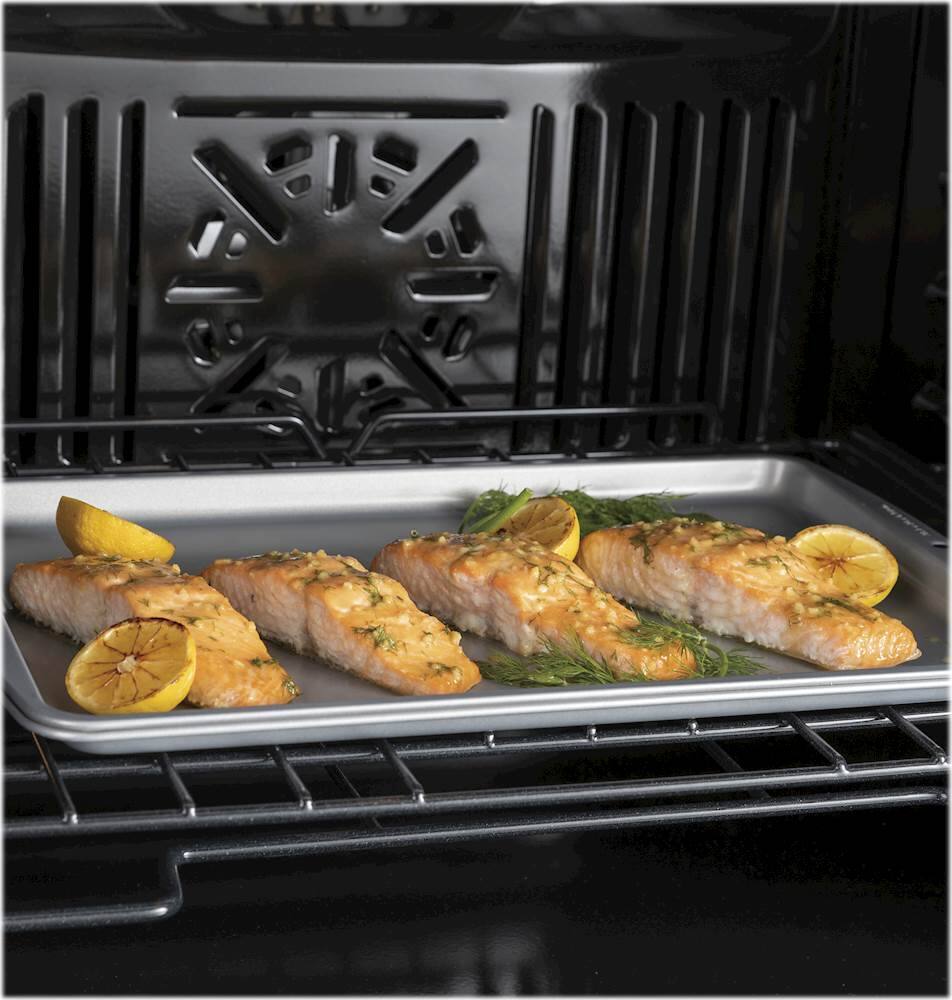
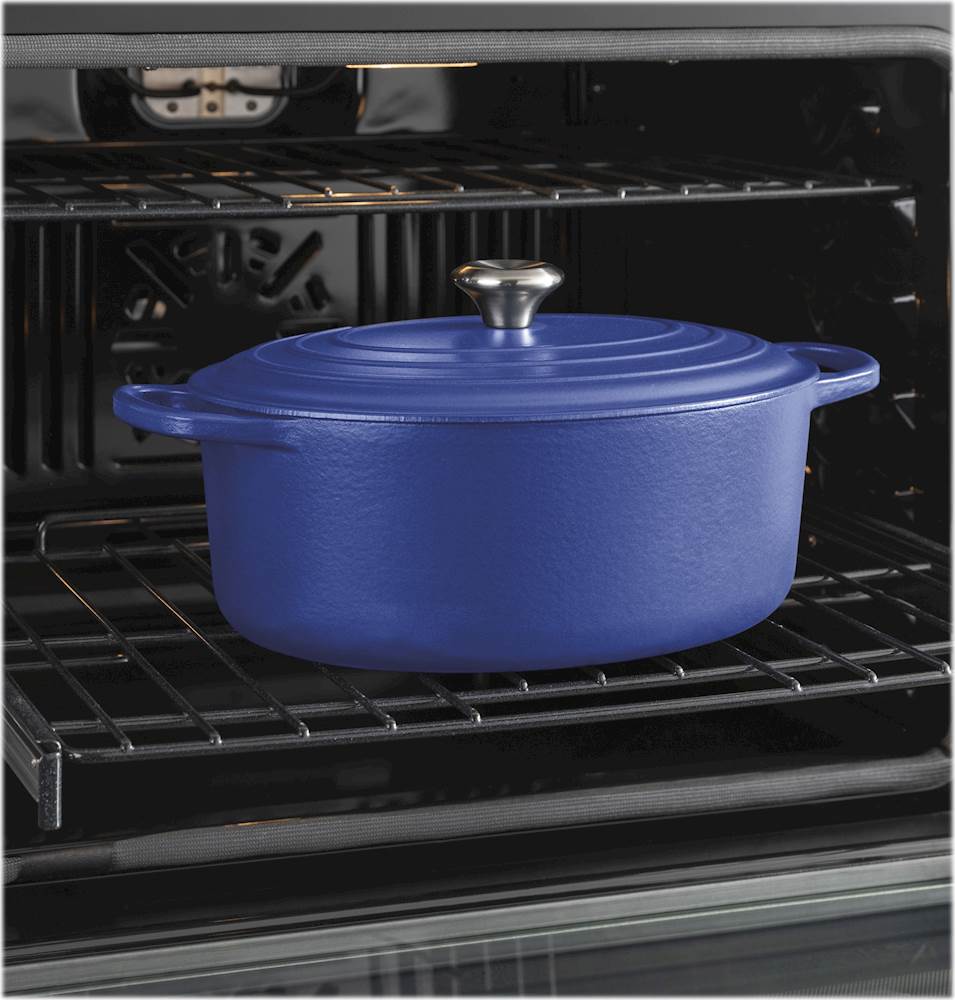
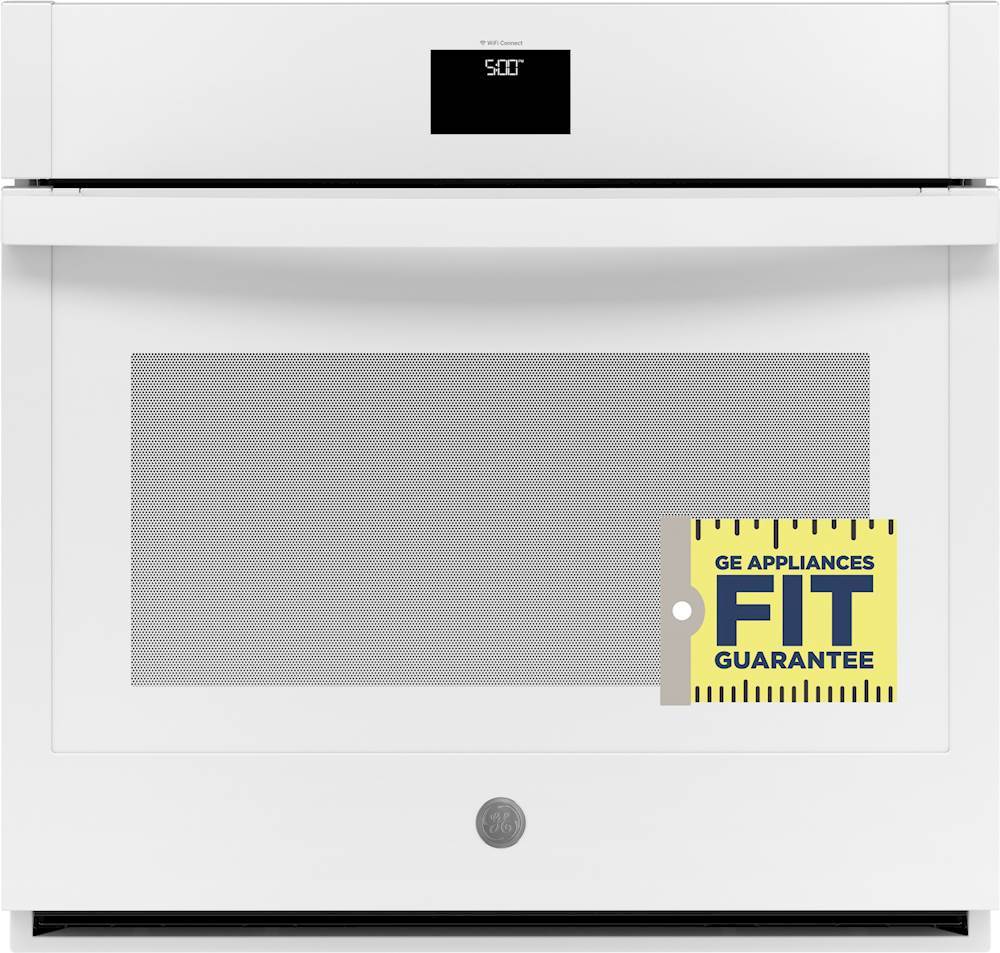
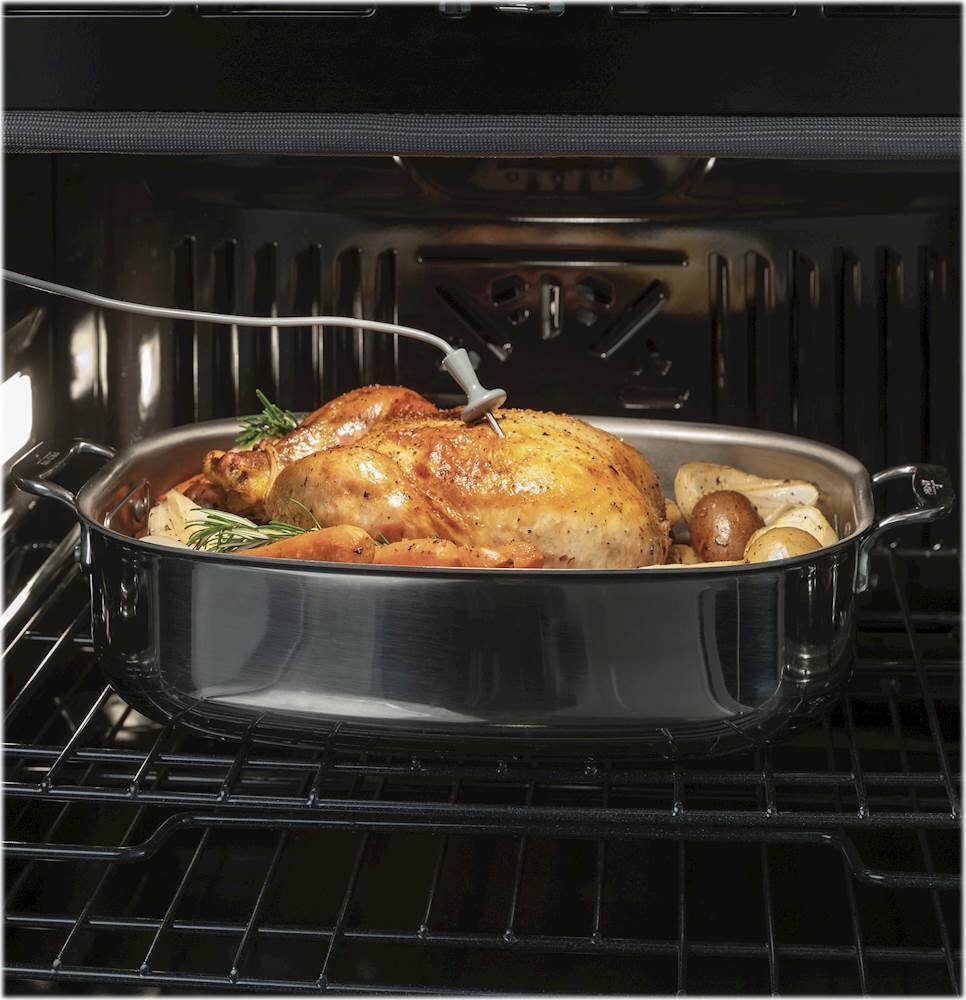
A:AnswerHi Russ - Thanks for considering GE Model JTS5000DNWW! This wall oven offers Convection Bake, Convection Bake Multi-Rack, Convection Roast, Thermal (Regular) Bake and Thermal (Regular) Broil Hi/Lo so you can choose how you want to bake. Keep in touch at GEAppliances.com. Sue
A:AnswerHello Kelly57 - To order parts or accessories through the GE Appliance Parts Store you can call our Parts Team at 1-877-959-8688 or order on-line by visiting: https://www.geapplianceparts.com/store/
Thank you for checking. Olga
A:AnswerHello. Thanks for reaching out! Yes, you can install this model below an induction cooktop. We hope this helps, and should you have any additional questions, please reach out to us!- Kianna@GEA
A:AnswerWe appreciate you reaching out about this great wall oven! This wall oven can be used with either a 208V or 240V connection. We are always here to help if you have any other questions! -Chris@GEA
A:AnswerHi,
Thank you so much for reaching out and considering GE! We appreciate your loyalty and will be happy to help. This model is an excellent replacement and will fit perfectly in the cutout space as your current model. If it doesn't, be sure to take advantage of our Fit Guarantee offer. Stay awesome! Mike@GEA
A:AnswerHi QueenLouie - Thanks for your interest in GE! Yes, the Remote Enable feature on smart wall ovens and ranges allows you to start your oven remotely by using the SmartHQ app on your smartphone, or hands-free control with Amazon Alexa or the Google Assistant. With smart ranges and wall ovens, you can monitor and control your appliance on your smart phone by using the SmartHQ app (available through the Apple App Store and Google Play). Take a look at the following link- SMART RANGES AND WALL OVENS - BENEFITS OF THE SMARTHQ APP: https://products.geappliances.com/appliance/gea-support-search-content?contentId=23810 - For further assistance, call the Connected Home Support Line at 1-800-220-6899, Monday -Friday 9am - 11pm ET, Saturday - Sunday 9am - 3pm ET, or email connected@help.geappliances.com. Keep in touch! Sue
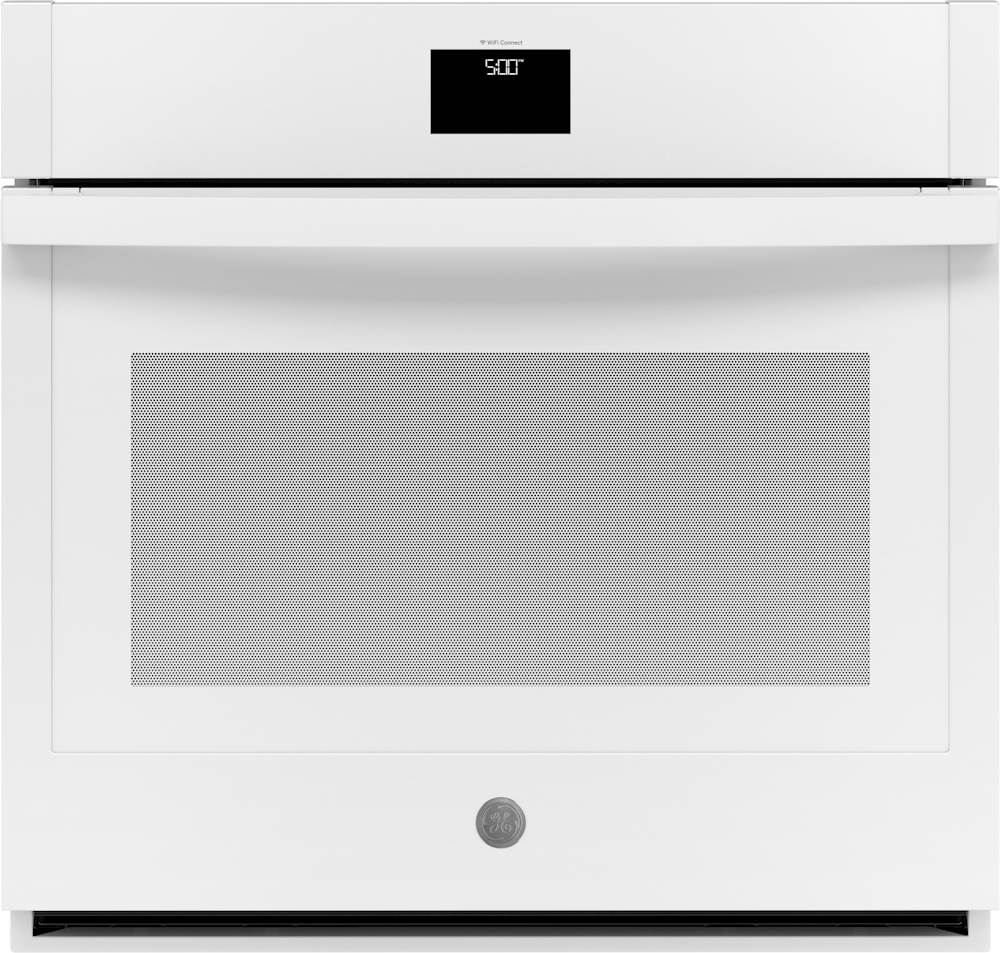
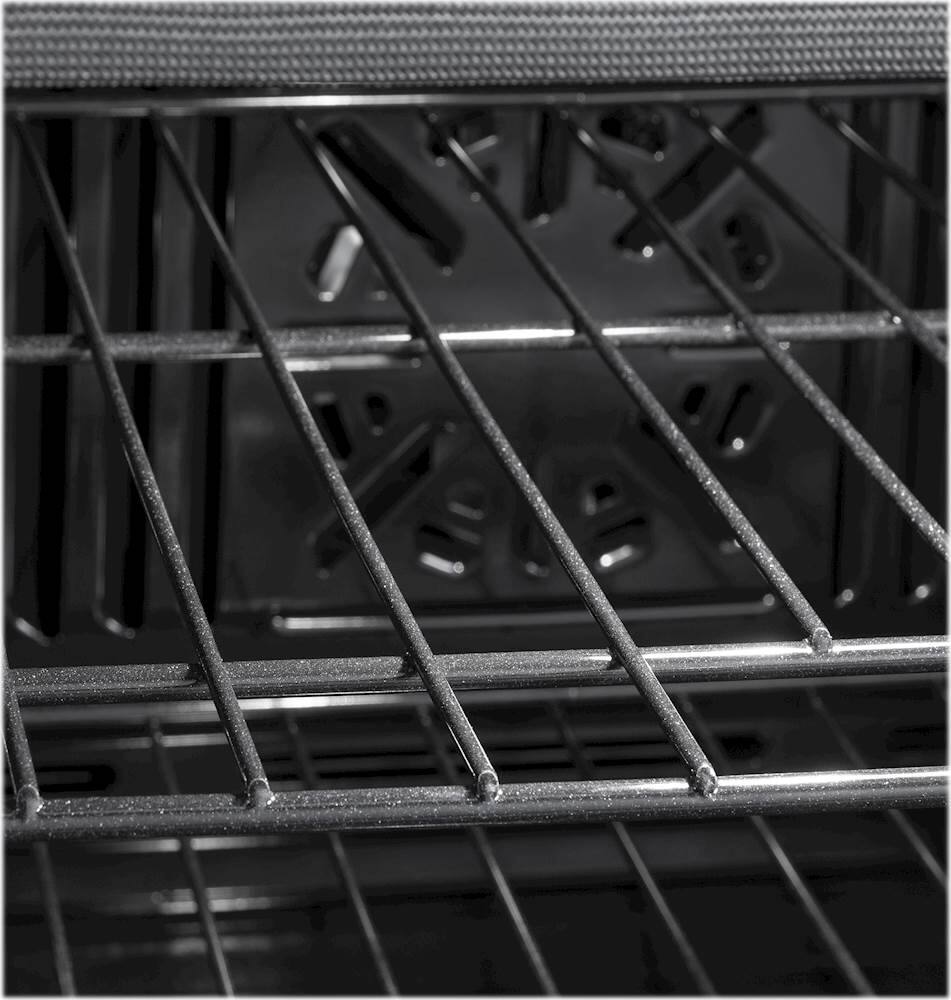
A:AnswerHi - Yes, you can order additional racks for your GE Wall Oven JTS5000FNDS online at GEApplianceparts.com or call our GE Appliances Parts Team for assistance at 1-877-959-8688, Mon-Fri 8am to 8pm, Sat 8:30am-5pm ET. Please have your complete model number available. Thanks for choosing GE! Keep in touch – Sue
A:AnswerThis model does not come from the factory with Air Fry. This may be a feature you can add to the unit as an over-the-air update for this model using your WiFi and our SmartHQ app. We recommend calling our Connected Home Support Line at 1-800-220-6899, Monday -Friday 9am - 11pm ET, Saturday - Sunday 9am - 3pm ET for further assistance.
A:AnswerIf you don't want to use the fan, don't choose confection bake. Just choose the bake option. I usually use Confection Bake, so I don't know if the fan ever kicks on occassionally using plain Bake or not.
A:AnswerIt is not a pure black. But we have counter appliances that match it so it ties in. The old microwave above it doesn't. But I figure it only has a year or two left anyway.
A:AnswerThe outside overlaps the hole a good deal. It seems that there is a standard size because it matches the width of the old microwave above it and I didn't even worry about that. The microwave is so old it has to be on its last days anyway.
A:AnswerI don't think my answer went through. Yes, not only does this oven chime when the preheat is finished, it sends me a notification on my phone. In fact, I can be swimming outside and tell the oven to preheat while I'm still in the pool. The oven then notifies me when it is preheated. When I go in, I can immediately pop in the food, then go shower and change to my regular clothes. Big convenience.
A:AnswerIf you are replacing an old oven and the hole is already wired for an oven, then you just need house tools. My husband instaled ours using just the tools you see on the counter.