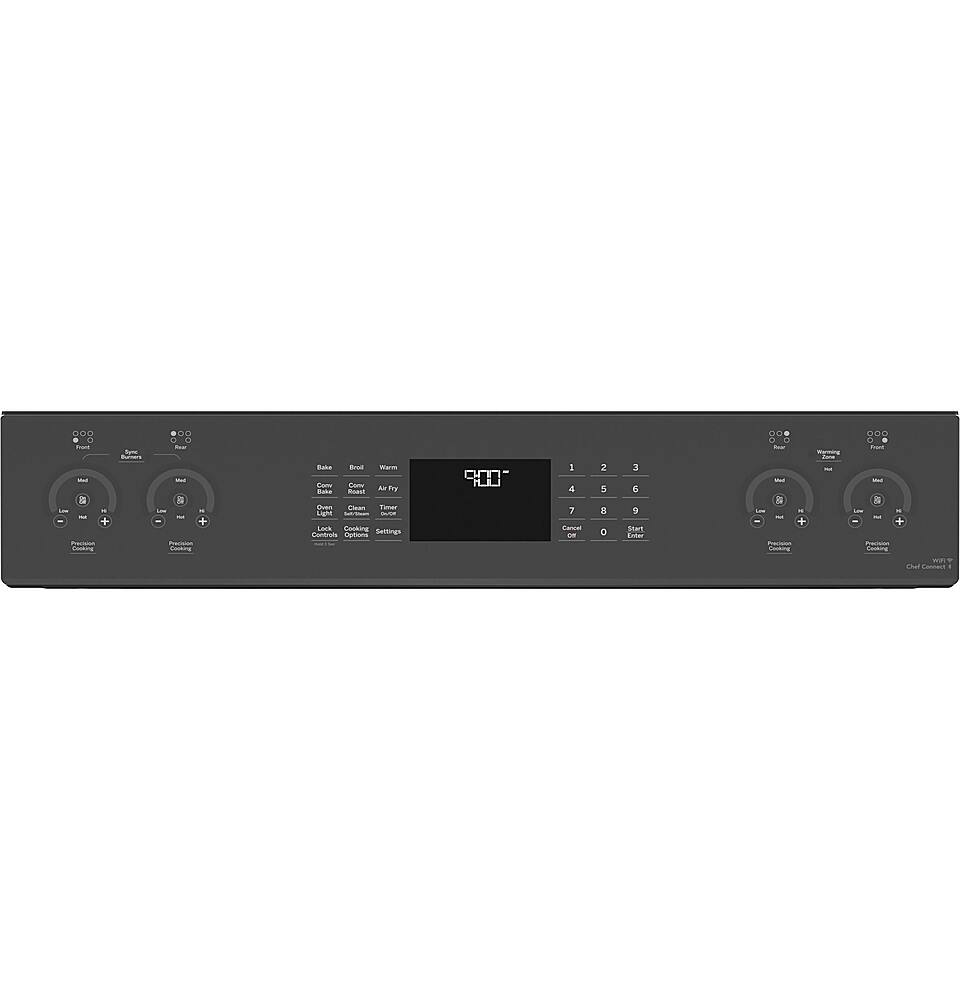
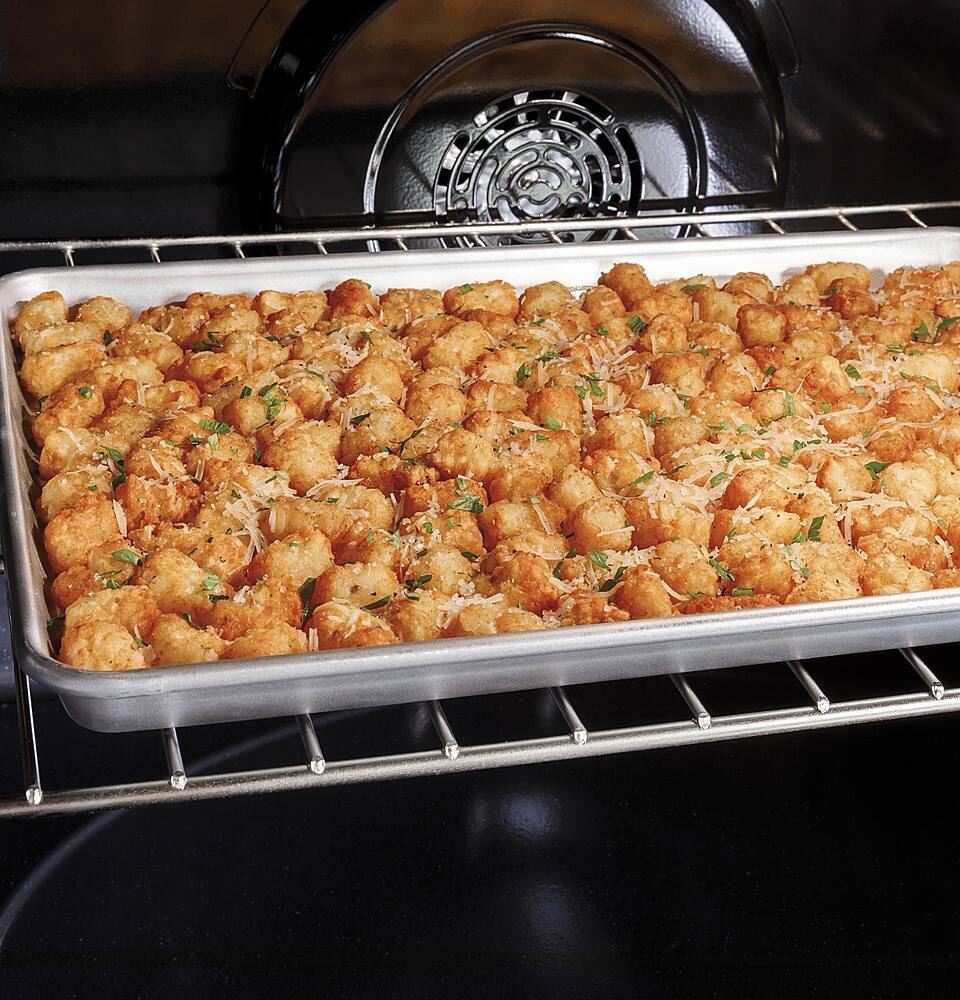
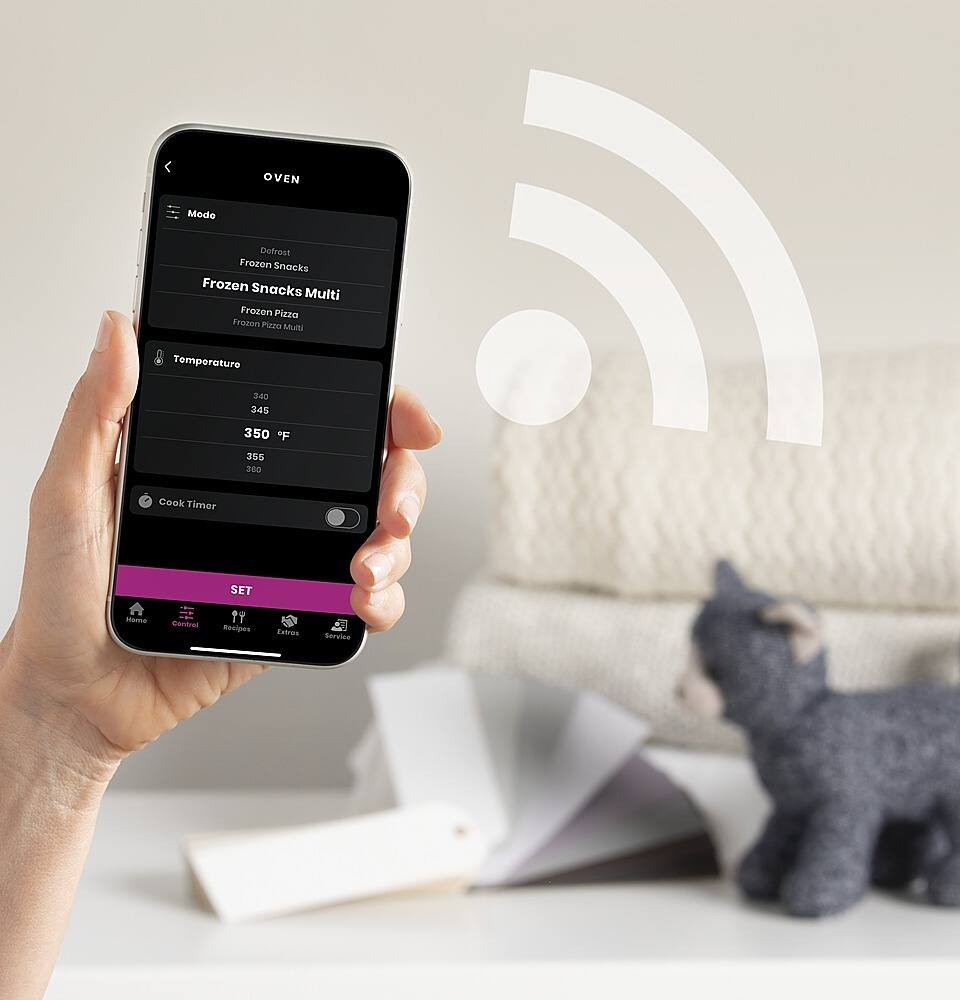
A:AnswerAir Fry and No Preheat Air Fry are the same feature. A one time connection to your WiFi and our SmartHQ app will allow the over-the-air update necessary to add the air fry functionality. Once the electronics on the range are updated, you are not required to remain connected to use this feature. We always recommend at least an occasional connection to add any additional features or performance enhancements.
A:AnswerThere are several cooking features that will be available once you connect to your WiFi to receive the over-the-air updates. They include Convection Roast, No Preheat Air Fry, Baked Goods, Frozen Snacks and Frozen Pizza. All other features will operate without a WiFi connection.
A:AnswerThe measurement from the top of the range to the top of the handle is approximately 4.266". The measurement from the bottom of the range to the bottom of the handle is approximately 30.963" with the leveling legs extended (30.388" with leveling legs at the lowest position).
A:AnswerHi there - that’s a great question! All our ranges and wall ovens can be set between 170-550 degrees F. We hope this helps in your decision making. Happy cooking! Lauren@GEA
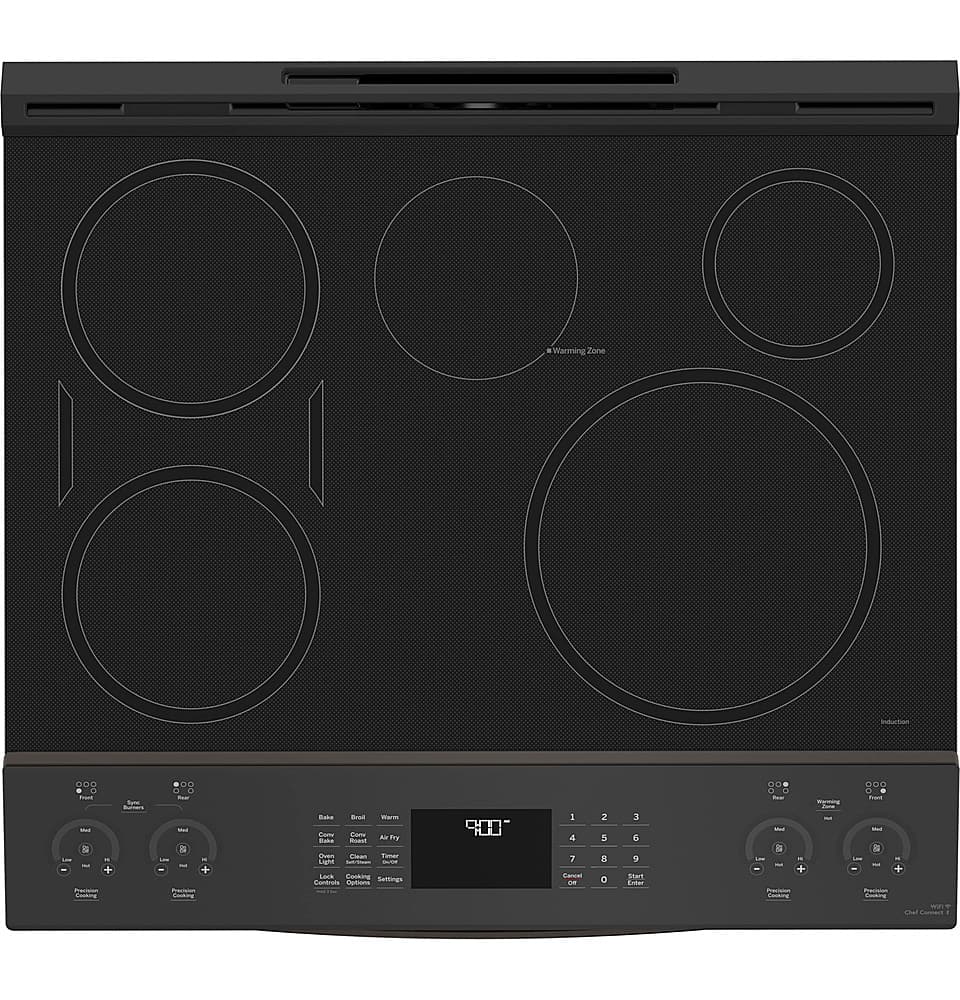
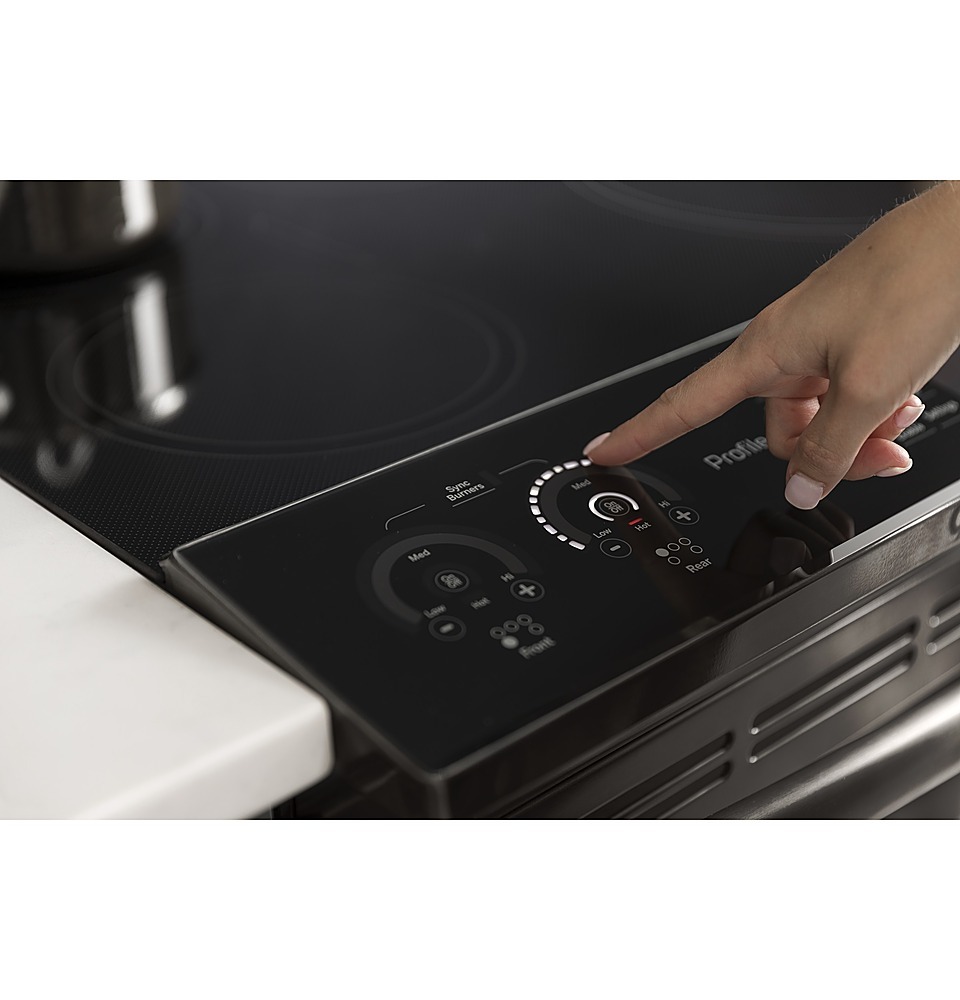
A:AnswerHi - Thanks for reaching out with this great question on our Profile slide-in Induction range. The Warming Zone is powered by a radiant burner not an induction burner. We are glad you checked with us. Kind regards - Vikki@GEA
A:Answerthe answer should be on the spec sheet. I had lower counters due to a tile floor being installed after the cabinets were installed. The range at the lowest setting was a good inch above the counters. However, I would check the spec sheet.
A:AnswerHey there,
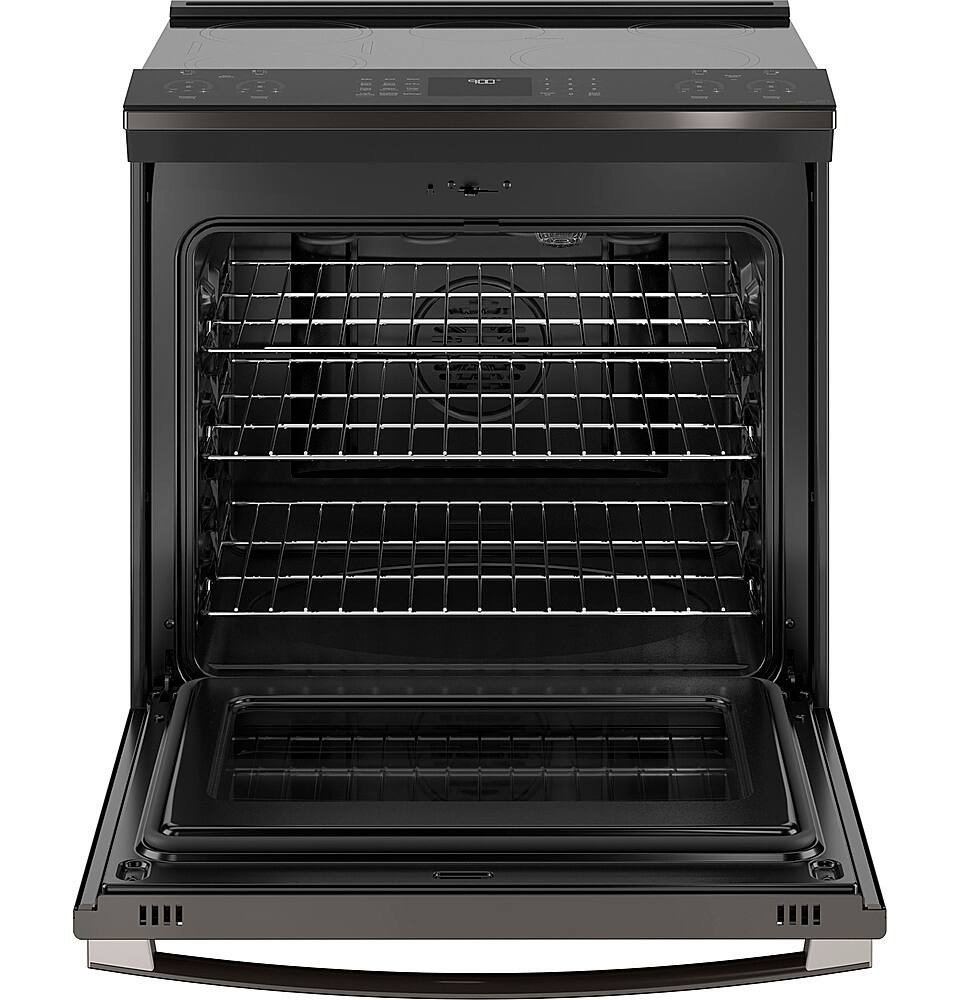
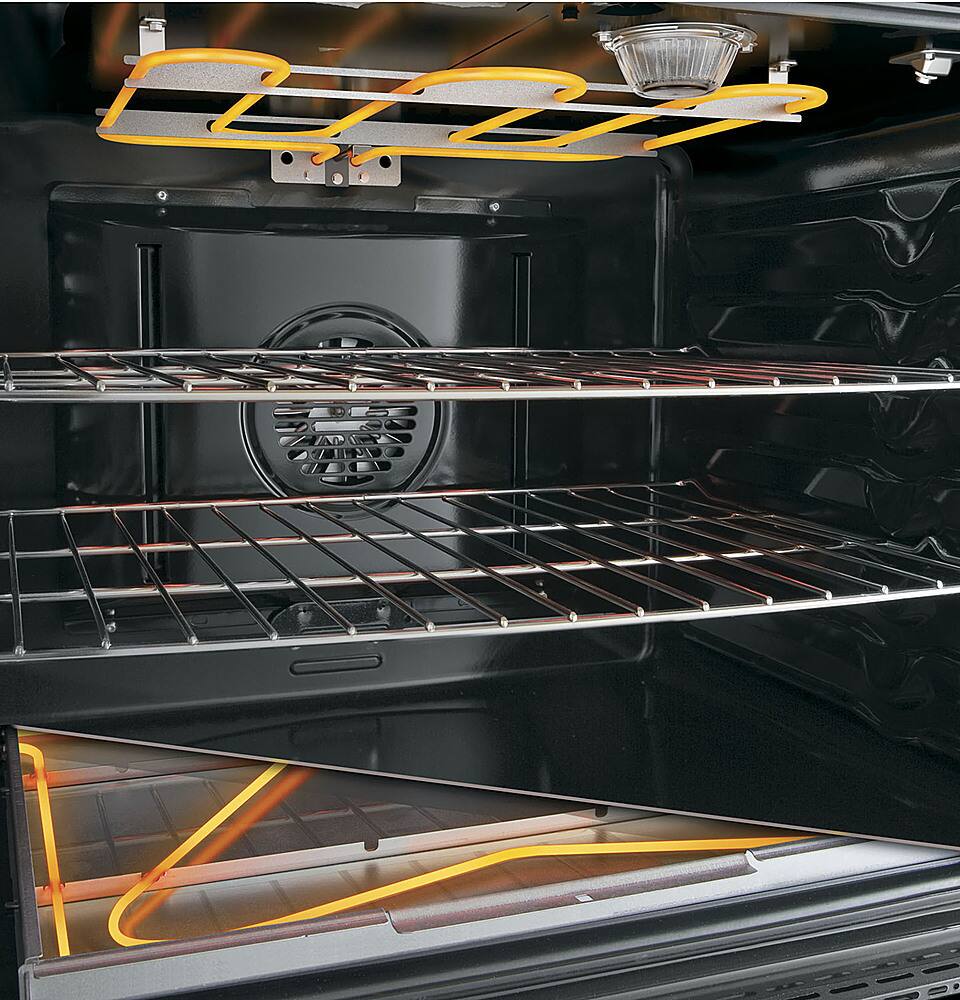
Thank you so much for reaching out to us. The oven heating element is located at the bottom of the oven. Let us know if you have any additional questions. Have a good one! Mike@GEA
A:AnswerGood day,
This is a fine question to ask! Yes, the burners do go low enough for a gentle simmer. For even more precise control, we recommend using the precision cooking mode which is available through the SmartHQ app. Let us know if you have any additional questions. Take care. Mike@GEA
A:AnswerHello - Thanks for reaching out, and for your interest in our beautiful GE Profile range. We do not identify our burners as auto/self sizing. Please review page 11 of the owner's manual for our recommendations regarding cookware. We wish you all the best! - Don@GEA
A:AnswerHi - Thank you for taking the time to reach out, and for your interest in our beautiful GE Profile range. The storage drawer dimensions for model PHS930YPFS are: 29.88” W x 19.1” L x 4” H. We hope you find this information helpful. Please contact us on social media if you have any additional questions. Best regards. - Don@GEA
A:AnswerHey there,
We appreciate you reaching out. The electrical connection simply needs to be anywhere in the greyed out area in the quick specs and the unit will be able to slide into the cutout space with no problems. Let us know if you got any other questions. Mike@GEA
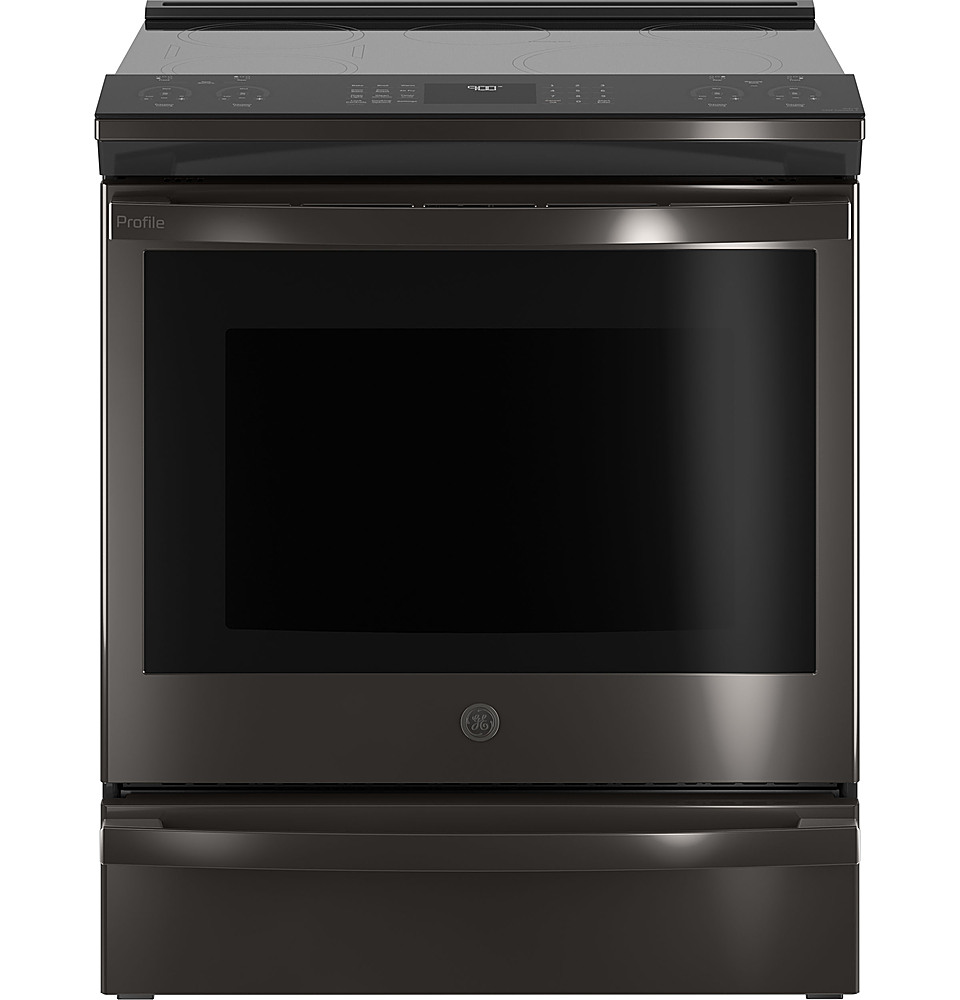
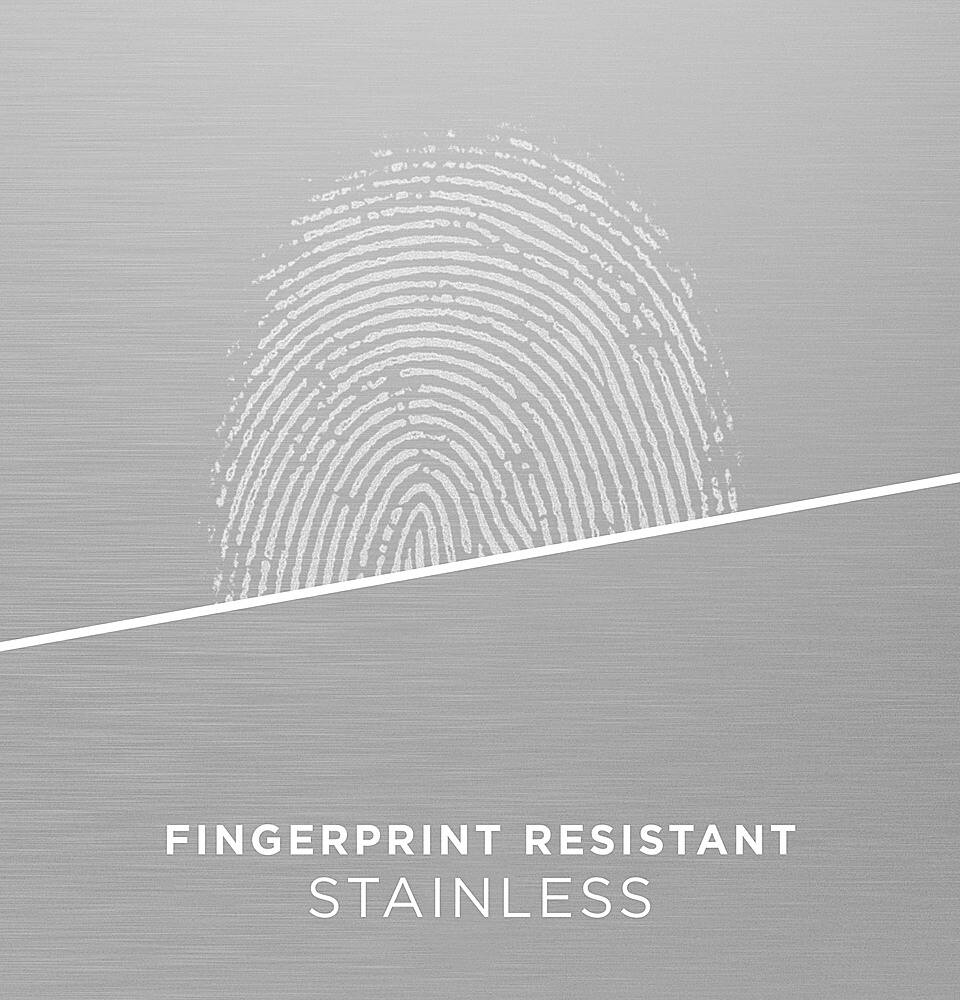
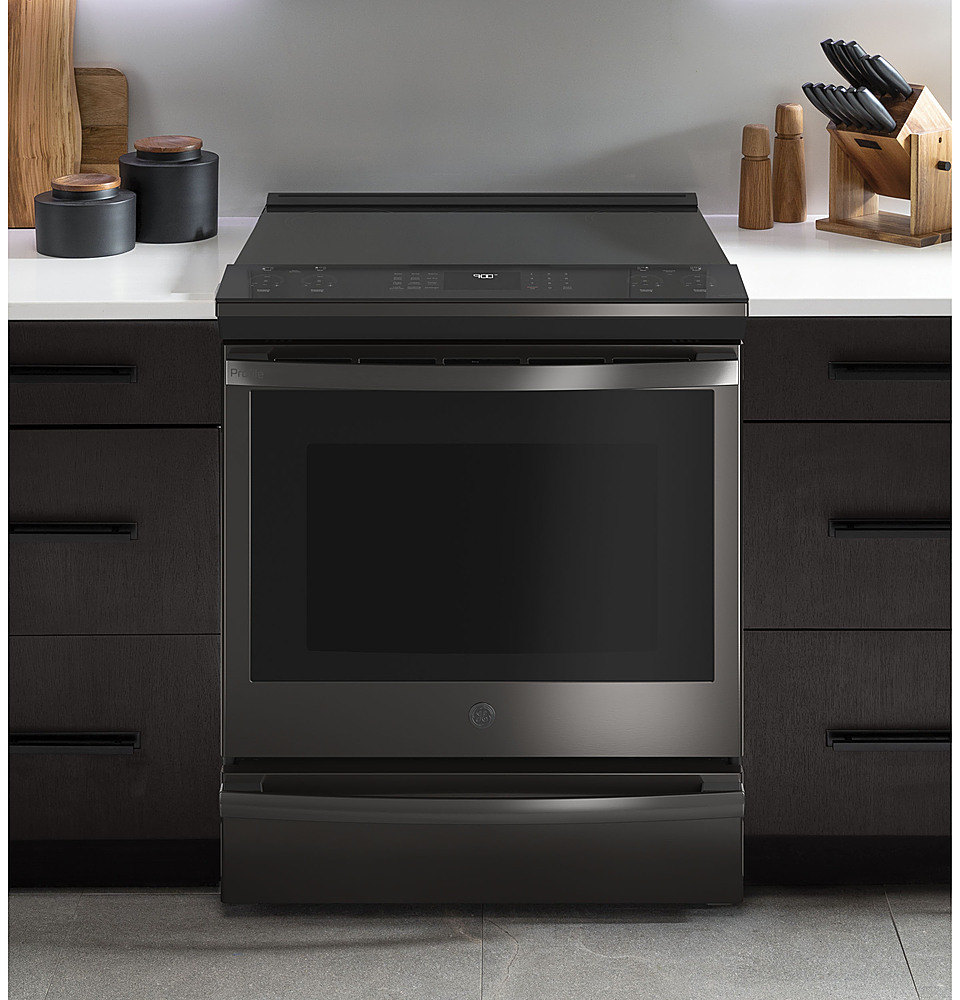
A:AnswerHi there - thanks for reaching out about this beautiful GE Profile Slide-In Range! Good news - we can confirm that starting in September of 2017, all our electric, gas and dual-fuel front control slide-in ranges feature no overhang, an edge-to-edge cooking surface, and color matched finished sides. For stainless finishes (including fingerprint resistant stainless) the sides are dark gray. This means there is no added cost for optional side panels, as they do not need a side body panel kit. We hope this is helpful in your decision making and please feel free to contact us anytime if you have any other questions. Have a great day! Lauren@GEA
A:AnswerHey there,
This is an awesome question! This unit can be mounted flush against the wall, however, please note that the unit will not mount flush to counter when heights are less than 36". Let us know if you have any other questions. Have a wonderful day! Mike@GEA
A:AnswerHey there, and thanks for reaching out with this great question! We’re glad to advise. In addition to the controls lock, the oven itself does also lock during the self-clean cycle; this is done for safety reasons because of the high temperature used in that cycle, and the oven won’t unlock until the temperature has fallen to a safe level. The oven door lock is meant for the self-clean cycle specifically, and generally shouldn’t be used during other functions/when the self-clean isn't in use. If you’d like to view more information about the self-clean cycle, you can do so on page 25 of the use and care manual. That can be viewed on our GE Appliances website when you look up the model number and go to the product page; there’s a link to the manual under the ‘Owner Support’ section of that page. We hope this information is helpful. If you have any other questions or concerns, we’re always glad to assist – best wishes! -Sarah@GEA
A:AnswerHello- Thank you for reaching out to us with your question. We found if the light is not working that it could be a couple things. Light bulb is loose or defective, in which you will want to tighten or replace the bulb. Or the pad operating light is broken. In that case you will want to call for service. That information can be found here- GE Appliance Service
1-800-GECares (1-800-432-2737)
Monday – Friday: 8 a.m. – 9 p.m. ET
Saturday – Sunday: 8 a.m. – 6 p.m. ET
Hope this helps! If you need anything else please let us know. All the best! Dianna@GEA
A:AnswerThe cooking surface is approximately 29.9"W x 19.2"D. You can find more specification details on the website under the "From the Manufacturer” tab, under "Quick Specs".
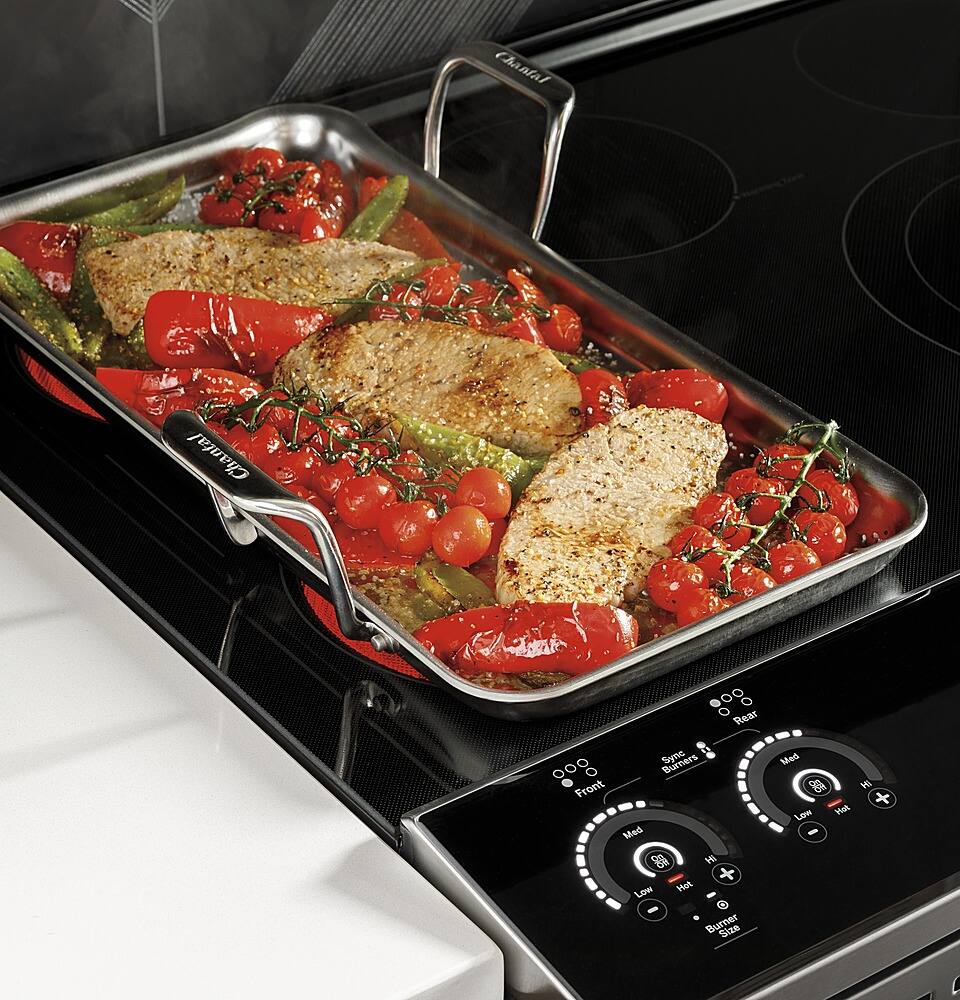
A:AnswerThis induction range uses magnetic induction to heat. We recommend pots and pans that have a magnetic iron-based bottom, such as cast iron or magnetic stainless steel.
A:AnswerA humming sound while cooking or boiling on an induction cooking surface is normal. Slight humming or buzzing sounds can be produced by different types of cookware. Heavier pans such as enameled cast iron produce less noise than a lighter weight multi-ply stainless steel pan. The size of the pan and the amount of contents can also contribute to the sound level. If you suspect this isn't normal operation, we suggest scheduling service with our Bodewell team. You can do so by calling 1-833-426-3393.
A:AnswerFor help with cleaning between the oven door glass, please follow the instructions in the support article on our GE Appliances website titled: "Range & Wall Oven - Cleaning Between the Oven Door Glass." -Don@GEAppliances