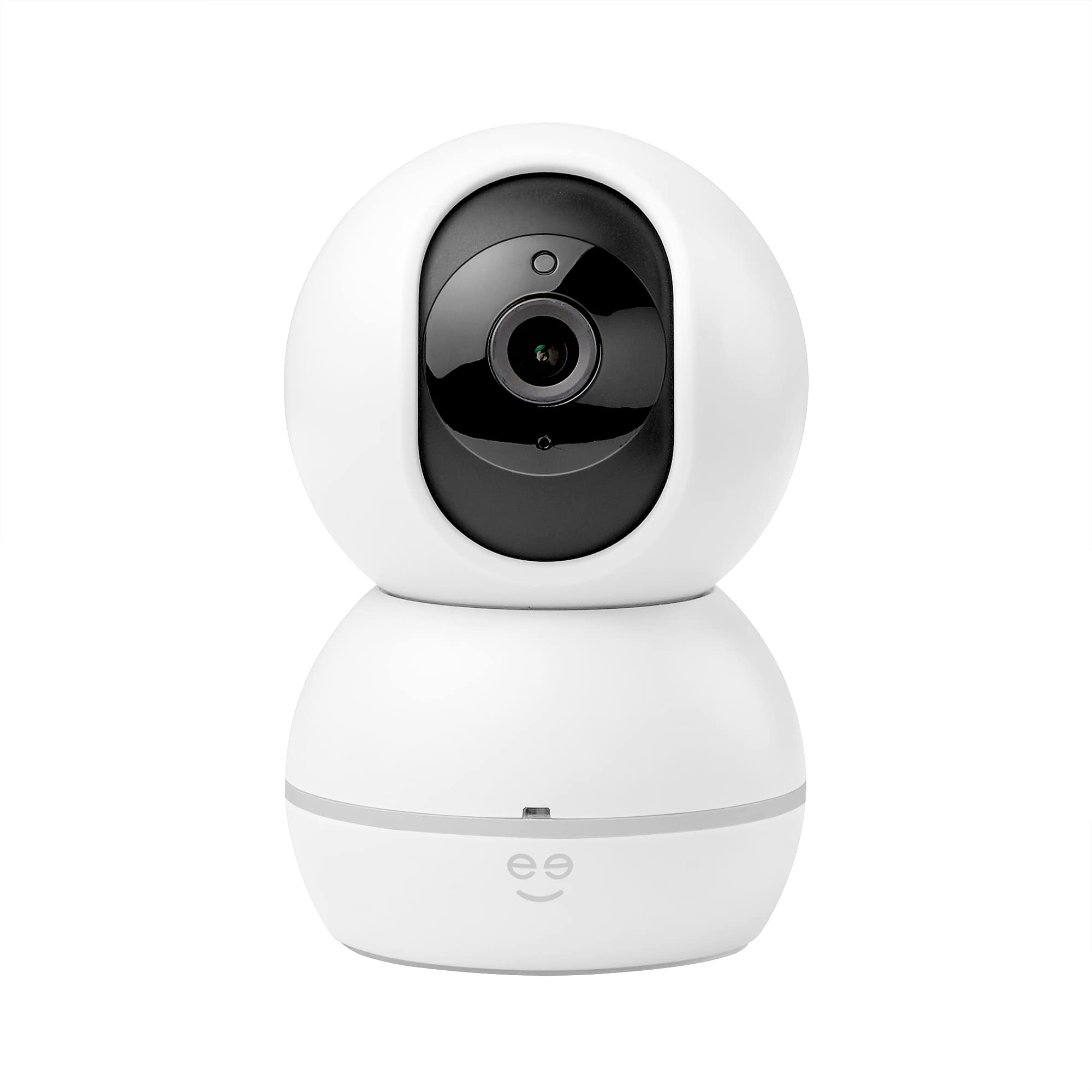
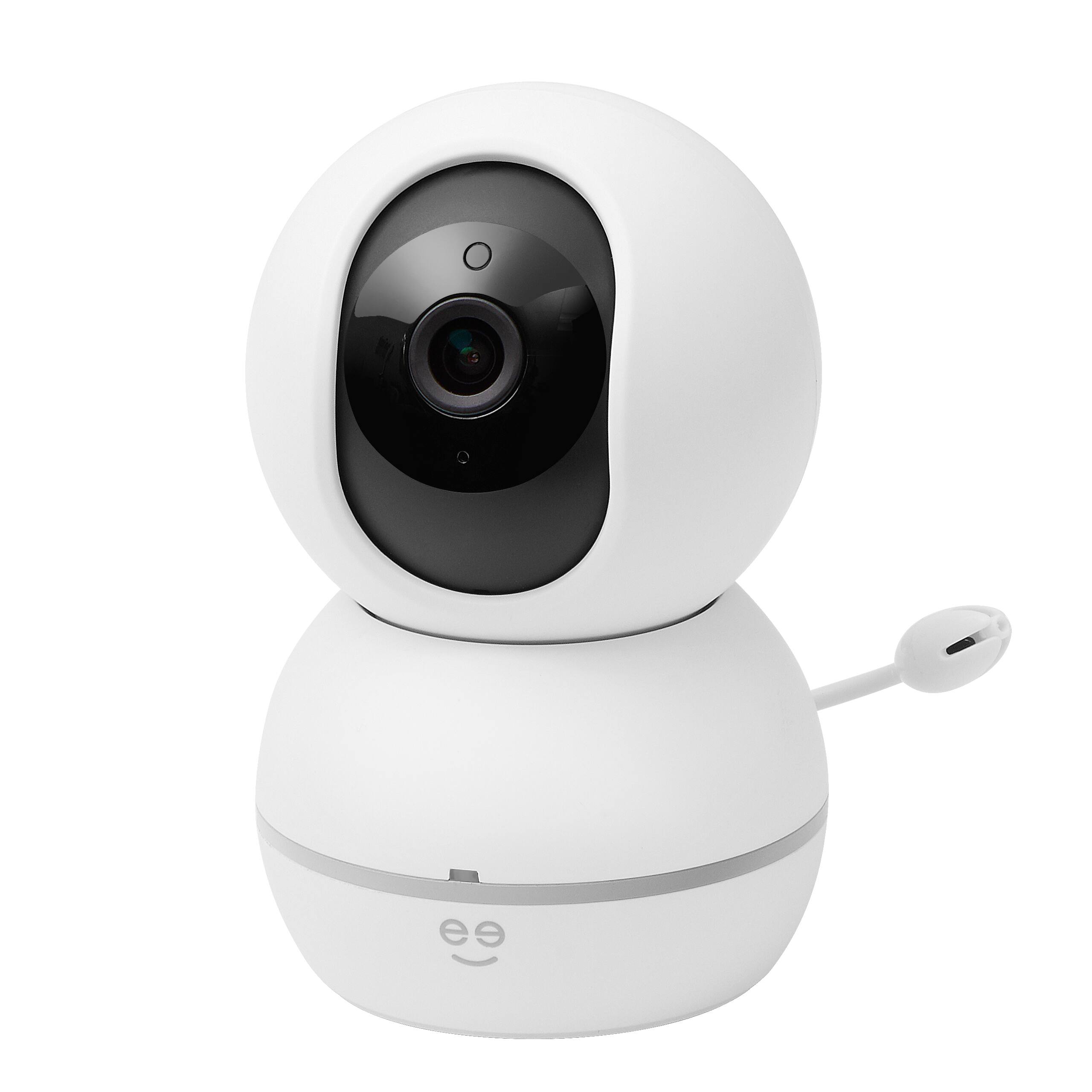
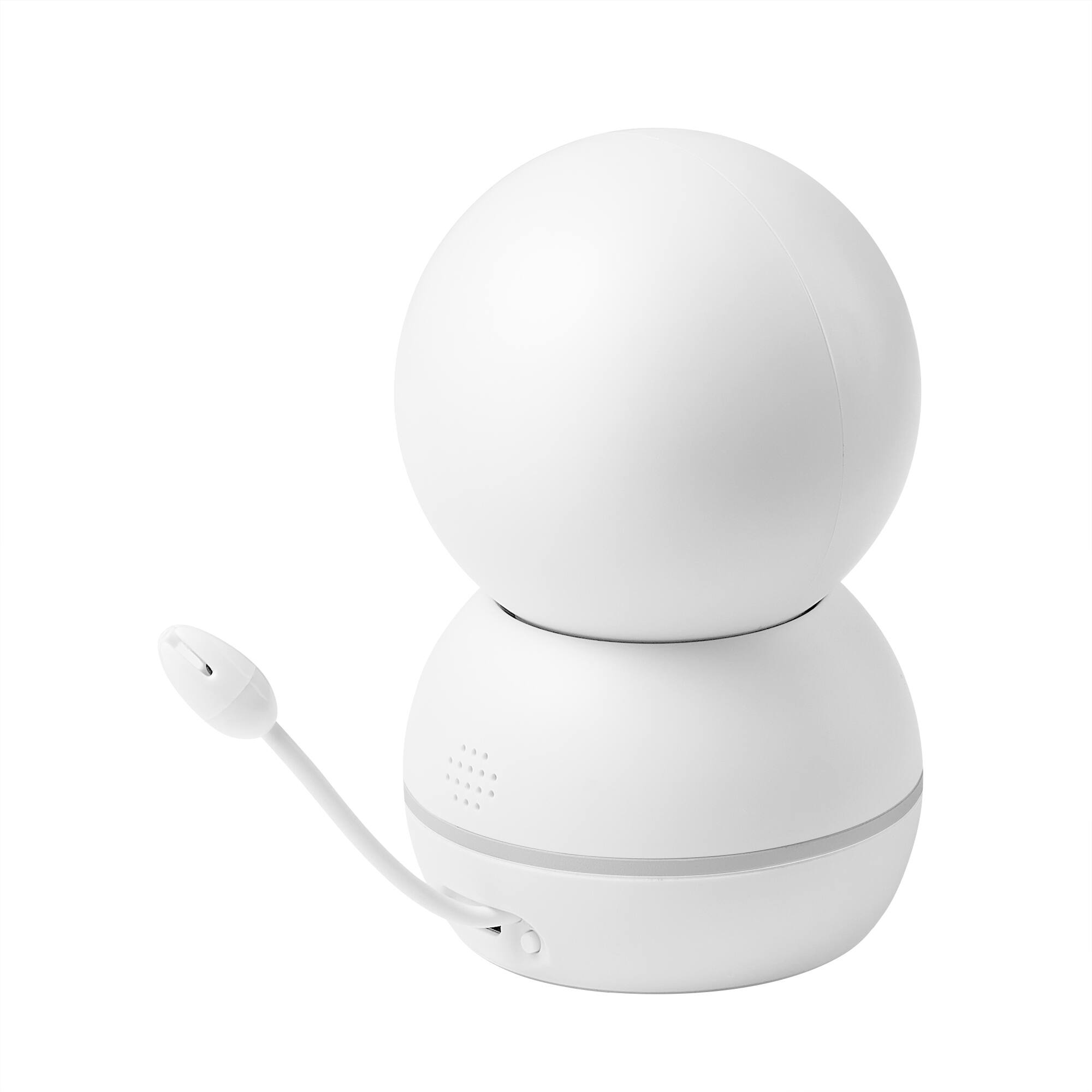
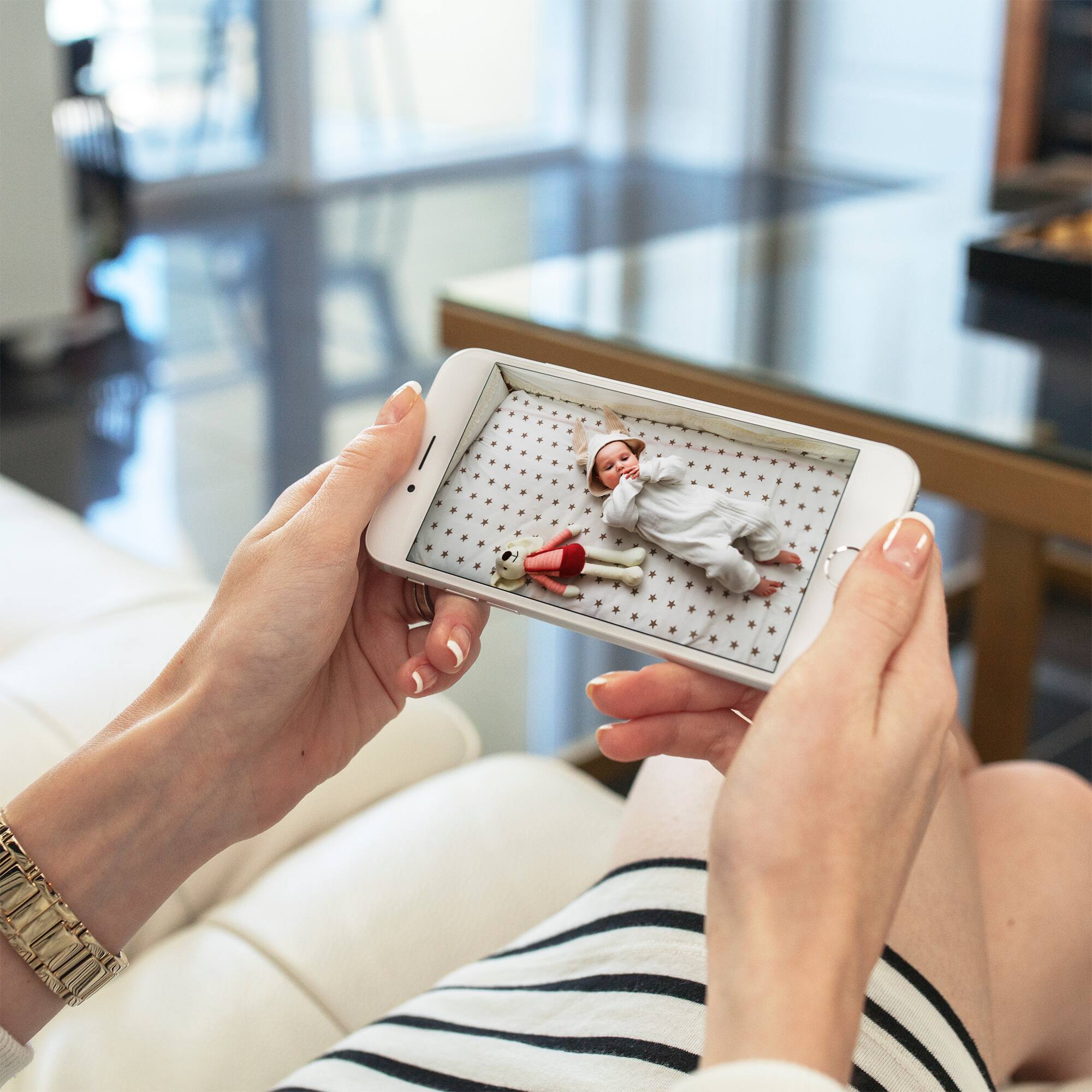
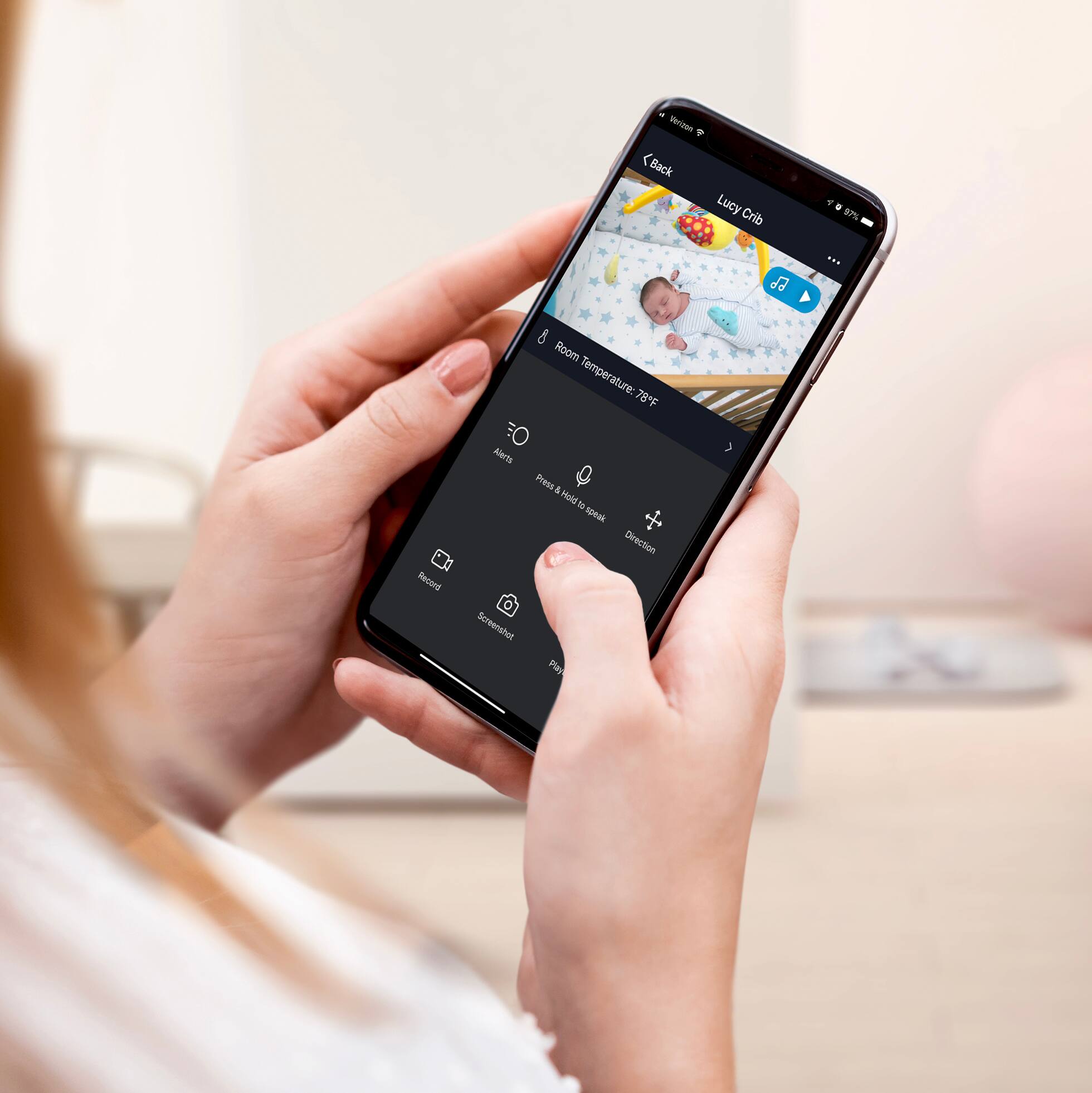
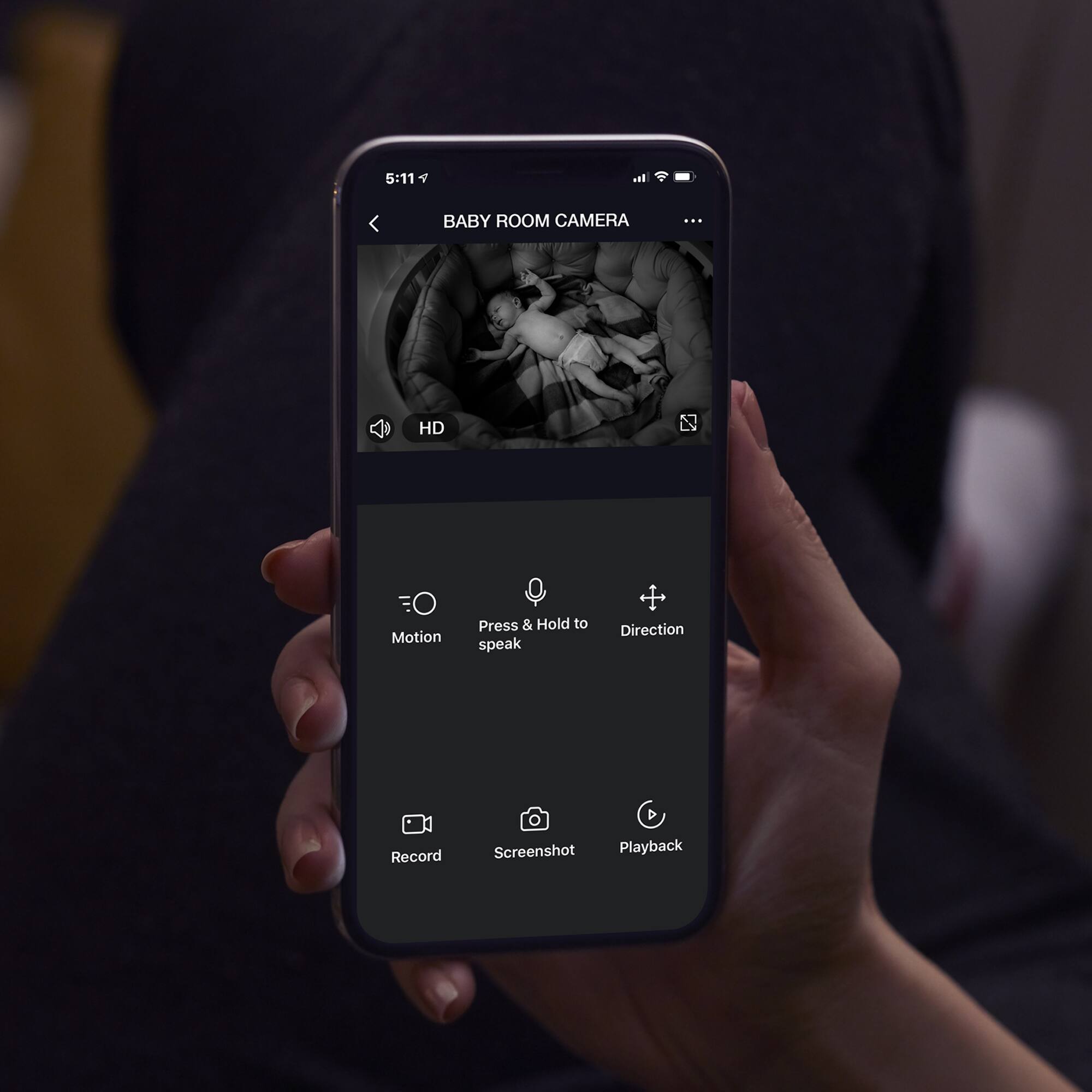
A:AnswerThank you for reaching out to us to clarify your concern. To answer your question, yes, you can monitor your baby when you are not at home. We just need to make sure that your mobile device is connected to internet connection whenever you are out of your home WiFi range and your Baby monitor with camera is also connected to your Home WiFi and power. The built-in thermometer lets you check in on the temperature and alerts you if the nursery gets too cold or too hot. Plus, soothe your baby throughout the night by playing cradle songs like Twinkle Twinkle Little Star, Brahms Lullaby, Hush Little Baby, or Rock a Bye Baby. For more details please contact us via email at [email protected] or call us at phone +1 (888) 232-3143. You can also visit our website support.mygeeni.com for online chat support. We are available from Mon-Sun, 9:00 AM to 6:00 PM EST.
A:AnswerHi Baf, A minimum of 4 Mbps for download and upload internet speed will work. For more information, you may reach us at [email protected]. We are open daily from 10 AM to 7 PM EST.
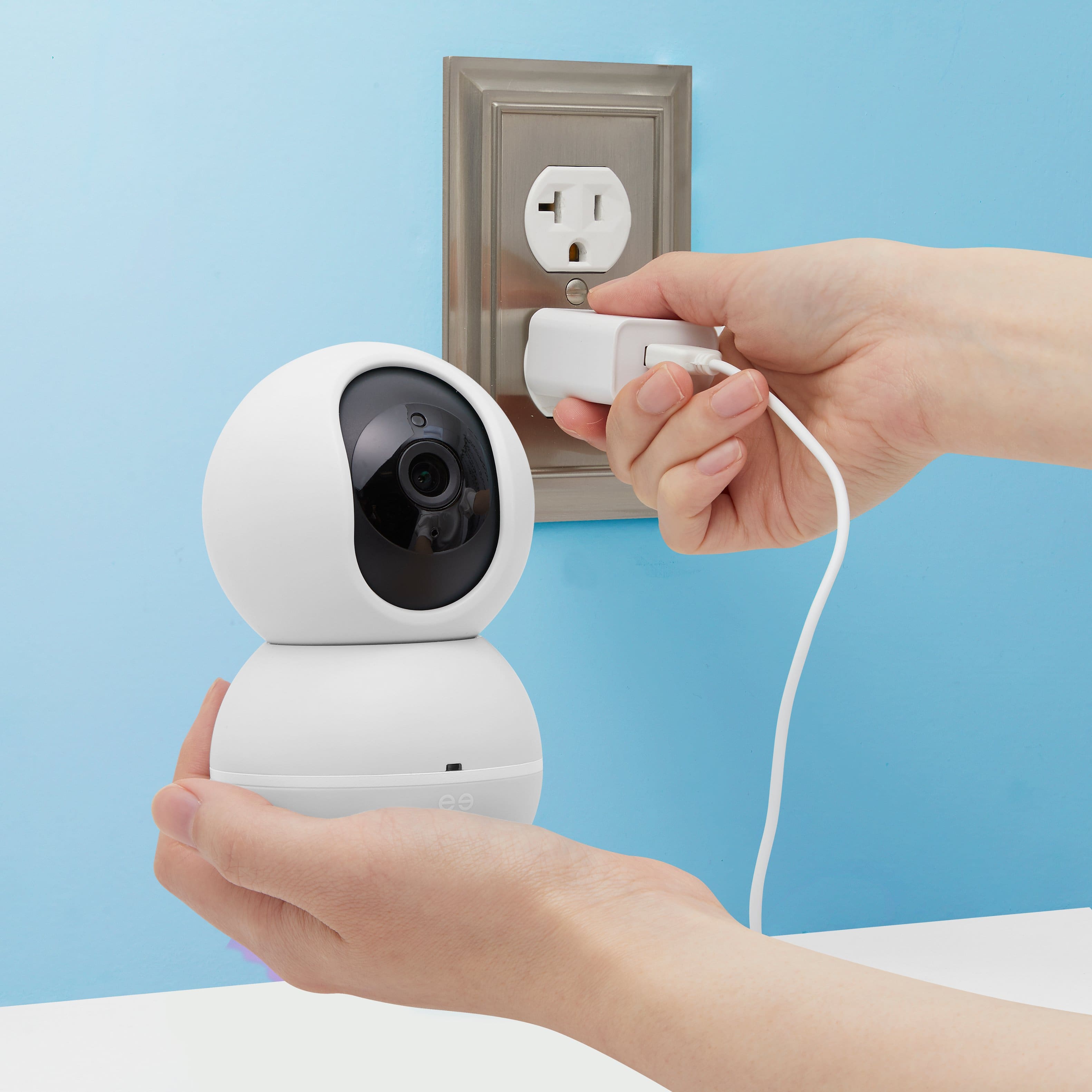
A:AnswerWe appreciate your inquiries Ky, regarding this Baby monitor camera the answer is yes it will rotate side to side and up and down you may rotate it using our Geeni app. For more information you may reach to us, we are open everyday from 10AM to 7PM EST.
A:AnswerThank you for contacting Geeni technical support. Unfortunately our cameras are not FSA eligible. If you have any issues moving forward, please let us know as we’re here to help. Feel free to contact our revamped support channels via email at [email protected] or call us at +1 (888) 232-3143, available from Mon-Sun, 10:00 AM to 7:00 PM EST.
A:AnswerThank you for your feedback. The feature you are looking for is not yet available. As we listen to our customers we get to identify what we have missed and what needs to improve our products. Rest assured that we take each and every feedback seriously to optimize and improve our products. Please call us at +1 (888) 232-3143 or email us at [email protected]. You may also visit our support website support.mygeeni.com for live chat support. We are available from Mon-Sun from 10:00 AM to 7:00 PM EST.
A:AnswerHi Caiti, I am glad you raise this over to us. We really want to help you on this. You can use a 3m adhesive to place it on a higher place near the crib since he can rotate the head of the camera to focus on the crib. For further assistance, please contact us via email at [email protected], or call us at +1 (888) 232-3143, from Monday - Sunday 10:00AM to 7:00PM EST.
A:AnswerHi Caiti, I am glad you raise this over to us. We really want to help you on this. You can use a 3m adhesive to place it on a higher place near the crib since he can rotate the head of the camera to focus on the crib. For further assistance, please contact us via email at [email protected], or call us at +1 (888) 232-3143, from Monday - Sunday 10:00AM to 7:00PM EST.
A:AnswerHi, I'm glad that you raise this over to us. When you watch the camera, just tap the music icon and you can select your lullaby sound. We would love to discuss this with you, please contact us via email at [email protected], or call us at +1 (888) 232-3143, from Monday - Sunday 10:00AM to 7:00PM EST.
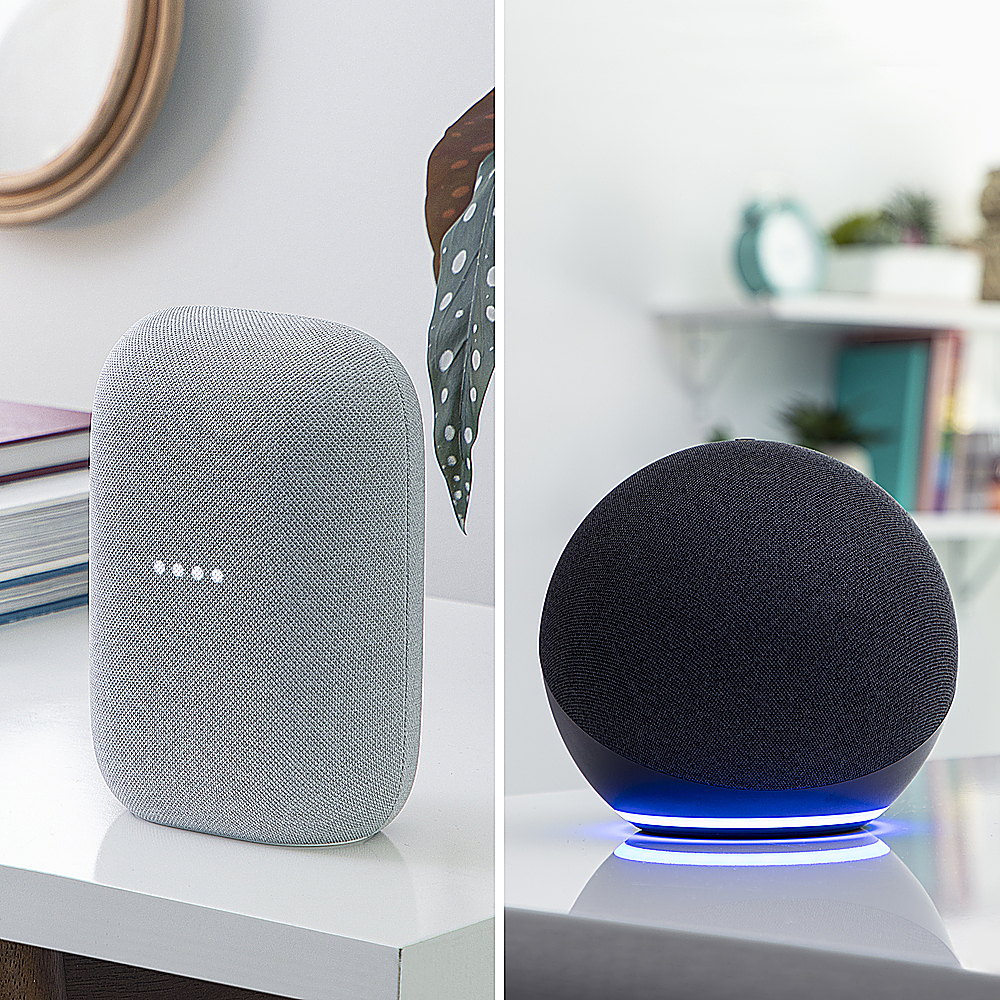
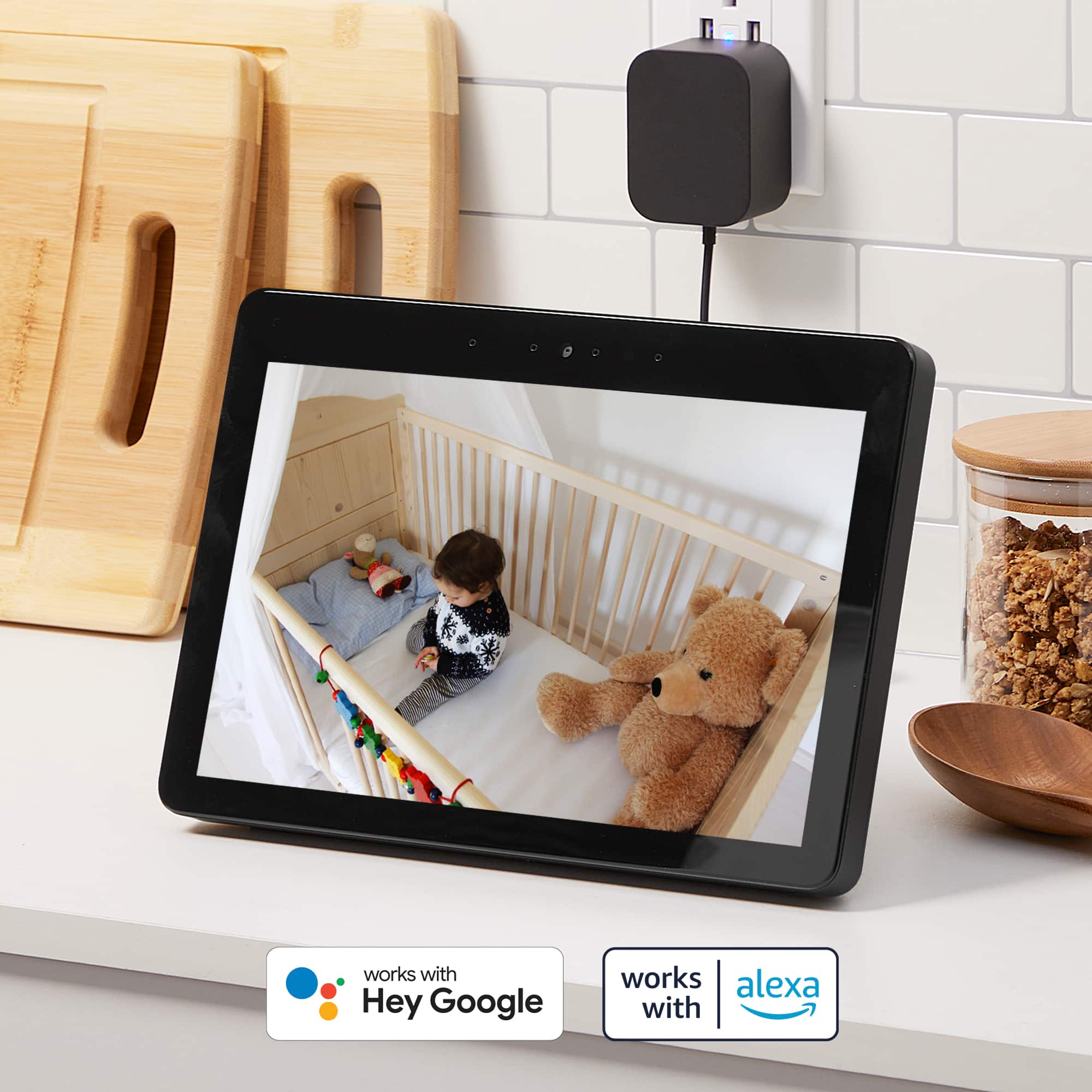
A:AnswerHi! I can totally feel your frustration due to connection issue with Alexa. Were you able to contact our Support Team already for assistance, if not, I would highly encourage you to do so that we'll be able to help you set it up. In the mean time, please make sure that your Geeni device has been set up on the Geeni app first before linking the Geeni app with the Alexa app. We would love to discuss this with you. Please contact us via email at [email protected], or call us at +1 (888) 232-3143, from Monday - Sunday 09:00 AM to 12:00 MN EST.
A:AnswerHi Jay, thank you for your interest in one of our products. To answer your question, The recommended SD Cards should be installed in the camera (Class10 and UHS1 or above) such as:
16G
- Sandisk Extreme
- Kingston 16GB SDHC-I SDCAC/16GB
32G
- Sandisk Extreme V30
- Sandisk Extreme V30 A1
64G
- Sandisk Extreme V30 A1
- Sandisk Extreme Pro V30 A1.
128G
- Sandisk Extreme V30 A1
- Sandisk Extreme Plus V30
For more information, please contact us via email at [email protected], phone +1 (888) 232-3143, support.mygeeni.com for online chat support. We are available from Mon-Sun, 9:00 AM to 9:00 PM EST.
A:AnswerThank you for your interest in one of our products, Jack. To answer your question this uses a two way communication like a walkie talkie, so you can use just the other side of the speaker on your end to monitor your baby. If you want to know more details and guidance about the Geeni smart devices, you may reach us in our support channels via email at [email protected] or call us at +1 (888) 232-3143, available from Mon-Sun, 9:00 AM to 9:00 PM EST.
A:AnswerHi Holly, all Geeni devices are designed to work for 2.4 GHz for a wider range unlike the 5 GHz that cannot penetrate walls and floors. For more information, please contact us via email at [email protected], phone +1 (888) 232-3143, support.mygeeni.com for online chat support. We are available from Mon-Sun, 9:00 AM to 9:00 PM EST.