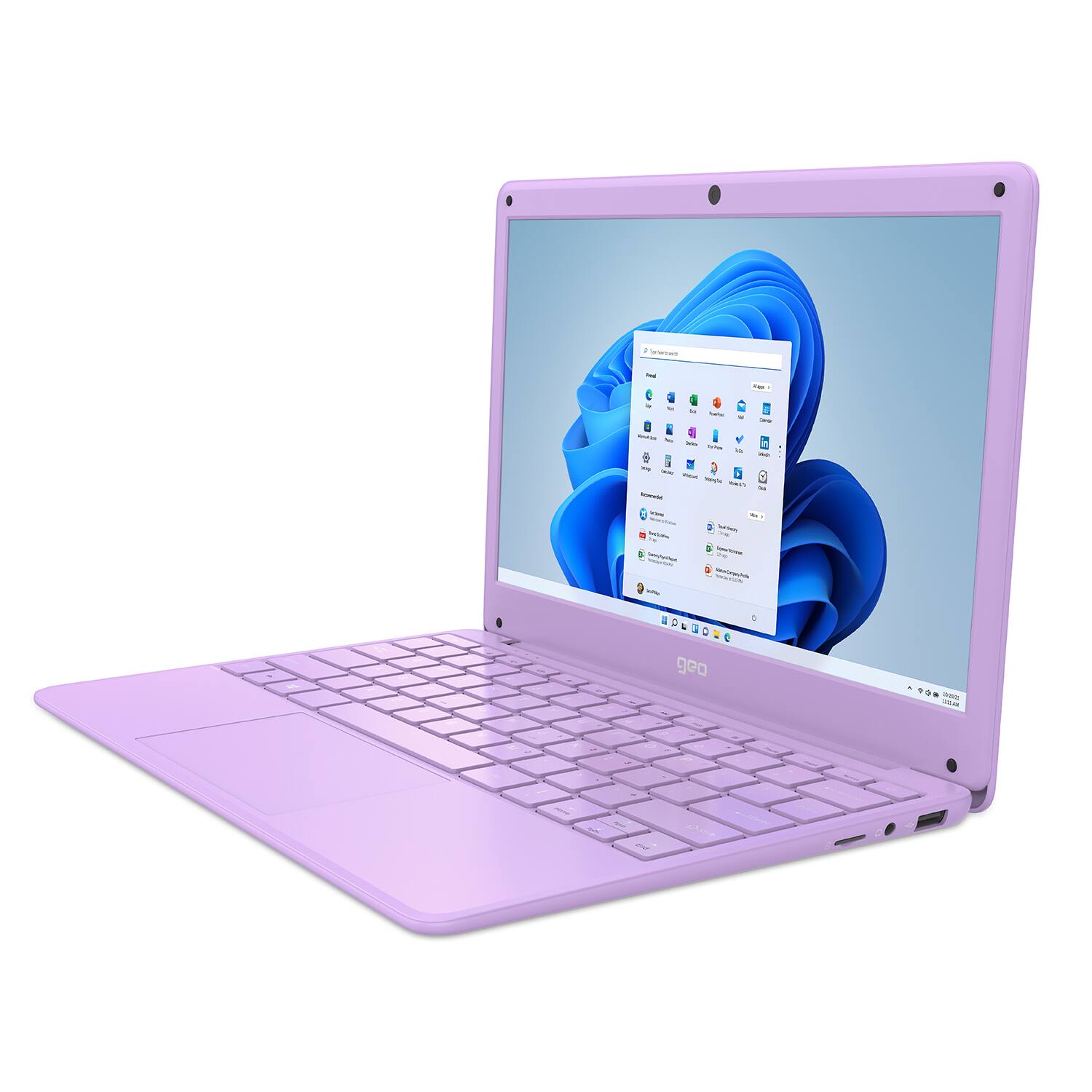
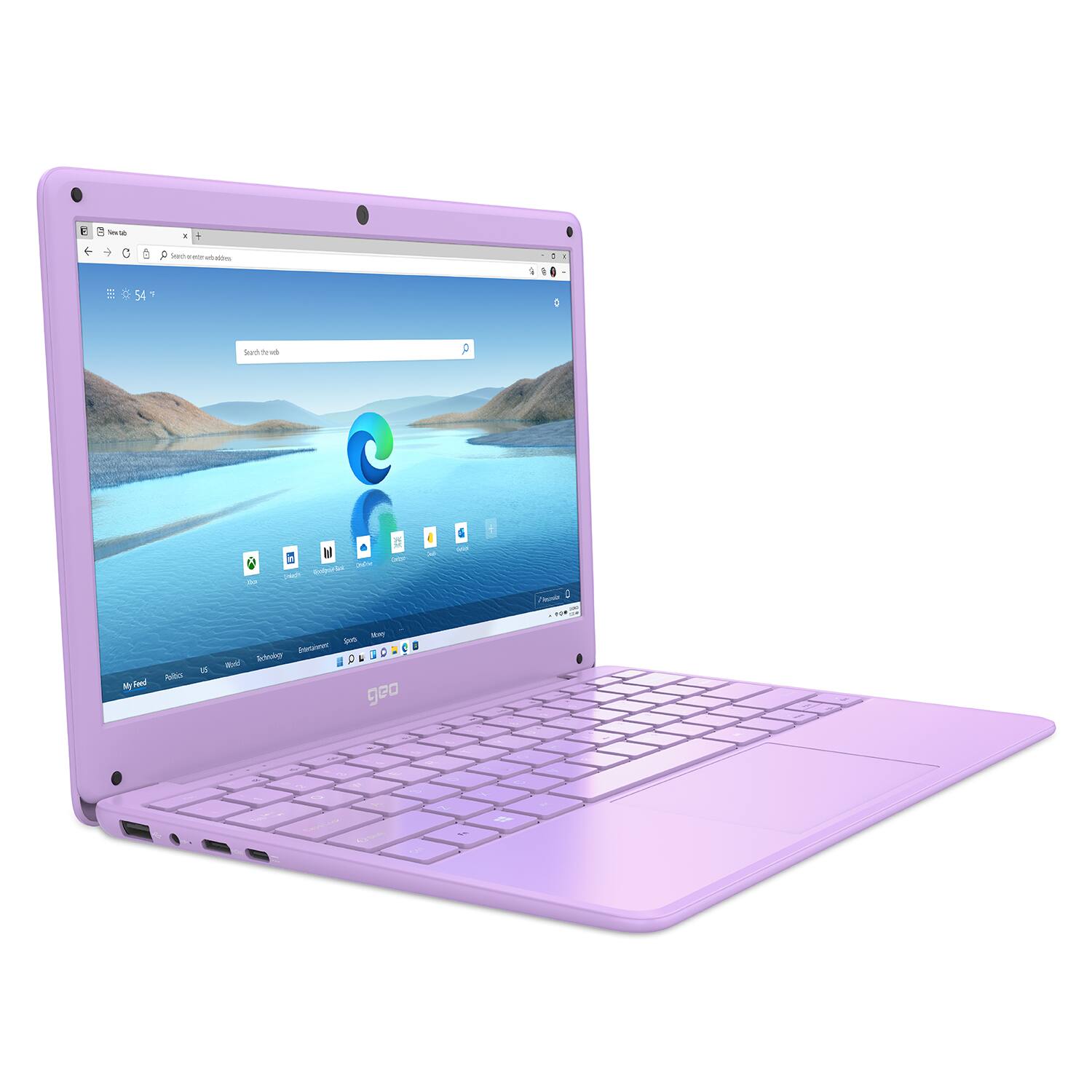
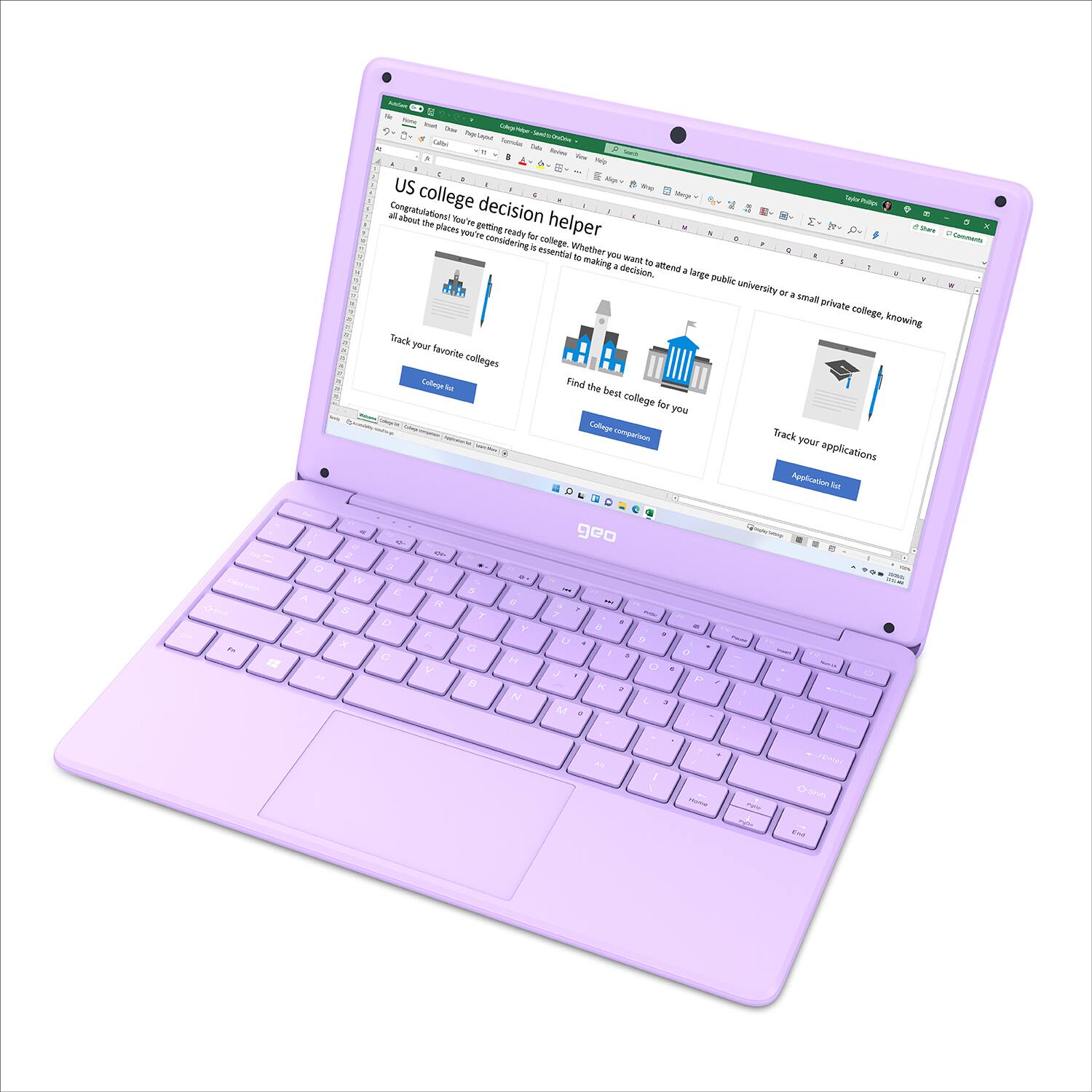
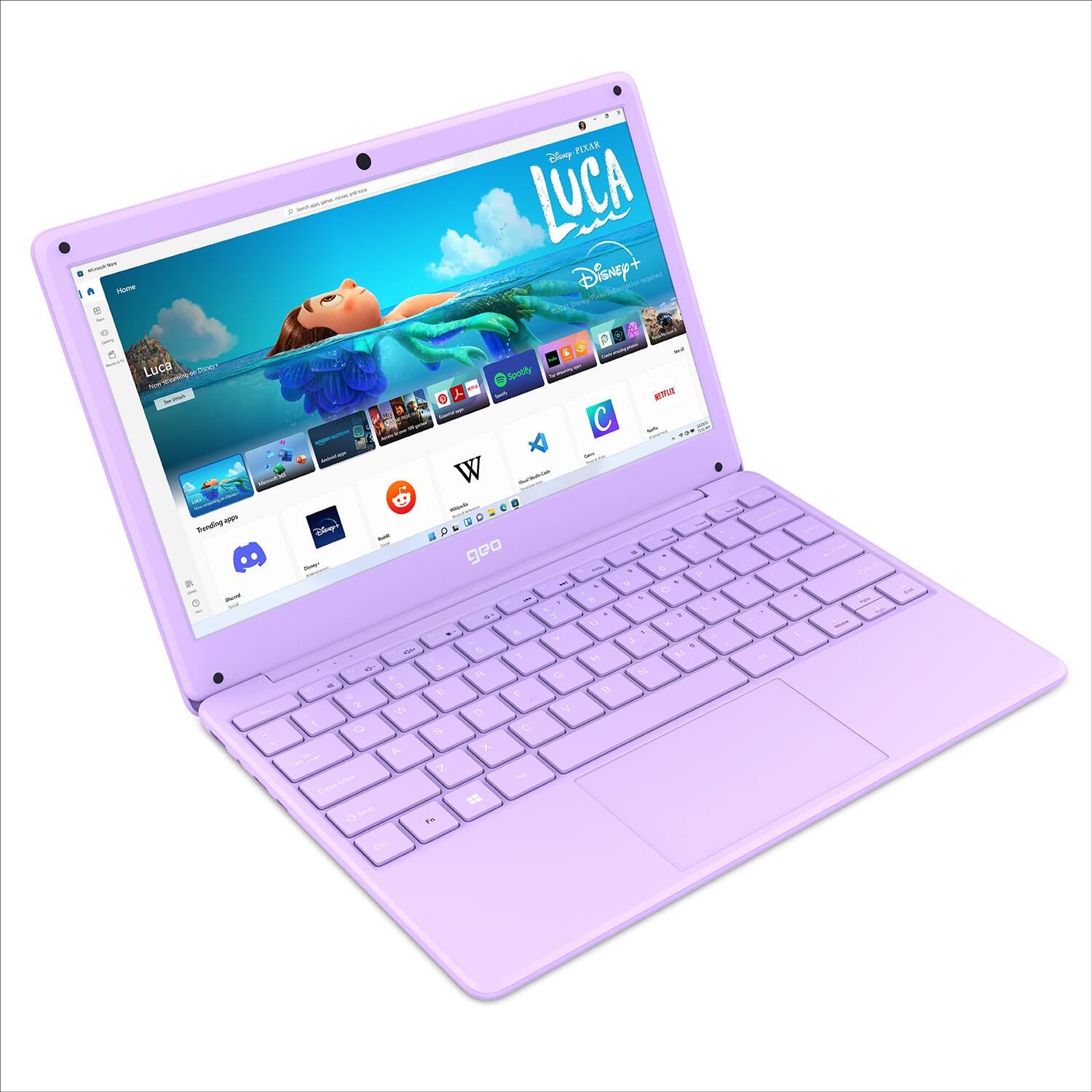
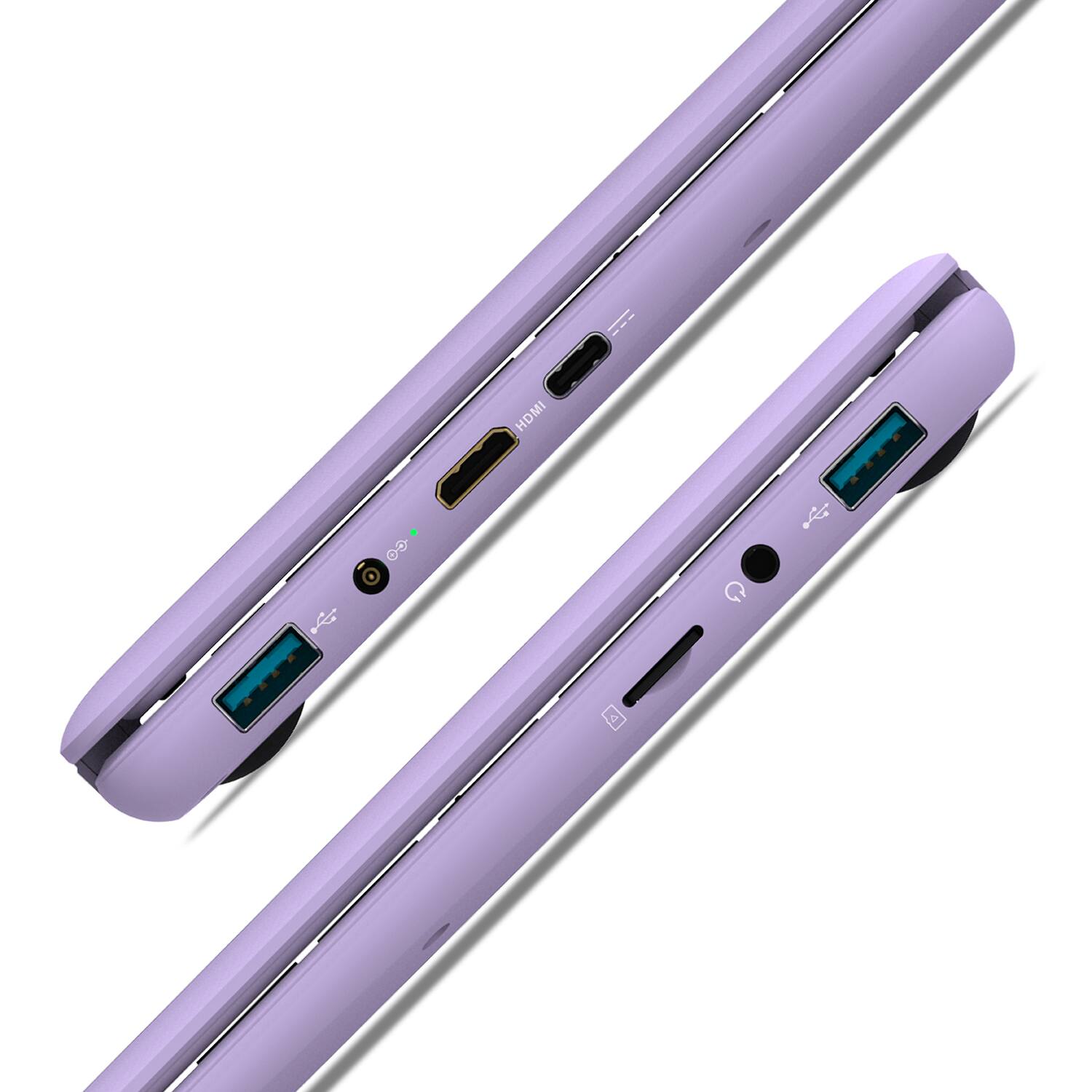
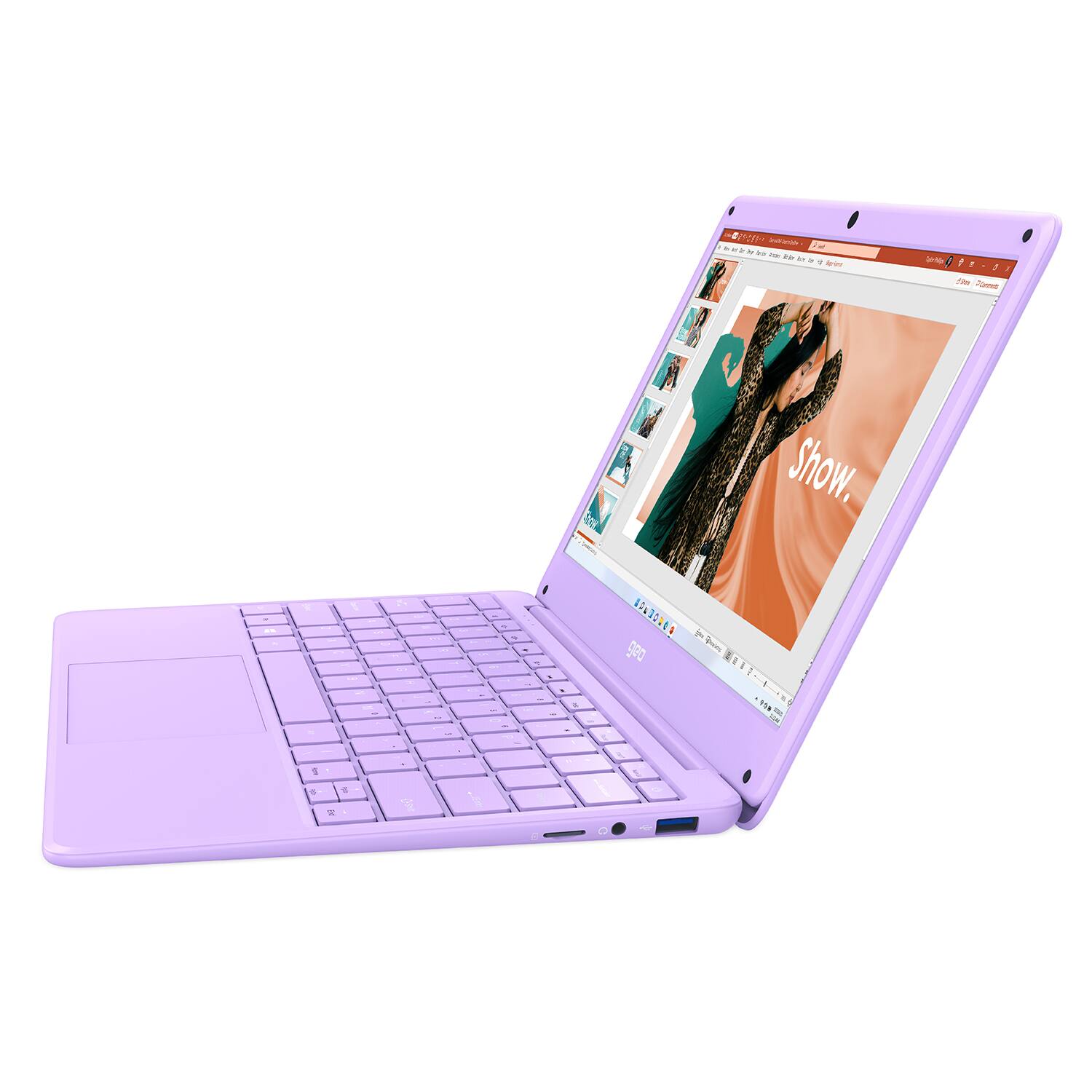
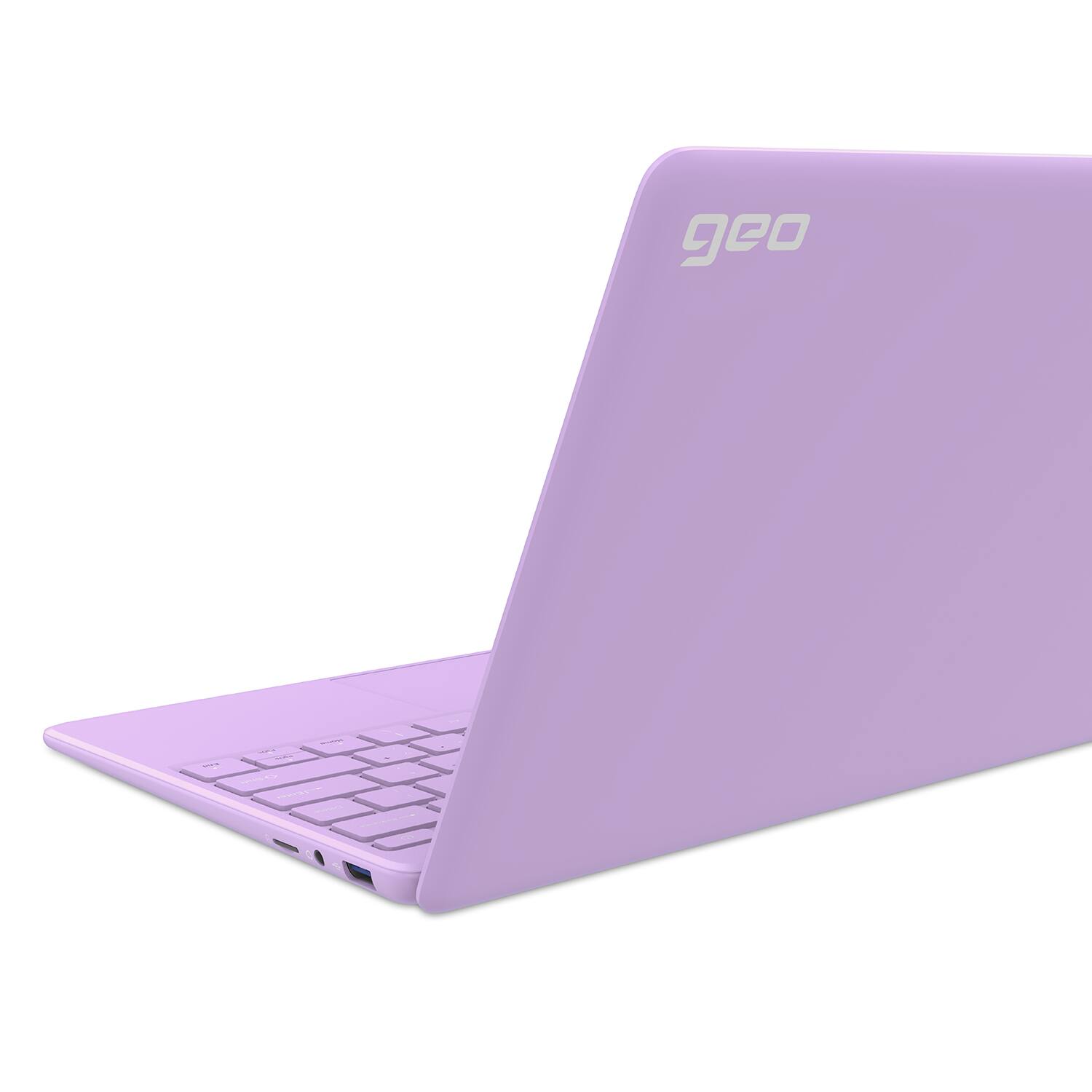
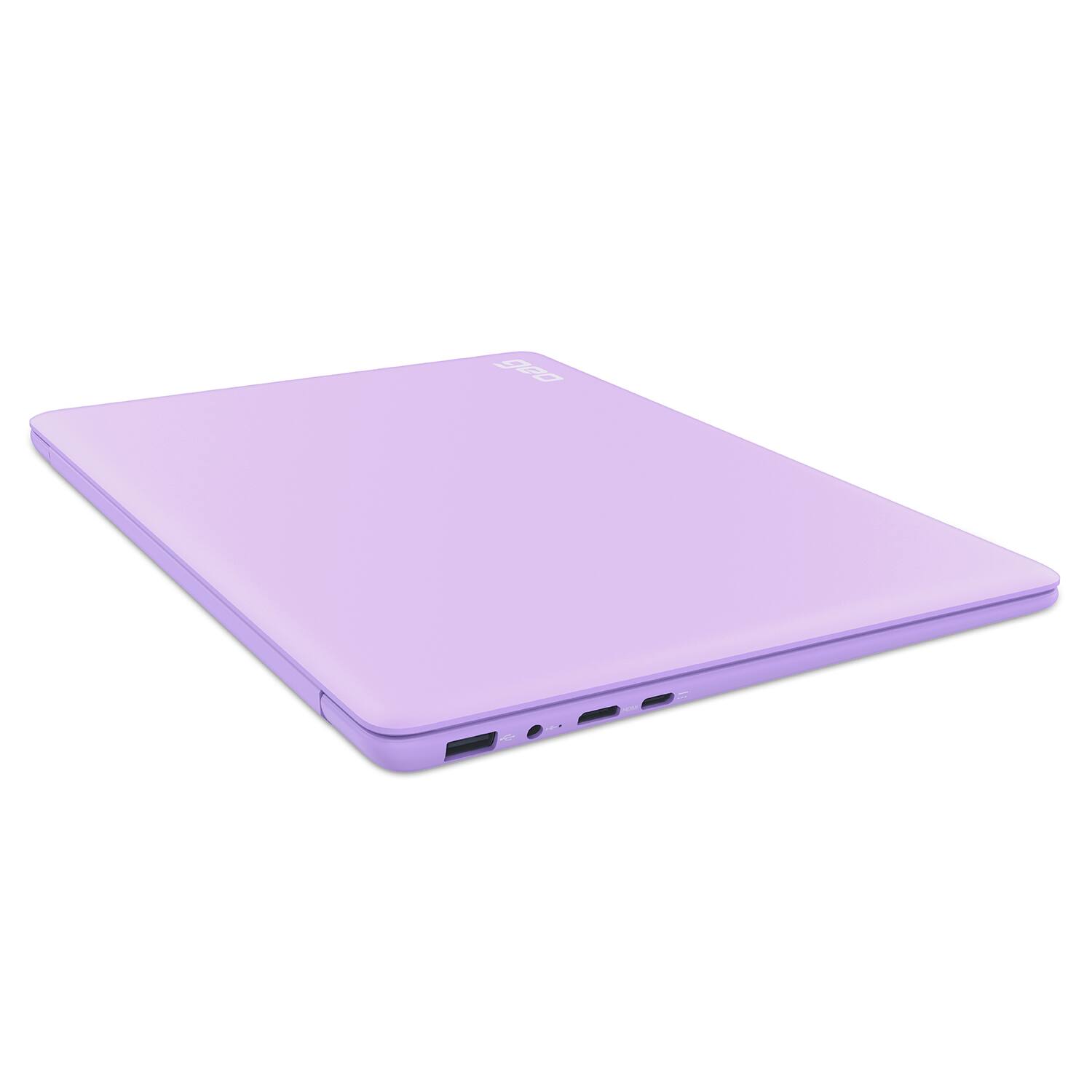
A:AnswerYou can connect a keyboard to the GeoBook 120 Minecraft Edition via wired connection or Bluetooth. You can also connect an external monitor but you may need to purchase an adapter for the Type C (Mini) HDMI port. I hope this helps!
A:AnswerIf you are setting up for the first time you can claim Minecraft from the Microsoft Store. If you are having difficulty with claiming the included version of Minecraft please contact the Geo Support Team at www.geo-computers.com/support so that we can assist you. Thank you!
A:AnswerAs someone who purchased the product, Fortnite and other modern Battle Royale games are not playable on this device. However you can run the game and scroll through the menus on performance mode with the game being prioritized.
A:AnswerThe GeoBook 120 Minecraft Edition can be used for internet browsing but it will not be able to run all games and apps. I would recommend searching for the system requirements of the games and apps you want to run and then compare them against the GeoBook 120 Minecraft Edition specs. I hope this helps!
A:AnswerThe laptop comes running Windows 10 S Mode (only applications from the Microsoft store can be loaded) This is a good choice if the user is a child. If the user is a computer savvy adult, S Mode can turned off very easily.
A:AnswerOnly the GeoBook 120 Minecraft Edition includes Minecraft, the other models of GeoBook 120 (Blue, Purple, and Pink) do not include Minecraft. I hope this helps!