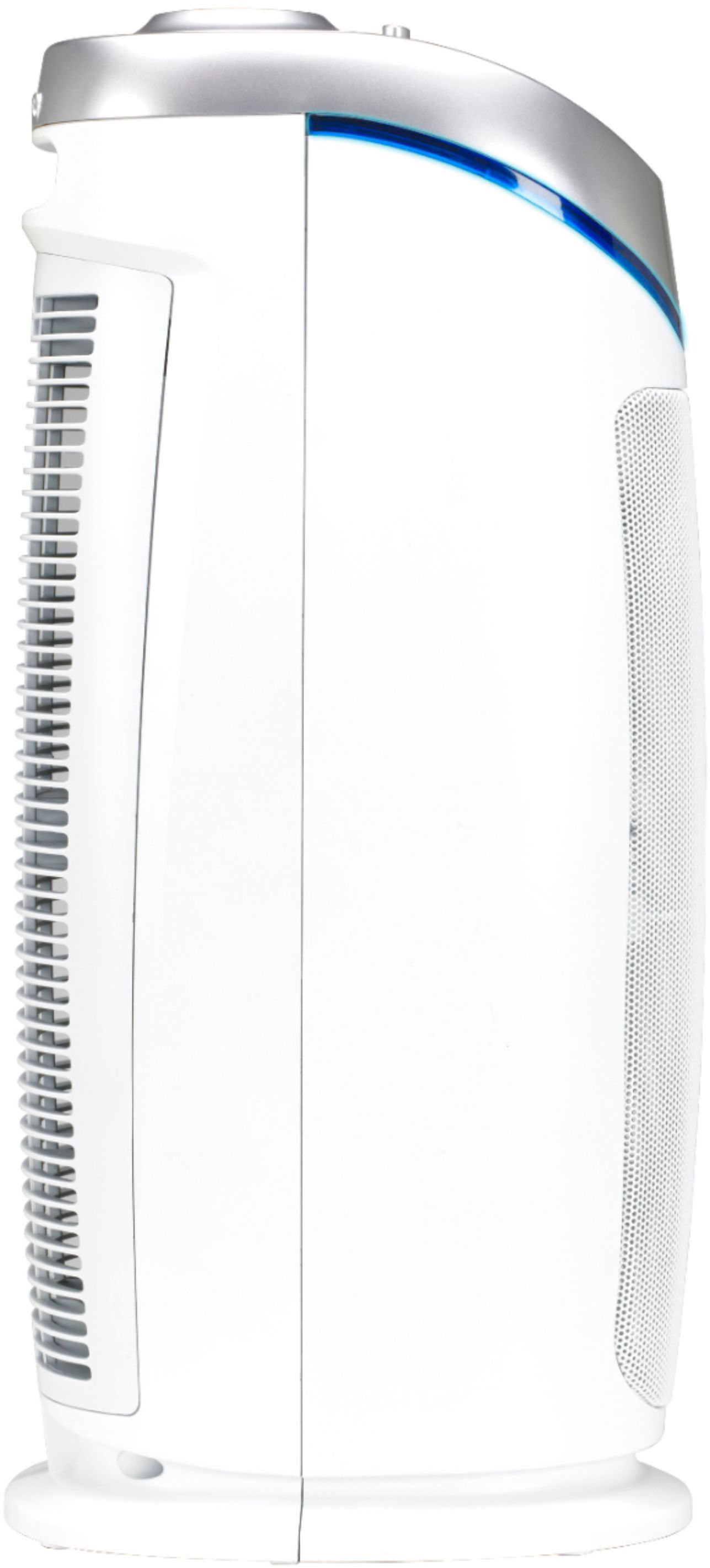
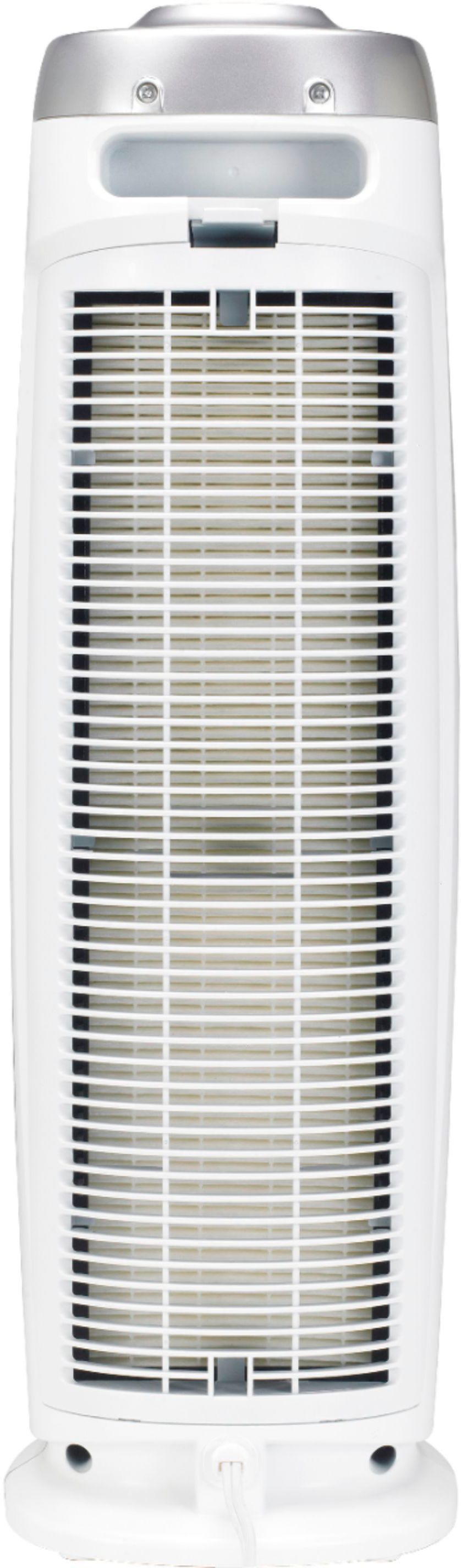
A:Answer 1. Remove the Rear Cover of the unit by pushing
Lock & Release Button.
2. After removing the Rear Cover from the unit,
remove the Combination Filter.
3. After removing the Combination
Filter, use a Philips head screw-
driver to remove two (2) screws
and detach the UV-C Metal Shield.
4. The UV-C Bulb is removed by
carefully grasping the bulb with a
clean cloth or tissue and pulling
the bulb straight out of the unit.
5. The UV-C Bulb is reinstalled by sliding it,
horizontally, back into the slots at the top of the unit.
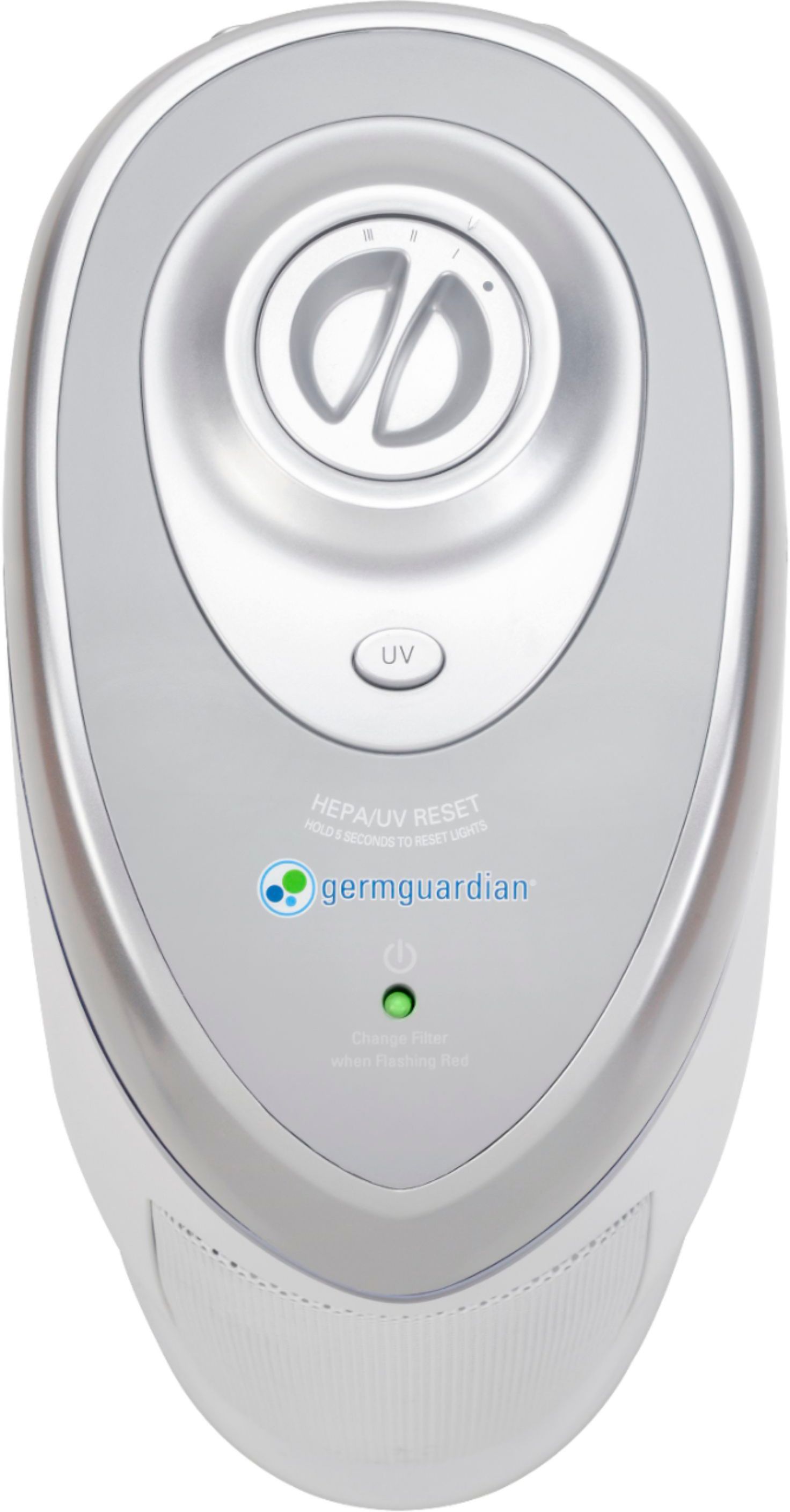
6. Push and hold UV Control Button for 5 seconds
to reset UV Bulb Change Indicator.